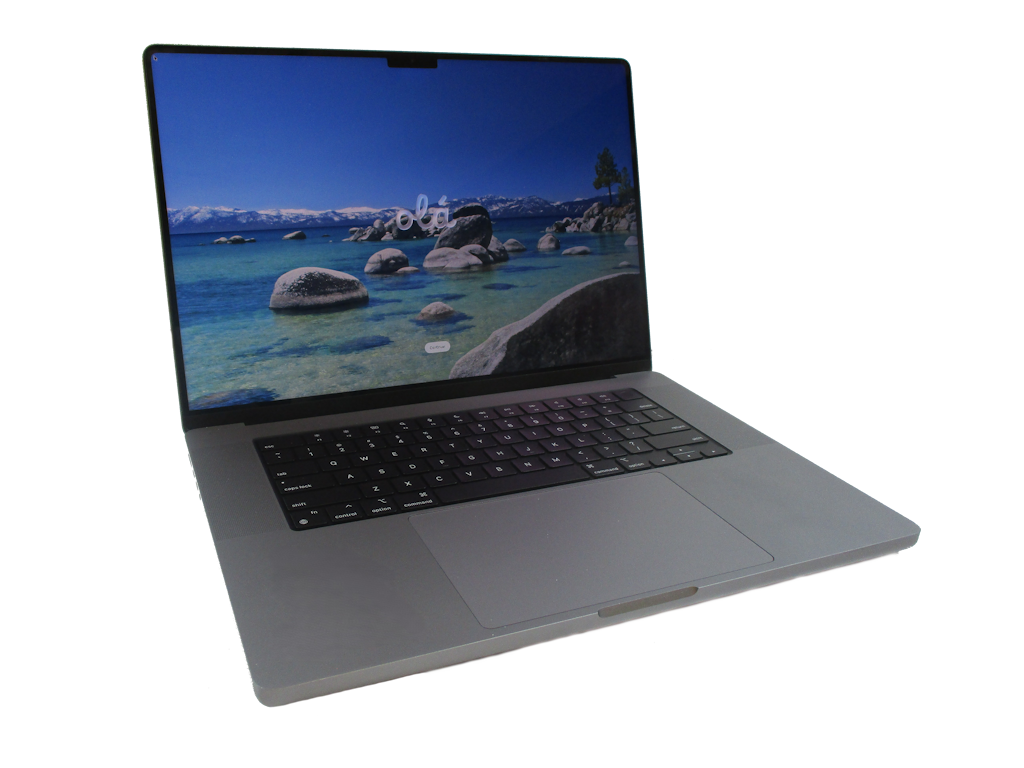
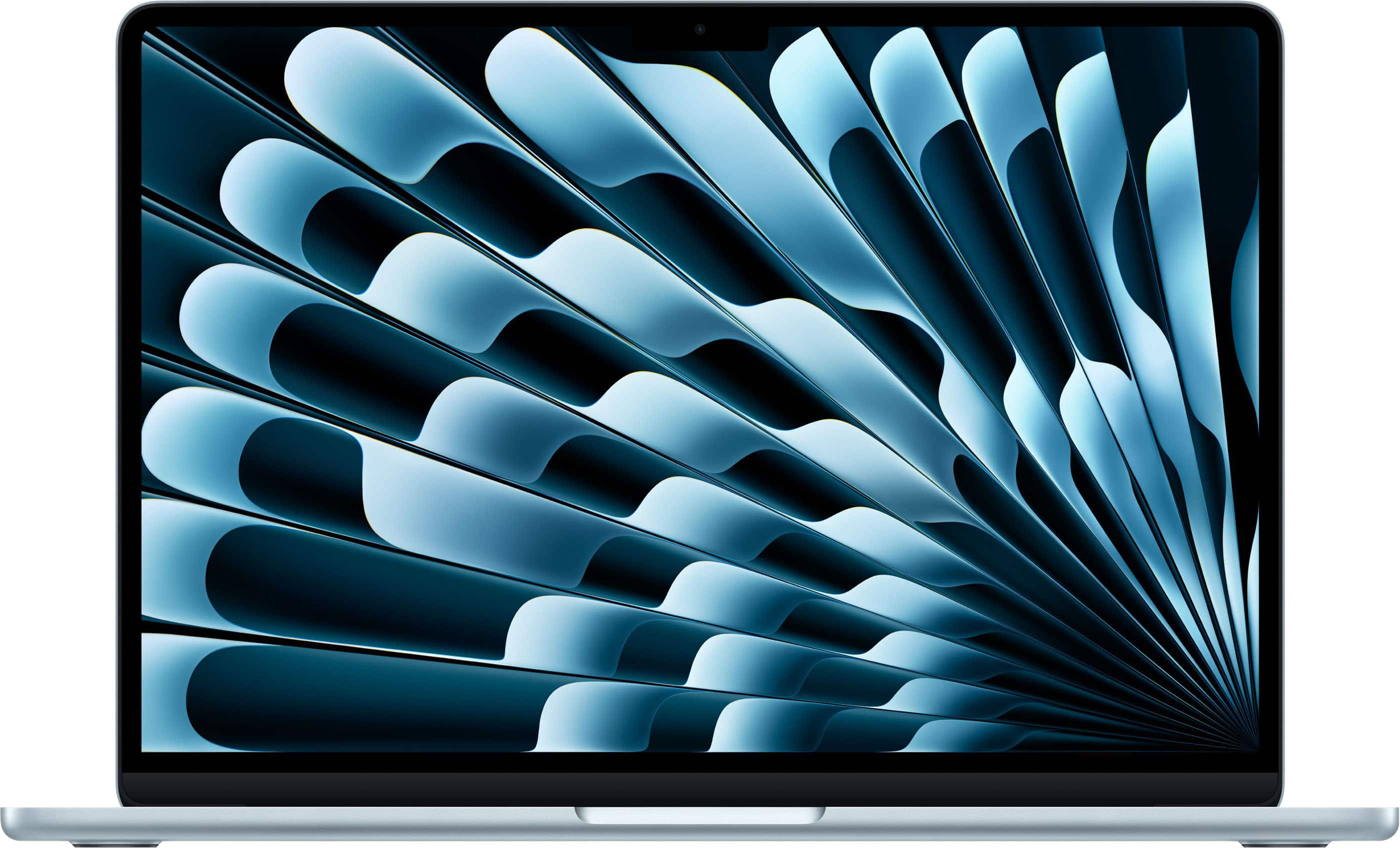
- Is the 16-inch MacBook Pro with M1 Max still worth buying?
- Yes for heavy video, 3D and development work. The M1 Max remains fast, and it undercuts newer high-end models on the used and clearance market.
- How does it compare with the M1 Pro model?
- The M1 Max adds more GPU cores and memory bandwidth, which speeds up video export and 3D rendering. For writing, browsing and light editing, the M1 Pro performs similarly.
- How long does the battery last?
- Apple rates it at up to 21 hours. Owners report a full workday of mixed use, with shorter life under sustained video export.
- How much RAM and storage should I get?
- 16 GB suits general use; 32 GB or 64 GB helps with 4K video and large codebases. Choose 1 TB or more if you store media locally, since the 512 GB base fills quickly.
- What is in the box?
- The laptop and a power adapter are included. It charges over MagSafe or USB-C and has an HDMI port and an SD card slot.
- How does it compare with the M2 Pro 16-inch?
- The M2 Pro is newer and slightly faster per core, but the M1 Max still leads on GPU-heavy work like video export and 3D rendering. Buy the M2 Pro for longer software support; the M1 Max for graphics throughput.
- Where is the Apple MacBook Pro 16-inch cheapest?
- At eBay, for CA$1,899.00, 53% under what the other stores charge, as of our latest check.
- Where can I buy the Apple MacBook Pro 16-inch?
- 11 stores we checked sell it, including eBay, Jump Plus Stores ULC, Macpro-la, Digitizer Global, Microless.com.