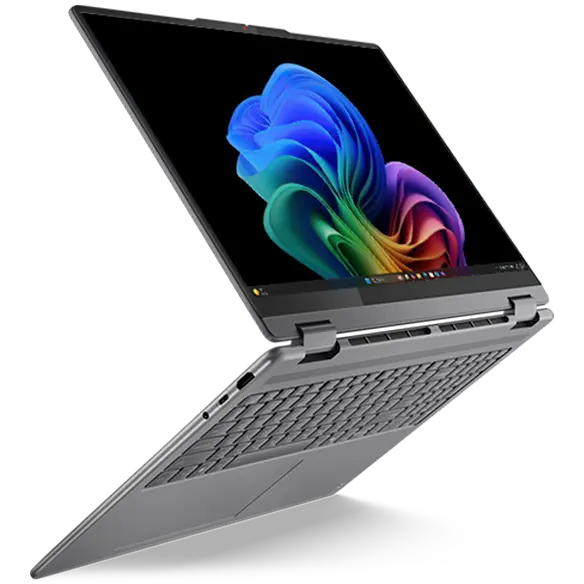
- Is the ProArt PX13 good for gaming?
- Only casually. It relies on integrated Radeon graphics, so modern games run at low to medium settings. A laptop with a discrete GPU is the better choice for serious gaming.
- Can I upgrade the RAM later?
- No. The 64 GB is soldered to the board on this model, so buy the configuration you need from the start.
- Does it come with a stylus?
- ASUS sells the ProArt pen separately in most regions. Check the box contents for your configuration before assuming a pen is included.
- How does it compare with the MacBook Pro 14?
- The PX13 offers more RAM for the money and a convertible touchscreen, while the MacBook Pro has longer battery life and stronger GPU performance for video work.
- Is the screen good for color work?
- Yes. The touch panel covers a wide color gamut and is bright enough for indoor editing, though a calibrated external monitor is still better for critical print work.
- What ports does it have?
- It includes USB4, USB-A and HDMI, plus a headphone jack. Expect to use a hub for SD cards and extra displays.
- Where is the ASUS ProArt PX13 Ryzen AI Max+ 395 2-in-1 - Black cheapest?
- At Best Buy Canada Marketplace, for CA$2,999.00, as of our latest check.
- Where can I buy the ASUS ProArt PX13 Ryzen AI Max+ 395 2-in-1 - Black?
- 4 stores we checked sell it, including Amazon, Best Buy Canada Marketplace, Ordinateur Express, equimaf.ca.