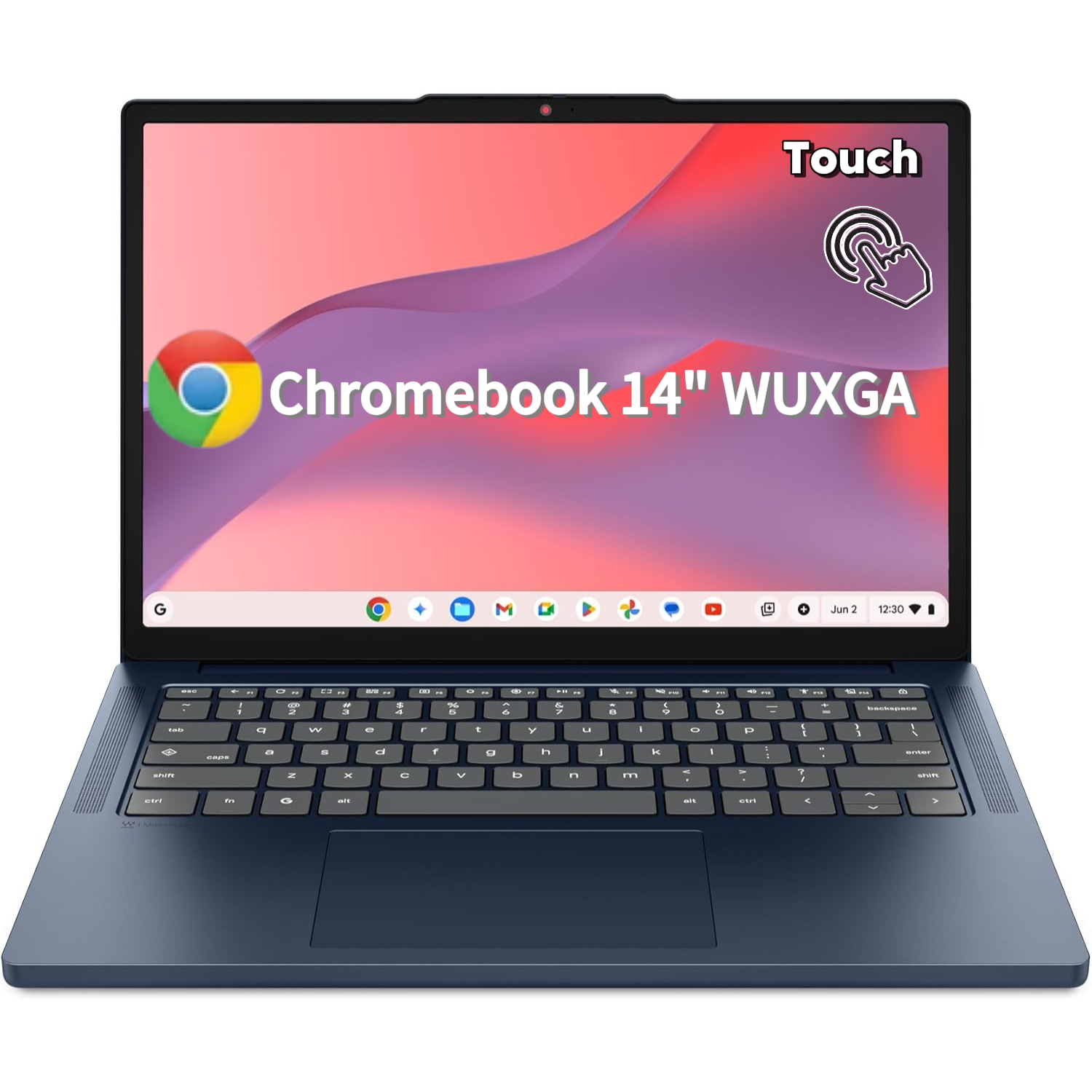
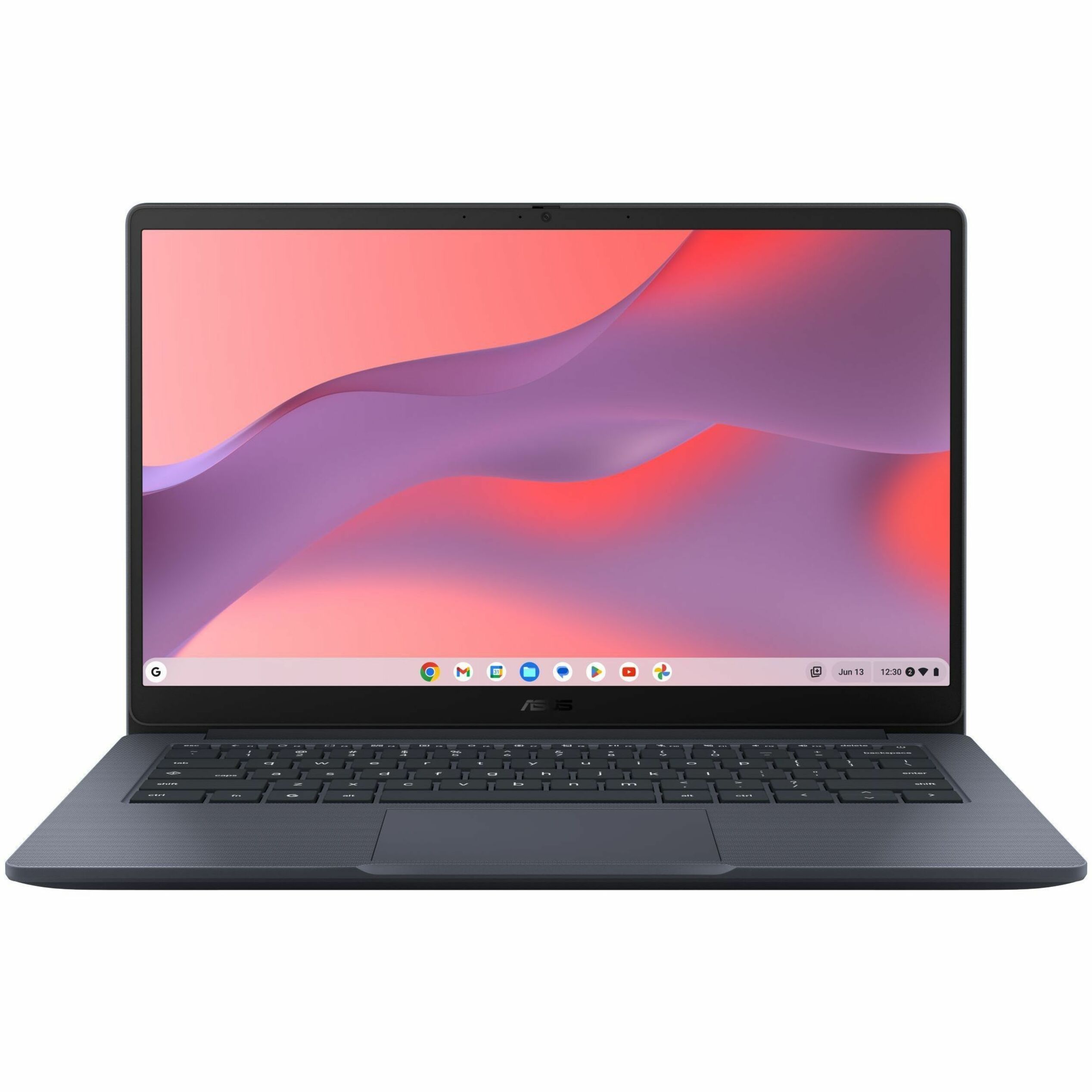
Lenovo 14E G3
Best price now
Compared across 2 stores. Prices are checked against each store and labelled with when.
Price facts
- Last seen at CA$423.99 used at Best Buy Canada Marketplace on Nov 18.
- Checked at 2 stores.
Our take on the Lenovo 14E G3
The Lenovo 14e Chromebook Gen 3 is a budget 14-inch ChromeOS laptop built around Intel's N100 quad-core processor, 4 GB of RAM and 32 GB of eMMC storage. It is a plain classroom-and-basics machine: a 1366 x 768 TN panel, a 720p webcam, Wi-Fi 6 and a rated 14 hours of battery. Against rivals like the Acer Chromebook 314 or HP Chromebook 14, it matches them on ports and battery but trails on screen quality and memory, since many competitors now offer 8 GB of RAM and IPS displays. It suits students, light web users and anyone who needs a cheap second machine for browsing, email and documents.
- Efficient Intel N100 handles everyday ChromeOS tasks
- Rated 14 hours of battery life
- Wi-Fi 6 for faster, more stable wireless
- 14-inch screen is roomy for the size class
- Light, simple design that is easy to carry
Lenovo 14E G3 prices at every store
- Best Buy Canada MarketplaceOpen box
In stock
CA$423.99Free shippingChecked Nov 18 - CDW CanadaOpen box
In stock
CA$515.99Checked Nov 18
Also available at
- Di-Tech TechnologiesCheck price at Di-Tech Technologies
What reviewers say
Owner feedback on the 14e line is mixed: people like the battery life and low weight for the money, but the TN screen and 4 GB of memory draw frequent complaints once several browser tabs are open.
- Battery lifePraisedOwners report getting through a full day of classes or light work on one charge.
- DisplayCriticisedThe TN panel is called dim with poor viewing angles and weak colors.
- MemoryCriticised4 GB of RAM is said to choke once several browser tabs are open.
Ask our agent about this product
It checks today's price at every store, compares the alternatives and answers in about a minute.
Questions and answers
- Is the Lenovo 14e Chromebook Gen 3 good for schoolwork?
- Yes for basic schoolwork: Google Docs, browsing, email and video calls run fine. It is not suited to heavy multitasking or demanding web apps because of the 4 GB of RAM.
- Can you upgrade the RAM or storage?
- No. The 4 GB of memory is soldered and the 32 GB of eMMC storage is fixed, so plan on cloud storage or a microSD card for extra files.
- How does it compare with the previous 14e Chromebook?
- The Gen 3 moves to Intel's N100 processor and adds Wi-Fi 6, giving better efficiency and wireless than older Celeron-based models. The screen and memory stay at the same budget level.
- Does it have a backlit keyboard?
- This configuration has a standard non-backlit keyboard. Typing in dim rooms will rely on ambient light.
- What ports does it have?
- It offers USB-C and USB-A ports plus a headphone jack, enough for a charger, a mouse and a flash drive at once.
- Is the screen good for watching video?
- It is usable but not impressive. The 1366 x 768 TN panel is dim with narrow viewing angles, so it is better for one person watching straight on than for sharing.
- Where is the Lenovo 14E G3 cheapest?