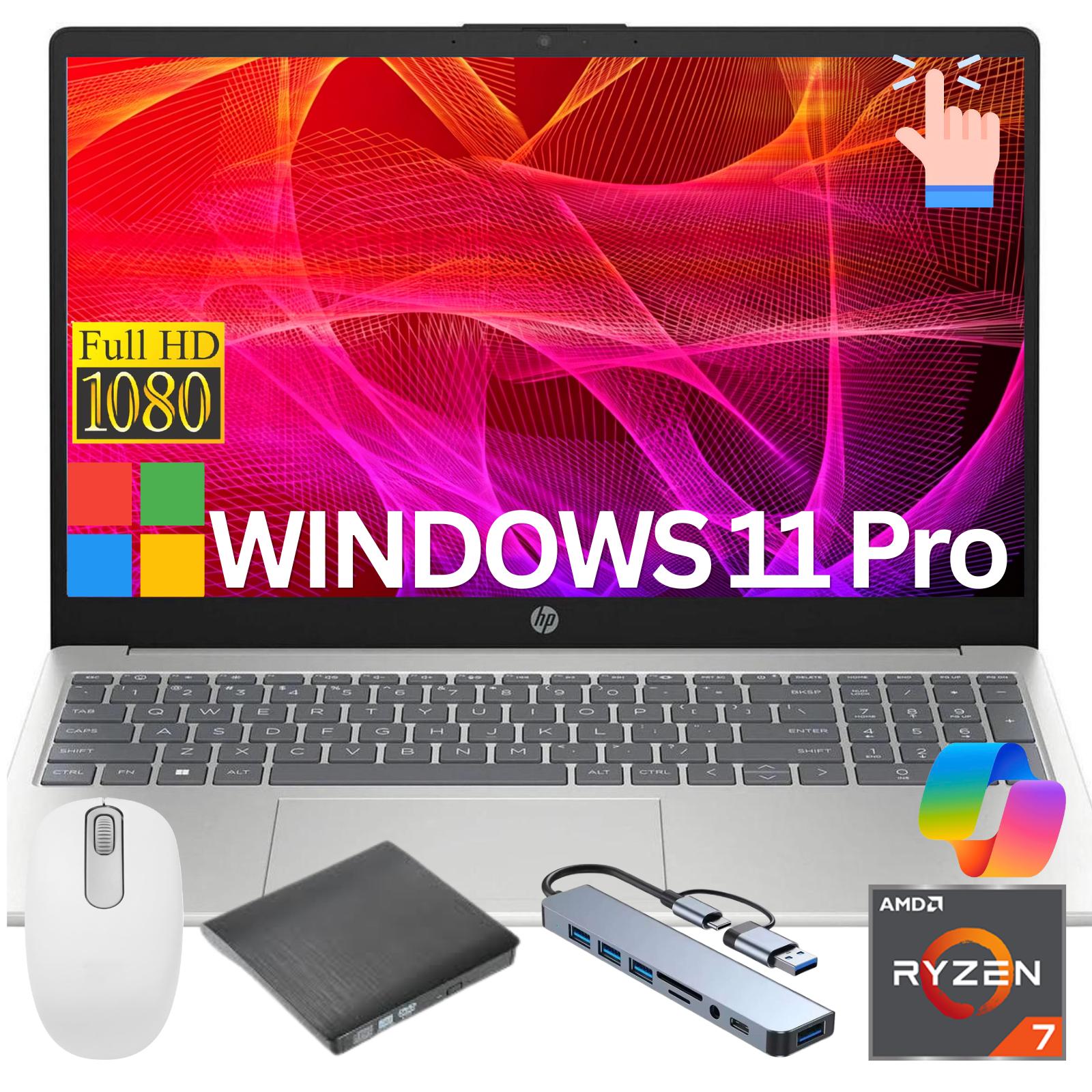
- Is the touchscreen worth it on this laptop?
- If you scroll long documents, mark up PDFs or sketch occasionally, yes. The touch layer adds weight and cost, so buyers who only type are better served by the non-touch version.
- Can I upgrade the RAM and storage?
- On most ThinkBook 14 models the bottom panel opens for a RAM slot and an M.2 SSD, so you can add memory and storage later. Check the specific configuration, since some soldered-memory variants exist.
- How does it compare with a ThinkPad?
- The ThinkBook gives you a touchscreen and more ports for less money, but the ThinkPad has the better keyboard, TrackPoint and tougher durability testing. Choose the ThinkBook for value, the ThinkPad for typing comfort and longevity.
- Does it have a fingerprint reader?
- Most configurations put a fingerprint reader in the power button, so you can sign in with one touch. Confirm it on the configuration you pick.
- Is it good for gaming or video editing?
- No. It uses integrated Intel Iris Xe graphics, so it handles office work, browsing and light photo editing but struggles with modern games and heavy video projects.
- What ports does it have?
- Typically USB-C, two USB-A, HDMI, a headphone jack and a card reader, plus a Kensington lock slot. Exact ports vary by configuration.
- Which processor and memory does this model have?
- This configuration runs a 13th-gen Intel Core i5-1335U, a 10-core chip, with 16 GB of RAM and a 512 GB SSD, and comes with Windows 11 Pro.
- Where is the Lenovo ThinkBook 14 Touch Laptop cheapest?
- At Amazon, for CA$899.00, as of our latest check.