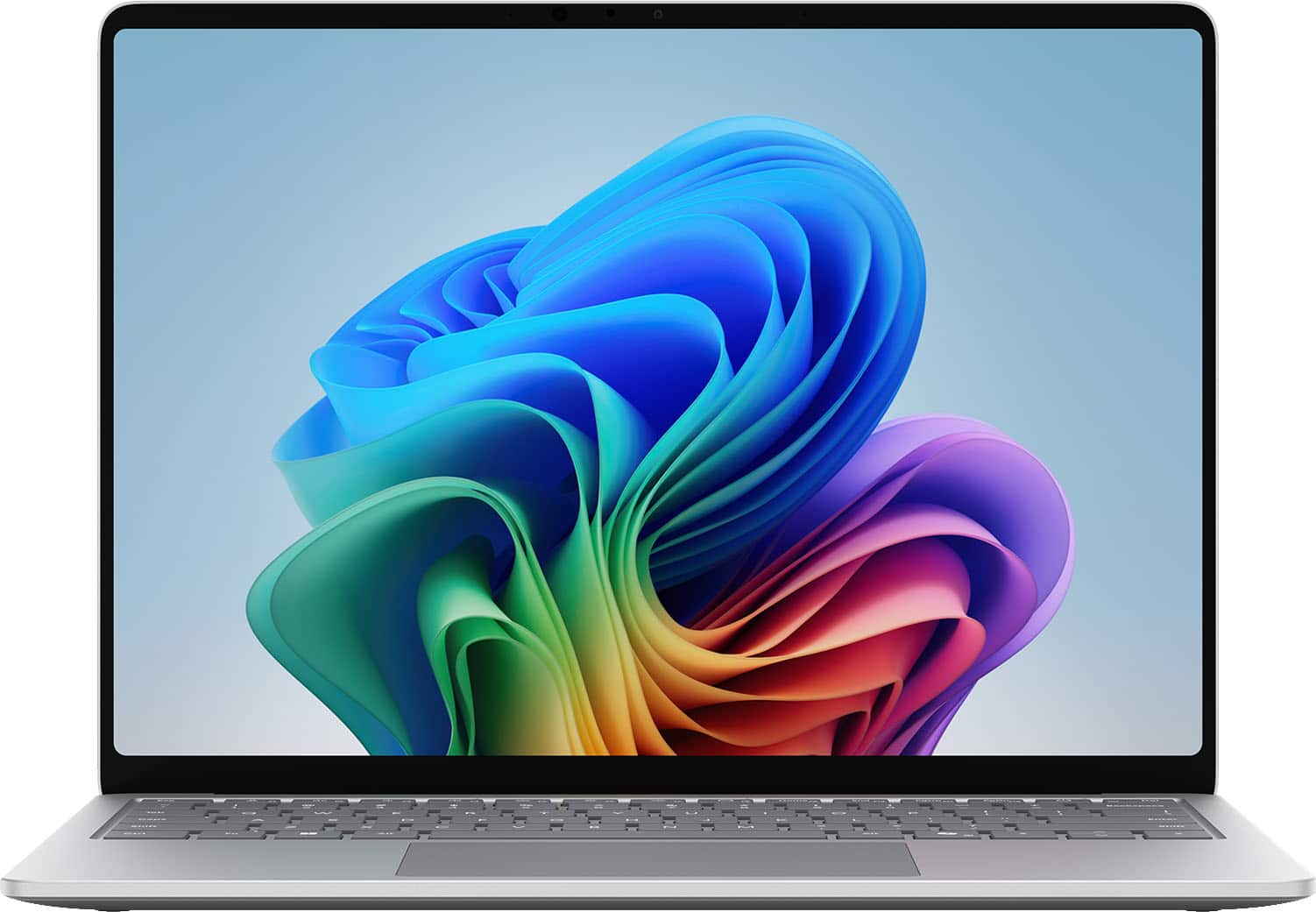
- Is the Surface Laptop 7 good for everyday work?
- Yes. Web browsing, Office, video calls and note-taking run smoothly, and the battery lasts through a workday. Heavy gaming and demanding creative apps are not its strength.
- Does it run all Windows software?
- Most mainstream apps run well, but some older or specialized programs run through emulation and may be slower. Check the apps you rely on before buying.
- Is the 13.8-inch screen big enough?
- The 3:2 shape gives more vertical room than a typical 16:9 screen of the same size, so documents and web pages fit well. It is light enough to carry daily.
- How does it compare with the Surface Laptop 6?
- The Laptop 7 moves to the Snapdragon X chip, which brings much longer battery life and quieter running. The trade-off is compatibility with some software.
- What ports does it have?
- It has USB-C, USB-A and a headphone jack, plus the Surface Connect port for charging. Many users add a hub for extra displays and card readers.
- Can I upgrade the RAM or storage?
- No. The 16 GB of RAM is fixed, and the 512 GB SSD is not meant for user upgrades, so choose the configuration you need up front.
- Where is the Microsoft Surface Laptop 7 13.8-inch 16 GB 512 GB SSD Touchscreen Laptop cheapest?
- At eBay, for CA$1,800.00, 21% under what the other stores charge, as of our latest check.
- Where can I buy the Microsoft Surface Laptop 7 13.8-inch 16 GB 512 GB SSD Touchscreen Laptop?
- 9 stores we checked sell it, including Best Buy Canada Marketplace, eBay, papita.co, Big Apple Buddy, desertcart.com.sa.