
Apple MacBook Pro 13 M1 vs Apple 13in MacBook Pro (2020) M1 8-core CPU/8-core GPU, 256GB
These are the same laptop: the 2020 13-inch MacBook Pro with the Apple M1, 8-core CPU and 8-core GPU. The only real difference is storage, 512GB on the A listing versus 256GB on B. Buy whichever is cheaper per gigabyte; if the prices are close, take the 512GB model, since the SSD is soldered and cannot be upgraded later.
Ask our shopping agent
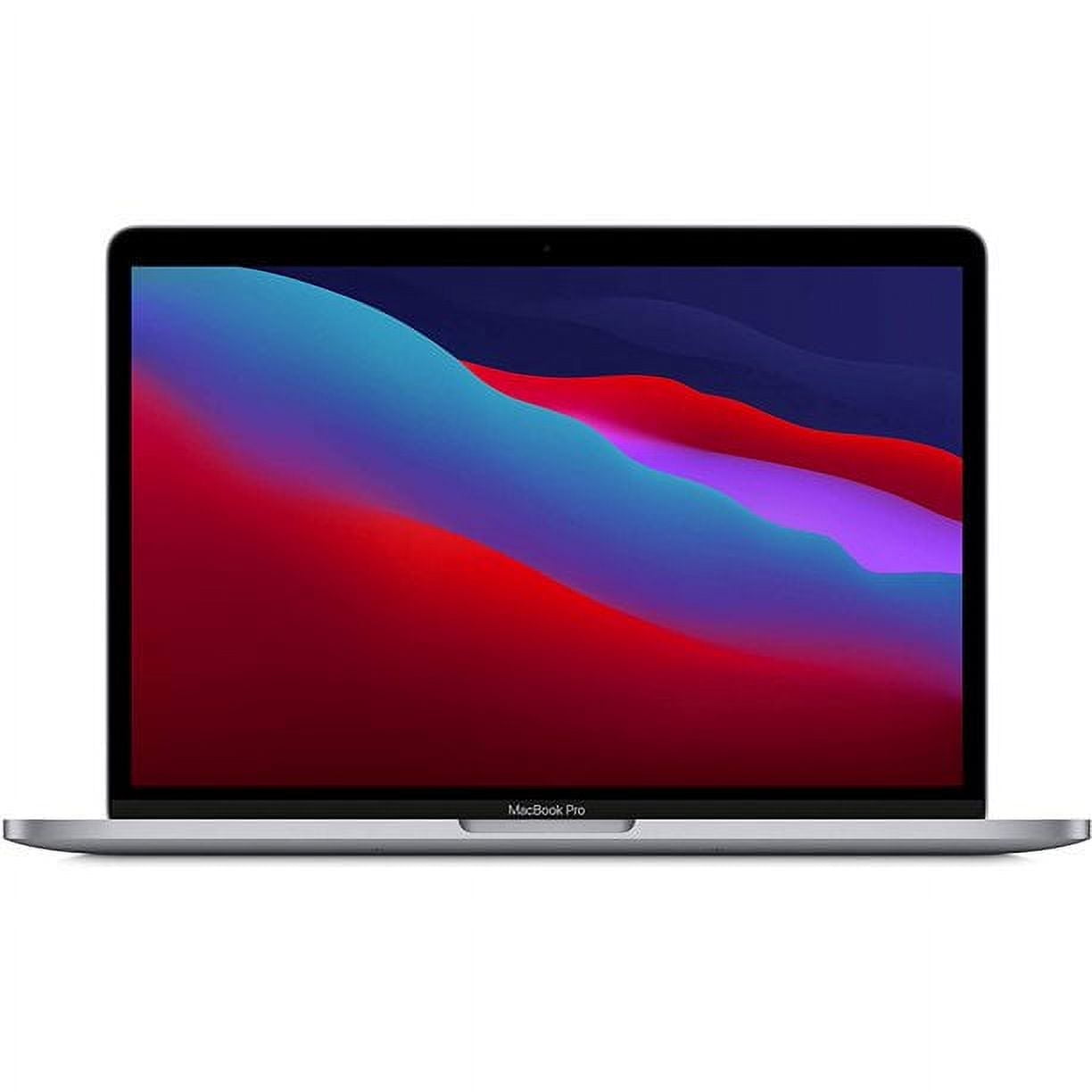
Apple MacBook Pro 13 M1
Choose the MacBook Pro 13 M1 with 512GB if you keep large video projects, photo libraries or a Windows virtual machine, or if the price gap over the 256GB model is small.
- Twice the storage of the B listing for the same core hardware
- Room for large video files, photo libraries and local backups
- Same 8-core CPU, 8-core GPU and 16-core Neural Engine as B
- Same up to 20-hour battery and 2560 x 1600 Retina display
- Costs more than the 256GB model
- Still only 8GB of memory, which cannot be upgraded
- Two ports only, so a hub is often needed
What separates them
| Apple MacBook Pro 13 M1 | Apple 13in MacBook Pro (2020) M1 8-core CPU/8-core GPU, 256GB | |
|---|---|---|
| Storage | 512GB SSD | 256GB SSD |
| Processor | Apple M1, 8-core CPU | Apple M1, 8-core CPU |
| Graphics | 8-core GPU | 8-core GPU |
| Memory | 8GB unified memory | 8GB unified memory |
| Display | 13.3-inch Retina, 2560 x 1600 | 13.3-inch Retina, 2560 x 1600 |
| Battery | 58.2 Wh, up to 20 hours | 58.2 Wh, up to 20 hours |
| Ports | Two Thunderbolt/USB 4 | Two Thunderbolt/USB 4 |
| Upgradability | Soldered SSD, fixed at purchase | Soldered SSD, fixed at purchase |
Price history
- Apple MacBook Pro 13 M1: lowest $529.95 on Oct 30 at Walmart.
- Apple 13in MacBook Pro (2020) M1 8-core CPU/8-core GPU, 256GB: lowest $529.95 on Oct 30 at Walmart.
Prices at every store
Apple 13in MacBook Pro (2020) M1 8-core CPU/8-core GPU, 256GB
- AmazonCheck price at Amazon
- WalmartCheck price at Walmart
Specs compared
| Spec | Apple MacBook Pro 13 M1 | Apple 13in MacBook Pro (2020) M1 8-core CPU/8-core GPU, 256GB |
|---|---|---|
| Battery life | 20 h | Up to 20 hours |
| OS Version | Mac OS 11.0, Big Sur | Mac OS 11.0, Big Sur |
| Main Storage | SSD 256GB | SSD 256GB |
| Storage Type | SSD | SSD |
| Storage Interface | NVMe | NVMe |
| Storage Read Speed | 2800 MB/s | 2800 MB/s |
| Battery Capacity | 58.2 Wh | 58.2 Wh |
| Battery Run Time | 20 hours | 20 hours |
| Battery Type | Lithium-Polymer | Lithium-Polymer |
| Ports And Interfaces | USB-C, DisplayPort, USB 3.1 |
What reviewers say
Apple MacBook Pro 13 M1
Owners and reviewers widely praise the M1 MacBook Pro 13 for its speed, silence and battery life. The main complaints are the 8 GB of memory and the limited port selection.
- Fast M1 performance for everyday and creative work
- Excellent battery life
- Runs cool and silent under load
- Bright, sharp Retina display
- 8 GB RAM fills up with many browser tabs and apps
- Only two USB-C ports
- Small screen for demanding video work
Apple 13in MacBook Pro (2020) M1 8-core CPU/8-core GPU, 256GB
Owners and reviewers rate the M1 13-inch Pro highly for speed and battery life, calling it the best value Mac laptop of its generation. Most complaints center on the two-port limit, the small storage and the dated webcam.
Questions and answers
- Is the 512GB model faster than the 256GB one?
- No. Both use the same M1 chip with an 8-core CPU and 8-core GPU, the same 8GB of memory and the same 2800 MB/s SSD interface. Only capacity differs.
- Which should I buy for video editing?
- The 512GB model. Video projects and caches eat space quickly, and the SSD cannot be upgraded. Both handle 4K timelines in Final Cut Pro well on the M1.
- Is 256GB enough for everyday use?
- For web, email, documents and streamed media, yes. If you store photos, games or offline video locally, plan on external storage or pick the 512GB model.
- Do both have the same battery life?
- Yes. Both use a 58.2 Wh battery rated at up to 20 hours, and the same 13.3-inch Retina display at 2560 x 1600.
- Can I add more storage or RAM later?
- No. The SSD and memory are soldered to the logic board on both models, so choose the capacity you need at purchase.
- Is the 512GB worth the extra money?
- Only if the price gap is small relative to the cost of external storage. If the 256GB model is much cheaper, buy it and put the savings toward an external SSD.