Is ACASIS on Sale? November 2026
Prices checked Nov 26, 2026, 2:43 PM ET
Is ACASIS on sale?
Not right now: ACASIS prices are at their usual levels.

Prices checked Nov 26, 2026, 2:43 PM ET
Not right now: ACASIS prices are at their usual levels.
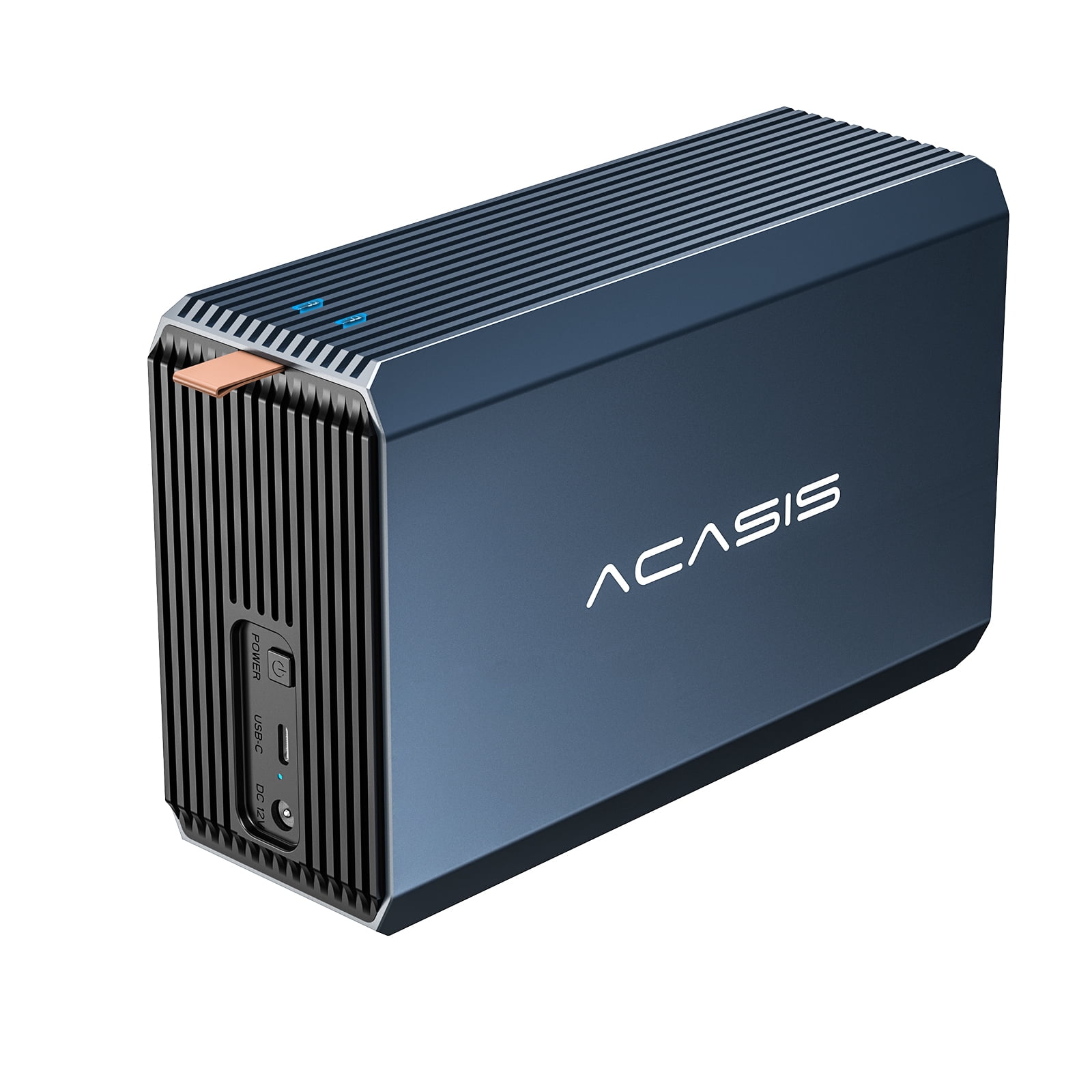
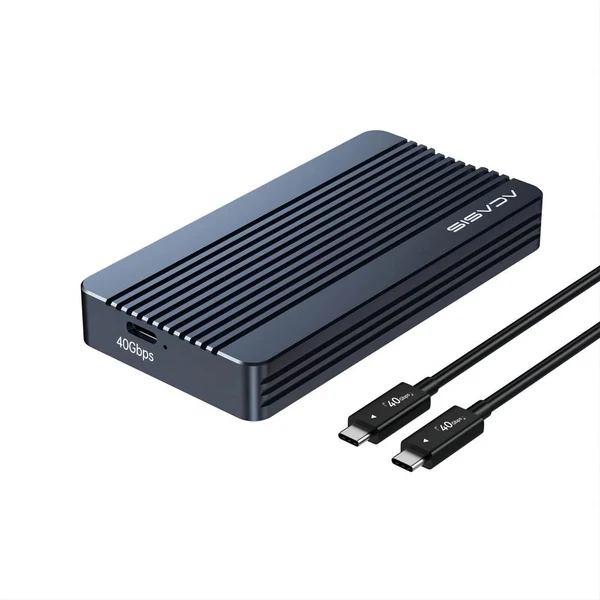
Not right now. ACASIS prices are at their usual levels: the ACASIS 40Gbps M.2 NVMe SSD Enclosure for Thunderbolt 4/3 & USB4 is $52.99 at Amazon. Any ACASIS deal shows here as soon as it starts.
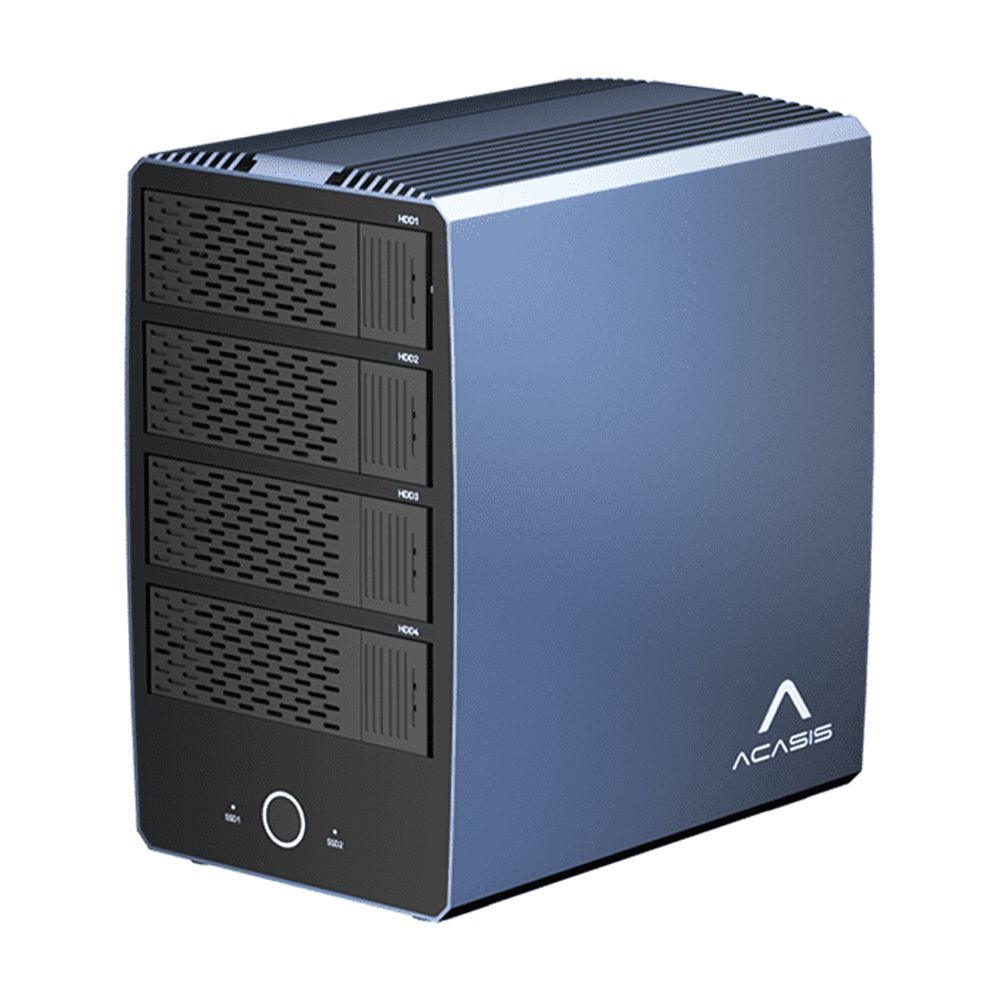
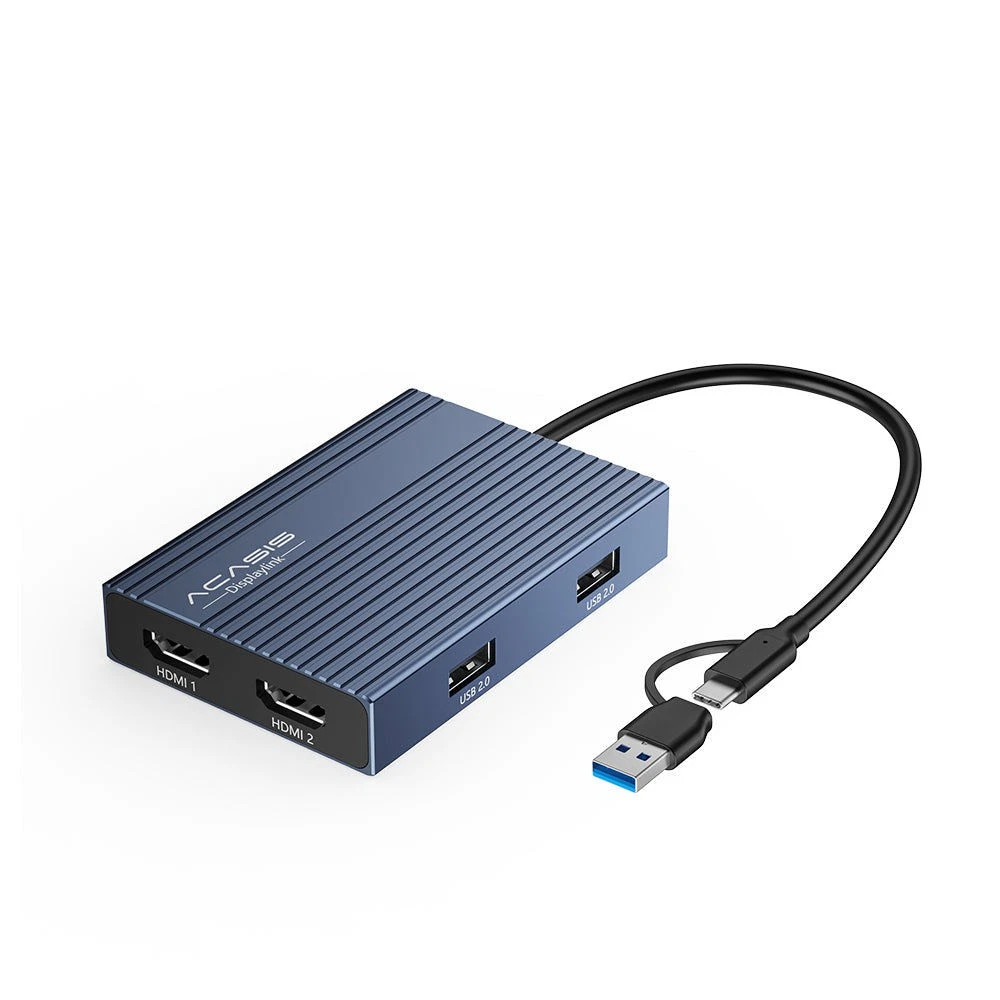
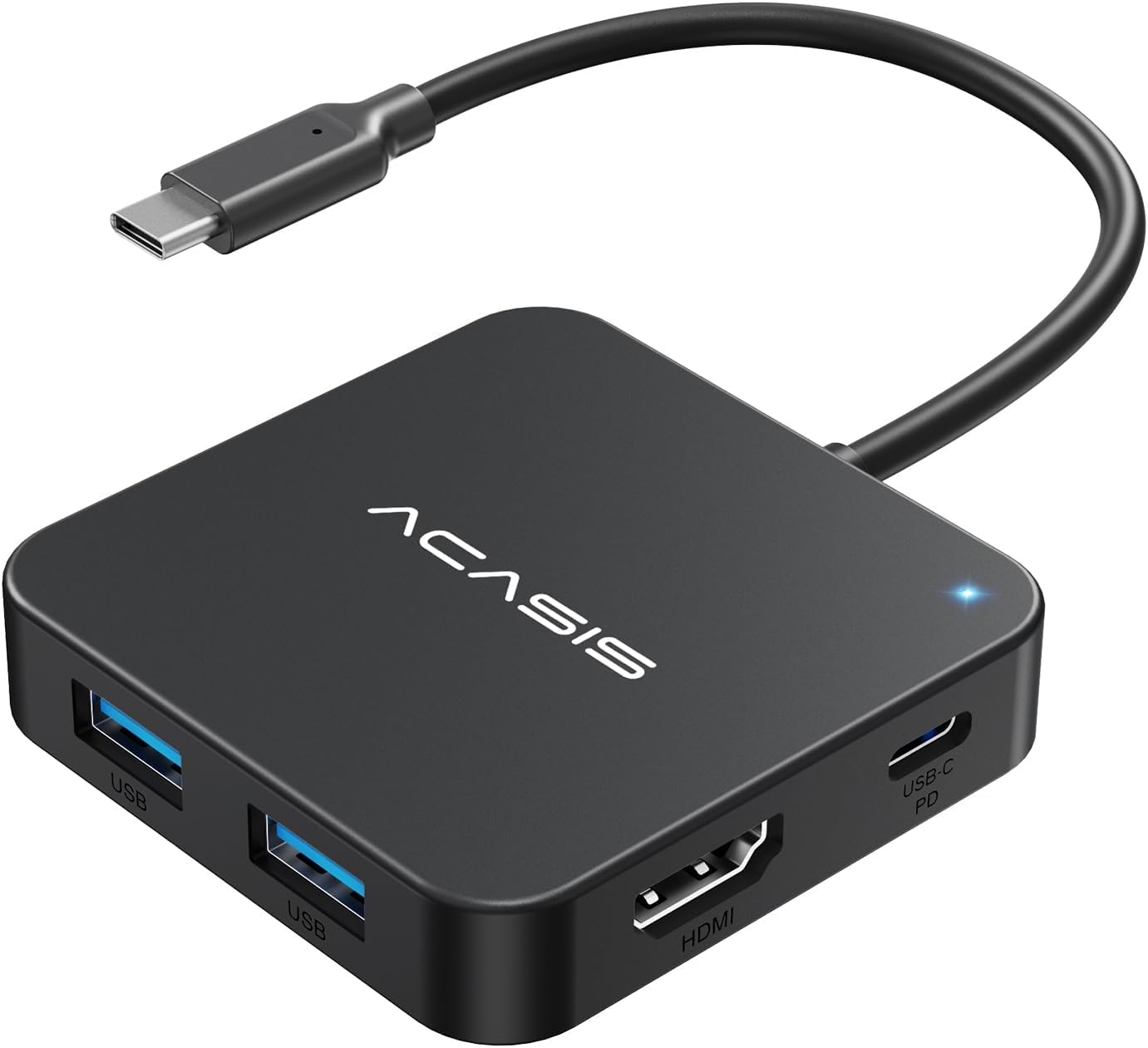
ACASIS makes storage and connectivity gear for people who move large files fast: Thunderbolt and USB4 SSD enclosures, multi-bay drive enclosures, docking stations and cables. Its best-known items are the 40Gbps M.2 NVMe enclosure, which runs a single NVMe drive over Thunderbolt 4, Thunderbolt 3 or USB4, and the 40Gbps 6-Bay Hybrid Storage Enclosure for larger desktop arrays. Prices for every ACASIS product are checked across all stores, and each store's price history is kept so you can see how it has moved.
It checks today's price at every store, compares the alternatives and answers in about a minute.