- What is the difference between the Bestoss 4TB M.2 2280 and the GM988H?
- Both are PCIe Gen4 x4 NVMe drives in the M.2 form factor. The 4TB model is a standard 2280-length drive aimed at capacity, while the GM988H is the branded performance line. Check each listing for its rated read and write speeds and its endurance rating.
- Do Bestoss NVMe drives need a heatsink?
- Gen4 NVMe drives run warm under sustained writes, so a heatsink helps in desktops and in consoles that accept one. Many motherboards include an M.2 heatsink you can reuse. Thin laptops may not have room for one.
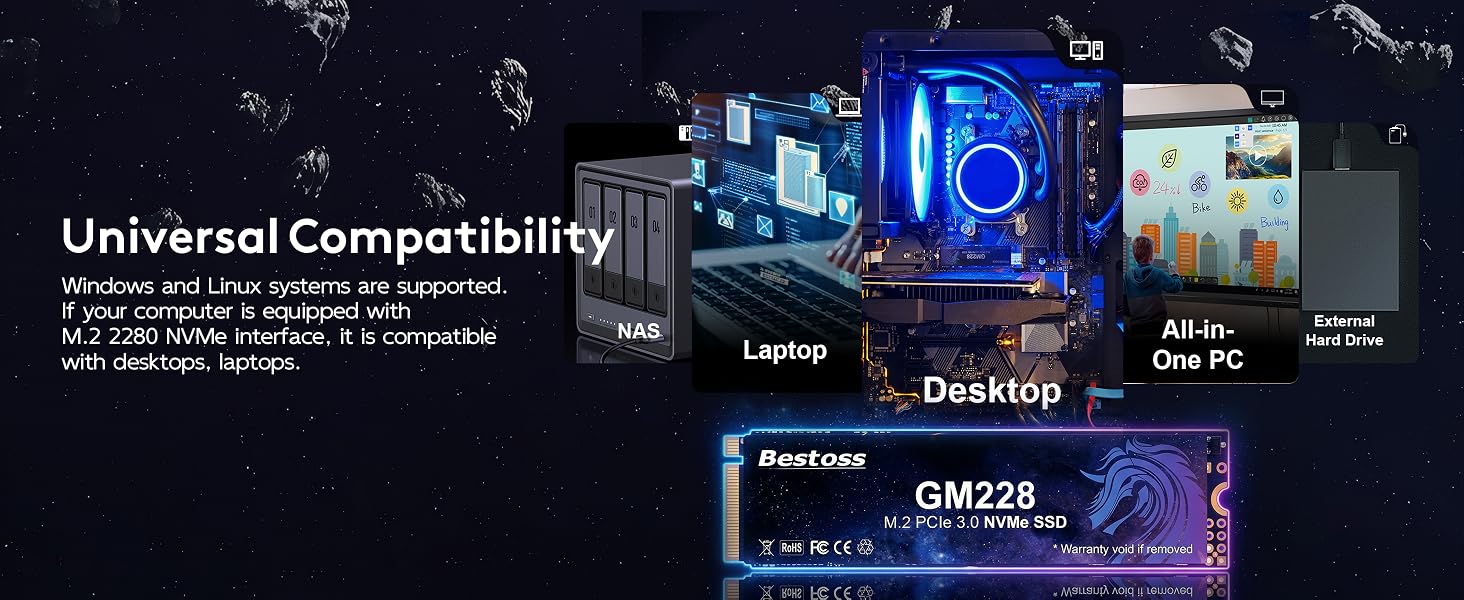
- Will a Bestoss M.2 drive fit my laptop or desktop?
- The 2280 length fits most desktops and many laptops, but some slim laptops take shorter 2230 or 2242 drives. Confirm your slot's key (M key for NVMe) and length before buying. The drive also needs a PCIe Gen4 or Gen3 M.2 slot; Gen3 boards will run it at lower speed.
- What warranty does Bestoss offer on its SSDs?
- Warranty terms vary by model and seller, so check the stated period and endurance limit on the specific listing. Keep your proof of purchase, since claims usually go through the seller or the brand's support. Endurance is listed as total bytes written, which matters more than years for heavy use.
- Is the Bestoss 4TB drive a good choice for a game library?
- Yes, if your board has a free Gen4 M.2 slot and you want one drive for a large library. Load times improve over SATA and hard drives, though real-world gains over a good Gen3 NVMe are modest. Check the drive's endurance rating if you write large files often.
- Are there Bestoss discount codes?
- Deal.ai checks what Bestoss products actually cost at every store, so a real markdown shows on this page as a deal as soon as it starts, and each product's page has its price history to tell a sale from its usual price.