Is BRENUC on Sale? November 2026
Prices checked Nov 22, 2026, 11:33 PM ET
Is BRENUC on sale?
Not right now: BRENUC prices are at their usual levels.

Prices checked Nov 22, 2026, 11:33 PM ET
Not right now: BRENUC prices are at their usual levels.
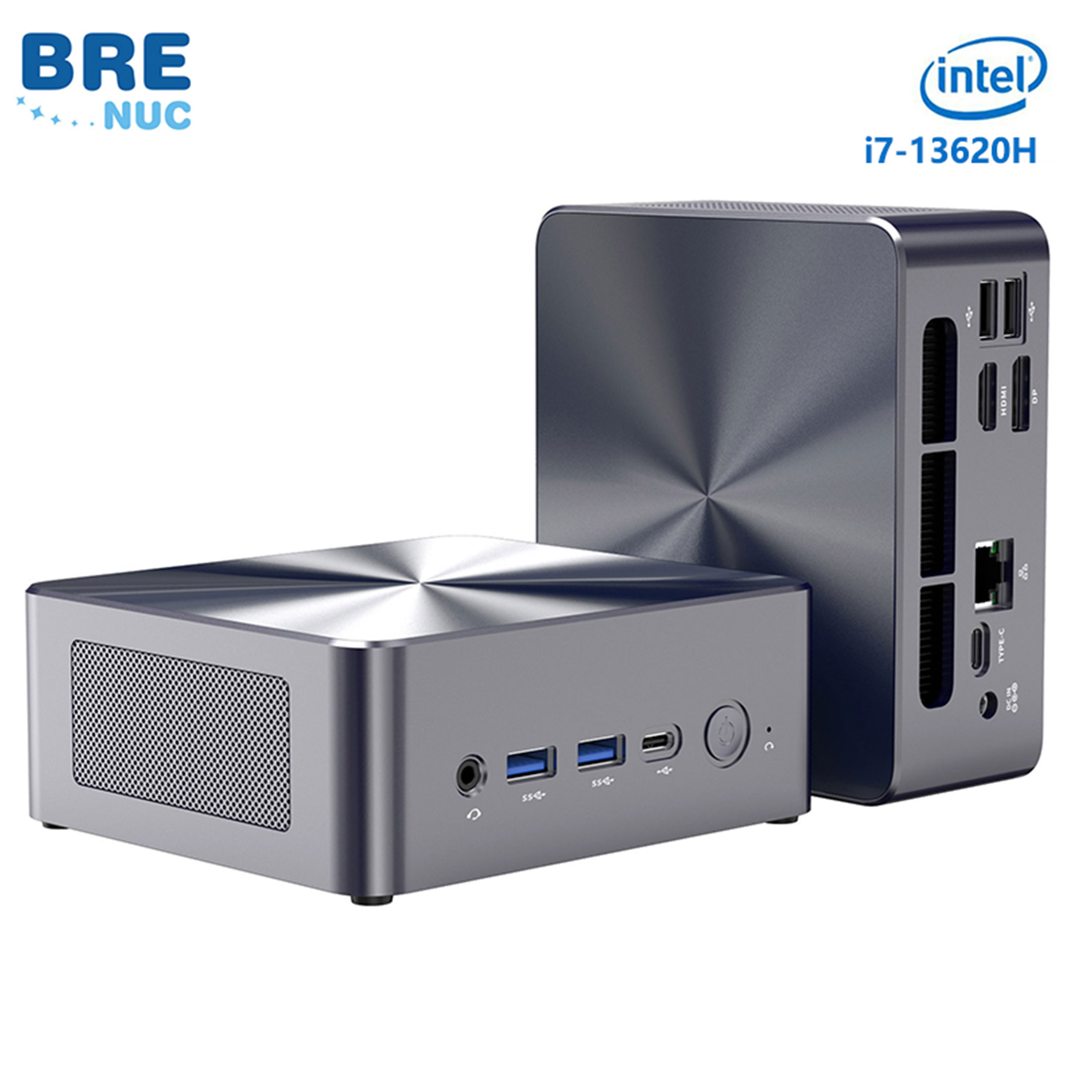
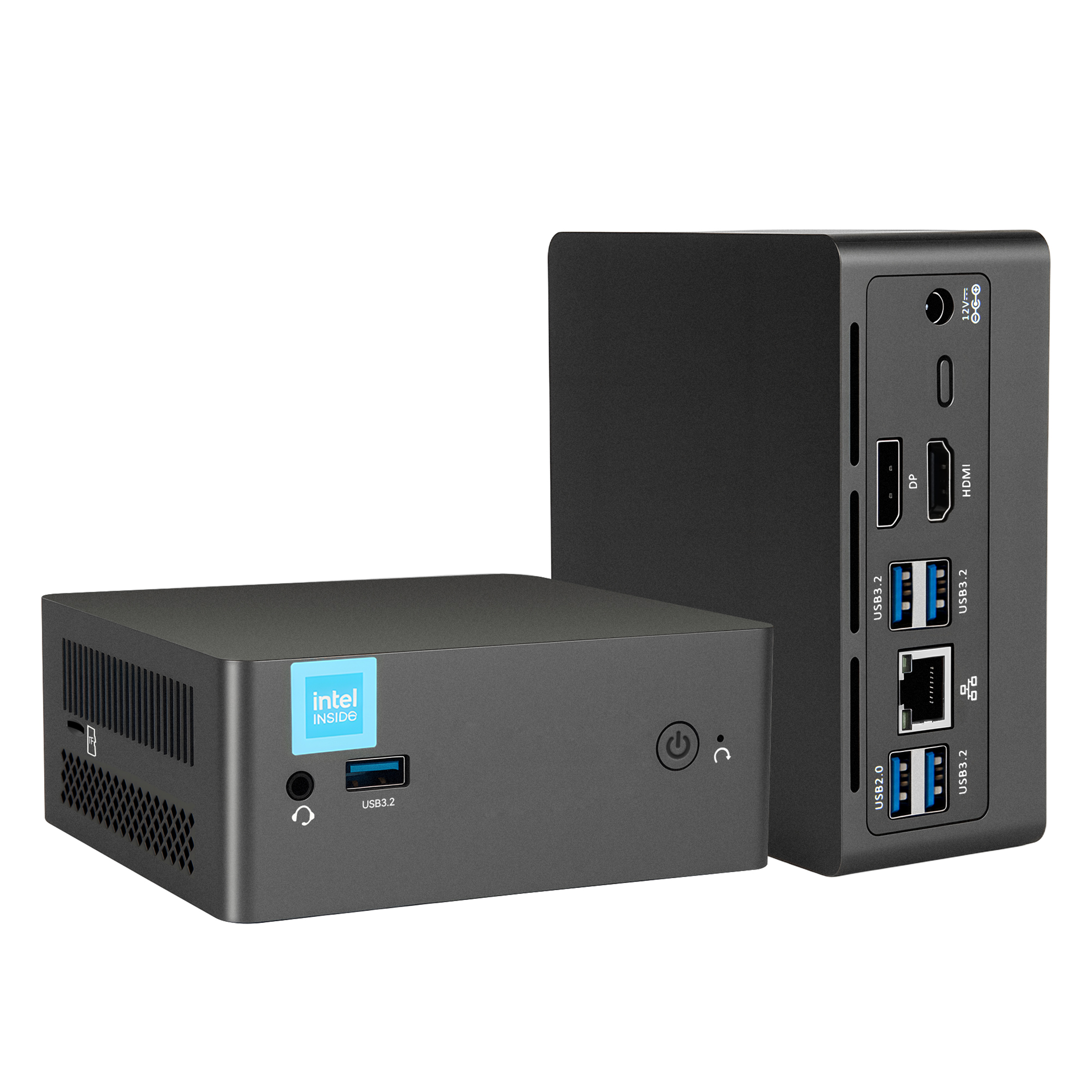
Not right now. BRENUC prices are at their usual levels: the Nucbox N7A Mini PC is $750.00 at Walmart. Any BRENUC deal shows here as soon as it starts.
BRENUC makes small-form-factor mini PCs under the Nucbox name, built around Intel chips and aimed at desk setups, home servers and light gaming. The Nucbox N7A and Nucbox N9E are its two lines with product pages here, both barebones-friendly units with upgradeable memory and storage. Prices for every Nucbox model are checked across all stores, and each product's price history is kept so you can see how its cost has moved over time.
It checks today's price at every store, compares the alternatives and answers in about a minute.