Is Individual Software on Sale? November 2026
Prices checked Nov 16, 2026, 3:43 PM ET
Is Individual Software on sale?
Not right now: Individual Software prices are at their usual levels.

Prices checked Nov 16, 2026, 3:43 PM ET
Not right now: Individual Software prices are at their usual levels.
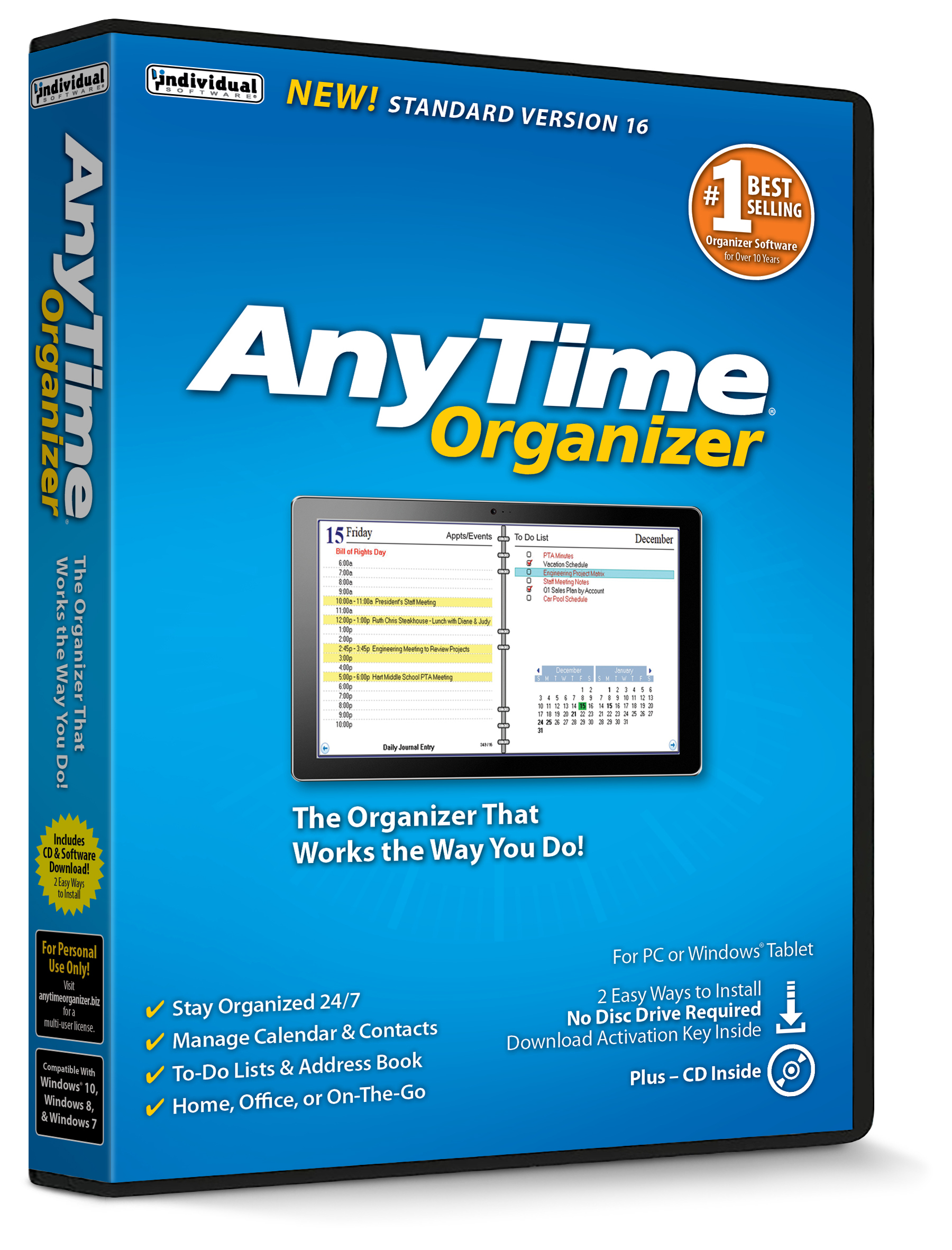
Not right now. Individual Software prices are at their usual levels: the AnyTime Organizer Standard 16 is $14.16 at Walmart. Any Individual Software deal shows here as soon as it starts.
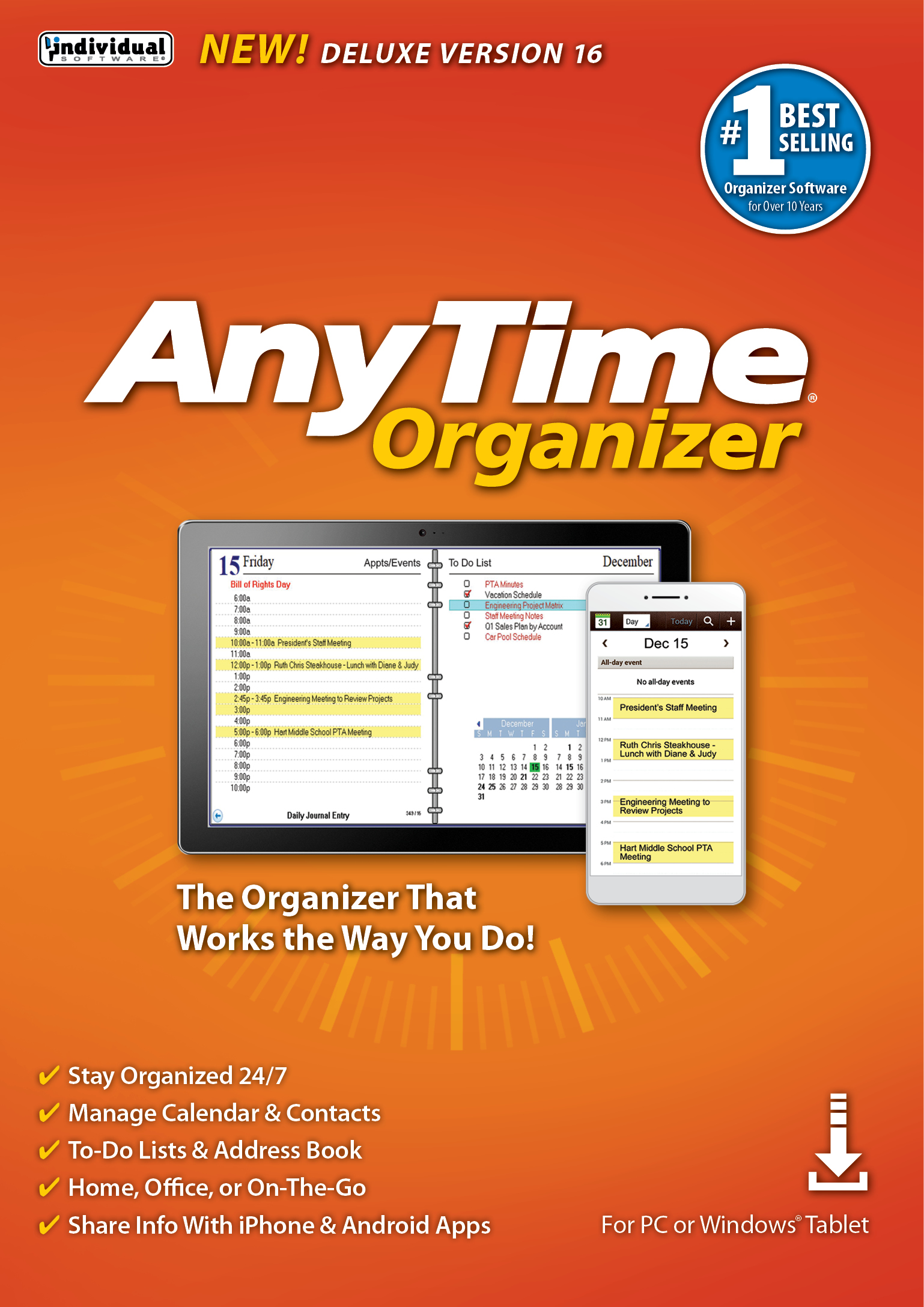
Individual Software is a small US publisher known for practical home and office utilities, and AnyTime Organizer is its flagship: a calendar, address book, to-do list and notes app in one window. The Deluxe edition adds more templates, printing layouts and sync options over Standard. Deal.ai checks every store's price for both editions and keeps each one's price history.
It checks today's price at every store, compares the alternatives and answers in about a minute.