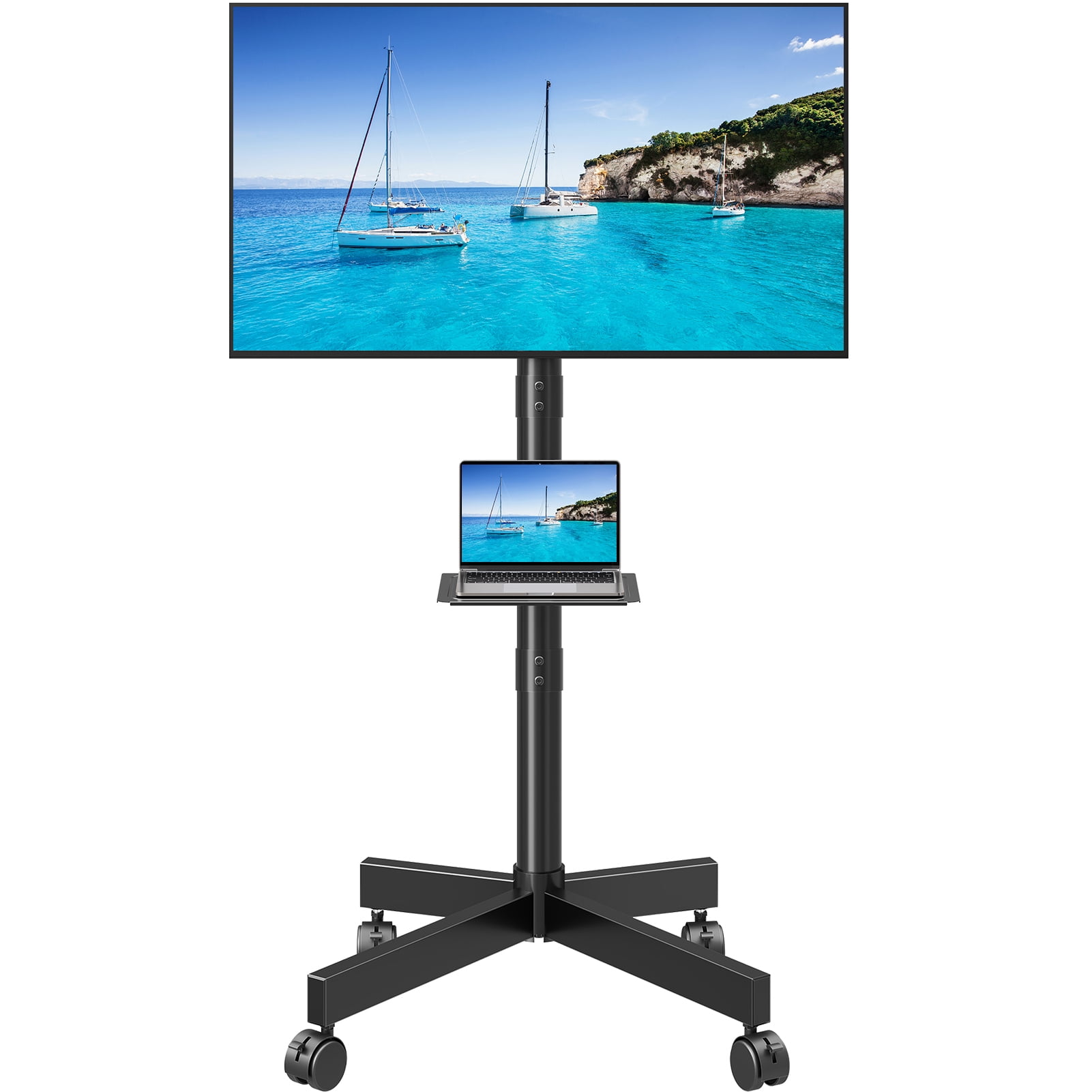
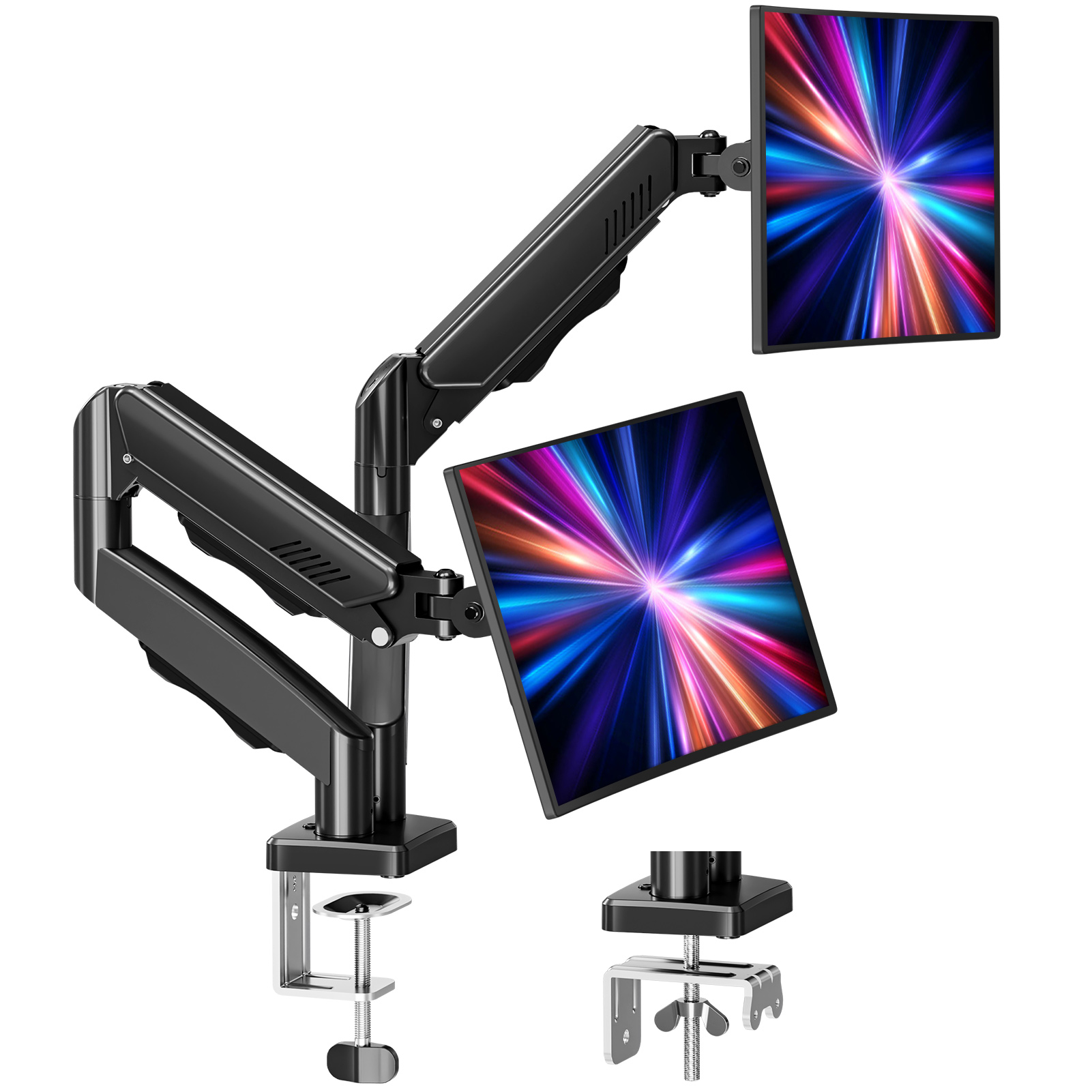
Is Mount Pro on Sale? November 2026
Prices checked Nov 10, 2026, 9:33 AM ET
Is Mount Pro on sale?
Not right now: Mount Pro prices are at their usual levels.

Prices checked Nov 10, 2026, 9:33 AM ET
Not right now: Mount Pro prices are at their usual levels.
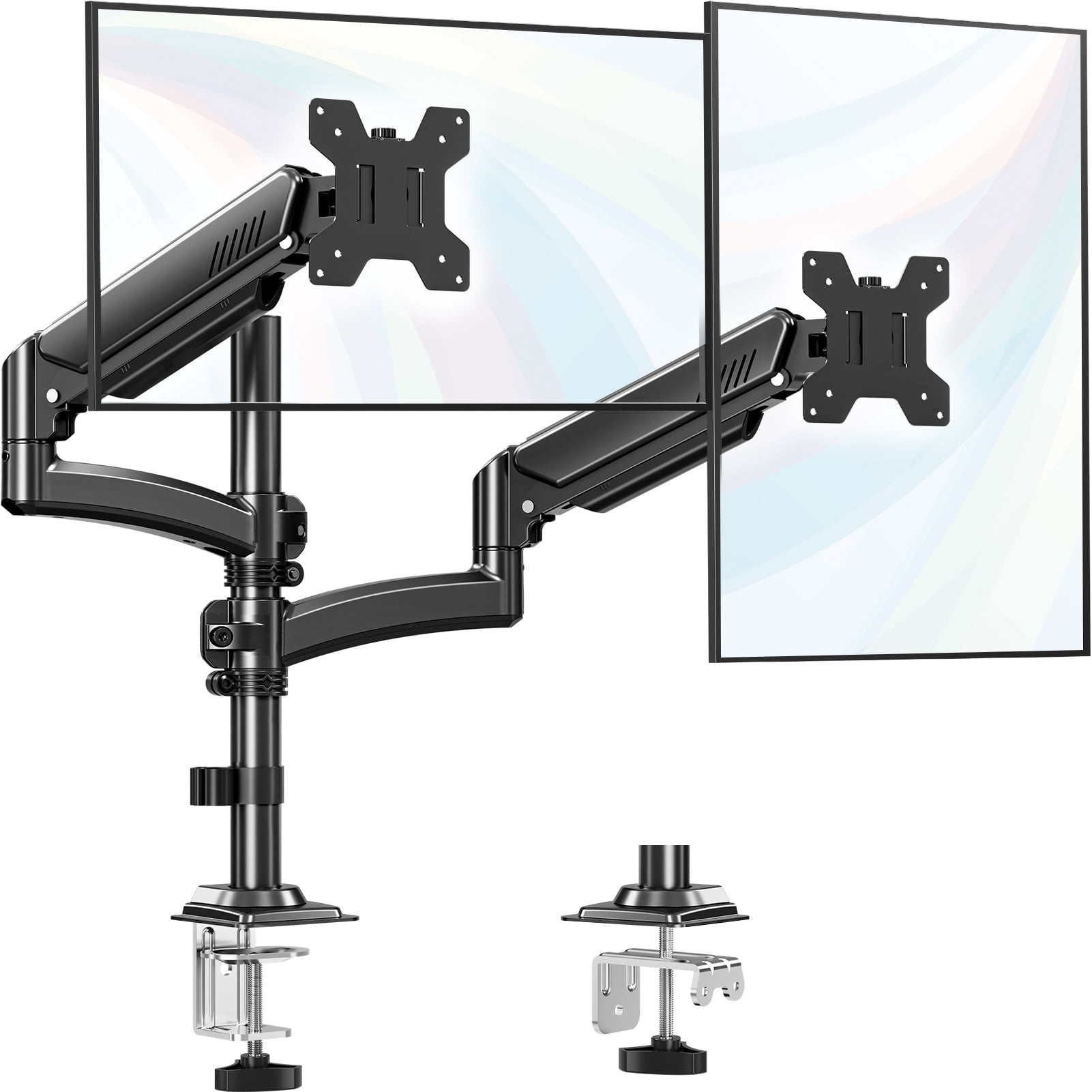
Not right now. Mount Pro prices are at their usual levels: the Mount PRO Freelift Dual Monitor Arm is $39.96 at Walmart. Any Mount Pro deal shows here as soon as it starts.
Mount Pro makes TV wall mounts, ceiling mounts and projector brackets, built around full-motion arms, tilt and swivel joints, and VESA plates sized for large screens. Its range covers fixed low-profile brackets through heavy-duty articulating mounts and ceiling projector kits. Deal.ai checks every store's price for each Mount Pro model and keeps a price history on every listing, so you can see how a mount's price has moved over time.
It checks today's price at every store, compares the alternatives and answers in about a minute.