Shop
  • Deals
  • Deal checker
  • Black Friday
  • Buying guides
  • Brands
  • Stores
Travel
  • Flight deals
  • Hotel deals
Company
  • Research
  • Press
  • deal.ai apps
Black Friday 2026
  • Walmart
  • Best Buy
  • Target
  • TVs
  • Laptops
  • Headphones
  • Apple
  • Gaming
  • Vacuums
  • Kitchen
  • Toys
  • Smartwatches
  • Tablets
  • Furniture
  • Mattresses
© Deal.ai Inc.
TermsPrivacy
Deal.ai › Compare

Acer Chromebook Plus Spin 514 vs Dell Inspiron 14 2-in-1

The Chromebook Plus Spin 514 is the better pick for battery life, screen smoothness and a lighter bag, while the Inspiron 14 2-in-1 is the one to get if you need Windows apps and more local storage. The Acer pairs a 120Hz 300-nit touchscreen with a 17-hour rating and 3 lb body; the Dell counters with a 512GB SSD, a fingerprint reader, full USB-A and HDMI ports, and Windows 11. Owners rate the Acer highly at 4.7 from 109 ratings, and reviewers consistently praise Chrome OS speed on this class of hardware; the Dell's 8GB RAM and 250-nit panel are the usual complaints.

  • Choose the Acer Chromebook Plus Spin 514 if you live in the browser, want all-day battery and a smooth 120Hz touchscreen, and do not need Windows software.
  • Choose the Dell Inspiron 14 2-in-1 if you need Windows 11, desktop apps, a fingerprint reader and more storage, and can accept 8GB RAM and a dimmer 60Hz screen.

Prices

  • Acer Chromebook Plus Spin 514: $454.53 at eBay (last seen Nov 5)
  • Dell Inspiron 14 2-in-1: $594.99 at neweggbusiness.com (checked today)
  • Difference: the Acer Chromebook Plus Spin 514 is $140.46 cheaper than the Dell Inspiron 14 2-in-1 at the latest prices (Nov 5 and Nov 10)
Acer
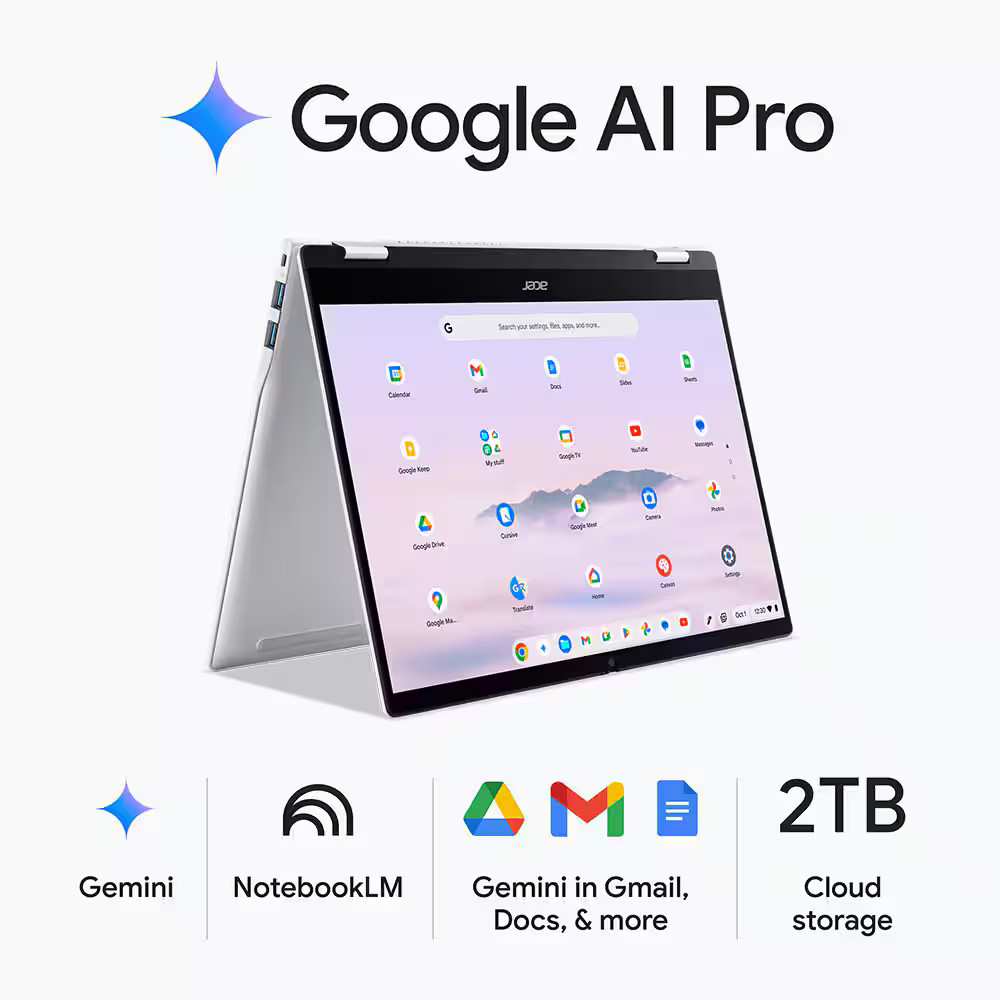
Acer Chromebook Plus Spin 514

Acer Chromebook Plus Spin 514

4.7(109 ratings)
$454.53at eBayChecked Nov 5
See all prices and details
Visit eBay

Store links may earn us a commission.

Pros
  • Long battery rating suits full days away from a charger
  • 120Hz touchscreen feels smoother than most rivals
  • Light at about 3 lb for a convertible
  • Strong owner rating of 4.7 from 109 ratings
  • Chrome OS stays fast on modest hardware
Cons
  • Chrome OS cannot run Windows-only apps
  • 256GB UFS storage is slower and smaller than an NVMe SSD
  • Fewer legacy ports, so dongles may be needed
  • 300 nits is only adequate outdoors
Dell
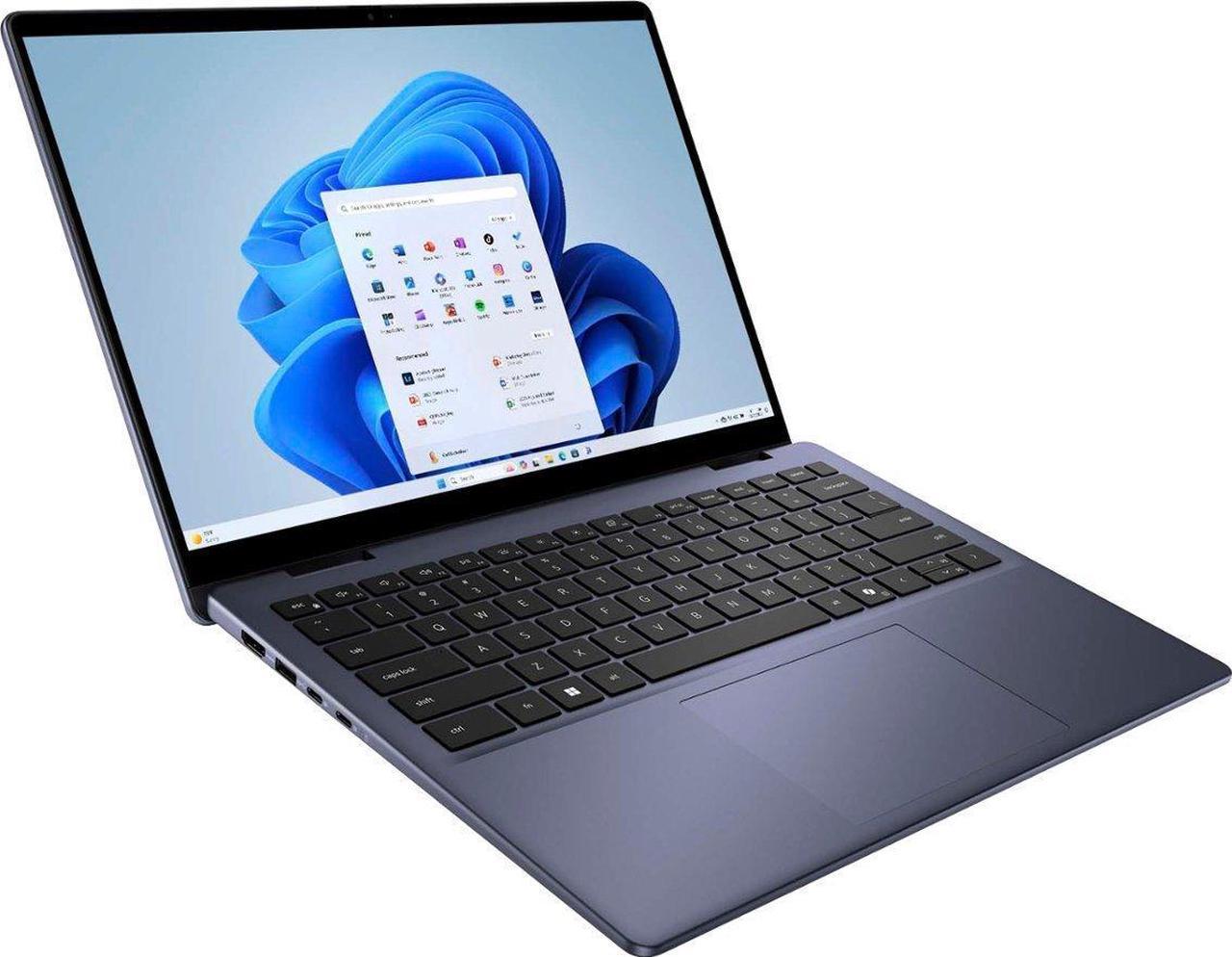
Dell Inspiron 14 2-in-1

Dell Inspiron 14 2-in-1

$594.99at neweggbusiness.comChecked 3 h ago
See all prices and details
Visit neweggbusiness.com
Pros
  • Runs Windows 11 and full desktop software
  • 512GB NVMe SSD with room to grow to 1TB
  • Fingerprint reader for quick sign-in
  • Two USB-A and HDMI mean fewer adapters
  • Wi-Fi 6E for newer routers
Cons
  • 8GB RAM limits heavy multitasking
  • 250-nit 60Hz panel is dimmer and less smooth
  • Heavier at 3.77 lb
  • Shorter battery rating than the Acer

What separates them

Acer Chromebook Plus Spin 514Dell Inspiron 14 2-in-1
Operating systemChrome OS, browser-first with Android and Linux app supportWindows 11 Home, runs full desktop software
Battery lifeRated up to 17 hoursRated up to 10 hours 20 minutes
Display14-inch 1920x1200 IPS touch, 120Hz, 300 nits14-inch 1920x1200 IPS touch, 60Hz, 250 nits
Memory12GB RAM8GB DDR5, configurable to 16GB
Storage256GB UFS512GB PCIe NVMe SSD, up to 1TB
WeightAbout 3 lbStarts at 3.77 lb
PortsUSB-C focused2x USB-C, 2x USB-A, HDMI 1.4, headphone jack
Security and extrasBacklit keyboard, convertible hingeBacklit keyboard, fingerprint reader, convertible hinge

Price history

$679.99$330.00
Nov 2Nov 10
  • Acer Chromebook Plus Spin 514: lowest $330.00 on Nov 2 at eBay; $679.99 on Nov 10.
  • Dell Inspiron 14 2-in-1: lowest $579.99 on Nov 8 at Walmart; $594.99 on Nov 10.

Prices at every store

Acer Chromebook Plus Spin 514

  • WalmartNew

    In stockSold by Happy Ranger

    $679.99Checked 13 min ago
    Visit Walmart
  • eBayNew

    Availability unknown

    $454.53Checked Nov 5
    Visit eBay
  • CTT Home & CulinaryNew

    Availability unknown

    $489.30Checked Nov 2
    Visit CTT Home & Culinary
  • AmazonNew

    Availability unknown

    As an Amazon Associate, Deal.ai earns from qualifying purchases.

    $629.00Checked Nov 2
    Visit Amazon

Also available at

  • WalmartCheck price at Walmart
  • eBayCheck price at eBay

Store links may earn us a commission.

All 11 stores and price history →

Dell Inspiron 14 2-in-1

  • WalmartNew

    In stockSold by CompNex Tech SolutionsReturns: Sold by a Walmart Marketplace seller; returns go to the seller under the seller's returns policy.

    $694.99Free shippingChecked 3 h ago
    Visit Walmart
  • Best BuyNew

    In stock

    $719.99Free shippingChecked 3 h ago
    Visit Best Buy
  • neweggbusiness.comNew

    Availability unknown

    $594.99Checked 3 h ago
    Visit neweggbusiness.com
  • WalmartNew

    Availability unknownSold by Southbay Electronics

    $649.00Checked 3 h ago
    Visit Walmart
All 7 stores and price history →

Specs compared

SpecAcer Chromebook Plus Spin 514Dell Inspiron 14 2-in-1
Operating SystemChrome OSWindows
TouchscreenYesYes
ColorPlatinum SilverAluminium
LanguageEnglish / North AmericaEnglish, Multiple languages
Weight3 lbStarting Weight: 3.77 lbs (1.71kg)
Screen Size14 inches14.0
Battery Life17 hours battery lifeUp to 10 hours, 20 minutes
Screen Resolution1920x12001920x1080 (Full HD)
Convertible/HybridYesYes
SeriesAcer ChromebookDell Inspiron
ProcessorMediaTekIntel Core i5, Intel Core 7
SSD Size256 GB512 GB, 1 TB
Show all 40 specsShow fewer specs
SpecAcer Chromebook Plus Spin 514Dell Inspiron 14 2-in-1
Backlit KeyboardYesYes
RAM16 GB16 GB, 8 GB
Processor ModelMediaTek Kompanio Ultra Series1334U, 150U
Resolution1920 x 1200—
Drive TypeSolid State Drive—
Number Of CoresOcta Core—
With Backlit KeyboardYes—
Refresh Rate120Hz—
Available PortsUSB-C—
Drive Capacity

What reviewers say

Acer Chromebook Plus Spin 514

  • 4.7 / 5109 ratings

With 4.7 out of 5 from 109 ratings, buyers are largely satisfied.

Dell Inspiron 14 2-in-1

Owner feedback on the Inspiron 14 2-in-1 is mixed. People like the convertible design, the taller 16:10 touchscreen and the solid everyday speed, but many find the display dim and the base memory limiting.

What people mention
  • Display brightnessCriticisedOwners say the 250-nit panel looks dim outdoors and in bright rooms.
  • PerformancePraisedThe Core chip and NVMe SSD handle browsing, office apps and streaming smoothly.
  • MemoryCriticisedThe 8GB base configuration runs short with many tabs or heavier apps.
  • Build and weightMixedThe aluminum finish feels sturdy, but some find it heavy for a 14-inch convertible.
Reviews
  • The best laptops under $1,000 of 2026: Expert tested and reviewed - ZDNET
  • Best Touch-Screen Laptops - The reviews on this page have been selected by our editors, but have been optimized by our commerce team
  • The Best Touch-Screen Laptops for 2026
  • Best Touch-Screen Laptops
  • Search | Product Finder - Product Finder
  • The best touchscreen laptops in 2026: Expert tested and reviewed - ZDNET

Questions and answers

Which is better for schoolwork?
Both handle documents, video calls and browsing. The Acer wins on battery and weight for carrying around campus; the Dell wins if your course needs Windows-only software like some engineering or statistics tools.
Which lasts longer on a charge?
The Acer is rated up to 17 hours against roughly 10 hours 20 minutes for the Dell. Real-world results depend on brightness and workload, but the Acer has a clear edge.
Is the Dell worth stepping up to over the Acer?
Only if you need Windows, more storage or a fingerprint reader. If your work lives in a browser, the Acer gives you a smoother screen, more RAM and longer battery for less bulk.
Can the Acer run Microsoft Office?
Yes, through the web versions and the Android Office app. The full desktop Office suite is a Windows or Mac product, so heavy Excel or Access users should pick the Dell.
Which is better for drawing and notes?
Both are convertibles with touchscreens and backlit keyboards. The Acer's 120Hz panel makes stylus strokes look smoother, but check that your preferred stylus is supported on either model.
Does the Dell have more ports?
Yes. The Dell adds two USB-A ports, HDMI and a headphone jack. The Acer leans on USB-C, so plan on a hub for older accessories.

Ask our shopping agent

It checks today's price at every store, compares the alternatives and answers in about a minute.

Enter to send, Shift+Enter for a new line

More comparisons

  • Acer Chromebook Plus 516 vs Acer Chromebook Plus Spin 514
  • Lenovo Chromebook Plus 14 vs Acer Chromebook Plus Spin 514
  • Acer Chromebook Plus Spin 514 vs Asus Zenbook Duo (2026)
  • HP OmniBook X Flip 14 vs Dell Inspiron 14 2-in-1
  • 15.6" 2K Touchscreen FHD Intel Core i5 1334U 8GB RAM 512GB PCIe SSD Windows 11 Home S Mode Laptop vs Acer Chromebook Plus Spin 514
  • Acer Chromebook Plus Spin 514 vs Acer Swift 16 AI
  • Acer Chromebook Plus Spin 514 vs Asus ProArt PZ13
  • HP OmniBook X Flip 14 vs Acer Chromebook Plus Spin 514

Buying guides that pick them

  • Best Chromebooks
  • Best budget touchscreen laptops
  • Best touch screen laptops
  • Best touchscreen laptops
256 GB drive
—
Installed Memory12 GB RAM—
Processor Speed3.6 GHz CPU—
Graphics ProcessorNVIDIA GPU—
Screen TypeIPS—
Touch Screentrue—
Brightness300 nits—
Storage TypeUFS—
Total Storage Capacity256 gigabytes—
System Memory (RAM)12 gigabytes—
GraphicsMediaTek Integrated Graphics—
Display Connector(s)Display connection via USB port—
Battery Life (up to)17 hours—
Battery ChemistryLithium-ion—
BrandAcer—
Model NumberCP514-5HN-K6DY—
Year of Release2025—
Display TypeLCD—
Color Gamut (Standard RGB)100 percent—