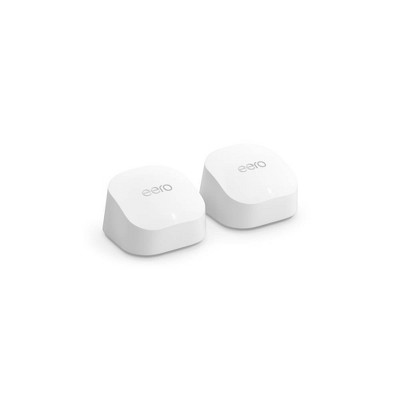
eero 6+ Mesh Wi-Fi System vs Synology WRX560 Router
Buy the eero 6+ if you want the simplest whole-home mesh and mostly stream, browse and game casually. Buy the Synology WRX560 if you want a single powerful router with deep controls, a 2.5GbE port and USB storage sharing. The eero wins on setup ease and coverage out of the box; the WRX560 wins on ports, management depth and raw wired flexibility. Owners praise the eero for fixing dead zones and lag, though some call its throughput average; Synology's SRM software is widely liked by tinkerers but is more work than eero's app.
- Choose the eero 6+ if you want mesh coverage that a non-technical household can set up in minutes and forget about.
- Choose the Synology WRX560 if you want one router with a 2.5GbE port, USB sharing and granular parental and network controls.
Prices
- eero 6+ Mesh Wi-Fi System: $159.99 at Crutchfield (checked today)
- Synology WRX560 Router: $258.99 at Walmart (checked today)
- Difference: the eero 6+ Mesh Wi-Fi System is $99.00 cheaper than the Synology WRX560 Router today