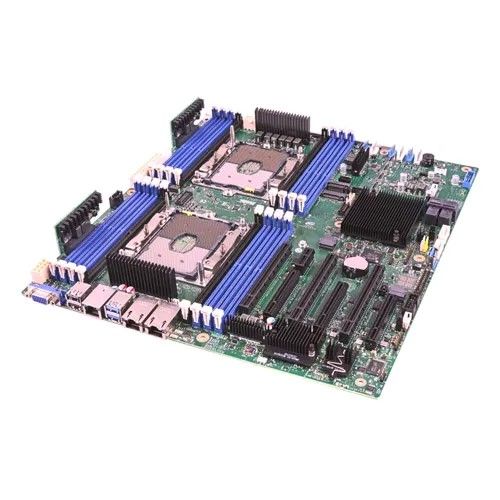
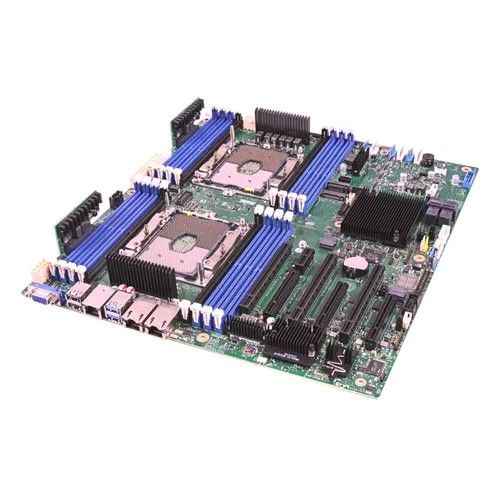
- Which board supports newer EPYC CPUs?
- The MZ31-AR0 is listed for EPYC 7003 series; the MZ32-AR0 is listed for EPYC 7002 series. Check Gigabyte's CPU support list for the exact part number before buying.
- Which has more memory capacity?
- The MZ31-AR0, at up to 2 TB with 1 DIMM per channel. The MZ32-AR0 listing states 128 GB, though some reseller specs for that board are inconsistent.
- Do I need a network card with either board?
- The MZ31-AR0 has two 10 GbE SFP+ ports onboard. The MZ32-AR0 listing shows no onboard LAN, so budget for an add-in NIC.
- Is the MZ31-AR0 reliable?
- Reviews are split. One owner reports flawless operation after a remote management firmware update; another reports a failed board and poor documentation. Buy from a store with a clear return policy.
- Which is better for a single-CPU home lab?
- The MZ31-AR0 gives you newer CPU support, more memory headroom and built-in 10 GbE. The MZ32-AR0 is the safer pick only if you already own an EPYC 7002 chip.
- Is one worth the extra money?
- Weigh the MZ31-AR0's 7003 support and 10 GbE ports against the MZ32-AR0's second M.2 slot and higher listed power ceiling. The live comparison above shows how the two boards line up.
- Is one worth stepping up to?
- Weigh the MZ31-AR0's 7003 support and 10 GbE ports against the MZ32-AR0's second M.2 slot and higher listed power ceiling. The live comparison above shows how the two boards line up.
- Which board handles a higher-wattage CPU?
- The MZ32-AR0 listing states up to 280W CPU cTDP. The MZ31-AR0 spec sheets disagree with each other, one showing 200W TDP and another showing up to 64 cores.
- Which board has more M.2 storage?
- The MZ32-AR0 lists two M.2 slots with PCIe Gen3 x4; the MZ31-AR0 lists one. Both run at Gen3 x4, so the MZ32-AR0 gives you a second fast drive without an add-in card.
- Which board has an OCP networking slot?
- The MZ32-AR0 lists one OCP 2.0 Gen3 x16 mezzanine slot. The MZ31-AR0 listing does not mention one, so on that board you would use a PCIe slot for an OCP card.