StoreDeal.ai store
Shop
  • Deals
  • Deal checker
  • Black Friday
  • Buying guides
  • Brands
  • Stores
Travel
  • Flight deals
  • Hotel deals
Company
  • Research
  • Press
  • Use in AI assistants
  • Contact
  • deal.ai apps
Black Friday 2026
  • Walmart
  • Best Buy
  • Target
  • TVs
  • Laptops
  • Headphones
  • Apple
  • Gaming
  • Vacuums
  • Kitchen
  • Toys
  • Smartwatches
  • Tablets
  • Furniture
  • Mattresses
© Deal.ai Inc.·2222 Ponce de Leon Blvd, Miami, FL 33134·support@deal.ai
TermsPrivacy
Deal.ai › Compare

LG UltraGear evo 39GX950B-B vs LG UltraGear 34" OLED Gaming Monitor

Buy the 39GX950B if you want one monitor for both work and play: 5120x2160 at 143 PPI gives real desktop room, and Dual Mode drops to 330Hz for competitive shooters. Buy the 34GS95QEB if gaming is the whole job and you want the steeper 800R curve and a proven 240Hz OLED that owners rate 4.7 out of 5. The 39-inch is the bigger, sharper, more versatile panel; the 34-inch is the more focused, easier-to-drive gaming screen.

  • Choose the LG 39GX950B if you want a single ultrawide that is sharp enough for spreadsheets and editing and fast enough for competitive play.
  • Choose the LG 34GS95QEB if you mainly game, want a tighter immersive curve, and prefer a panel with a long track record and strong owner ratings.

Prices

  • LG UltraGear evo 39GX950B-B: $1,399.99 at Amazon (last seen Nov 20)
  • LG UltraGear 34" OLED Gaming Monitor: $699.99 at LG (checked today)
  • Difference: the LG UltraGear 34" OLED Gaming Monitor is $700.00 cheaper than the LG UltraGear evo 39GX950B-B at the latest prices (Nov 20 and Nov 21)
LG
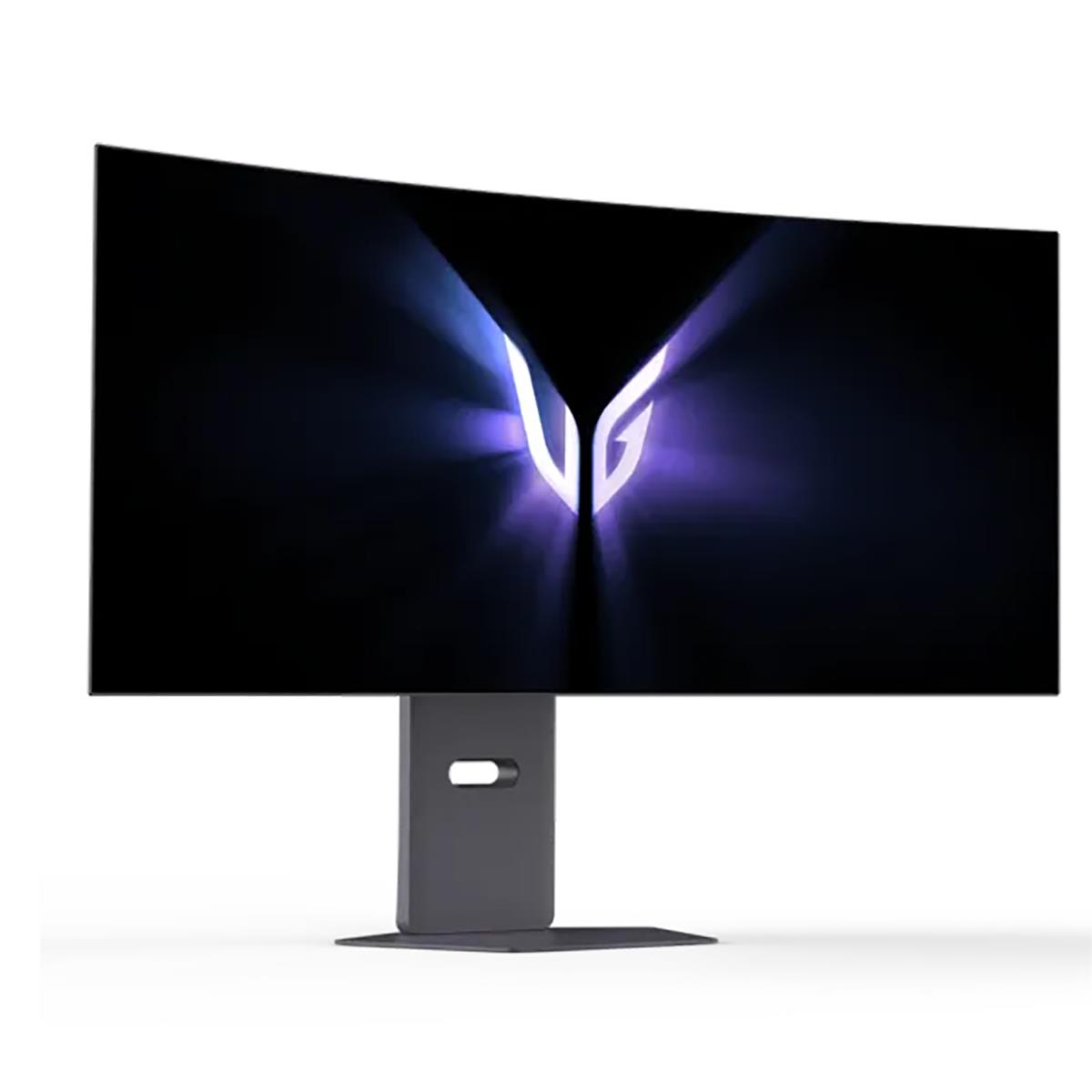
LG UltraGear evo 39GX950B-B 38.8" 21:9 Dual Mode 5K2K 165Hz and QHD 330Hz Curved OLED HDR Gaming Monitor

LG UltraGear evo 39GX950B-B

LG UltraGear evo 39GX950B-B 38.8" 21:9 Dual Mode 5K2K 165Hz and QHD 330Hz Curved OLED HDR Gaming Monitor

$1,399.99at AmazonChecked 2 h ago
See all prices and details
Visit Amazon

Store links may earn us a commission. As an Amazon Associate, Deal.ai earns from qualifying purchases.

Pros
  • 5K2K resolution with 143 PPI keeps text and detail crisp across a wide workspace
  • Dual Mode switches to 330Hz for fast shooters
  • USB-C plus HDMI and DisplayPort covers PC, console and laptop
  • Bright tandem OLED panel with UL-verified Perfect Black and color fidelity
  • AI upscaling sharpens lower-resolution content
Cons
  • 5K2K at high frame rates demands a top-tier GPU
  • 1500R curve is gentler than the 34-inch model's 800R
  • Larger panel takes more desk depth and a sturdy arm or stand
  • Newer model with less long-term owner feedback
LG
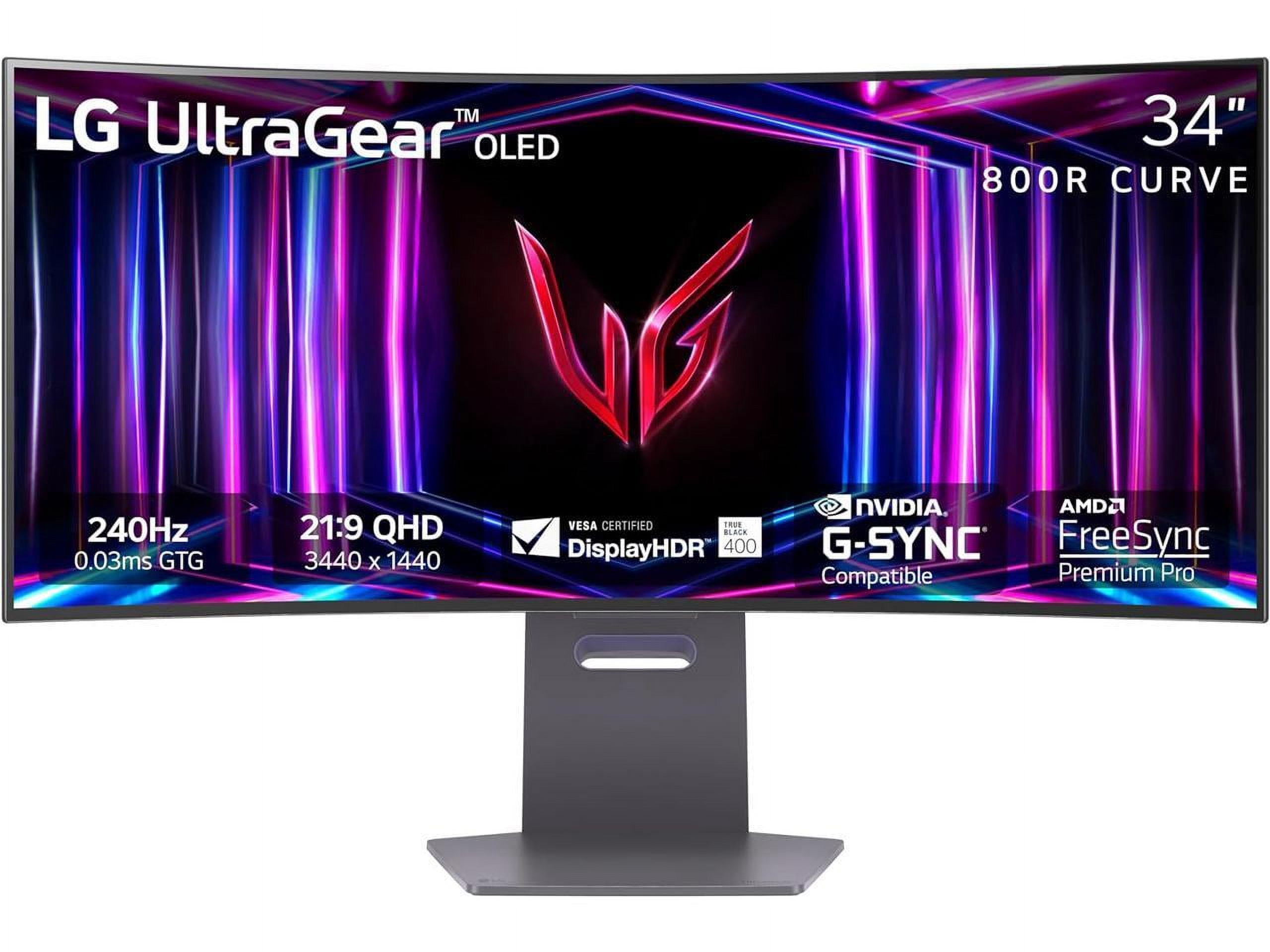
LG 34 inch UltraGear 1440p 240 Hz OLED 800R Curved Gaming Monitor

LG UltraGear 34" OLED Gaming Monitor

LG 34 inch UltraGear 1440p 240 Hz OLED 800R Curved Gaming Monitor

4.7(81 ratings)
$699.99at LGChecked 41 min ago
See all prices and details
Visit LG

Store links may earn us a commission. Price via Klarna.

Pros
  • Owners rate it 4.7 out of 5 across 81 ratings
  • 240Hz OLED with 0.03ms response is smooth and proven
  • 800R curve wraps the view for immersion
  • G-Sync Compatible and FreeSync Premium Pro cover both GPU brands
  • Height, tilt and swivel adjustment plus VESA mount
Cons
  • 3440x1440 is less sharp for text and detail work than 5K2K
  • No USB-C video input
  • DisplayHDR True Black 400 is dimmer than the 39-inch panel's HDR
  • No pivot to portrait

What separates them

LG UltraGear evo 39GX950B-BLG UltraGear 34" OLED Gaming Monitor
Resolution and pixel density5120x2160 5K2K at about 143 PPI3440x1440 at about 110 PPI
Screen size and curve38.8 inches, 1500R curve34 inches, steeper 800R curve
Peak refresh165Hz native, 330Hz in Dual Mode at QHD240Hz native
Response time0.03ms GtG0.03ms GtG
HDR brightness4th Gen RGB Tandem OLED, about 335 nits typical, 1500 cd/m² peak ratingDisplayHDR True Black 400, 1.5M:1 contrast
ConnectivityHDMI, DisplayPort and USB-CTwo HDMI, DisplayPort, USB hub, headphone out, no USB-C video
ErgonomicsHeight and tilt adjustable, VESA mountHeight, tilt and swivel adjustable, VESA mount, no pivot
GPU demandNeeds a strong card for 5K2K; AI upscaling helps on lower settingsEasier to drive at 3440x1440 and 240Hz

Price history

$1,417.02$355.99
Nov 11Nov 21
  • LG UltraGear evo 39GX950B-B: lowest $1,399.99 on Nov 20 at Best Buy; $1,399.99 on Nov 21.
  • LG UltraGear 34" OLED Gaming Monitor: lowest $355.99 on Nov 18 at Best Buy; $355.99 on Nov 21.

Prices at every store

LG UltraGear evo 39GX950B-B

  • Best BuyNew

    In stock

    $1,399.99Free shippingChecked 2 h ago
    Visit Best Buy
  • AdoramaNew

    In stock

    $1,399.99Free shippingChecked 2 h ago
    Visit Adorama
  • WalmartNew

    In stockSold by AdoramaReturns: Sold by a Walmart Marketplace seller; returns go to the seller under the seller's returns policy.

    $1,399.99+ $20.53 shippingChecked 2 h ago
    Visit Walmart
  • AmazonNew

    Availability unknown

    As an Amazon Associate, Deal.ai earns from qualifying purchases.

    $1,399.99Free shippingChecked 2 h ago
    Visit Amazon

Store links may earn us a commission. Some prices via Klarna.

All 27 stores and price history →

LG UltraGear 34" OLED Gaming Monitor

  • LGNew

    In stock

    $699.99Free shippingChecked 41 min ago
    Visit LG
  • WalmartNew

    In stockSold by Electronic ExpressReturns: Sold by a Walmart Marketplace seller; returns go to the seller under the seller's returns policy.

    $799.99Free shippingChecked 41 min ago
    Visit Walmart
  • NeweggNew

    In stock

    $799.99Free shippingChecked 2 h ago
    Visit Newegg
  • AmazonNew

    Availability unknown

    As an Amazon Associate, Deal.ai earns from qualifying purchases.

    $699.99Free shippingChecked Nov 18
    Visit Amazon

Store links may earn us a commission. Some prices via Klarna.

All 6 stores and price history →

Specs compared

SpecLG UltraGear evo 39GX950B-BLG UltraGear 34" OLED Gaming Monitor
colorBlackBlack
Display TypeOLEDOLED
With SpeakersYesYes
Connector TypeHDMI, DisplayPort, USB-CHDMI, DisplayPort, USB-C
CurvedYesYes
Panel TypeIPSOLED
Size39 in39 in, 45 in
Maximum Refresh Rate165 Hz240 Hz
Response Time0 milliseconds0.03 ms
HD Format5K—
Brightness1,500 cd/m²—
Weight With Stand (lb)—20.5
Show all 40 specsShow fewer specs
SpecLG UltraGear evo 39GX950B-BLG UltraGear 34" OLED Gaming Monitor
3.5 mm In (AUX)—No
HDMI Ports—2
No. of USB (total) (pcs)—2
Depth Without Stand (")—6.6
VGA Ports—No
Height With Stand (")—18.3
Curved Screen—Yes
Weight With Stand (kg)—9.3
VESA-Mount—Yes
Headphone Out

What reviewers say

LG UltraGear 34" OLED Gaming Monitor

  • 4.7 / 581 ratings

Owners and reviewers rate it highly for its OLED picture, speed, and immersive curve. Complaints center on brightness in lit rooms, text clarity, and burn-in worry.

What people mention
  • Motion clarityPraisedReviewers say 240 Hz and 0.03 ms make fast games feel exceptionally smooth.
  • BrightnessCriticisedOwners note the OLED panel struggles in bright rooms compared with LCD rivals.
  • Text clarityCriticisedSome users see color fringing on text due to the subpixel layout.
  • CurveMixedThe 800R curve is immersive for games but takes adjustment for desktop work.

Questions and answers

Which is better for work as well as gaming?
The 39GX950B. Its 5K2K resolution and 143 PPI give you far more usable desktop space and sharper text. The 34GS95QEB is fine for gaming but its 3440x1440 panel is coarser for documents and editing.
Which is better for competitive shooters?
The 39GX950B in Dual Mode reaches 330Hz, above the 34GS95QEB's 240Hz. Both have 0.03ms response, so the gap is small unless you play at the highest level.
Do I need a stronger graphics card for the 39-inch?
Yes. Driving 5120x2160 at high frame rates takes more GPU than 3440x1440. The 39GX950B's AI upscaling helps, but the 34GS95QEB is the easier panel to feed at 240Hz.
Which has the more immersive curve?
The 34GS95QEB, with its steep 800R curve. The 39GX950B uses a gentler 1500R curve, which suits a wide workspace better than a wrap-around feel.
Is the 39-inch worth stepping up to?
If you want one screen for both work and play, yes: more resolution, more screen and a higher peak refresh. If you only game and want proven reliability, the 34-inch is the safer pick.
Which lasts longer?
Both are OLED, so both carry burn-in risk with static content. The 34GS95QEB has a longer track record and strong owner ratings; the 39GX950B is newer, so its long-term record is shorter.

Ask our shopping agent

It checks today's price at every store, compares the alternatives and answers in about a minute.

Enter to send, Shift+Enter for a new line

More comparisons

  • LG 34 inch UltraGear 1440p 240 Hz OLED 800R Curved Gaming Monitor vs Dell Alienware AW3225QF
  • Samsung Odyssey OLED G9 vs LG 34 inch UltraGear 1440p 240 Hz OLED 800R Curved Gaming Monitor
  • LG UltraGear evo 39GX950B-B 38.8" 21:9 Dual Mode 5K2K 165Hz and QHD 330Hz Curved OLED HDR Gaming Monitor vs Dell Alienware AW3225QF
  • LG UltraGear evo 39GX950B-B 38.8" 21:9 Dual Mode 5K2K 165Hz and QHD 330Hz Curved OLED HDR Gaming Monitor vs Samsung Odyssey OLED G9

Buying guides that pick them

  • Best curved OLED gaming monitors
  • Best 34-inch ultrawide gaming monitors
—
Yes
VGA—No
Width (")—30.9
Adjustable Height—Yes
Contrast (:1)—1500000
TCO Certification—No
Ethernet—No
Surface Treatment—Matte
HDMI—Yes
EPEAT Rating—No
DVI Ports—No
Resolution—3440x1440 (UltraWide)
Pivot‎ 90°‎—No
Camera (built-in)—No
Color Depth—10 Bit
Height Without Stand (")—14.1
Energy Consumption HDR (1000h) (kW/h)—35.0
Memory Card Reader—No
Screen Curvature—800R