It checks today's price at every store, compares the alternatives and answers in about a minute.
In stockSold by treasurescharitythriftstore-rrasc
In stockSold by Barbara sales outletReturns: Sold by a Walmart Marketplace seller; returns go to the seller under the seller's returns policy.
Lowest price we've seen: $24.99 on Nov 13 at eBay. Tracked across 1 store since Nov 13.
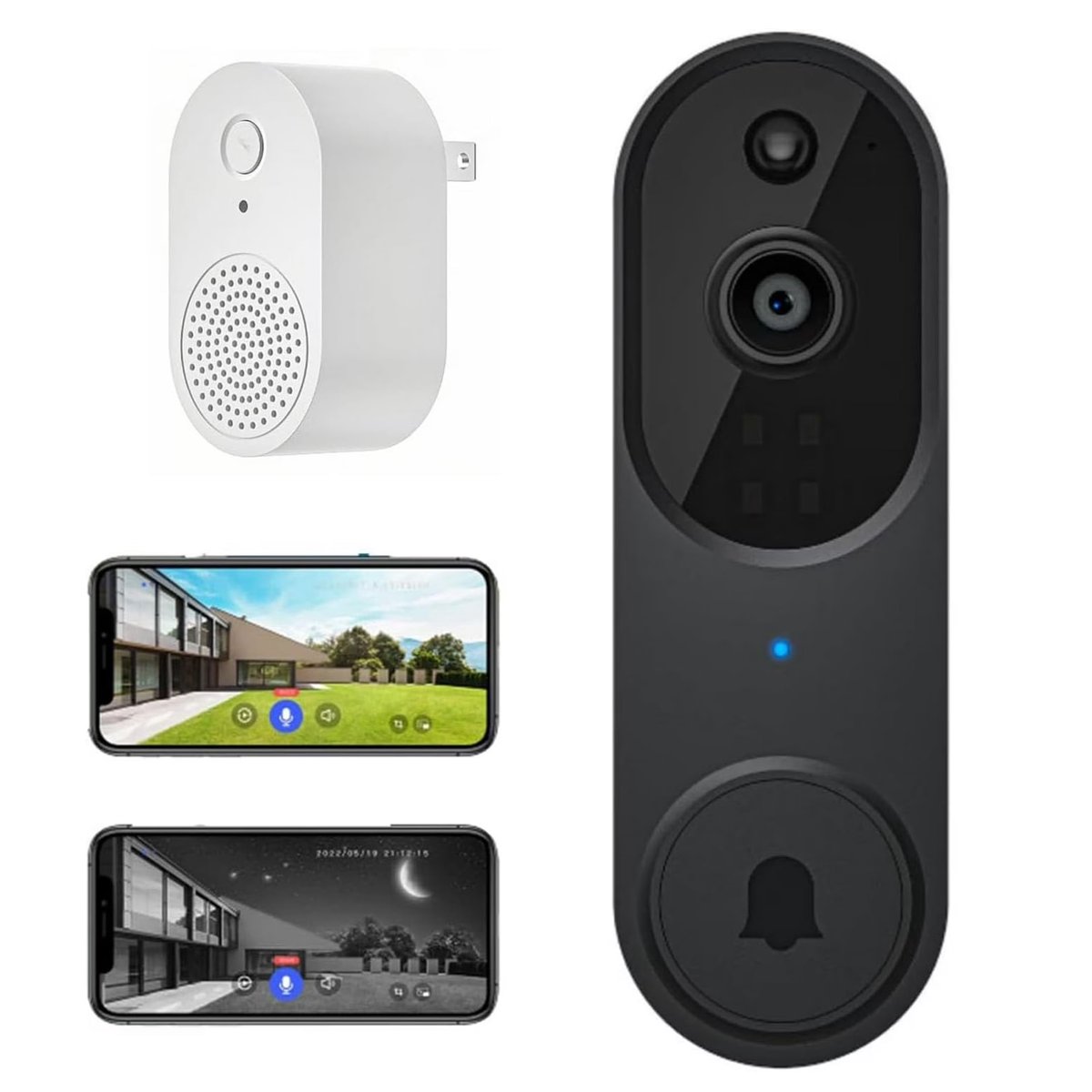
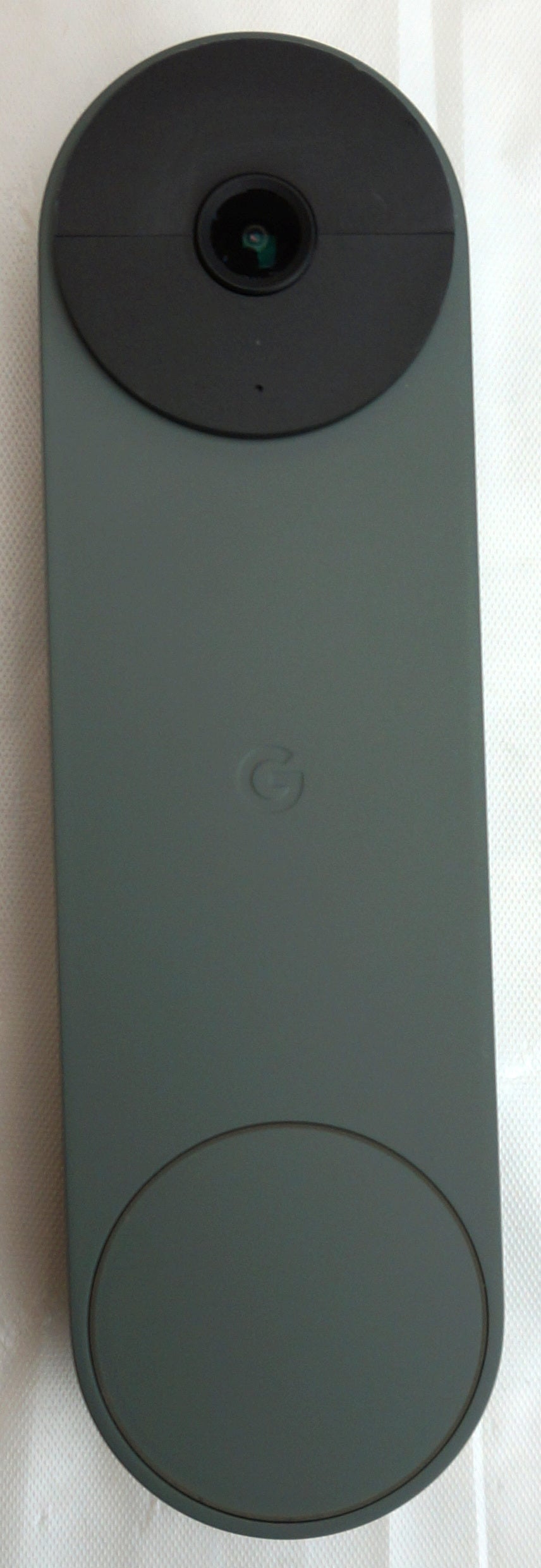
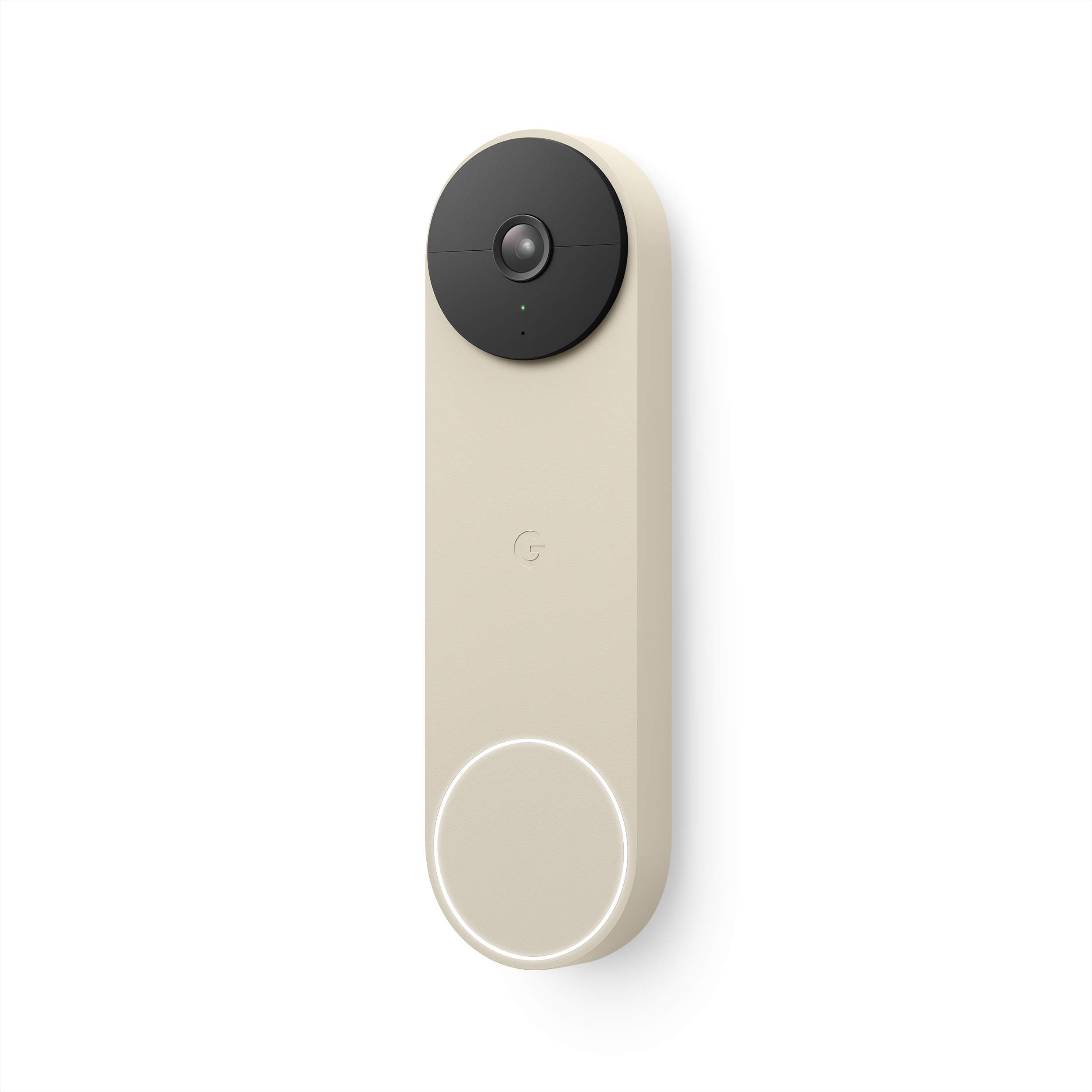
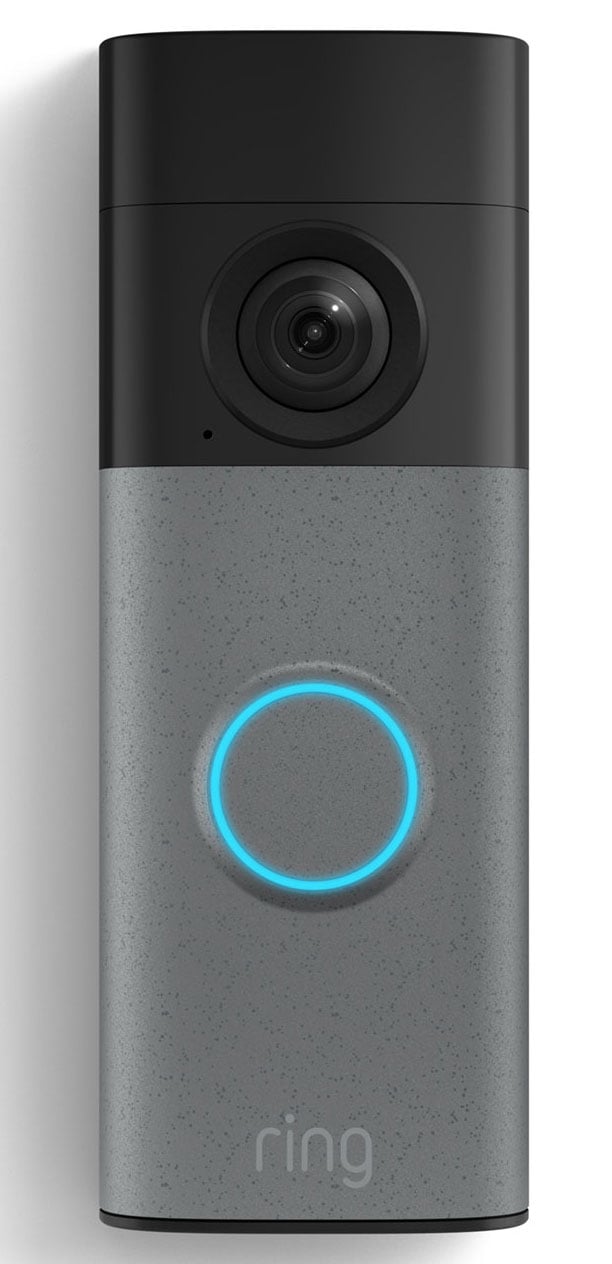
Smart video doorbell camera with ringtone, AI intelligent human detection, cloud storage, high-definition real-time images, two-way audio, night vision function, and battery. Installation instructions: 1. First remove the battery door and check the insulating tape on the bottom of the battery, then remove it. 2. The included battery is a rechargeable battery, and there is a USB charging port on the back of the doorbell. Please note that a charging adapter is not provided. 3. Before installing the doorbell, ensure the battery is fully charged. Use the included USB cable and a DC 5V 1A or 5V 2A power adapter (a smartphone charger is sufficient) to charge the device. 4. The indoor doorbell has a USB port, so it requires an existing USB adapter or USB outlet for power. 5. This wireless video doorbell is compatible only with 2.4GHz Wi-Fi networks. Ensure you use a high-speed, stable Wi-Fi connection. How to set up the wireless doorbell camera? 1. Download the app, register an account, and log in. 2. Open the battery cover of the doorbell camera and remove the insulating tape from the bottom of the battery. 3. Hold down the doorbell button until it flashes red, then the message?Enter pairing mode? will appear. 4. In the app, click?Add Device,? confirm the doorbell is flashing red, then click?Yes.? 5. Enter the Wi-Fi name and password. It only supports 2.4GHz Wi-Fi. Then confirm the Wi-Fi name and password again and click?Confirm.? 6. A QR code will appear on your phone. Use the doorbell camera to scan this QR code. Then start pairing. When?Registration Successful? appears, click?Confirm,? and your doorbell is set up in your account. How to connect the smart video doorbell using Wireless Charm First, set up the doorbell camera in the app. Press the button on the doorbell, and the indicator light will flash blue. Press the doorbell button while the blue light is flashing.