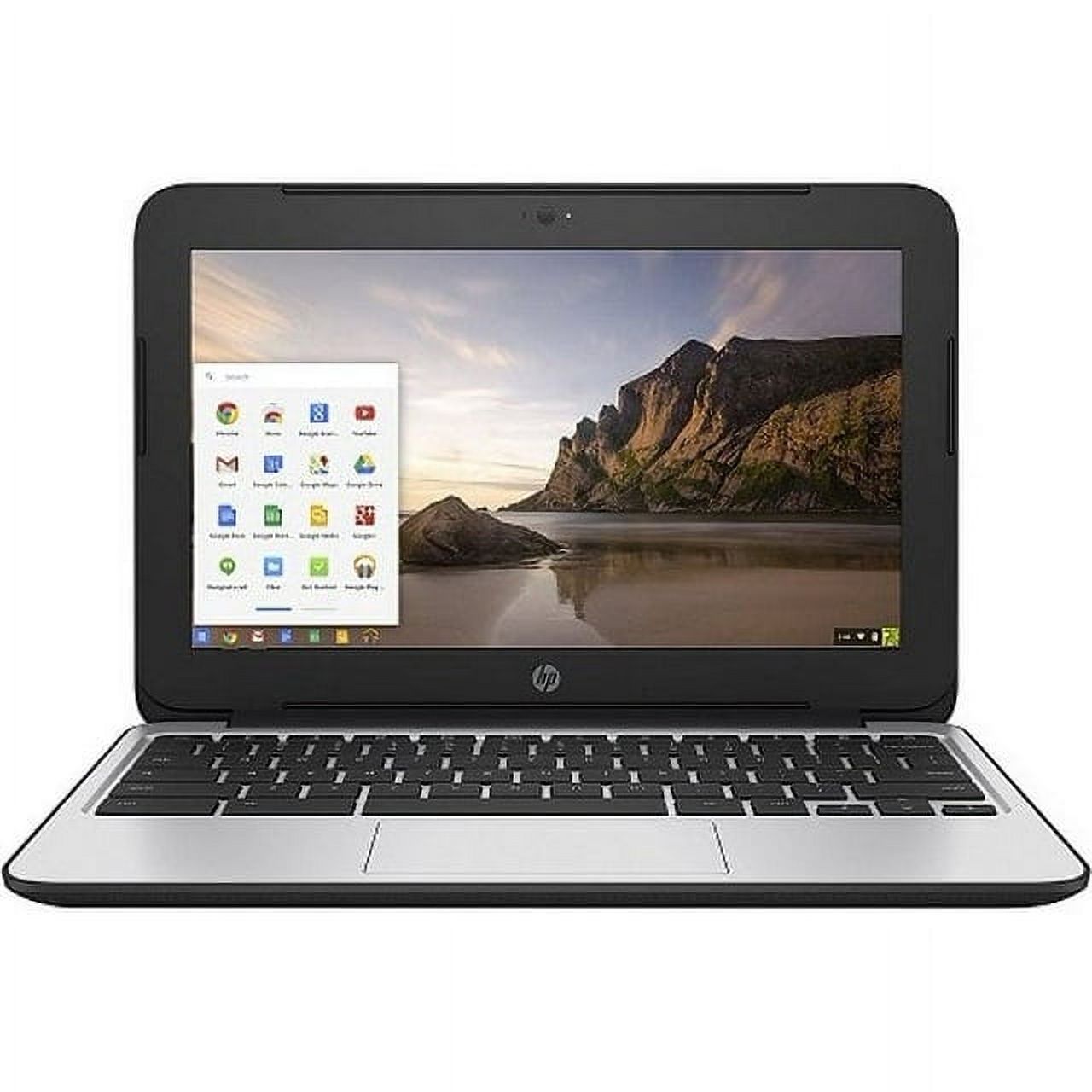
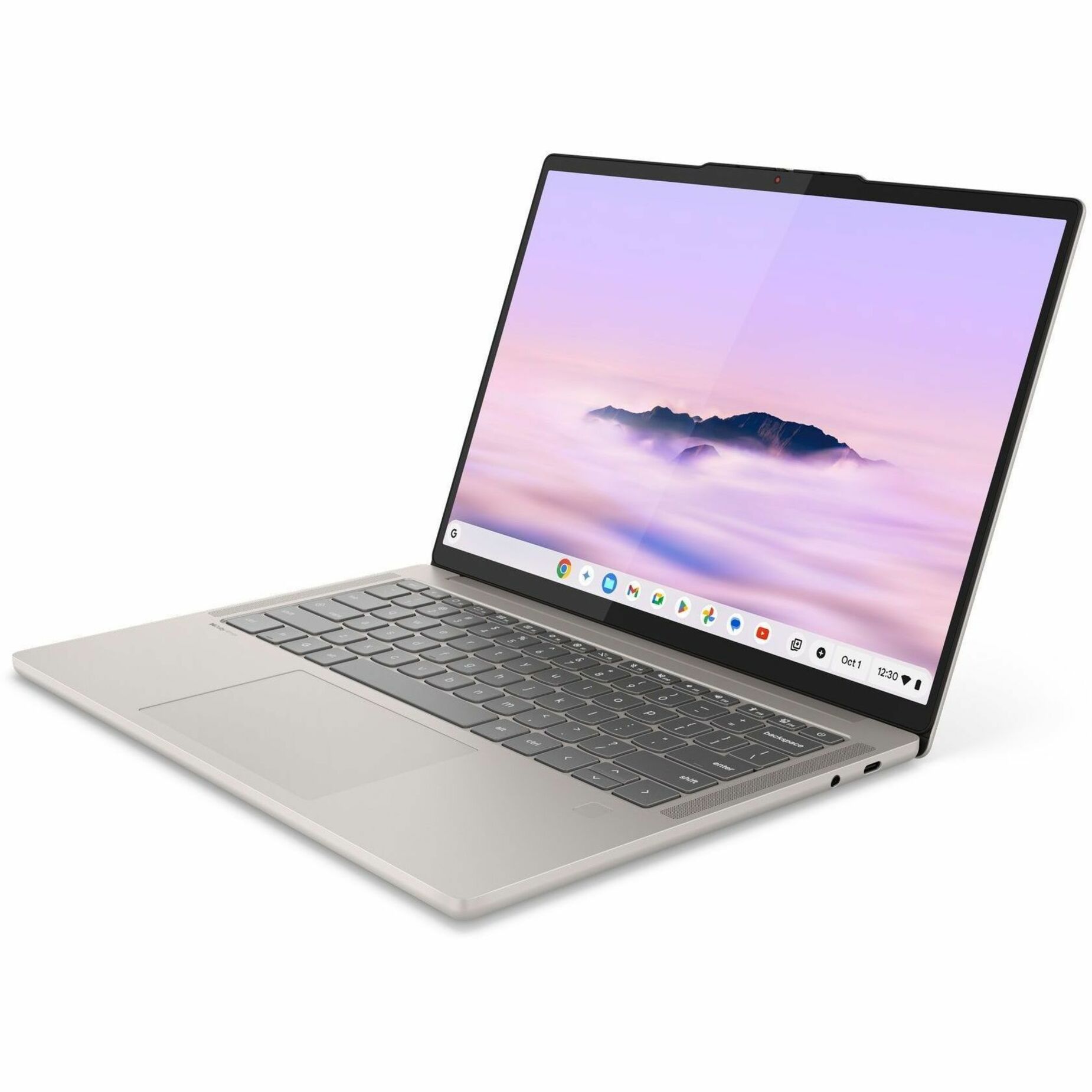
14 Inch Lenovo Chromebook
Where to buy
No store is showing a current price right now. The stores below sell it; ask the agent to check today's prices.
Prices are checked against each store and labelled with when.
Check today's price at PzDealsAsk our agent about this product
It checks today's price at every store, compares the alternatives and answers in about a minute.
In stock now from Lenovo


Our take on the 14 Inch Lenovo Chromebook
A 14-inch convertible Chromebook with a touchscreen that folds into tablet mode. It covers everyday browsing, email, documents and streaming, and the 360-degree hinge lets it stand as a tent or lie flat for touch use. Against rivals, the larger 14-inch screen and touch display are its main draw; most budget Chromebooks in this class are smaller and non-touch. Buyers should expect a modest processor and limited storage, so it suits light work rather than heavy multitasking.
- 14-inch touchscreen is larger than most budget Chromebooks
- 360-degree hinge converts to tablet, tent and stand modes
- ChromeOS boots fast and runs web apps smoothly
- USB and Wi-Fi cover everyday connections
- Simple setup and low maintenance for families
14 Inch Lenovo Chromebook prices at every store
- PzDealsCheck price at PzDeals
About the 14 Inch Lenovo Chromebook
This is a 14 inch Lenovo Chromebook with a touchscreen. It is a convertible model, built for versatile everyday use.
It connects through Wi-Fi and has USB connectivity.
- Brand
- Lenovo
- Screen size
- 14 inch
- Display
- Touchscreen
- Type
- Convertible Chromebook
- Connectivity
- Wi-Fi, USB
Questions and answers
- Is a convertible Chromebook good for schoolwork?
- Yes for essays, research and video classes. ChromeOS handles Google Docs, Meet and web apps well. Heavy software like full Adobe apps or games will not run.
- Can I use it as a tablet?
- The 360-degree hinge lets you fold the screen back and use it flat or in tent mode. It is thicker and heavier than a dedicated tablet, so it suits occasional touch use rather than all-day handheld reading.
- Does it work offline?
- Partly. You can write documents and use offline-capable apps, but many ChromeOS tasks and cloud storage need a connection. Plan on Wi-Fi for most work.
- How much storage does it have?
- Local storage is limited, which is typical for budget Chromebooks. Most files live in Google Drive or another cloud service, so a stable connection matters.
- Who is it not for?
- Not for video editing, gaming or heavy multitasking. Shoppers needing a fast processor and large local storage should look at a premium Chromebook or a Windows laptop.