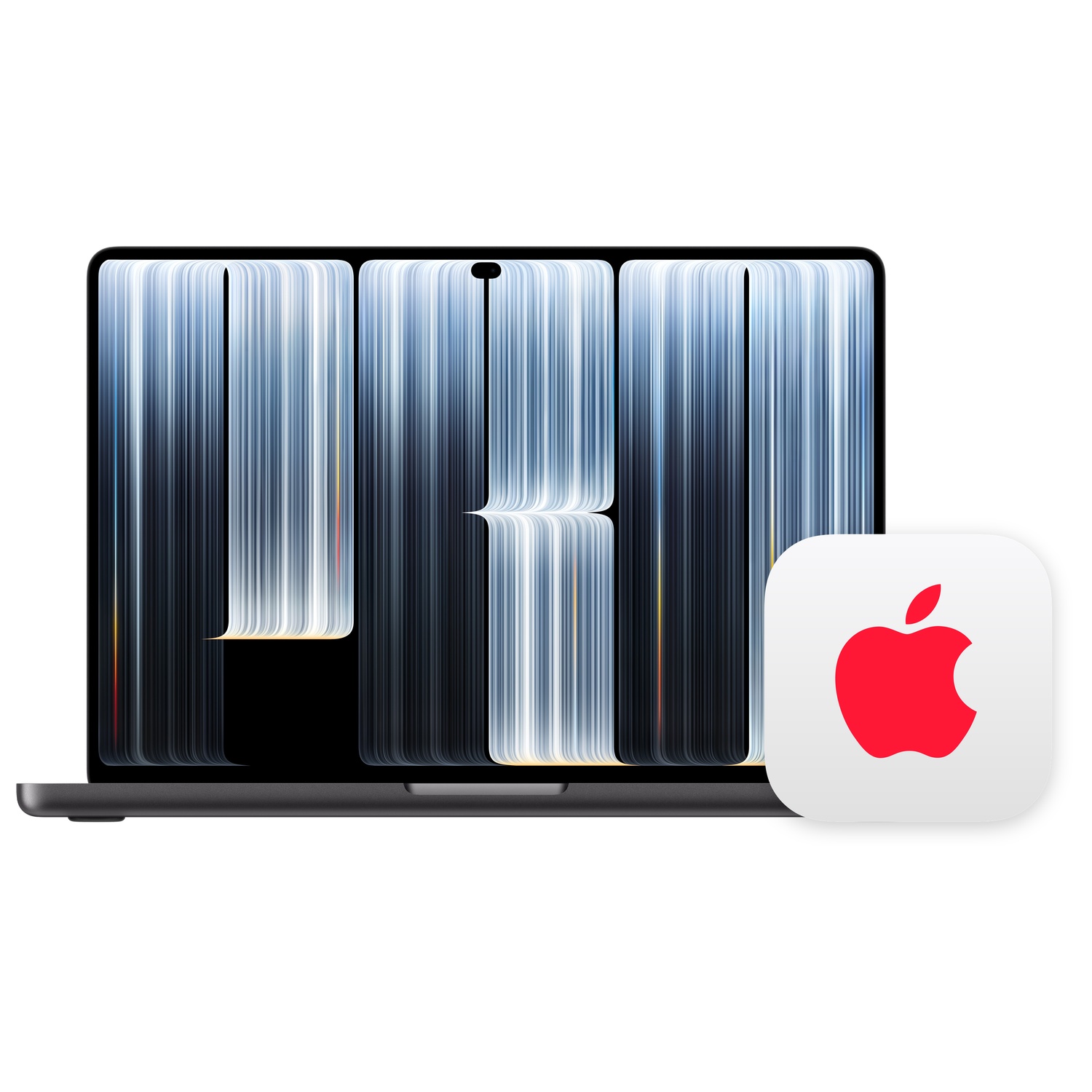
- Is the M5 Pro worth it over the base M5 14-inch MacBook Pro?
- Yes if you edit video, compile large projects or run GPU work regularly. The Pro chip adds more CPU and GPU cores and starts at 24GB of memory. For browsing, writing and light photo work, the base M5 is enough.
- How does it compare with the M5 Max?
- The Max has more GPU cores and memory bandwidth, which matters for 3D rendering, large language models and heavy multicam editing. The Pro is quieter and cheaper to configure and handles most editing and development work well.
- Can I upgrade the memory or storage later?
- No. Unified memory and the SSD are soldered to the logic board. Choose 24GB or more and the storage tier you need when you order.
- What is in the box?
- The laptop, a USB-C power adapter and a USB-C to MagSafe 3 cable. The adapter wattage depends on the configuration.
- Does it have an SD card slot and HDMI?
- Yes. The 14-inch Pro has an SDXC card slot, HDMI, three Thunderbolt ports, a headphone jack and MagSafe charging.
- How long does the battery last?
- Apple rates it for up to around 24 hours of video playback on the 14-inch Pro. Real mixed work typically lands around a full working day.
- Where is the 14-inch Macbook Pro with standard display (M5 Pro chip) cheapest?
- At Amazon, for $2,239.00, as of our latest check.
- Where can I buy the 14-inch Macbook Pro with standard display (M5 Pro chip)?
- 3 stores we checked sell it, including Amazon, ItsWorthMore, eBay.