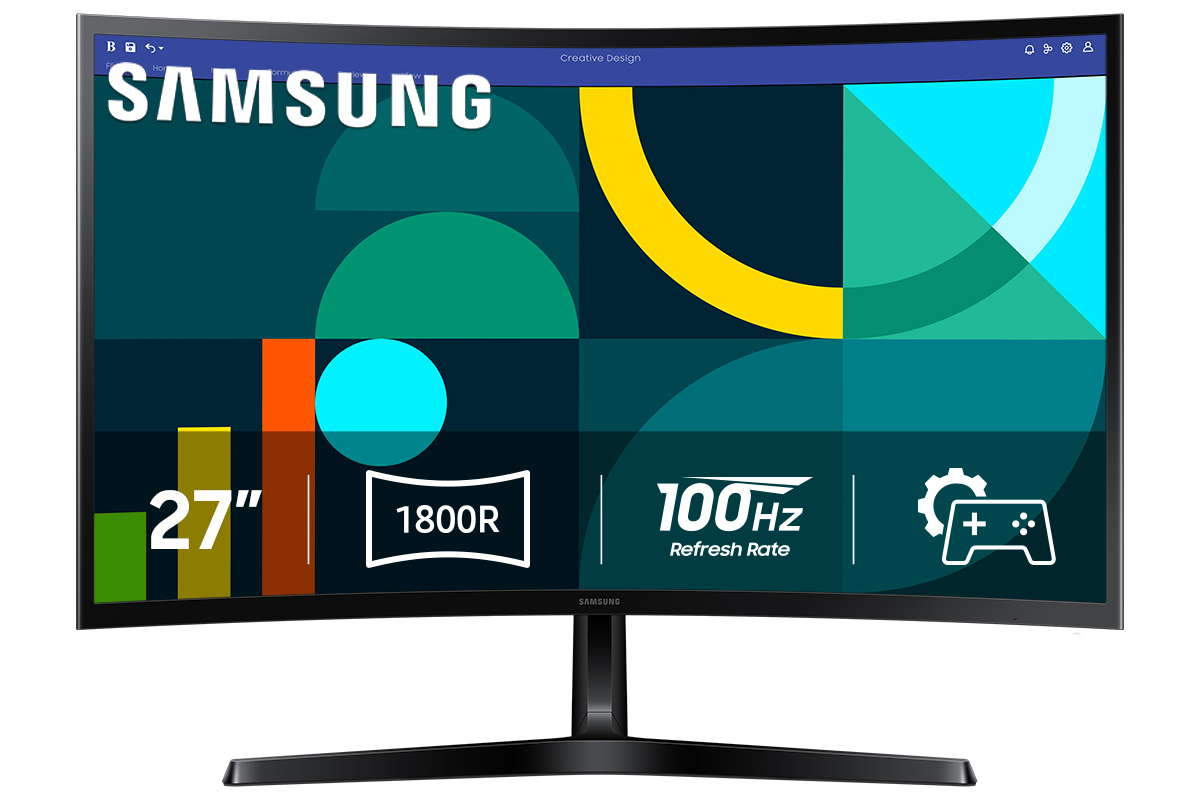
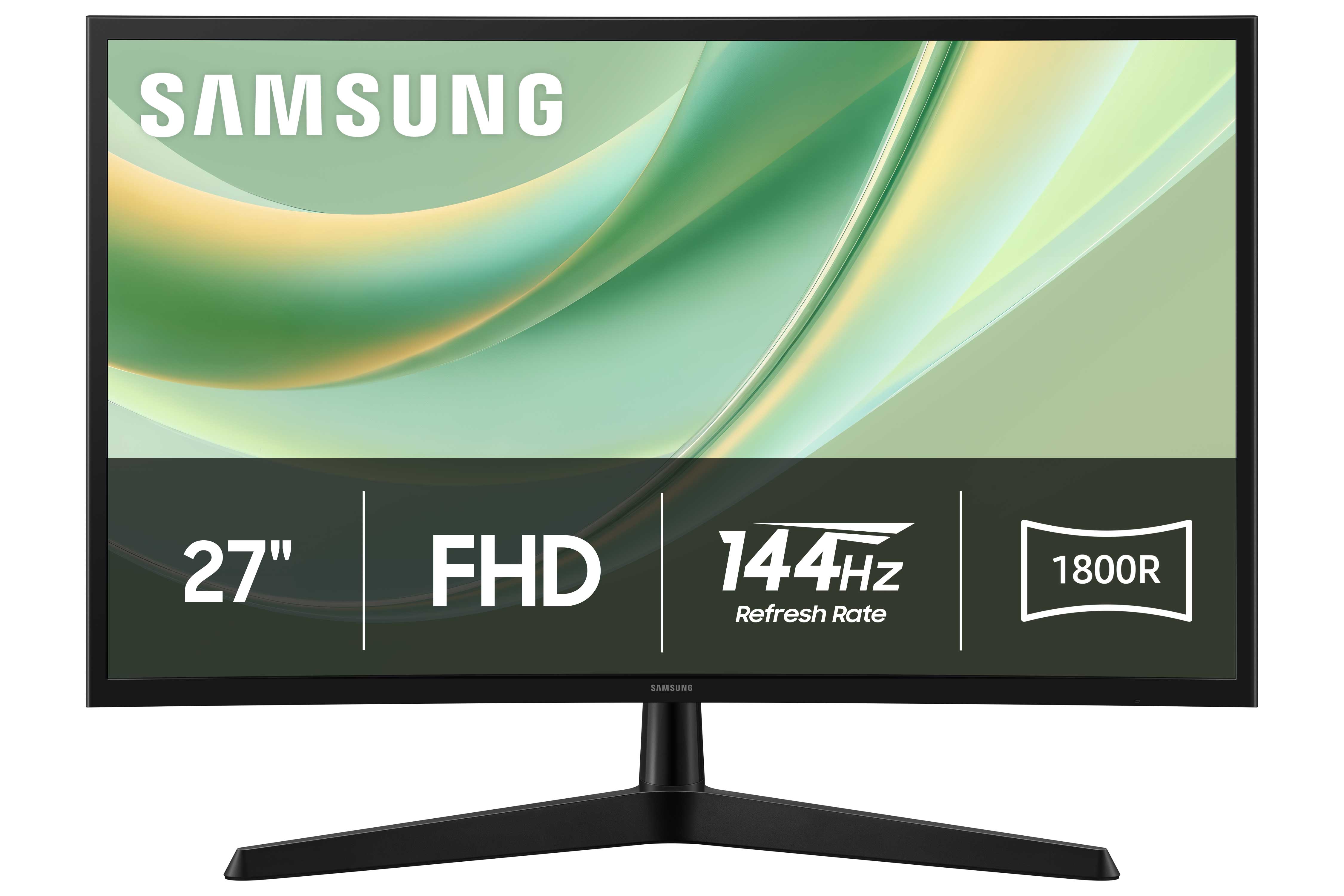
27 S3 LED FHD 100Hz Curved Monitor
Where to buy
No store is showing a current price right now. The stores below sell it; ask the agent to check today's prices.
Prices differ by screen size, and this one may be for a smaller size: check the size at the store.
Prices are checked against each store and labelled with when.
Ask our agent about this product
It checks today's price at every store, compares the alternatives and answers in about a minute.
Our take on the 27 S3 LED FHD 100Hz Curved Monitor
The Samsung 27 S3 is a 27-inch curved monitor with a full HD (1920x1080) LED panel and a 100Hz refresh rate. The curve wraps the screen slightly around your view, which Samsung says makes the edges easier to take in. It is a basic, budget-minded desktop monitor: 1080p at this size is fine for documents, browsing and video, but it is not sharp enough for serious photo work, and the 100Hz panel is smoother than a standard 60Hz screen without being a gaming display. Rivals at this tier often add height adjustment or a faster panel; the S3 keeps to the essentials.
- 27-inch curved panel wraps the view slightly
- 100Hz refresh rate is smoother than 60Hz for scrolling and motion
- Full HD resolution is easy on older or integrated graphics
- Slim, simple design that suits a desk
- 1080p is visibly soft at 27 inches
About the 27 S3 LED FHD 100Hz Curved Monitor
27 S3 LED FHD 100Hz Curved Monitor
Questions and answers
- Is 1080p sharp enough on a 27-inch screen?
- It is acceptable for documents, web browsing and video at normal desk distance, but text and fine detail look softer than on a 1440p panel of the same size. For photo editing or lots of small text, a higher resolution is better.
- Does the 100Hz refresh rate matter for gaming?
- It makes scrolling and motion smoother than a 60Hz screen, but 100Hz is modest for fast games and the panel lacks the response and sync features serious gamers look for. It suits casual play.
- Is the curve useful at 27 inches?
- Only mildly. The curve is subtle at this size and mostly a style choice; it does not noticeably improve immersion the way a large ultrawide does.
- Can I mount it on a monitor arm?
- The monitor uses a standard VESA mounting pattern, so a compatible arm or wall mount can replace the included stand. Check that your mount supports the monitor's weight.
- Does it have built-in speakers?
- No. You will need separate speakers or headphones connected to your computer.
- What connections does it have?
- It offers HDMI and VGA inputs, covering most desktops and laptops. There is no USB-C or DisplayPort.