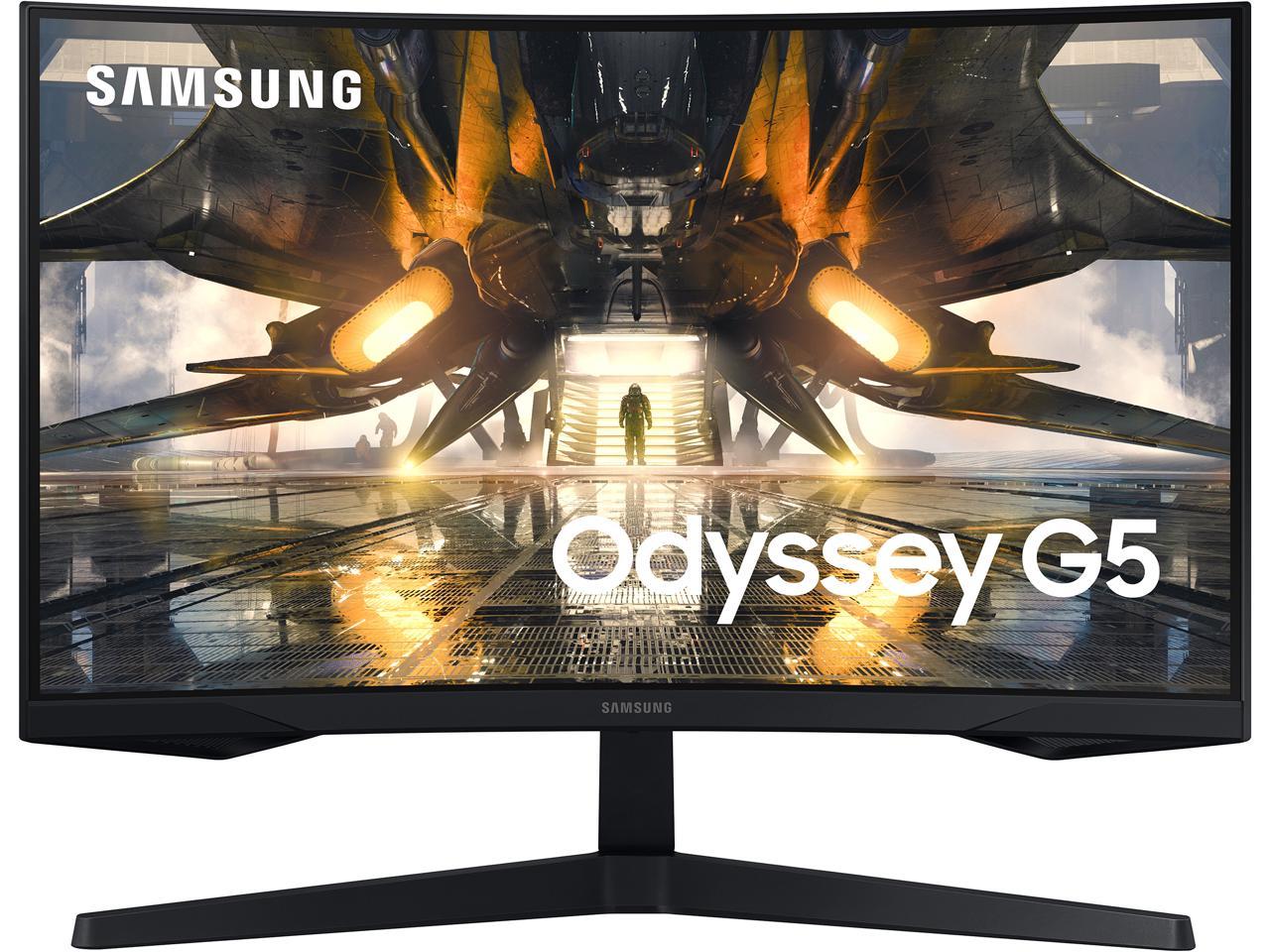
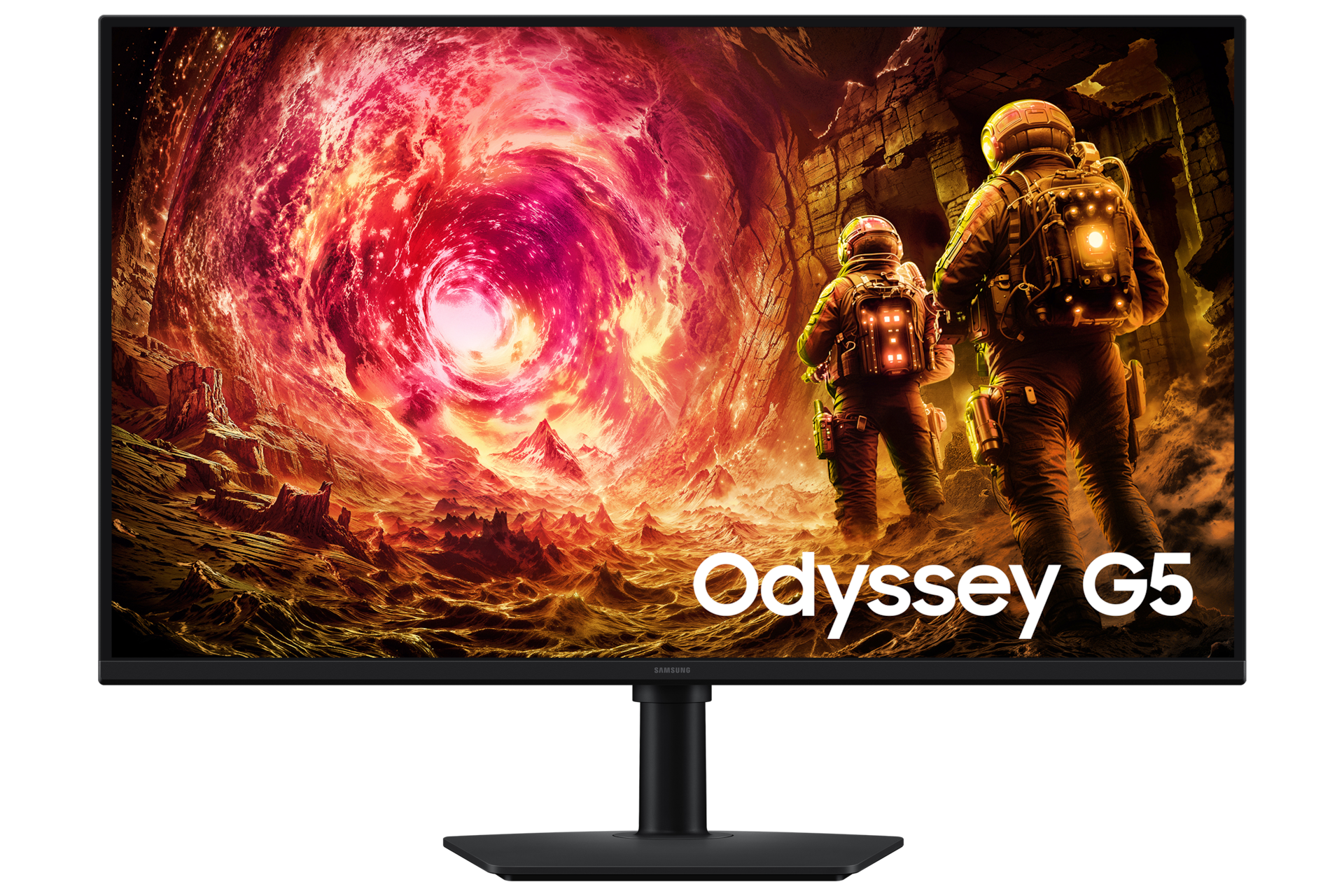
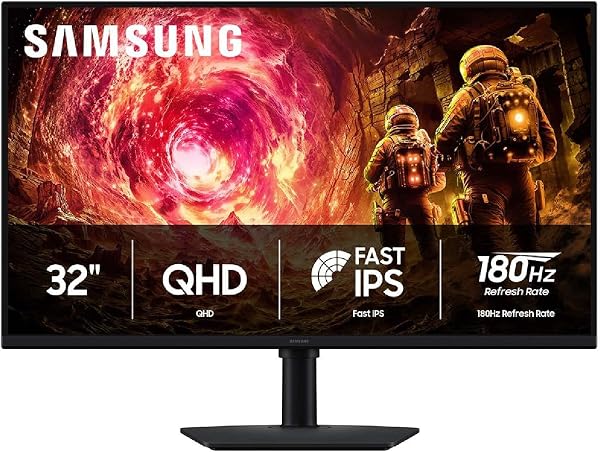
32" Samsung Odyssey G5 G50F WQHD 180Hz 1ms HDR IPS Freesync And G-SYNC Compatible Gaming Monitor
Where to buy
No store is showing a current price right now. The stores below sell it; ask the agent to check today's prices.
Prices are checked against each store and labelled with when.
Check today's price at PzDealsIn stock now from Samsung
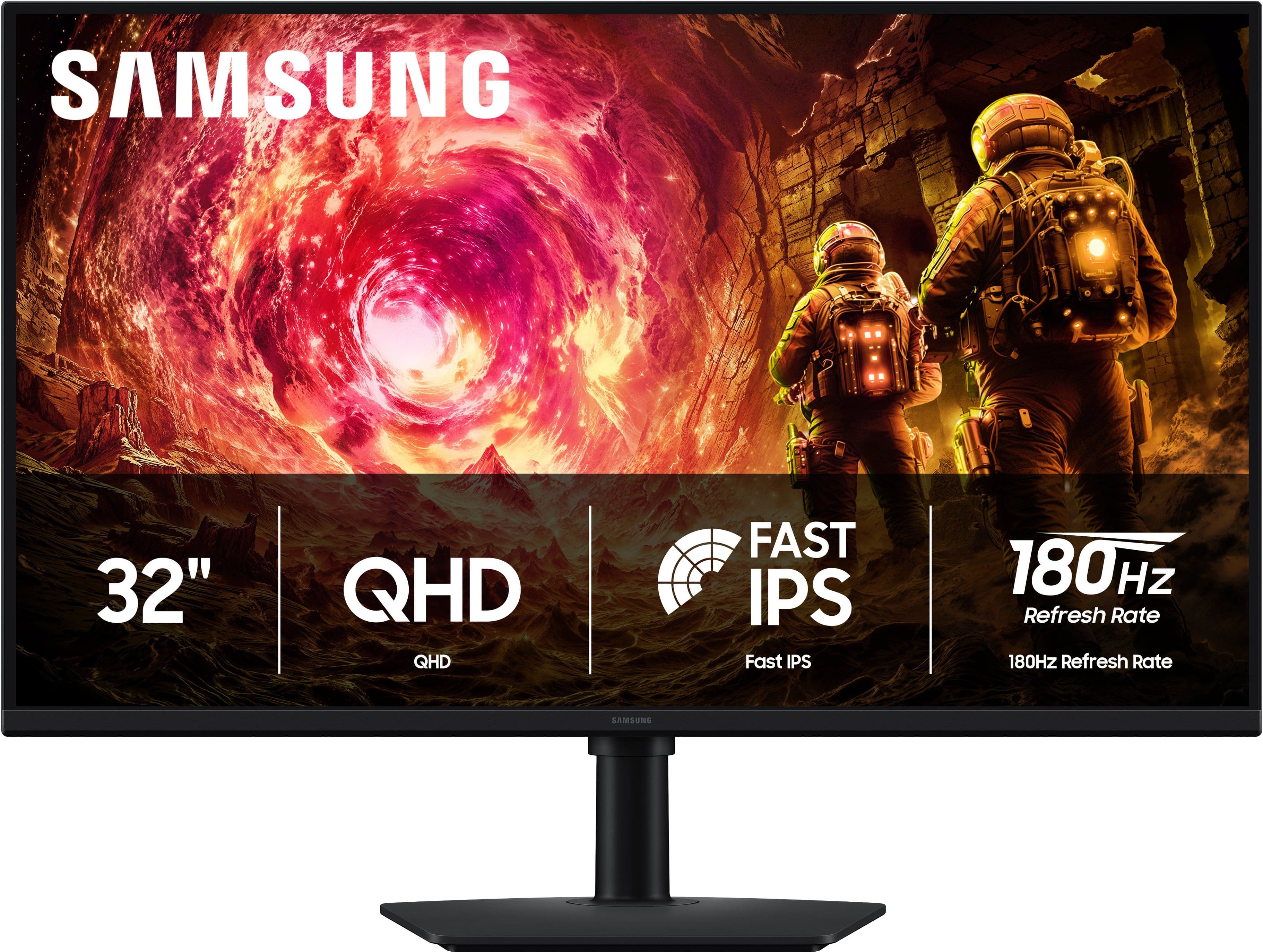
Our take on the 32" Samsung Odyssey G5 G50F WQHD 180Hz 1ms HDR IPS Freesync And G-SYNC Compatible Gaming Monitor
The Samsung Odyssey G5 G50F is a 32-inch flat gaming monitor with a WQHD (2560x1440) IPS panel, a 180Hz refresh rate and a 1ms response time. It supports AMD FreeSync and is G-SYNC compatible, and it carries HDR. The combination of a large 1440p IPS screen and a high refresh rate suits gamers who want sharp detail and smooth motion without stepping up to 4K. Against rivals, it trades the deeper blacks of VA panels for IPS color and viewing angles, and it competes with other 32-inch 1440p high-refresh models on refresh rate and adaptive sync support.
- 32-inch WQHD resolution gives sharp detail and room for multitasking
- 180Hz refresh rate with 1ms response suits fast-paced games
- IPS panel offers strong color and wide viewing angles
- FreeSync plus G-SYNC compatibility covers AMD and Nvidia cards
- HDR support adds brightness range in supported games
32" Samsung Odyssey G5 G50F WQHD 180Hz 1ms HDR IPS Freesync And G-SYNC Compatible Gaming Monitor prices at every store
- PzDealsCheck price at PzDeals
About the 32" Samsung Odyssey G5 G50F WQHD 180Hz 1ms HDR IPS Freesync And G-SYNC Compatible Gaming Monitor
• Get up to an EXTRA 20% OFF in the Woot app!
Ask our agent about this product
It checks today's price at every store, compares the alternatives and answers in about a minute.
Questions and answers
- Is this monitor good for competitive gaming?
- Yes. The 180Hz refresh rate and 1ms response time keep motion smooth, and FreeSync and G-SYNC compatibility reduce tearing. A 32-inch screen is large for close play, so desk depth matters.
- How does the IPS panel compare with VA rivals?
- IPS gives better color and wider viewing angles, while VA panels usually have deeper blacks. In dark scenes this monitor's contrast will look weaker than a VA alternative.
- Does it work with both AMD and Nvidia graphics cards?
- Yes. It supports AMD FreeSync and is G-SYNC compatible, so adaptive sync works with either brand when properly enabled.
- Is 1440p at 32 inches sharp enough?
- Yes. WQHD at 32 inches gives a pixel density that looks crisp for games and desktop work, though it is less sharp than 4K at the same size.
- What do I need to drive 180Hz at 1440p?
- You need a mid-to-high-end graphics card and a DisplayPort connection to reach the full refresh rate. Check that your GPU can hold high frame rates at 2560x1440.