- Will this work in my laptop?
- Only if your laptop takes 262-pin DDR5 SO-DIMM memory. DDR4 and DDR3 slots are physically different and will not accept it. Check your model's spec sheet for DDR5 support before buying.
- Is one 16GB stick better than two 8GB sticks?
- One 16GB stick leaves a slot free for a second module later, but it runs in single-channel. Two matched sticks give dual-channel bandwidth, which helps integrated graphics and some games.
- Do I need to change BIOS settings?
- Usually not. The module runs at JEDEC DDR5-4800 with CL40 timings, which most laptops pick up automatically. Some machines may need a BIOS update to recognize DDR5.
- Is this memory good for gaming?
- It works, but CL40 at 4800 MT/s is modest. Laptops that support faster DDR5-5600 or 6000 kits will see better frame rates with those, especially with integrated graphics.
- Does it have ECC or a heat spreader?
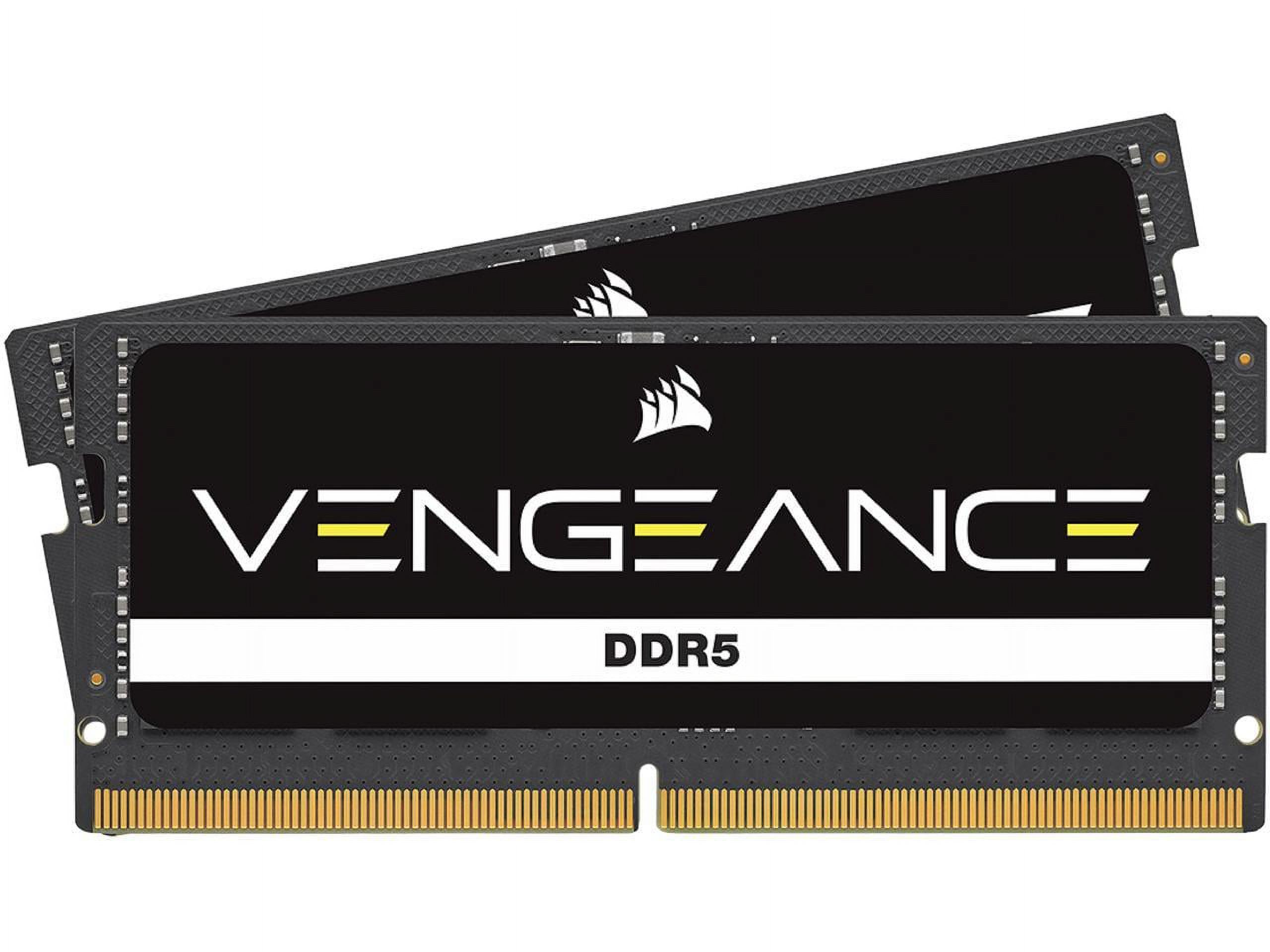
- No. It is non-ECC, unbuffered memory with a bare module and no heat spreader, which is normal for laptop SO-DIMMs.
- Can I mix it with the memory already in my laptop?
- Mixing brands and sizes can work, but matched pairs are more reliable. If you add this alongside an existing stick, keep the speed and timings the same where possible.
- Where is the A-Tech 16GB DDR5 4800MHz PC5-38400 CL40 SODIMM 1.1V Non-ECC Unbuffered SO-DIMM 262-Pin Laptop Computer RAM Memory Upgrade Module cheapest?
- At eBay, for $170.00, 26% under what the other stores charge, as of our latest check.
- Where can I buy the A-Tech 16GB DDR5 4800MHz PC5-38400 CL40 SODIMM 1.1V Non-ECC Unbuffered SO-DIMM 262-Pin Laptop Computer RAM Memory Upgrade Module?
- 3 stores we checked sell it, including A-Tech Memory, Amazon, eBay.