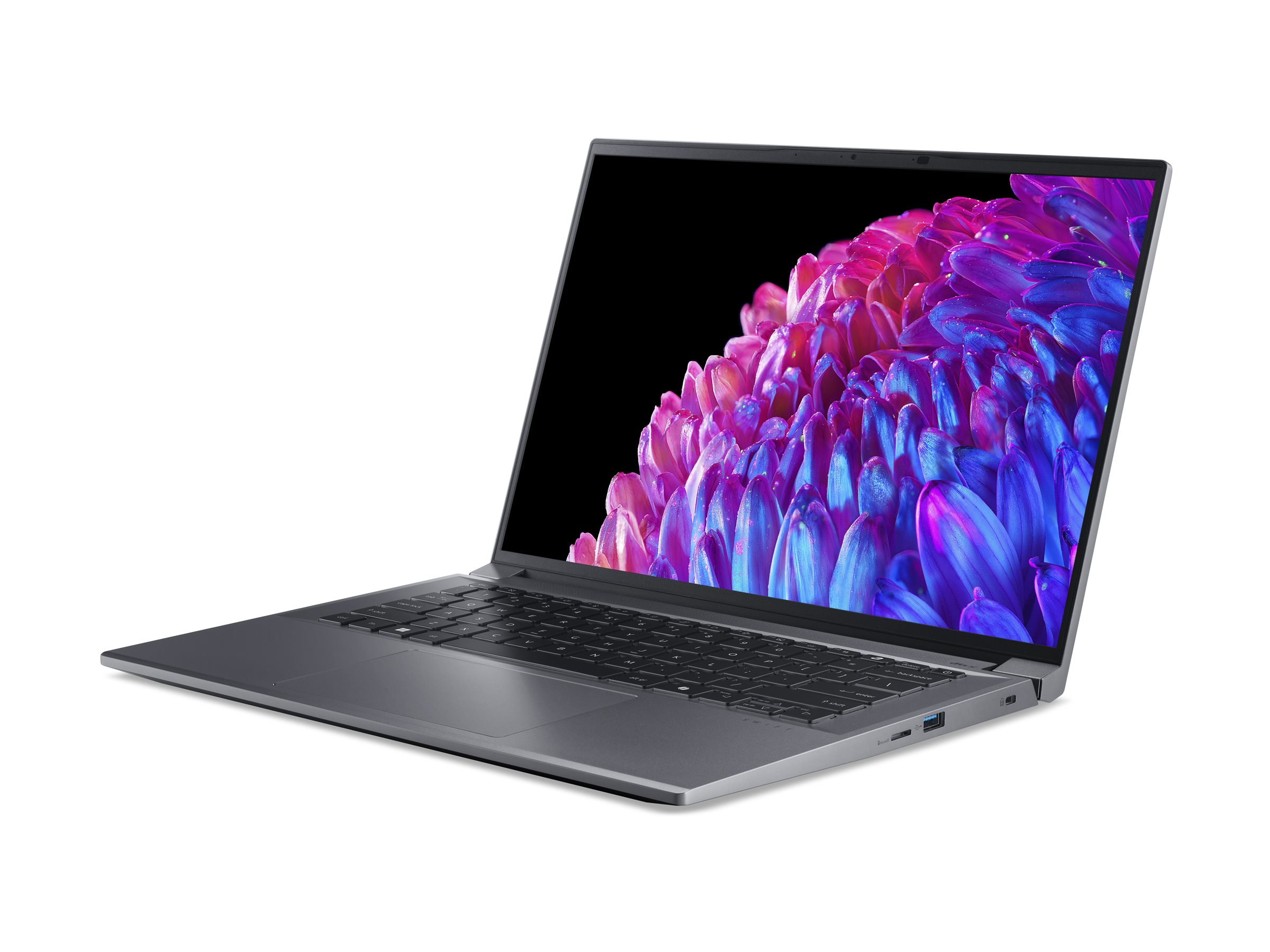
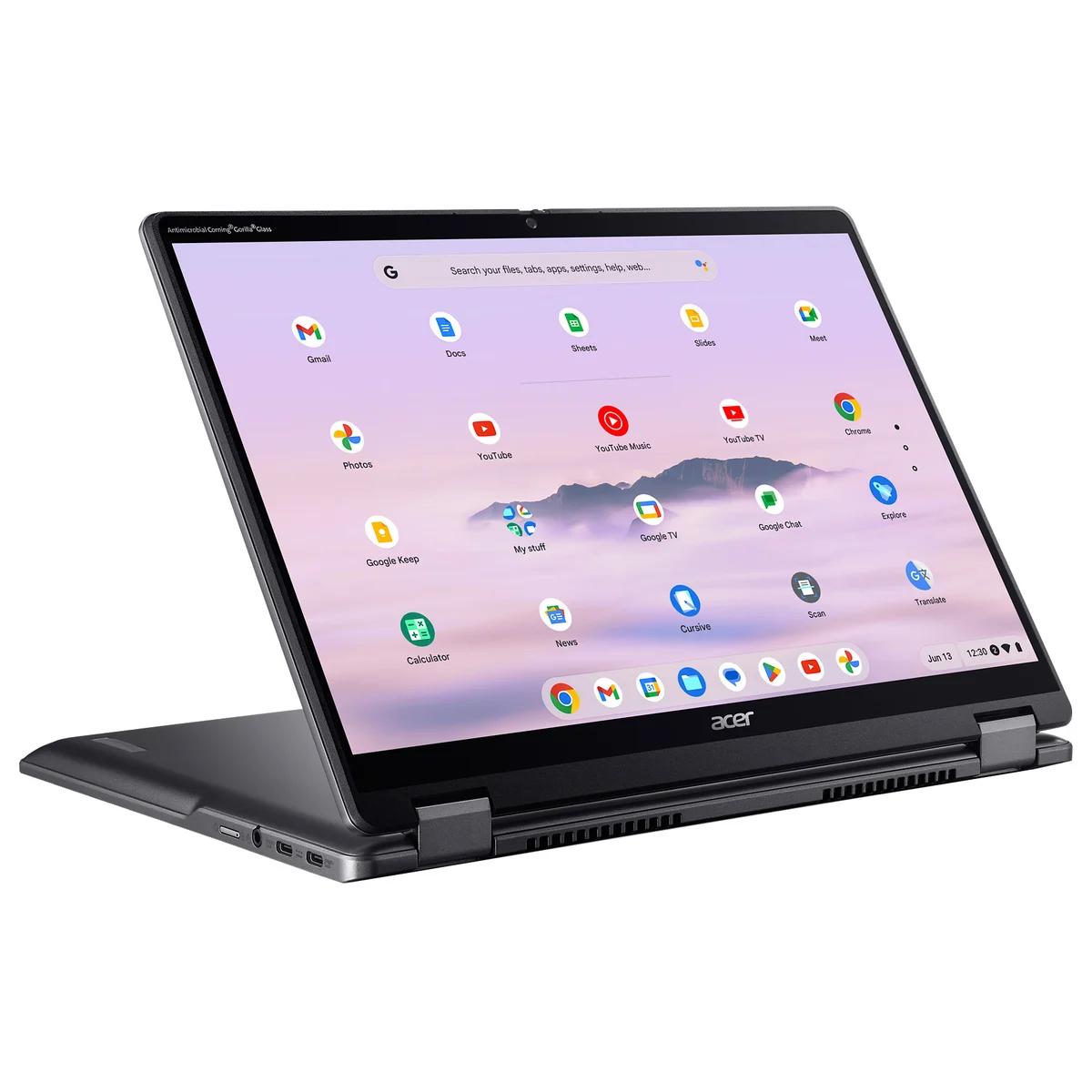
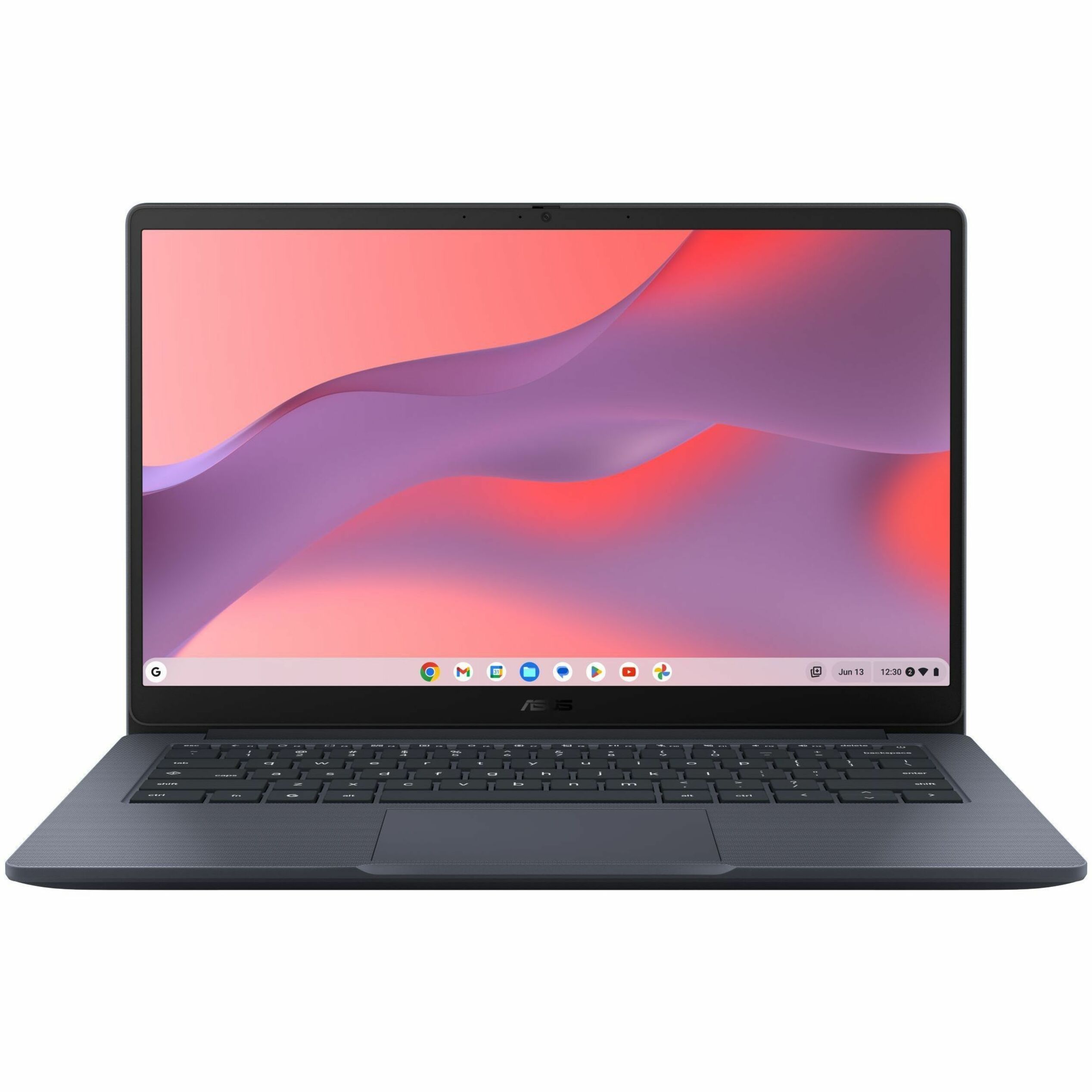
- Is the OLED screen worth it on a Chromebook?
- Yes, if screen quality matters to you. The 2880x1800 OLED panel is far sharper and more colorful than the 1080p LCDs on most Chromebooks, and the 120Hz refresh rate makes scrolling smoother.
- Can it run Windows apps?
- No. It runs ChromeOS, so you use the Chrome browser, Android apps from Google Play and Linux apps. Windows programs need a Windows laptop or a remote desktop.
- Is 16GB of RAM enough?
- Yes, and it is more than most Chromebooks offer. ChromeOS is light, so 16GB leaves plenty of room for many browser tabs and Android apps at once.
- How does it compare with a MacBook Air?
- The Acer has a sharper OLED touchscreen and a 2-in-1 hinge, but ChromeOS cannot run macOS software. The MacBook Air suits people who need desktop apps; this suits browser-first users.
- What is in the box?
- The laptop and its charger. A stylus is not included, so check whether the model you buy supports one before relying on pen input.
- Is the 512GB SSD enough?
- For most Chromebook use, yes. Files and Android apps take little space, and ChromeOS backs up to the cloud, so 512GB is generous compared with the 64GB or 128GB common on cheaper models.
- Where is the Acer Chromebook 14-inch 2-in-1 cheapest?
- At Best Buy, for $899.00, as of our latest check.