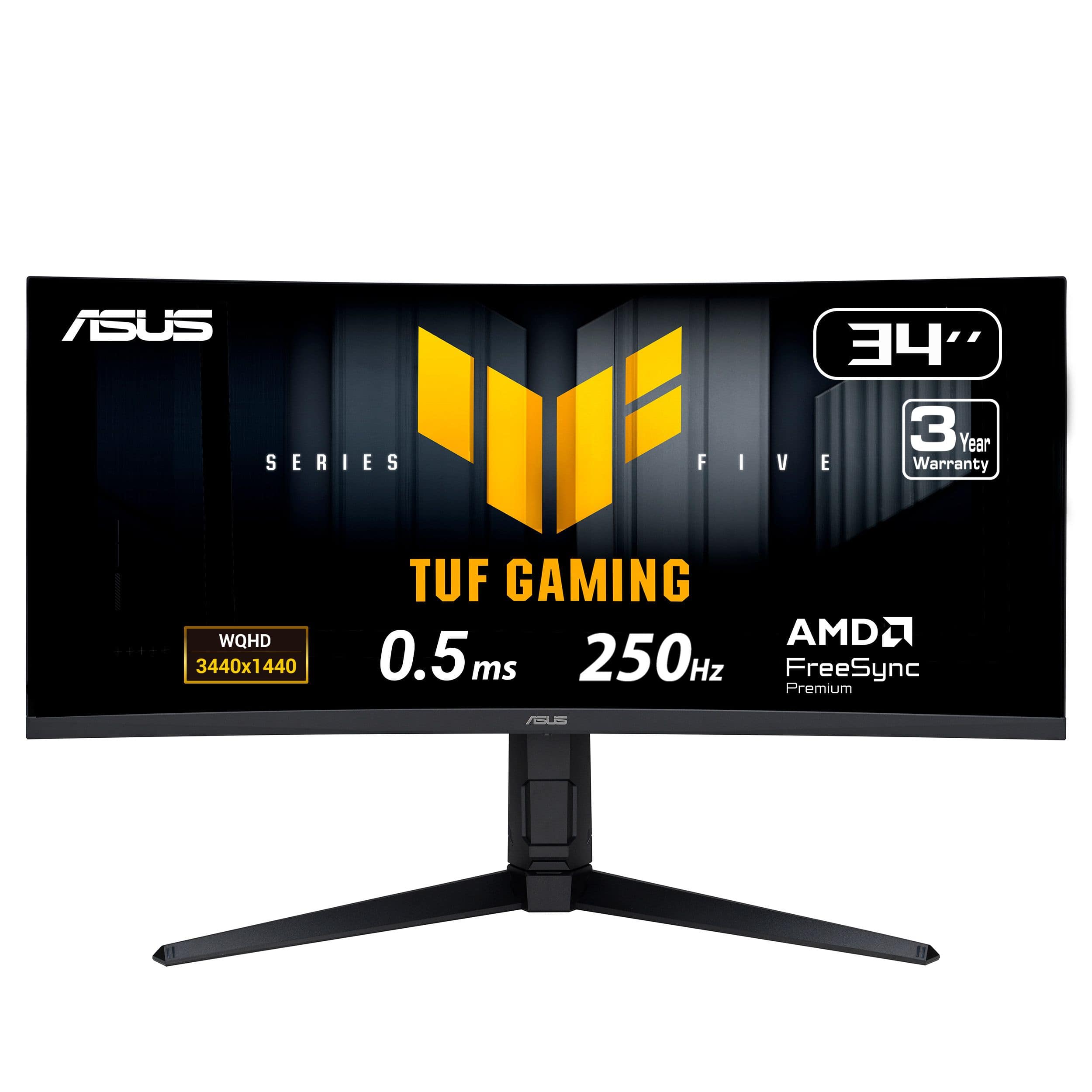
Acer Nitro 34 Gaming Monitor
Where to buy
No store is showing a current price right now. The stores below sell it; ask the agent to check today's prices.
Prices differ by screen size, and this one may be for a smaller size: check the size at the store.
Prices are checked against each store and labelled with when.
In stock now from Acer

Our take on the Acer Nitro 34 Gaming Monitor
The Acer Nitro XZ340CUR is a 34-inch curved ultrawide gaming monitor with 3440x1440 resolution and AMD FreeSync Premium. It aims to deliver smooth, tear-free gameplay and immersive viewing for gamers and multitaskers. Compared to rivals, it offers a fast response time and high contrast ratio, but its VA panel may show slower pixel response than IPS alternatives. Reviewers often praise its value and immersive curve, while some note motion blur in fast scenes.
- 3440x1440 ultrawide resolution
- AMD FreeSync Premium support
- 1500R curve for immersion
- High 100,000,000:1 contrast ratio
- Fast response time
- VA panel can show smearing in dark scenes
- Stand may lack height adjustment
What reviewers say
Owners appreciate the immersive curve and smooth FreeSync gameplay, but some report noticeable black smearing and a basic stand.
- Panel smearingCriticisedReviewers note visible dark smearing in fast-moving scenes due to the VA panel.
- CurvePraisedThe 1500R curve is often called immersive for games and movies.
- FreeSyncPraisedFreeSync Premium is said to eliminate tearing and stutter with AMD cards.
Ask our agent about this product
It checks today's price at every store, compares the alternatives and answers in about a minute.
Questions and answers
- Is the Acer Nitro XZ340CUR good for gaming?
- Yes, it offers a 3440x1440 ultrawide resolution, FreeSync Premium, and a fast response time, making it suitable for immersive gaming. However, its VA panel may show smearing in fast-paced titles.
- Does it work with NVIDIA graphics cards?
- It is AMD FreeSync Premium certified, but many NVIDIA cards support FreeSync over DisplayPort as G-Sync Compatible. Check NVIDIA's compatibility list for your specific card.
- What is the refresh rate?
- The refresh rate is not specified in the provided description. You may need to check the manufacturer's specifications for exact figures.
- Does it have built-in speakers?
- The description does not mention built-in speakers. Assume no speakers are included unless confirmed by the manufacturer.
- What ports does it have?
- Ports are not listed in the description. Typically, monitors in this class include HDMI and DisplayPort, but verify with the manufacturer.
- Is it VESA mount compatible?
- VESA compatibility is not stated in the description. Many monitors offer a 100x100mm pattern, but check the product manual for confirmation.