Acer Nitro KG251Q Z1biip 24.5 Gaming Monitor
Last price we saw
Prices change often: ask the agent below to check today's price at every store.
Prices differ by screen size, and this one may be for a smaller size: check the size at the store.
Prices are checked against each store and labelled with when.
Ask our agent about this product
It checks today's price at every store, compares the alternatives and answers in about a minute.
In stock now from Acer
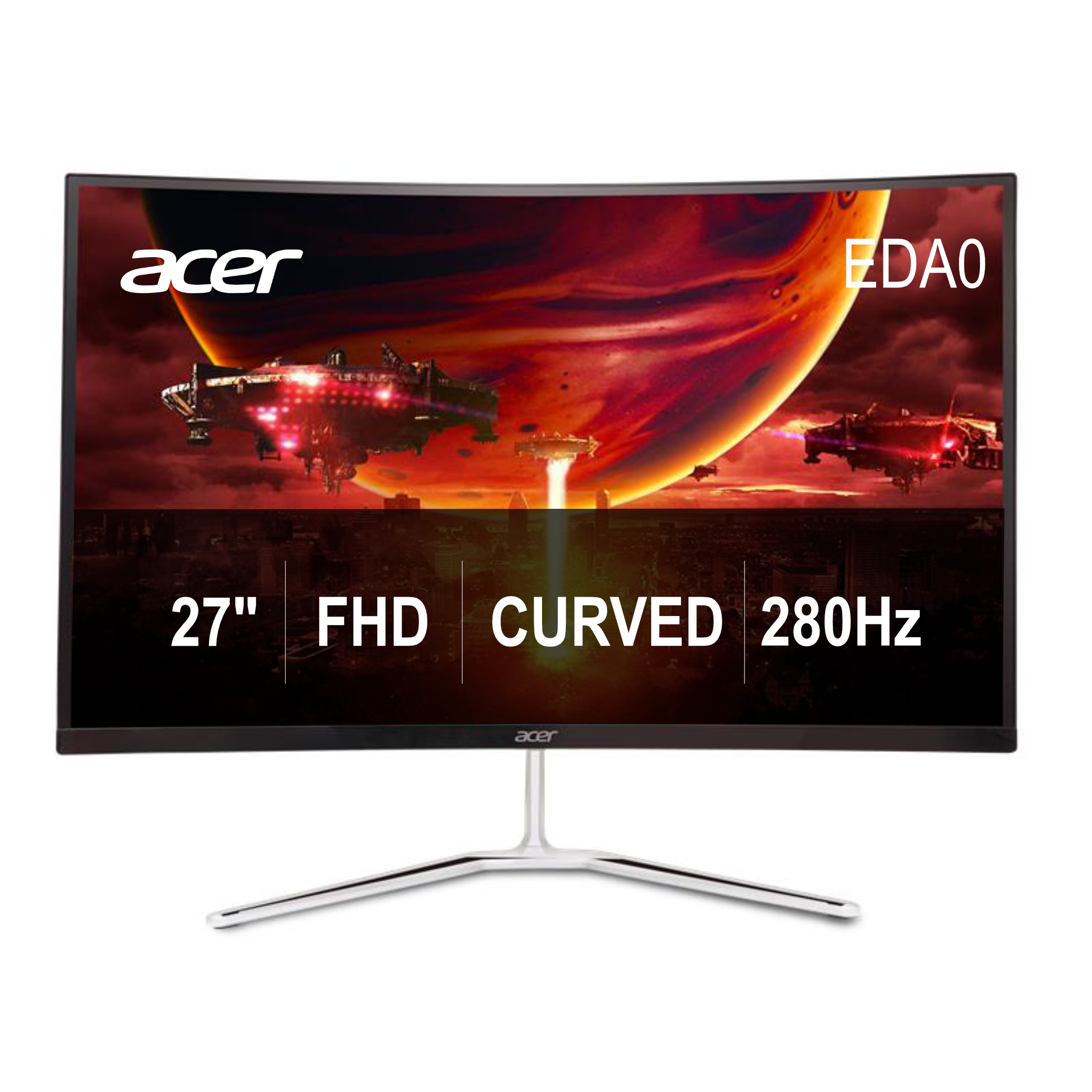
Our take on the Acer Nitro KG251Q Z1biip 24.5 Gaming Monitor
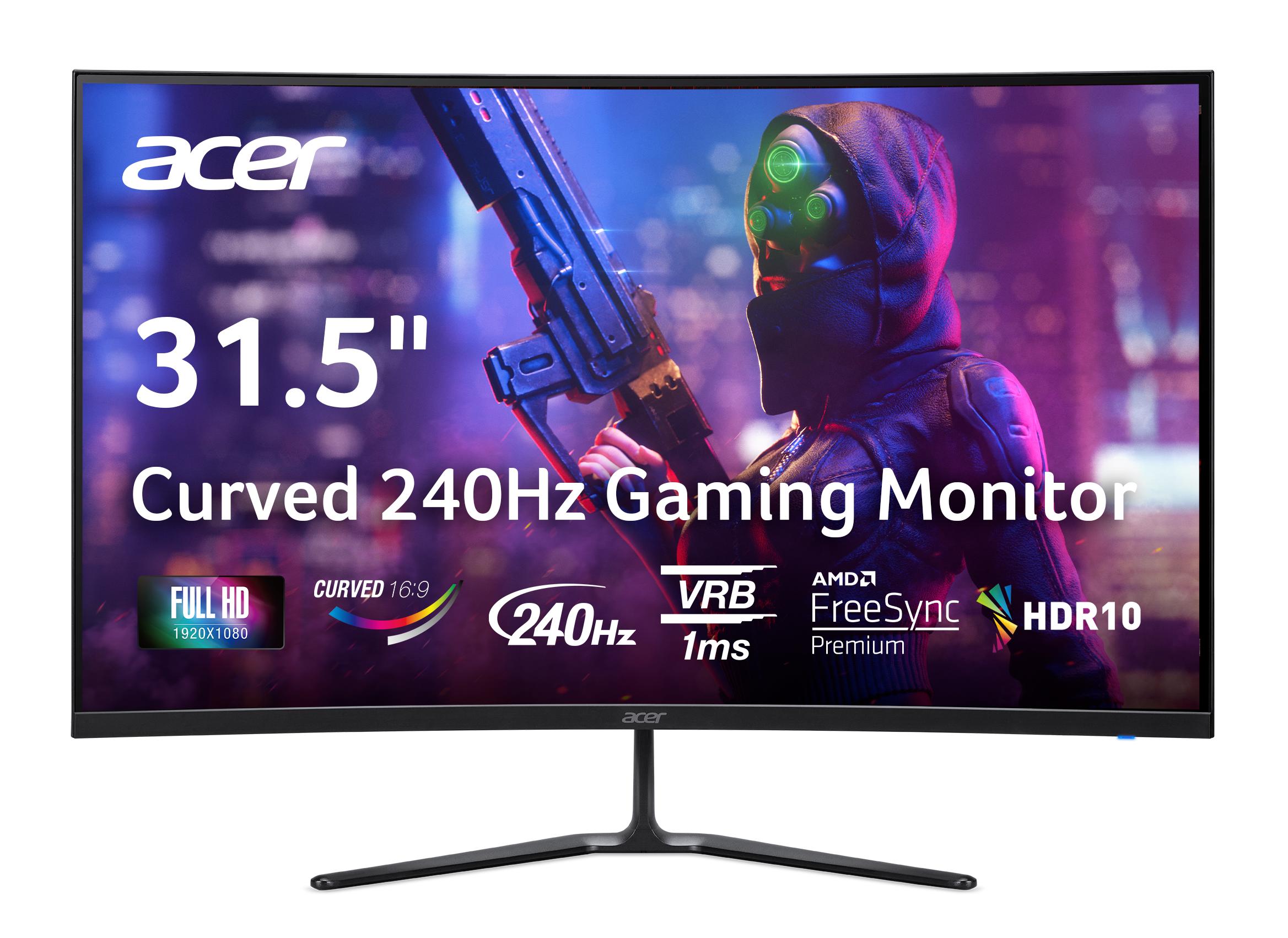
The Acer Nitro KG251Q Z1biip is a 24.5-inch Full HD gaming monitor built around a fast TN-class panel with a 1 ms response time. It targets competitive players who want smooth motion and low input lag at 1080p rather than color accuracy or HDR. Its 24.5-inch size is the common esports sweet spot, and the 16:9 1920x1080 resolution is easy to drive with a mid-range graphics card. Compared with IPS rivals at this size, it favors speed and price over viewing angles and color depth, and it skips extras like USB hubs, HDR and pivot adjustment.
- 1 ms response time suits fast-paced shooters
- 24.5-inch 1080p panel is the esports standard size
- Easy to drive with modest graphics cards
- HDMI input covers consoles and laptops
- Simple, lightweight black design
What reviewers say
Owner feedback on the Nitro KG251Q line is generally positive for its speed and value as a budget gaming screen, with complaints centered on picture quality and stand flexibility.
- MotionPraisedOwners say fast movement looks clean and the screen feels responsive in shooters.
- Picture qualityCriticisedColors and contrast are described as basic, and viewing angles shift off-center.
- StandCriticisedThe stand offers little height or pivot adjustment, so positioning is limited.
Questions and answers
- Is this monitor good for competitive shooters?
- Yes. The 1 ms response time and 1080p 24.5-inch panel are aimed at fast-paced games, where smooth motion matters more than color accuracy.
- Does it have HDR or USB ports?
- No. It has no HDR and no USB hub, so plan on HDMI only for video input and no built-in peripherals.
- Can I rotate it to portrait?
- No. The stand does not pivot 90 degrees, so portrait use would need a separate VESA mount or arm.
- Is 1080p enough at 24.5 inches?
- For gaming, yes. 1080p is easy to drive and sharp enough at this size, though text is less crisp than on a 1440p screen.
- How does it compare with IPS gaming monitors?
- It trades IPS color and viewing angles for speed and simplicity. If you edit photos or watch from an angle, an IPS panel is the better fit.