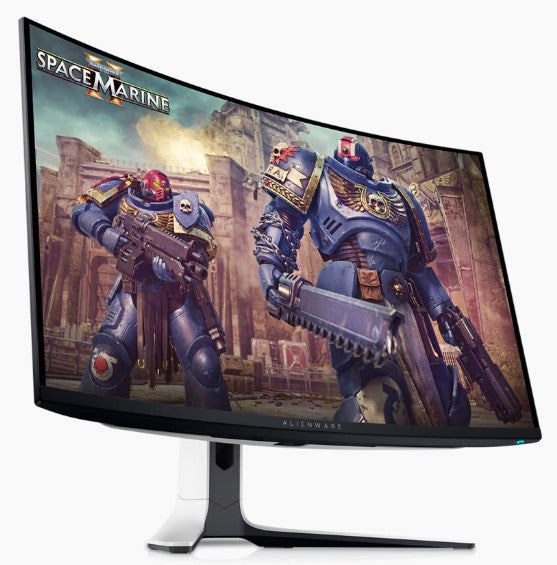
- Is the AW3821DW worth it over a 34-inch ultrawide?
- The extra height and width of 3840x1600 give noticeably more screen than 3440x1440. If you want one big screen for work and games, it is the stronger pick; a 34-inch is easier to drive and takes less space.
- Can my graphics card drive 3840x1600 at 144 Hz?
- It is easier to drive than 4K, but still demanding. A current high-end card is needed for high frame rates in demanding titles; G-Sync smooths lower frame rates.
- Does it work well with a PS5 or Xbox Series X?
- It works, but consoles are limited by the HDMI version and will not reach the panel's full refresh at this resolution. It is best treated as a PC monitor.
- What is in the box?
- The monitor, its stand, a power cable and DisplayPort and HDMI cables are included, along with the usual documentation.
- Is the curve a problem for office work?
- Most owners adjust quickly, and the gentle curve keeps the wide screen comfortable at close range. Straight-line work like spreadsheets takes a short adjustment.
- Does it have USB ports and cable management?
- Yes, it has a USB hub and a rear cable-routing channel in the stand.
- Where is the Alienware 38 Gaming Monitor AW3821DW cheapest?
- At MAVROLERT, for $2,054.00, as of our latest check.
- What do buyers say about the Alienware 38 Gaming Monitor AW3821DW?
- Rated 5 out of 5 from 70,042 ratings.