Alienware AW3225QF 32" Curved 4K HDR 240Hz 0.03ms QD-OLED G-Sync Gaming Monitor
Where to buy
No store is showing a current price right now. The stores below sell it; ask the agent to check today's prices.
Prices are checked against each store and labelled with when.
Check today's price at PzDealsIn stock now from Alienware


Our take on the Alienware AW3225QF 32" Curved 4K HDR 240Hz 0.03ms QD-OLED G-Sync Gaming Monitor
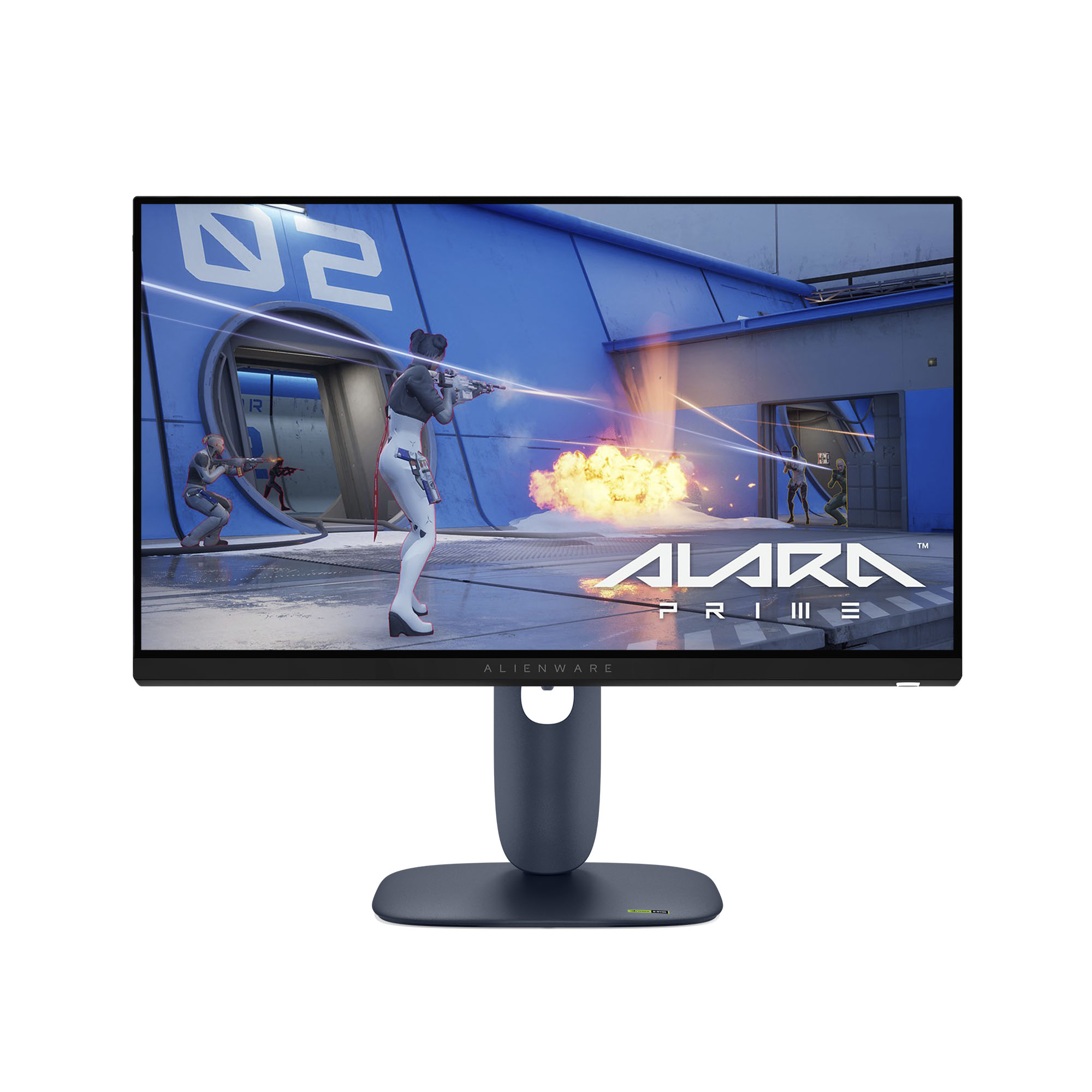
The Alienware AW3225QF is a 32-inch curved 4K gaming monitor built on a QD-OLED panel. It runs at 240Hz with a 0.03ms response time and supports G-Sync, so motion stays smooth and blur is minimal. The curved shape and OLED contrast suit immersive single-player games and fast competitive play alike. Against other 4K OLED monitors it stands out for its aggressive curvature and high refresh rate; its main trade-offs are OLED burn-in risk and a curve some desktop users dislike.
- QD-OLED panel with near-infinite contrast and deep blacks
- 4K resolution at 240Hz for sharp, fast motion
- 0.03ms response time keeps ghosting minimal
- G-Sync support smooths variable frame rates
- Curved screen adds immersion in games
Alienware AW3225QF 32" Curved 4K HDR 240Hz 0.03ms QD-OLED G-Sync Gaming Monitor prices at every store
- PzDealsCheck price at PzDeals
What reviewers say
Owners and reviewers treat it as one of the best 4K gaming monitors available, praising OLED contrast and 240Hz speed. Complaints center on the curve for productivity and on burn-in worries.
- Picture qualityPraisedReviewers highlight deep blacks and vivid color from the QD-OLED panel.
- Motion and refreshPraisedThe 240Hz refresh and fast response are called excellent for competitive games.
- CurveMixedSome like the immersion; others find the curve distracting for desktop work.
Ask our agent about this product
It checks today's price at every store, compares the alternatives and answers in about a minute.
Questions and answers
- Is the Alienware AW3225QF good for both gaming and work?
- It is excellent for gaming thanks to 4K at 240Hz and OLED contrast. For work, the curve and burn-in risk make it less ideal than a flat LCD for long spreadsheet or design sessions.
- Does it support G-Sync and FreeSync?
- It supports G-Sync, which pairs with Nvidia cards for tear-free variable refresh. AMD cards can still drive it at high refresh, but G-Sync is the headline feature.
- Is OLED burn-in a real concern?
- Yes. Static elements like taskbars and HUDs can leave marks over long periods. Use screen savers, hide the taskbar and vary content to reduce risk.
- What connections does it have?
- It offers HDMI and DisplayPort inputs plus USB hub ports, enough for a PC and a console. Check the exact port mix for your setup.
- How does it compare with a 4K 144Hz IPS monitor?
- The OLED gives far better contrast and faster response, and 240Hz beats 144Hz for motion. An IPS panel avoids burn-in and can be brighter in a lit room.