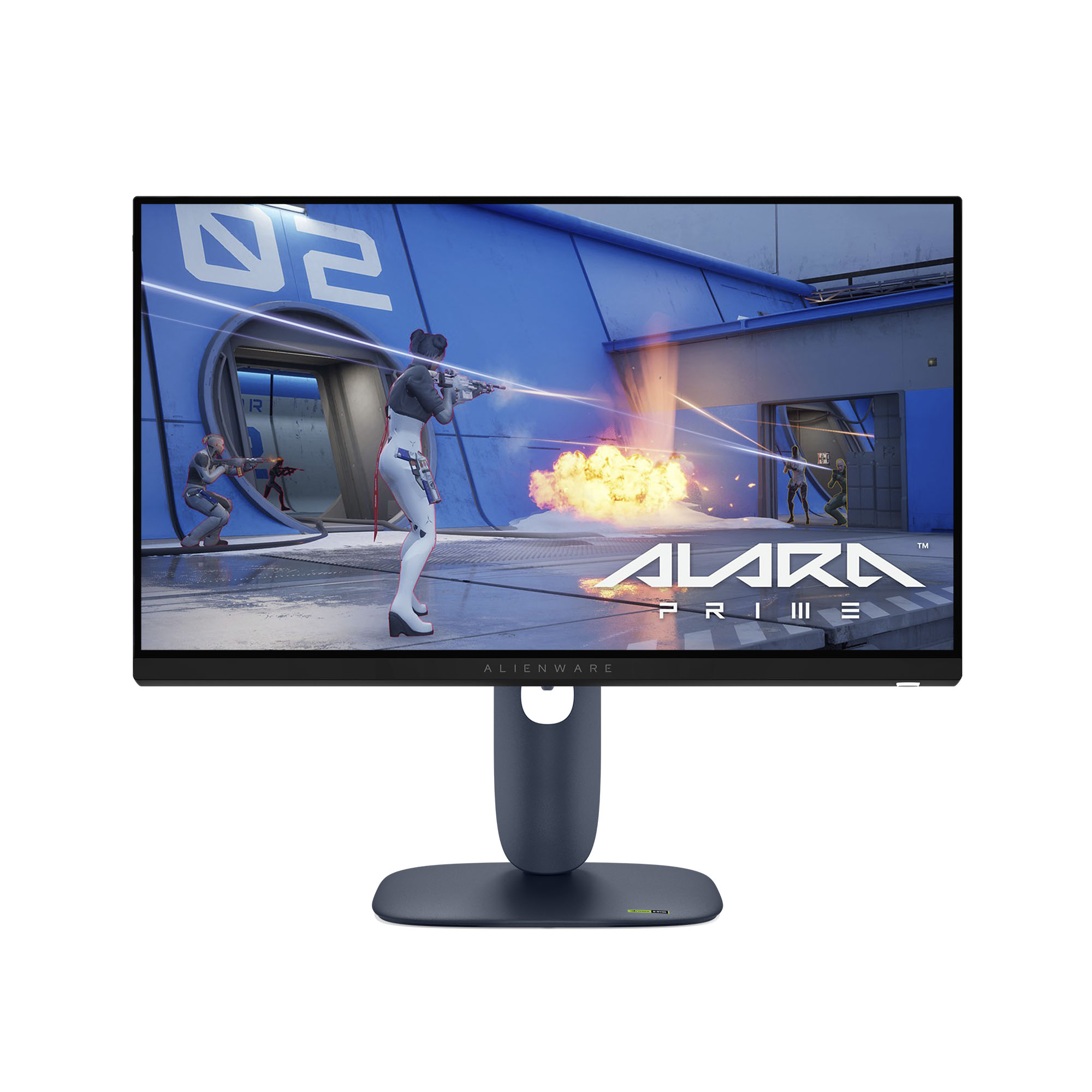
Alienware Monitor 32 4K UHD
Last price we saw
Prices change often: ask the agent below to check today's price at every store.
Prices differ by screen size, and this one may be for a smaller size: check the size at the store.
Prices are checked against each store and labelled with when.
Ask our agent about this product
It checks today's price at every store, compares the alternatives and answers in about a minute.
In stock now from Alienware


Our take on the Alienware Monitor 32 4K UHD
The Alienware 32 is a 32-inch 4K gaming monitor built on an OLED panel. OLED gives it per-pixel contrast, near-instant response and wide viewing angles that IPS and VA rivals at this size cannot match. It suits gamers and mixed-use desktop buyers who want deep blacks and sharp 4K detail. The trade-offs are the ones OLED always brings: static interface elements can burn in over long sessions, and full-screen brightness is lower than on bright LCD panels.
- Per-pixel contrast with true blacks
- Very fast pixel response and low motion blur
- 4K sharpness at a comfortable 32-inch size
- Wide viewing angles with little color shift
- Slim OLED panel design
- Risk of burn-in from static HUDs and taskbars
What reviewers say
Owners of 32-inch 4K OLED gaming monitors praise the contrast, motion clarity and color, and most say it is a clear step up from IPS. The recurring complaints are burn-in worry, brightness in bright rooms and the higher cost of OLED.
- ContrastPraisedOwners say the per-pixel blacks make dark games and movies look far better than on IPS or VA panels.
- MotionPraisedFast-paced games look clear, with little of the smearing LCD owners are used to.
- Burn-inCriticisedBuyers worry about static HUDs and taskbars leaving marks over long use.
Questions and answers
- Is OLED worth it over a 4K IPS monitor?
- Yes if contrast and motion matter most to you. OLED gives true blacks and faster pixels; IPS is brighter and has no burn-in risk.
- Can a 32-inch 4K OLED burn in?
- It can, as any OLED can. Static logos, taskbars and HUDs left on screen for long stretches are the main risk, so vary content and use screen-off timers.
- Is 4K at 32 inches sharp enough for desktop work?
- Yes. 4K at 32 inches gives a dense pixel pitch that keeps text and UI crisp, though some OLED subpixel layouts can show slight color fringing on text.
- Does it suit consoles as well as a PC?
- Yes. The 4K resolution and fast OLED response work well with current consoles, and the panel handles both gaming and video well.
- How is it for bright rooms?
- It is usable, but full-screen brightness is lower than on bright LCD monitors, so a room with strong window light will show the difference.
- What should I check before buying?
- Confirm your GPU or console can drive 4K at the refresh rate you want, and plan desk placement so you avoid static elements sitting in one spot.