- What does the display show?
- It shows the live charging power in watts, so you can see how much the connected device is drawing. It is a readout, not a touchscreen or settings menu.
- Can it charge a laptop?
- It can slow-charge or top up some USB-C laptops, but 45W is below what most laptops need under load. For a laptop as the main device, a higher-wattage charger is the better fit.
- Does it come with a cable?
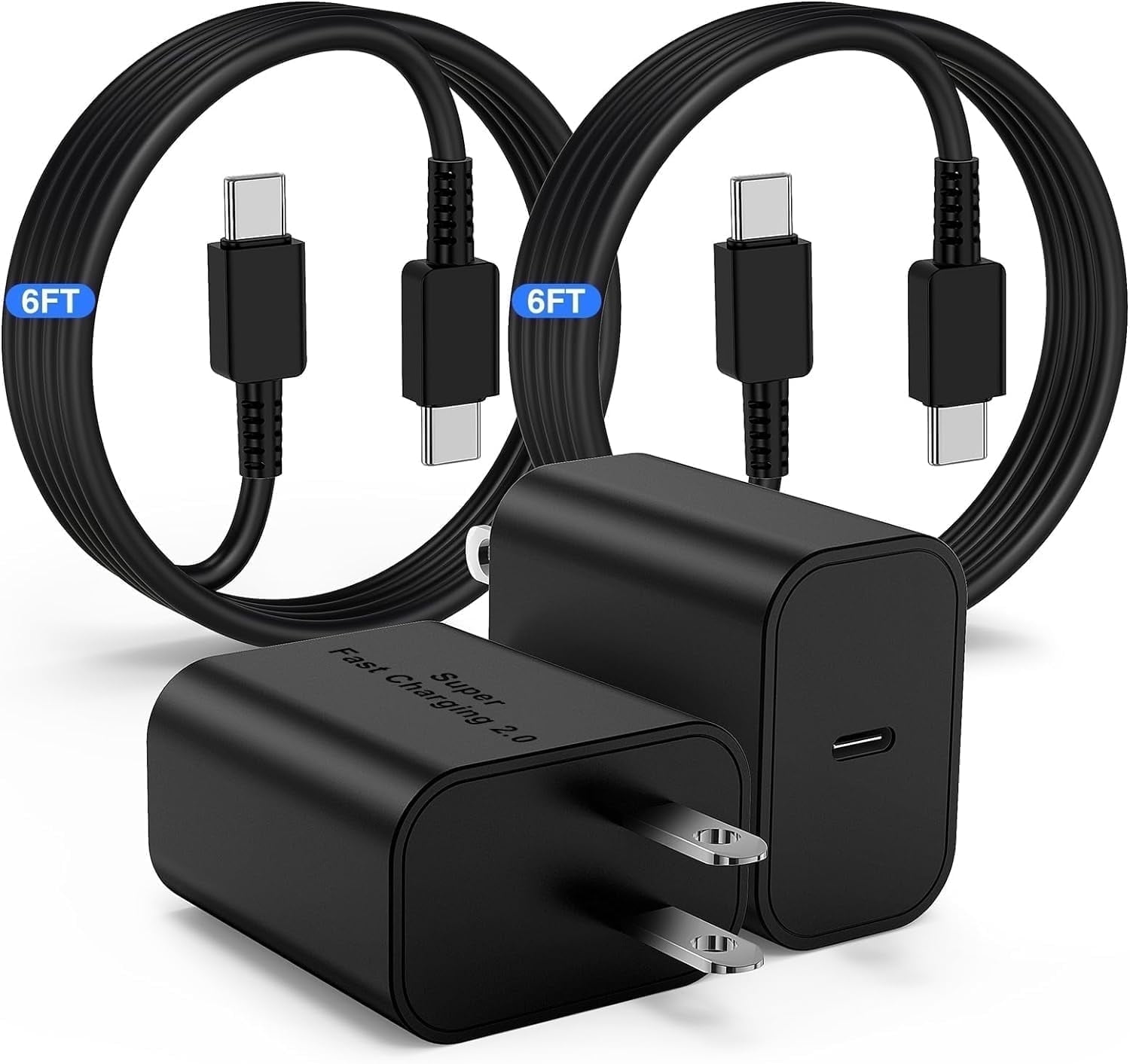
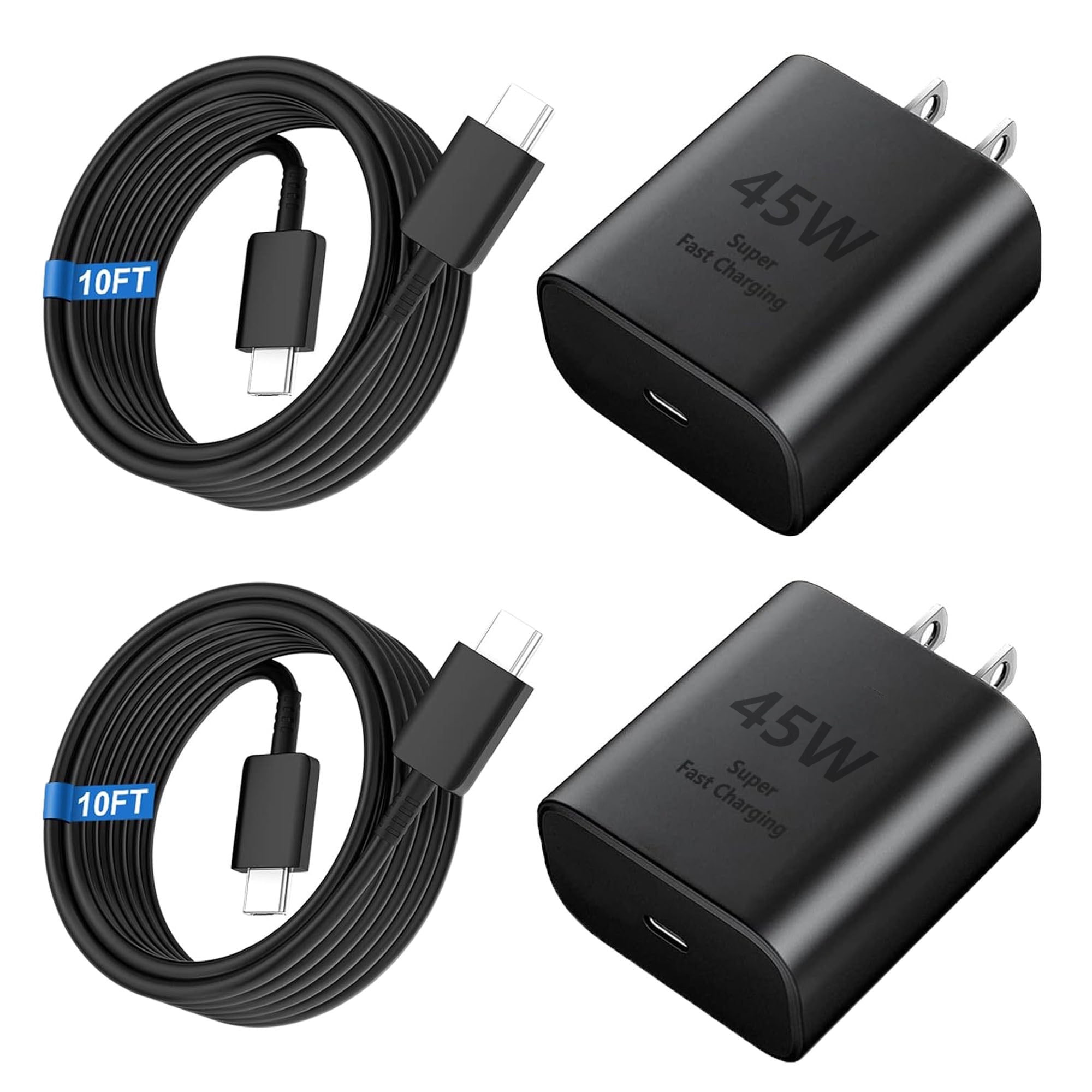
- No. The charger ships as a wall adapter only, so you need your own USB-C cable. Any USB-C to USB-C cable rated for 45W or more will work.
- Can I charge two devices at once?
- No. There is a single USB-C port, so only one device charges at a time. If you regularly charge a phone and earbuds together, a two-port charger is more practical.
- Is it good for travel?
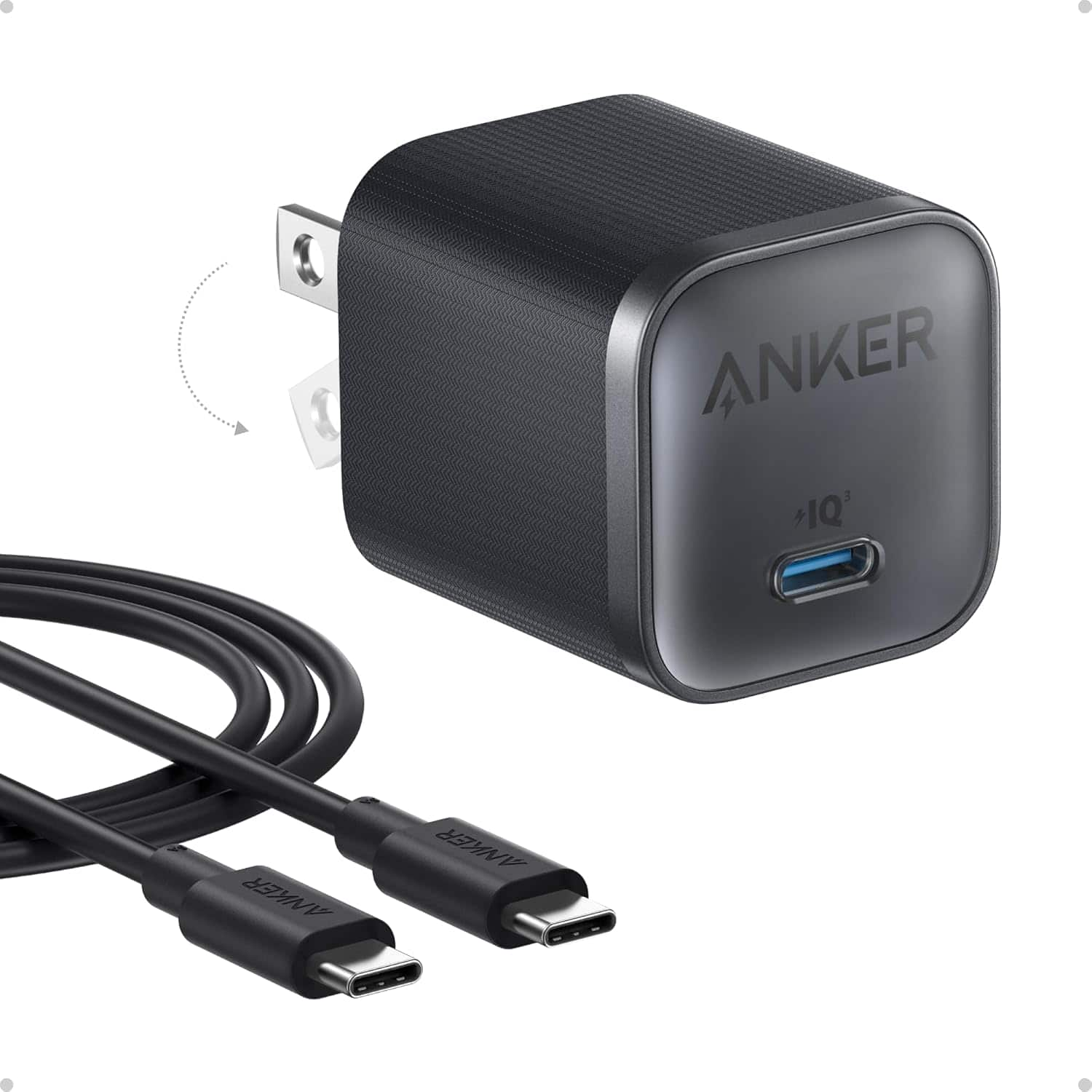
- Yes. The compact GaN body and 12-230V input make it usable in most countries with a plug adapter. The display is a nice extra when you want to check charging speed.
- How is it different from a plain 45W Anker charger?
- The charging performance is similar; the display is the main addition. You pay more for the readout, so choose it only if seeing live wattage matters to you.
- Where is the Anker Nano Charger 45W Smart Display USB-C Cable cheapest?
- At Best Buy, for $44.99, as of our latest check.
- Where can I buy the Anker Nano Charger 45W Smart Display USB-C Cable?
- 2 stores we checked sell it, including Best Buy, Target.