- Do I need a phone to use the M5C?
- For most tasks, yes. There is no screen, so you slice in the AnkerMake app or slicer, send over Wi-Fi, and load files from a USB drive.
- What can the M5C print?
- PLA, PETG and TPU work well. The open frame makes ABS and ASA prone to warping, and abrasive carbon-fiber filament wears the stock nozzle faster.
- How big are the prints it can make?
- Up to 220 x 220 x 250 mm. That covers most small functional parts and models but not helmets or large armor pieces in one piece.
- Does it really print at 500 mm/s?
- That is the top rated speed in Fast Mode. Real prints with fine detail run much slower, and owners report typical speeds well below the headline figure.
- What comes in the box?
- The printer, a tool kit and Allen wrenches. There is no camera or screen, and you supply your own filament and USB drive.
- Is the AnkerMake M5C worth it?
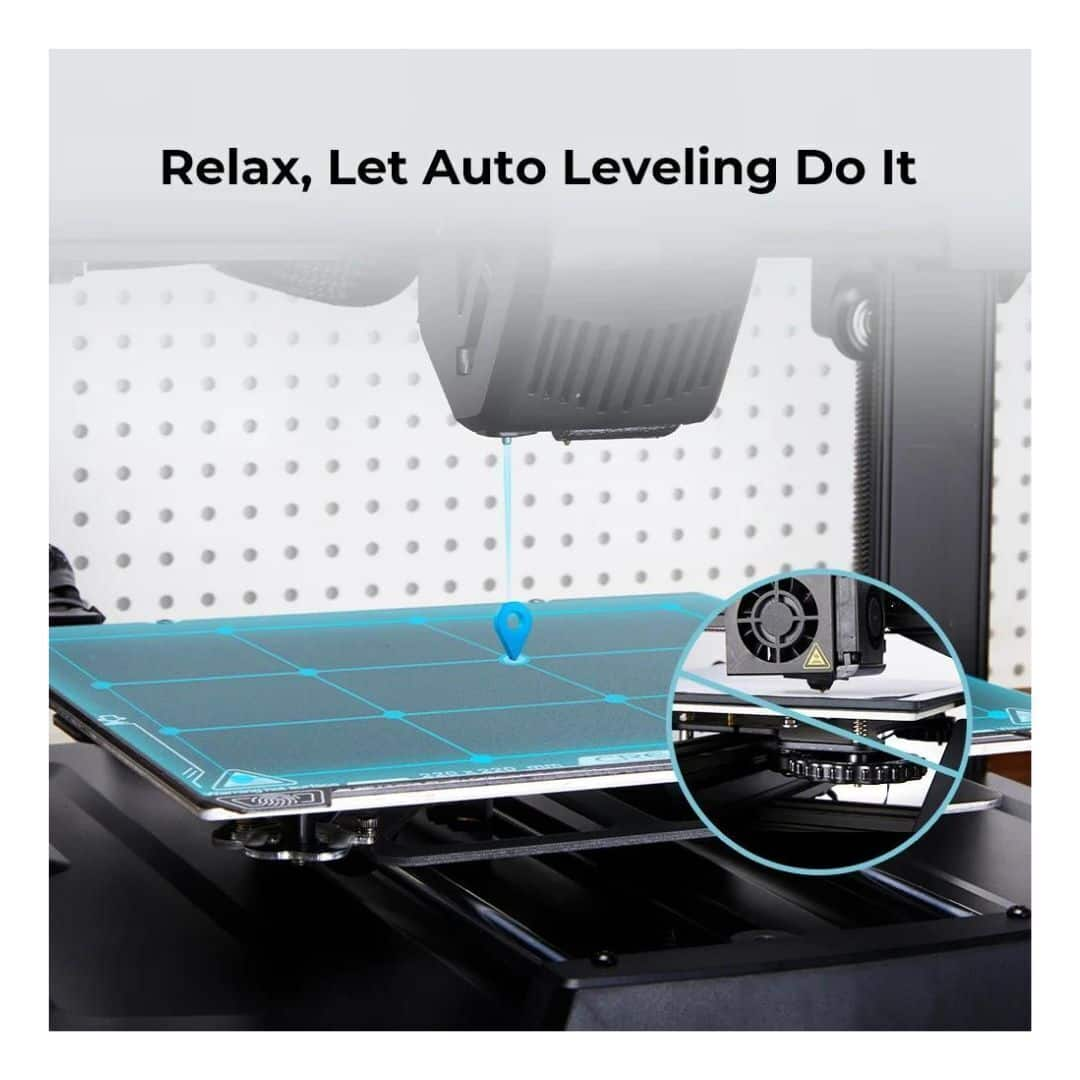
- It is a fair value for a fast, self-leveling starter printer. You give up a screen and camera, so it suits phone-first users more than tinkerers.
- What file formats does the M5C accept?
- It slices STL and OBJ files through the AnkerMake slicer, then prints from a USB drive or over Wi-Fi.
- Does the M5C have a camera or a screen?
- No. There is no built-in camera and no display; you start and check prints from the AnkerMake app.
- How long does assembly take?
- About 15 minutes. Buyers say the instructions are clear and the machine is ready to print soon after unboxing.
- Where is the AnkerMake M5C cheapest?
- At Bonanza, for $129.99, as of our latest check.
- Is the AnkerMake M5C at its lowest price?
- Yes: $129.99 is the lowest price we've seen for it since November 5.
- Where can I buy the AnkerMake M5C?
- 3 stores we checked sell it, including Bonanza, eBay, azingelectronics.com.