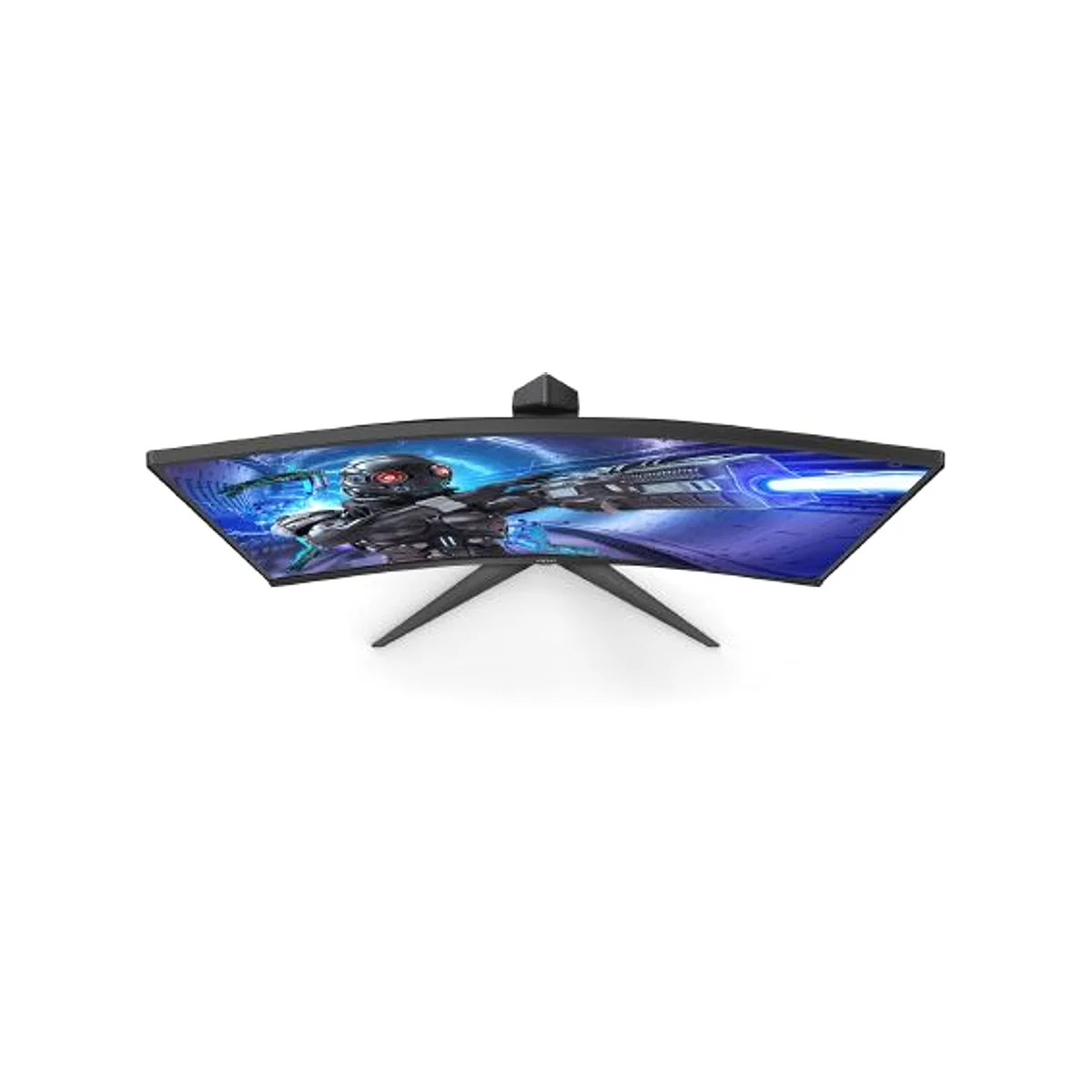
- Is 240Hz at QHD worth it over 165Hz?
- Yes for competitive shooters: the jump from 165Hz to 240Hz is visible in fast tracking and flick shots, and QHD keeps more detail than 1080p. If you mostly play slower single-player games, a 165Hz panel gives most of the benefit for less GPU load.
- Does mini-LED really beat a regular IPS panel?
- In contrast, yes. The 1152 dimming zones let dark areas go near-black instead of glowing gray, and peak brightness for HDR is much higher. The catch is blooming, a faint halo around bright objects on dark scenes, which standard IPS panels do not show.
- Can my GPU drive 240Hz at 2560x1440?
- You need DisplayPort for 240Hz, and a mid-to-high-end card to hold high frame rates in modern games at QHD. Adaptive-Sync smooths out the frames you cannot reach, on both AMD and NVIDIA GPUs.
- Is it good for HDR movies and content creation?
- DisplayHDR 1000 and the mini-LED zones make it a strong HDR display for games and video. For color-critical work, check that your unit's panel is calibrated, since glossy coatings and dimming behavior can affect accuracy.
- What is in the box?
- The monitor, a stand, and the usual cables and paperwork; confirm the specific cable bundle before buying, since 240Hz requires DisplayPort rather than HDMI on many setups.
- How does it compare with 32-inch QHD gaming monitors?
- A 32-inch QHD screen gives a larger image at lower pixel density, which many find more immersive. This 27-inch model is sharper per inch and easier to fit on a desk, and its mini-LED backlight is the bigger differentiator against most 32-inch rivals.
- Where is the AOC 27 Inch Gaming Monitor QHD 240Hz Mini-LED HDR1000 cheapest?
- At Amazon, for $249.99, 69% under what the other stores charge, as of our latest check.
- Where can I buy the AOC 27 Inch Gaming Monitor QHD 240Hz Mini-LED HDR1000?
- 3 stores we checked sell it, including NexPixel, LedgerLine Supply, Amazon.