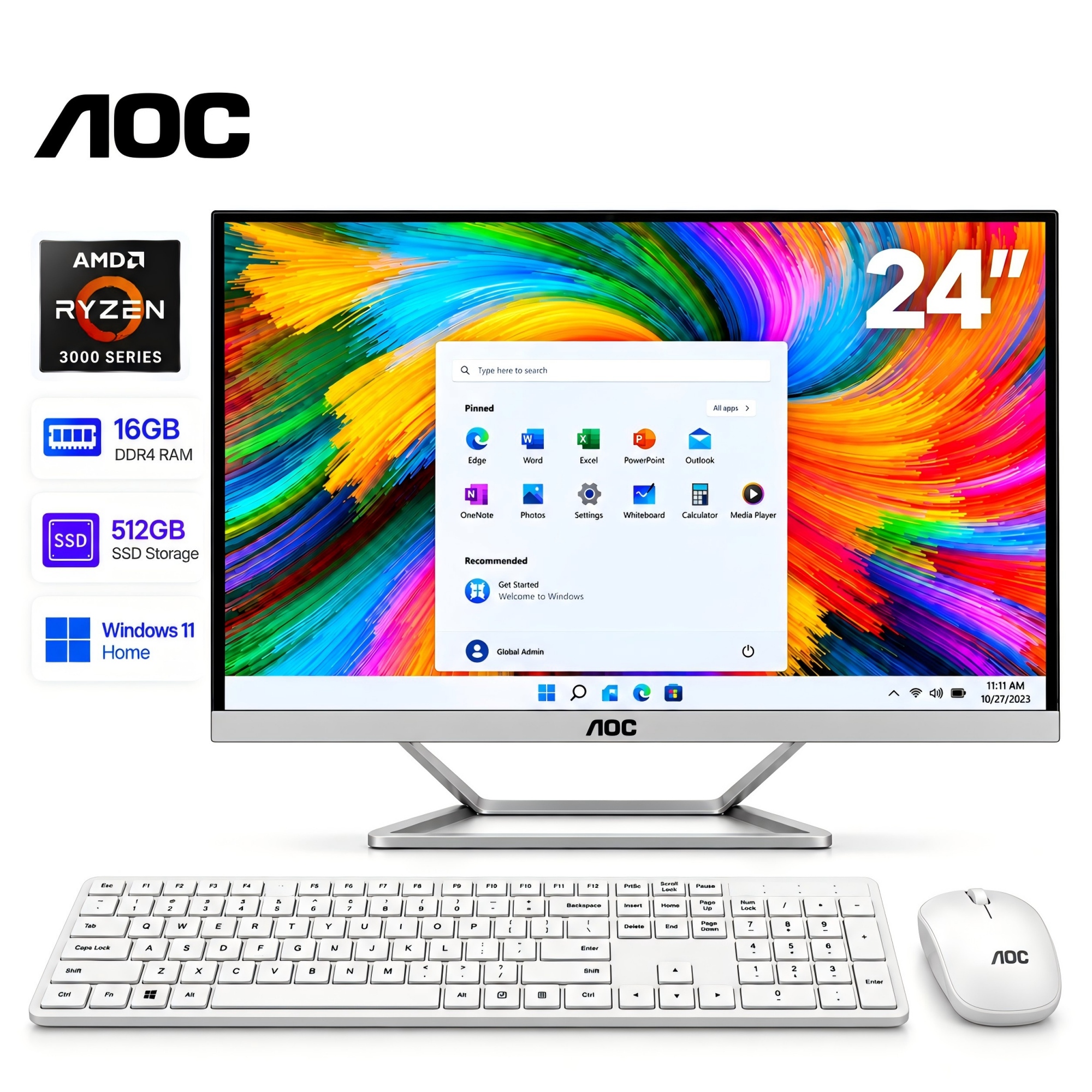
AOC E4 Q27E4CV 27 Computer Monitor
Last price we saw
Prices change often: ask the agent below to check today's price at every store.
Prices differ by screen size, and this one may be for a smaller size: check the size at the store.
Prices are checked against each store and labelled with when.
In stock now from AOC


Our take on the AOC E4 Q27E4CV 27 Computer Monitor
The AOC Q27E4CV is a 27-inch professional monitor with a 2560x1440 resolution, a USB-C connection and a height-adjustable stand. It covers the basics for office and home work: IPS panel, AMD FreeSync, built-in speakers and VESA mounting. Its USB-C port and adjustable stand put it ahead of budget 27-inch QHD monitors that offer only HDMI and a fixed stand. Buyers who need wide color accuracy or high refresh rates should look at a step-up model instead.
- Sharp 2560x1440 resolution on a 27-inch screen
- USB-C and USB-A ports for connecting a laptop and peripherals
- Height-adjustable stand and VESA mount for flexible placement
- AMD FreeSync reduces screen tearing
- Built-in speakers save desk space
- 4 ms response time and 60 Hz-class panel are not built for fast gaming
What reviewers say
Owners of AOC's QHD office monitors generally praise the sharp text, the USB-C single-cable setup and the adjustable stand. Complaints center on the weak speakers and the average contrast of the IPS panel.
- ResolutionPraisedReviewers say the 1440p panel makes text and spreadsheets noticeably sharper than 1080p at this size.
- USB-CPraisedOwners like running video, data and power to a laptop over one cable.
- StandPraisedThe height-adjustable stand is called out as a real ergonomic upgrade over fixed-stand rivals.
Ask our agent about this product
It checks today's price at every store, compares the alternatives and answers in about a minute.
Questions and answers
- Is the AOC Q27E4CV good for gaming?
- It handles casual games thanks to AMD FreeSync, but the 4 ms response time and standard refresh rate suit office work better than competitive shooters.
- Does it work with a MacBook over USB-C?
- Yes. The USB-C port carries video and data, so a compatible laptop can drive the display and use the monitor's USB-A ports through one cable.
- Can I mount it on a monitor arm?
- Yes. It has a VESA mount, and the stand is removable if you prefer an arm or wall bracket.
- Does it have built-in speakers?
- Yes, but they are basic. Plan on external speakers or headphones for music and video.
- Is 1440p worth it on a 27-inch screen?
- Yes. At 27 inches, 2560x1440 gives noticeably sharper text and more workspace than 1920x1080.