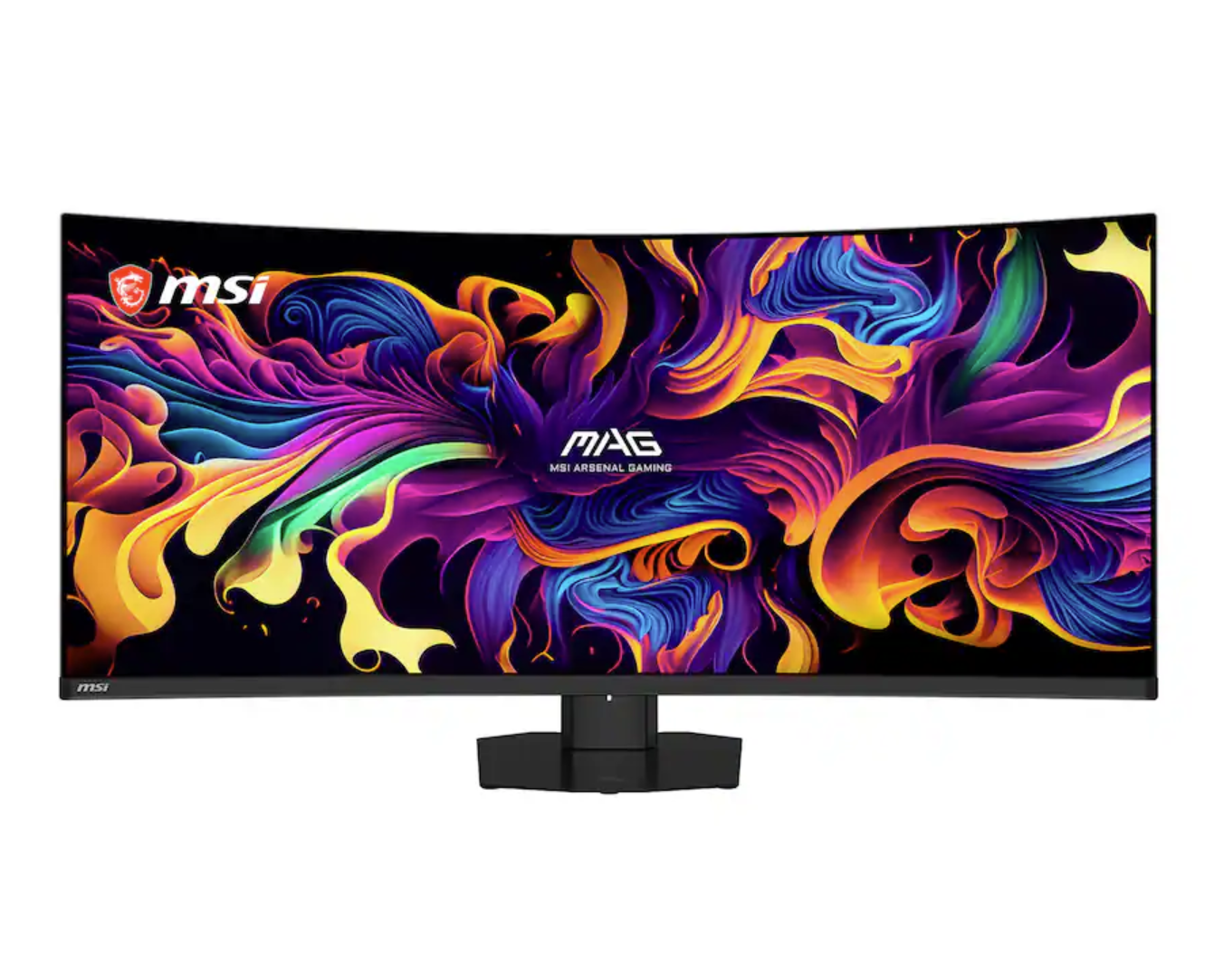
Aorus CO49DQ 49' QD OLED Curved Gaming Monitor
Last price we saw
Prices change often: ask the agent below to check today's price at every store.
Prices differ by screen size, and this one may be for a smaller size: check the size at the store.
Prices are checked against each store and labelled with when.
In stock now from Aorus
Our take on the Aorus CO49DQ 49' QD OLED Curved Gaming Monitor
The Aorus CO49DQ is a 49-inch super-ultrawide QD-OLED gaming monitor with a curved panel and a 32:9 aspect ratio, roughly the width of two 27-inch 1440p screens side by side. QD-OLED gives it per-pixel contrast, fast pixel response and wide viewing angles, which is what sets it apart from the IPS and VA super-ultrawides it competes with. It suits sim racers, flight sim players and multitaskers who want one seamless screen instead of two. The trade-offs are the desk depth it demands, the GPU power needed to drive that many pixels, and the burn-in care OLED panels ask for.
- QD-OLED panel with per-pixel contrast and deep blacks
- 32:9 super-ultrawide gives a seamless dual-screen workspace
- Fast pixel response and high refresh for gaming
- HDR support with strong color volume
- USB hub and HDMI inputs for peripherals and consoles
About the Aorus CO49DQ 49' QD OLED Curved Gaming Monitor
The Aorus CO49DQ is a 49-inch curved gaming monitor with a QD-OLED panel. It supports HDR. HDMI and USB-A ports are built in.
- Screen size
- 49 inches
- Panel
- QD-OLED
- Screen shape
- Curved
- HDR
- Yes
- Ports
- HDMI, USB-A
- USB type
- USB-A
- Built-in camera
- No
- Memory card reader
- No
- VGA
- No
- DVI
- No
- TCO certification
- No
Specifications
- VGA
- Noklarna.com
- Camera (built-in)
Ask our agent about this product
It checks today's price at every store, compares the alternatives and answers in about a minute.
Questions and answers
- Is the Aorus CO49DQ good for gaming?
- Yes. The QD-OLED panel gives fast pixel response, high refresh and strong HDR, which suits racing, flight and cinematic games. For competitive shooters, a smaller flat screen is often preferred.
- How does it compare with a dual 27-inch setup?
- It gives the same 32:9 width without a bezel gap in the middle. You lose the ability to angle each half independently and you need a deeper desk.
- What graphics card do I need to drive it?
- You need a strong card to hit high frame rates at this resolution. Plan on a high-end current GPU, and expect to lean on upscaling in demanding titles.
- Does it support HDR?
- Yes, it has HDR support. QD-OLED's per-pixel lighting is what makes HDR highlights stand out compared with edge-lit LCD ultrawides.
- Is OLED burn-in a concern?
- It can be with static elements like taskbars and spreadsheets left on screen for long stretches. Use the built-in panel care features and vary content on desktop work.
- What connections does it have?
- It has HDMI and USB-A ports, with no VGA or DVI. There is no built-in camera or memory card reader.
Shoppers also compared
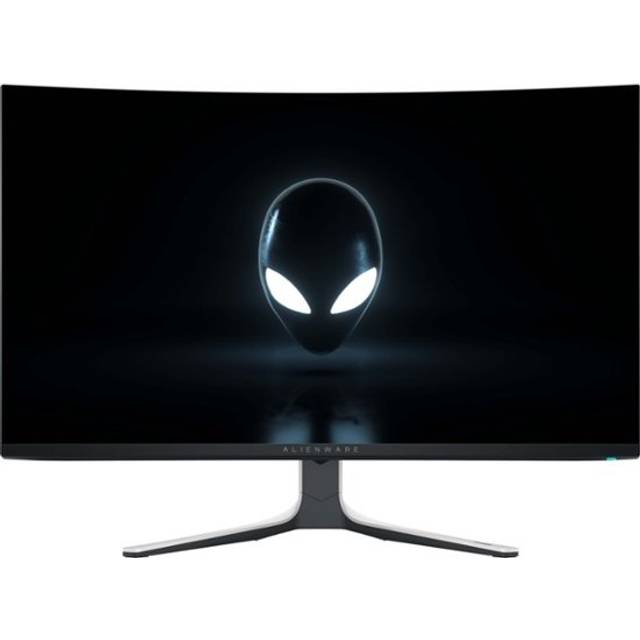
- Alienware AW3225QF 31.6" QD-OLED Curved 4K UHD 240Hz .03-ms G-SYNC Gaming Monitor with HDR (HDMI, USB-C)

- MSI MPG 321CURX 32" 4K QD-OLED Curved Gaming Monitor
- LG UltraGear 45GX950A-B

- Alienware AW3225QF 4K OLED Monitor
- LG 45" 330 Hz OLED WUHD Gaming Monitor FreeSync Premium Pro (AMD Adaptive Sync) 98.5% DCI-P3 45GX950A-B