Apple 13.6" MacBook Air (M3 Chip / 16GB RAM / 512GB SSD)
Where to buy
No store is showing a current price right now. The stores below sell it; ask the agent to check today's prices.
Prices are checked against each store and labelled with when.
In stock now from Apple
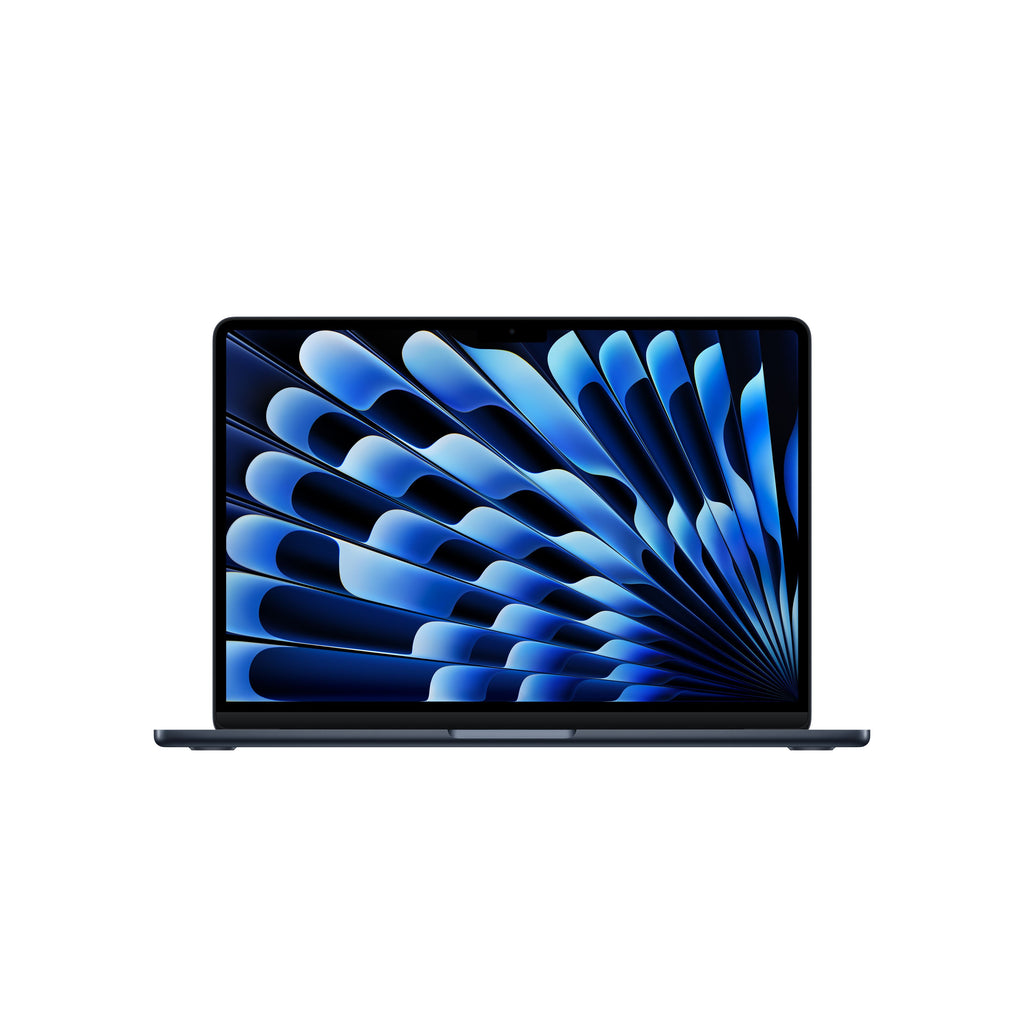

Our take on the Apple 13.6" MacBook Air (M3 Chip / 16GB RAM / 512GB SSD)
The 13.6-inch MacBook Air with the M3 chip is Apple's thin fanless laptop, here with 16GB of memory and a 512GB SSD. It has a 13.6-inch Liquid Retina display, a 1080p webcam, MagSafe charging and two Thunderbolt ports, and it runs silent because it has no fan. The 16GB/512GB pairing is the sweet spot for heavy browser tabs, photo editing and light video work. Against the M2 Air it adds the M3 chip and hardware ray tracing; against the 14-inch MacBook Pro it gives up the brighter mini-LED screen and active cooling but is lighter and quieter. Reviewers consistently call it the best all-round laptop for most people, while noting the two-port limit and the 60Hz panel as the main compromises.
- M3 chip handles everyday multitasking and light creative work smoothly
- 16GB RAM and 512GB SSD leave headroom for years of use
- Fanless design runs silent under normal loads
- Long battery life, rated up to 18 hours
Apple 13.6" MacBook Air (M3 Chip / 16GB RAM / 512GB SSD) prices at every store
- PzDealsCheck price at PzDeals
What reviewers say
Reviewers and owners rate the M3 Air as the best laptop for most people, praising its speed, silence and battery life. Complaints center on the two-port layout, the 60Hz screen and the cost of upgrading memory and storage.
- PerformancePraisedOwners say the M3 chip breezes through browsing, Office work and photo editing without stutter.
- Battery lifePraisedReviewers report a full day of mixed use on a charge, close to Apple's 18-hour claim.
- Fanless designPraisedThe lack of a fan keeps it silent, though long exports slow down once it heats up.
Ask our agent about this product
It checks today's price at every store, compares the alternatives and answers in about a minute.
Questions and answers
- Is the M3 MacBook Air worth it over the M2?
- Yes if you want the newer chip, hardware ray tracing and a slightly faster GPU. For basic tasks the M2 Air feels similar, so an M2 at a lower price is still a reasonable pick.
- Can it handle video editing?
- It handles 4K clips and short projects well, but sustained exports throttle because there is no fan. Long timelines are better on a MacBook Pro with active cooling.
- How long does the battery last?
- Apple rates it at up to 18 hours. Reviewers typically see a full workday of mixed browsing and documents on one charge.
- How many ports does it have?
- Two Thunderbolt/USB 4 ports, a MagSafe 3 charging port and a headphone jack. A hub is needed for SD cards, HDMI or extra USB-A devices.
- Is 16GB of RAM enough?
- Yes for most users, including heavy browser users and photo editors. Choose more only if you work with large video projects or many virtual machines, since it cannot be upgraded later.
- What is in the box?
- The laptop, a USB-C to MagSafe 3 charging cable and a USB-C power adapter. The adapter wattage depends on the configuration.