Apple 15.3" MacBook Air (M4 chip / 24GB RAM / 512GB SSD)
Where to buy
No store is showing a current price right now. The stores below sell it; ask the agent to check today's prices.
Prices are checked against each store and labelled with when.
Check today's price at PzDealsAsk our agent about this product
It checks today's price at every store, compares the alternatives and answers in about a minute.
In stock now from Apple
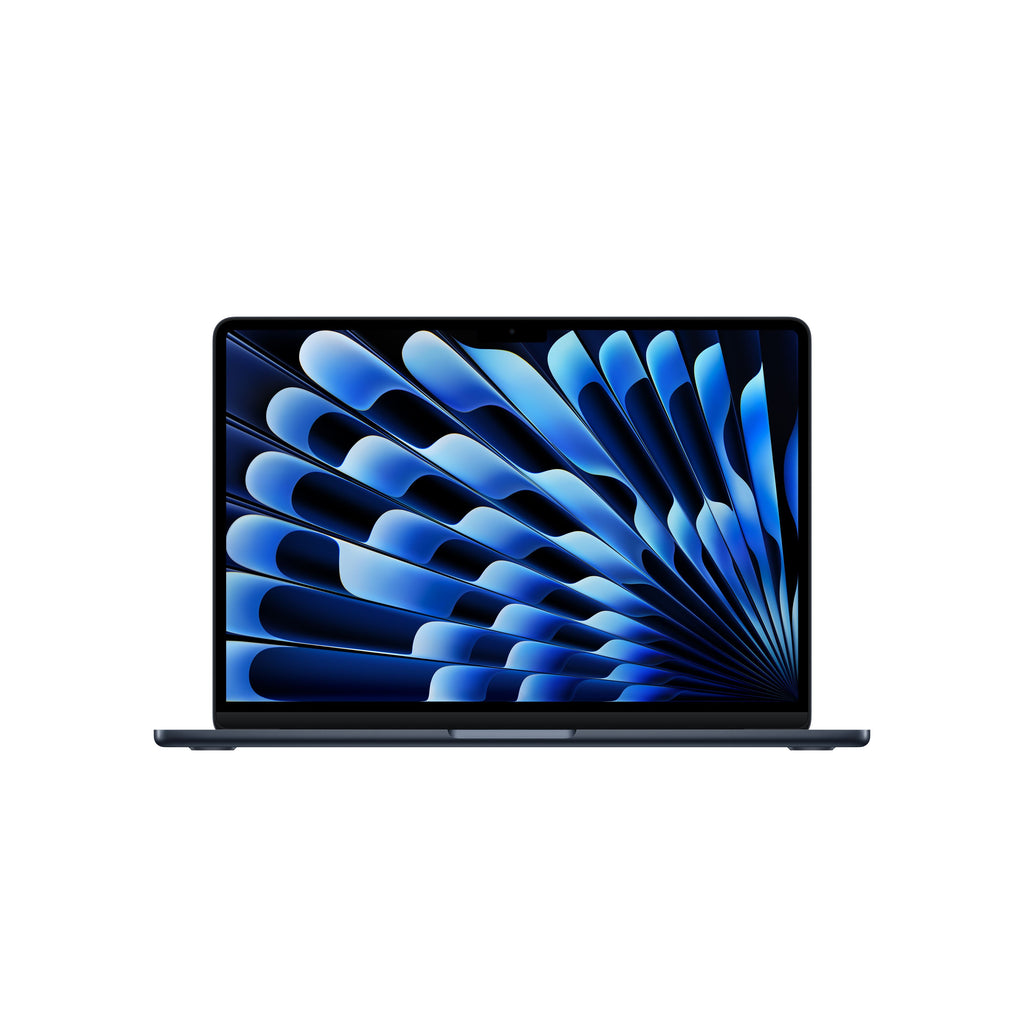

Our take on the Apple 15.3" MacBook Air (M4 chip / 24GB RAM / 512GB SSD)
The 15.3-inch MacBook Air with the M4 chip is Apple's large-screen thin-and-light laptop, here configured with 24GB of memory and a 512GB SSD. It has no fan, so it stays silent under everyday loads, and it pairs a big Liquid Retina display with all-day battery life and a light chassis. The 24GB of RAM is the standout: it is more than the base Air offers and lets you keep many browser tabs, apps and virtual machines open without swapping. Compared with smaller premium ultrabooks it wins on screen size and quietness, while rivals with discrete graphics or more ports beat it for heavy creative work.
- Large 15.3-inch display in a body that stays easy to carry
- Fanless design runs silent
- 24GB of memory handles heavy multitasking
- Long battery life for a full workday
- Fast M4 chip for everyday and creative apps
Apple 15.3" MacBook Air (M4 chip / 24GB RAM / 512GB SSD) prices at every store
- PzDealsCheck price at PzDeals
What reviewers say
Owners of the 15-inch Air line praise the big screen, light build, silent running and battery life, and the M4 chip keeps everyday work fast. The most common complaints are the small port selection and the cost of upgrading memory and storage.
- DisplayPraisedOwners like the large 15.3-inch screen for spreadsheets, writing and video.
- PortabilityPraisedBuyers say the 15-inch model is still light and thin enough to carry daily.
- NoisePraisedThe fanless design draws comment for staying silent under load.
Questions and answers
- Is the M4 chip a big step up from the M3 Air?
- The M4 brings a faster CPU and GPU than the M3, so demanding apps and multitasking feel quicker. For basic web and office work the difference is modest.
- Is 24GB of RAM worth it over 16GB?
- Yes if you keep many apps and browser tabs open, edit photos or run virtual machines. Light users can get by with less, but memory cannot be added later.
- Does it have a fan?
- No. The MacBook Air is fanless, so it runs silently but can slow down during long sustained heavy tasks.
- What ports does it have?
- It has two Thunderbolt ports, a MagSafe charging port and a headphone jack. You will need a hub or adapter for HDMI, SD cards or extra USB devices.
- How long does the battery last?
- Apple rates it for up to 18 hours of video playback. Real-world mixed use typically gets most of a workday.
- Can I upgrade the storage later?
- No. The SSD is fixed at purchase, so choose the capacity you will need for the life of the laptop.