- Is the M5 MacBook Pro worth it over the M4 model?
- If you already own an M4 Pro or Max, the jump is modest and not worth an upgrade for most people. If you are coming from an Intel Mac or an M1, the M5 with 32GB of memory is a large step up in sustained performance and battery life.
- Can I upgrade the RAM or SSD later?
- No. The 32GB of memory and 1TB SSD are soldered to the logic board, so choose the configuration you need at purchase. External Thunderbolt drives can add storage, but not memory.
- How long does the battery actually last?
- Apple rates it at up to 24 hours, and reviewers typically see a full workday of mixed browsing, documents and video calls. Heavy exports and high screen brightness cut that substantially.
- What is in the box?
- The laptop, a USB-C to MagSafe 3 charging cable and a power adapter. No external mouse or case is included.
- Does it run Windows apps?
- Not natively. Windows on Arm can run in a virtual machine such as Parallels, and many apps work there, but check compatibility for specialized software first.
- Is the 14-inch screen big enough for video editing?
- The 3024 x 1964 panel has enough resolution and color accuracy for editing on the road. Many editors still pair it with an external display at a desk for timelines and scopes.
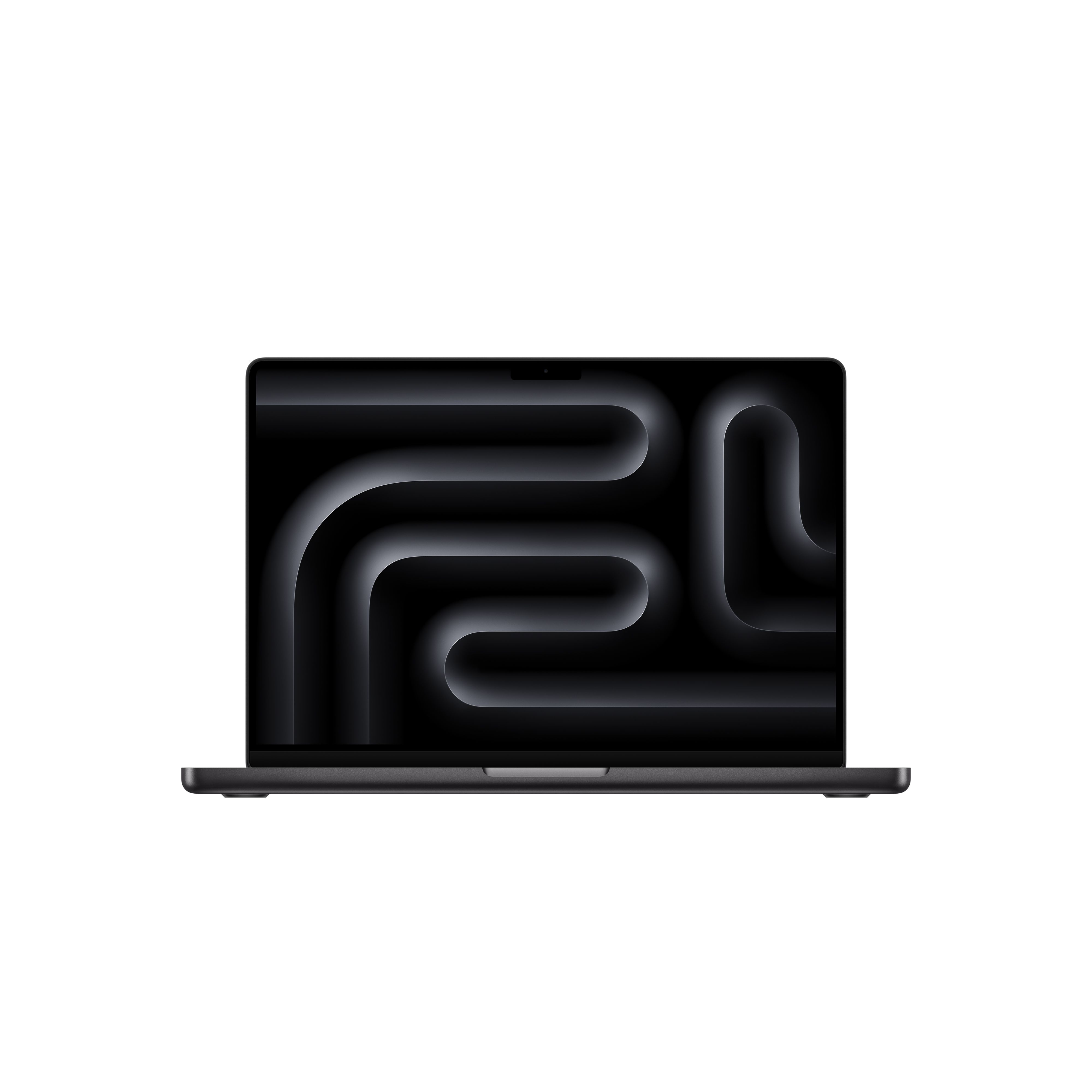
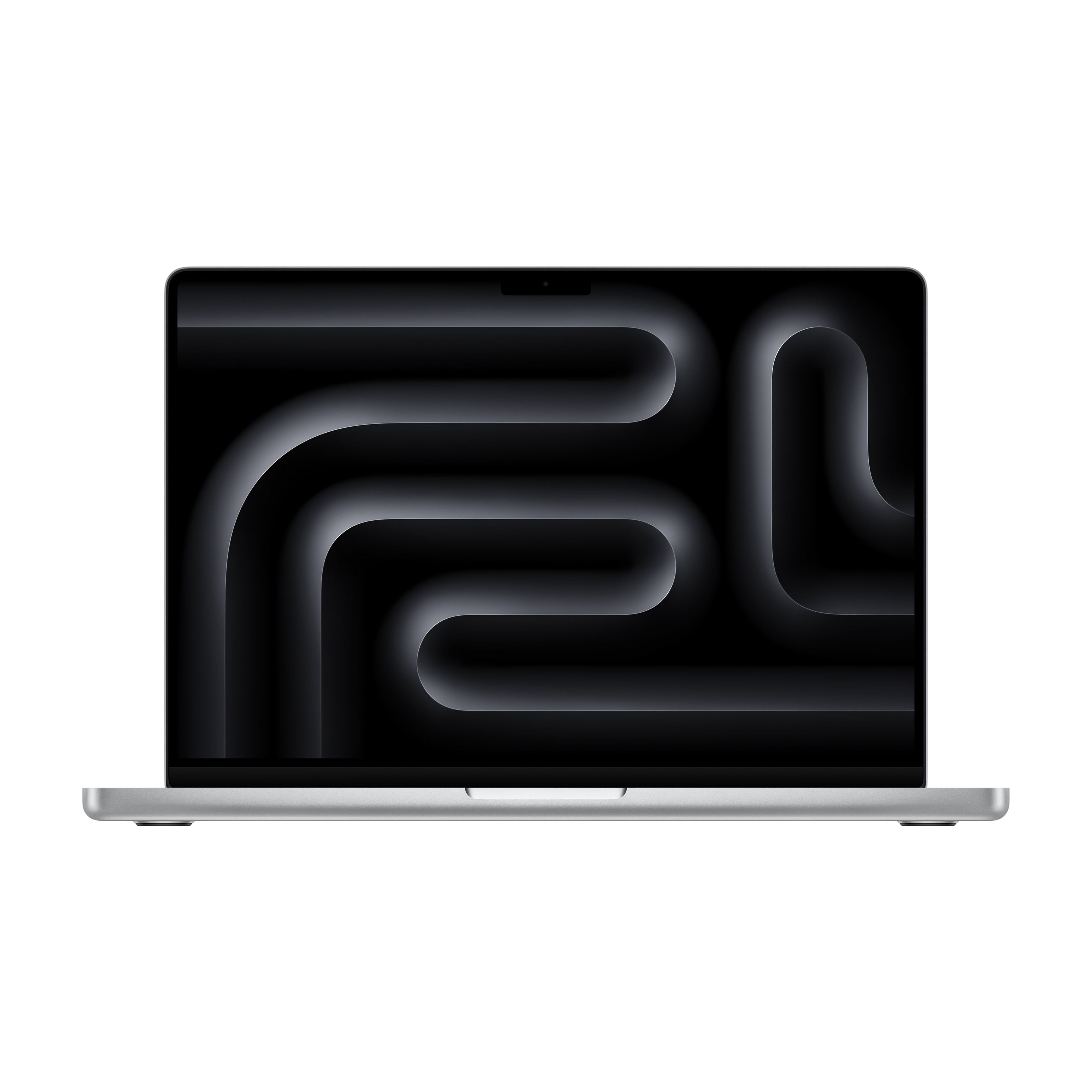
- Where is the Apple 2026 MacBook Pro Laptop (M5 Chip, 32GB RAM, 1TB SSD) cheapest?
- At UCLA Store, for $1,699.00, 28% under what the other stores charge, as of our latest check.
- What do buyers say about the Apple 2026 MacBook Pro Laptop (M5 Chip, 32GB RAM, 1TB SSD)?
- Rated 5 out of 5 from 3 ratings.
- Where can I buy the Apple 2026 MacBook Pro Laptop (M5 Chip, 32GB RAM, 1TB SSD)?
- 6 stores we checked sell it, including UCLA Store, Quick Ship Electronics, Apple Education Store, Best Buy, Sweetwater.