- Is the M4 iMac worth it over the M1 or M3 model?
- If you already own an M1 iMac, the jump is modest for everyday tasks. Moving from an Intel Mac or an older model brings a much faster chip, a better camera and newer wireless.
- Can I upgrade the memory or storage later?
- No. Memory and SSD are soldered and fixed at purchase, so choose 24GB or 32GB and more storage up front if you plan heavy multitasking or large media libraries.
- How many ports does it have?
- The base model has two Thunderbolt 4 ports; higher configurations add two USB-C ports. All models have a headphone jack, and Ethernet is built into the power adapter on some configurations.
- Is the 24-inch screen big enough for work?
- The 4.5K panel is sharp and bright enough for documents, spreadsheets and photo editing. For heavy multi-window work, many users add a second display over Thunderbolt.
- Does it come with a keyboard and mouse?
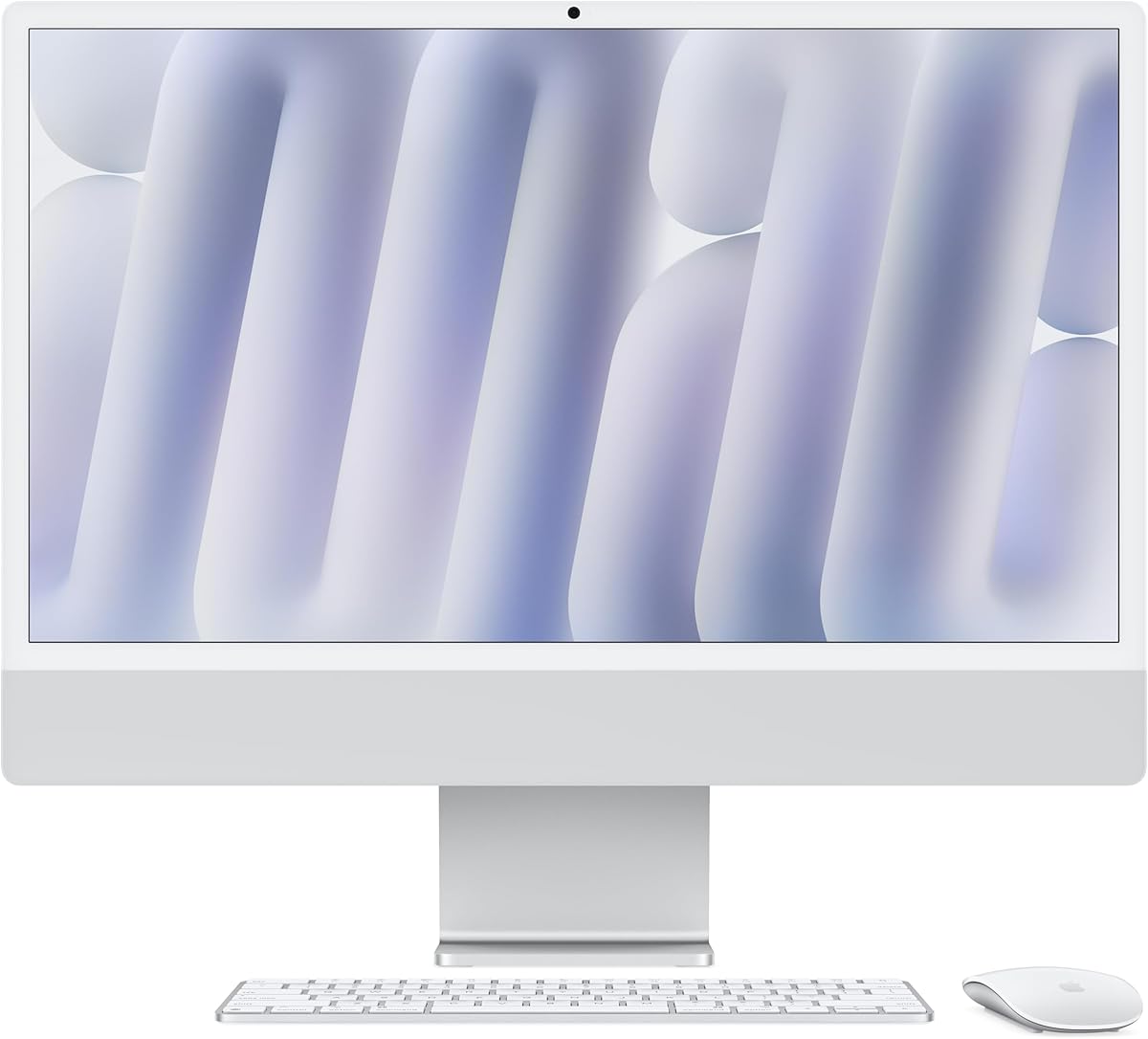
- Yes, it ships with a color-matched Magic Keyboard and Magic Mouse, or a Magic Keyboard with Touch ID on some configurations. Check which input devices a given configuration includes.
- Can I use it as a monitor for another computer?
- No. The iMac does not accept video input from another device, so it cannot serve as a standalone display.
- What does Apple Intelligence add on this iMac?
- Apple Intelligence is Apple's personal intelligence system for writing, expressing yourself and getting tasks done, with privacy protections that keep your data from being accessed by others, including Apple. It runs on the M4 chip.
- Where is the Apple iMac 24-inch (M4) cheapest?
- At Amazon, for $1,334.00, 30% under what the other stores charge, as of our latest check.
- Is the Apple iMac 24-inch (M4) at its lowest price?
- Yes: $1,334.00 is the lowest price we've seen for it since November 9.
- Where can I buy the Apple iMac 24-inch (M4)?
- 4 stores we checked sell it, including Best Buy, Abt Electronics, B&H Photo, Amazon.