Apple Mac Mini (M4 Chip / 24GB RAM / 256GB SSD)
Where to buy
No store is showing a current price right now. The stores below sell it; ask the agent to check today's prices.
Prices are checked against each store and labelled with when.
In stock now from Apple
Our take on the Apple Mac Mini (M4 Chip / 24GB RAM / 256GB SSD)
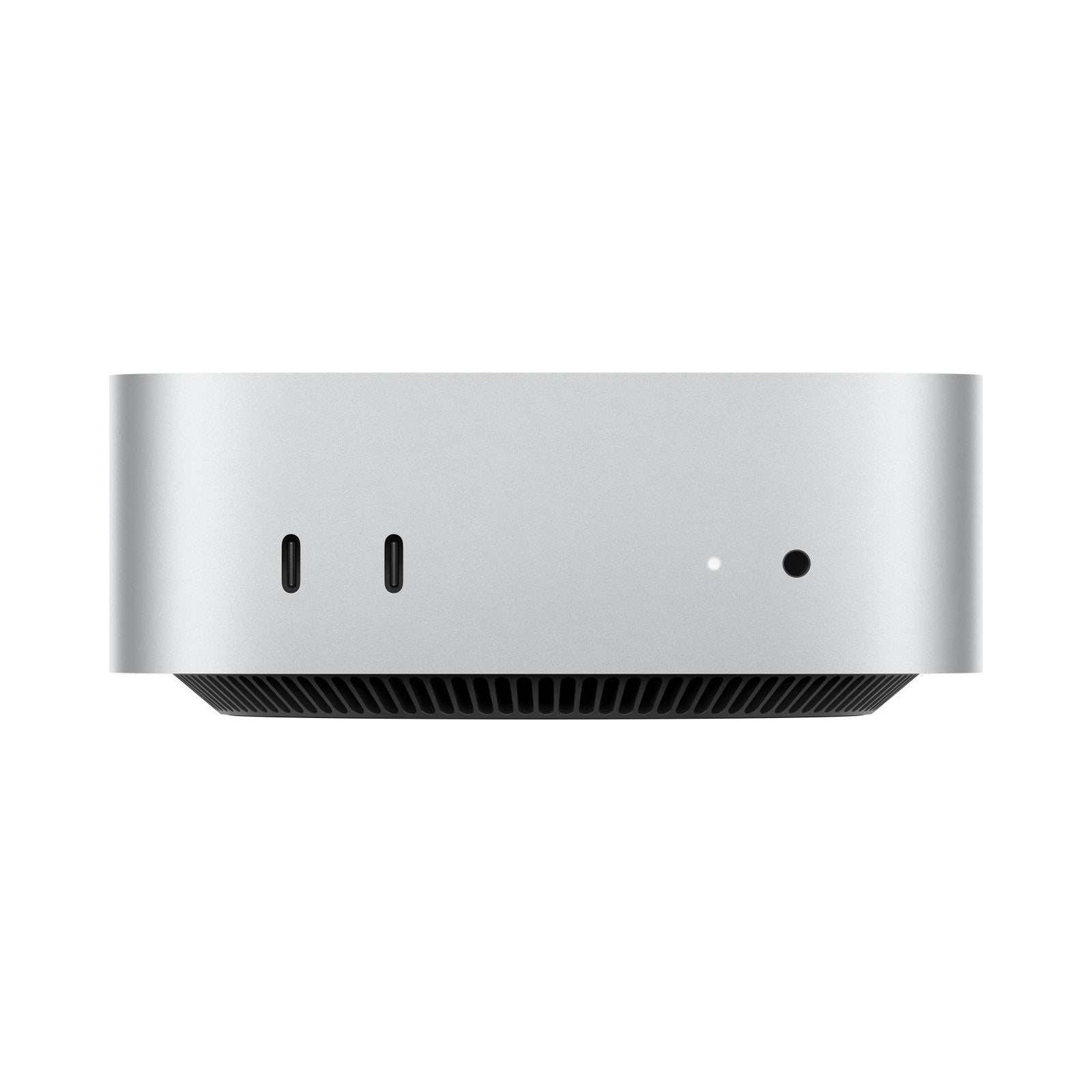
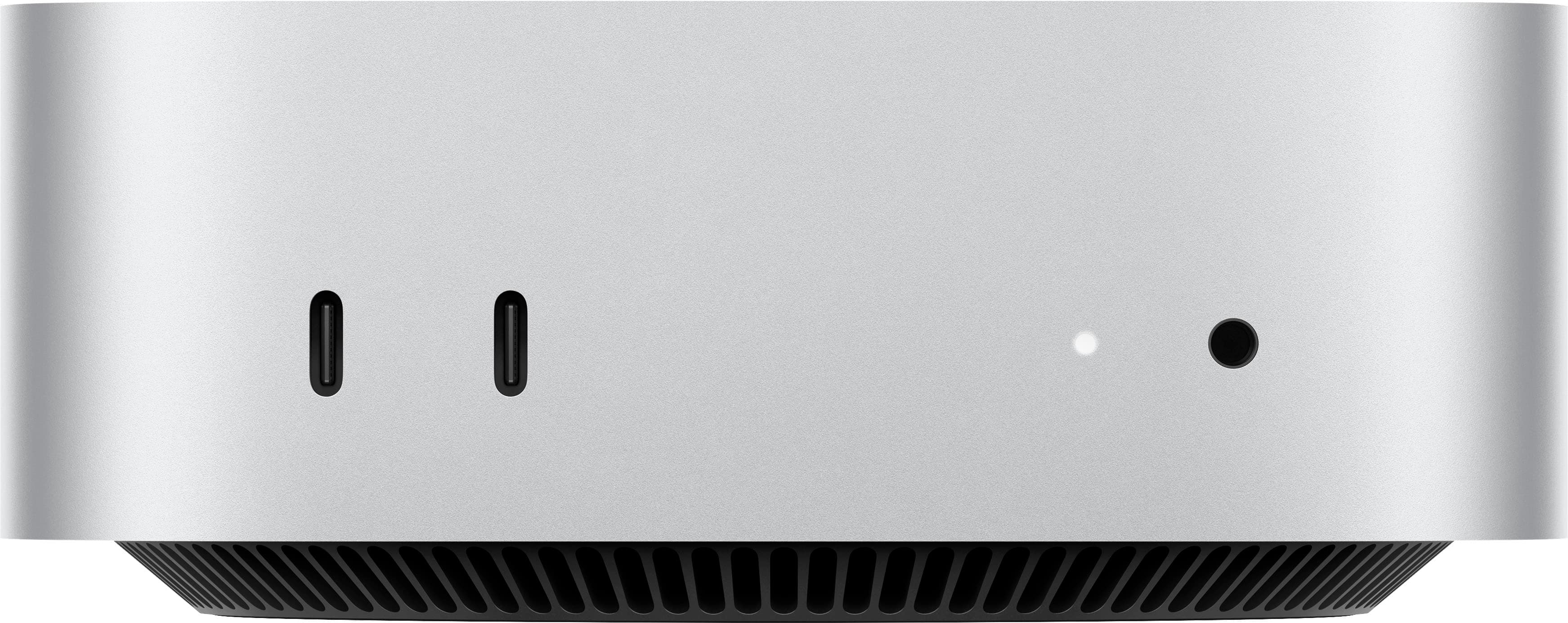
The Mac Mini M4 is Apple's smallest desktop, a 5-by-5-inch aluminum box with the M4 chip, 24GB of unified memory and a 256GB SSD. It has no built-in display, keyboard or mouse, so you bring your own. The M4 beats older Intel Mac Minis and most small Windows desktops on single-core speed and power draw, and the 24GB of memory handles heavy multitasking and large photo libraries. Reviewers call it the best value in Apple's desktop line, though the base storage fills fast and ports are limited compared with a tower.
- M4 chip is fast for everyday work and light editing
- 24GB of unified memory handles many apps at once
- Very small footprint and near-silent in normal use
- Front USB-C and headphone jack are easy to reach
- Thunderbolt ports drive multiple external displays
Apple Mac Mini (M4 Chip / 24GB RAM / 256GB SSD) prices at every store
- PzDealsCheck price at PzDeals
What reviewers say
Owners and reviewers praise the M4 Mac Mini for its speed, silence and tiny size, and many call it the best value desktop Apple sells. Complaints center on the small base SSD and the lack of user upgrades.
- PerformancePraisedReviewers say the M4 handles everyday apps and light video editing without slowdowns.
- StorageCriticisedOwners say the 256GB SSD fills quickly once photos, apps and project files pile up.
- NoisePraisedUsers report the fan stays quiet even during long tasks.
Ask our agent about this product
It checks today's price at every store, compares the alternatives and answers in about a minute.
Questions and answers
- Do I need a monitor and keyboard?
- Yes. The Mac Mini ships as a computer only, so you supply a display, keyboard and mouse or trackpad.
- Is 24GB of memory enough?
- For most office work, browsing and photo editing, yes. Heavy video or 3D work benefits from more, and memory cannot be added later.
- Can I upgrade the SSD later?
- No. The storage is built in, so choose a larger drive up front if you keep big files.
- How many displays can it drive?
- It supports up to three displays over Thunderbolt and HDMI, depending on resolution and refresh rate.
- How does it compare with the M2 Mac Mini?
- The M4 is faster per core and has more Thunderbolt ports on the front, while the M2 remains fine for basic tasks.
- What is in the box?
- The Mac Mini, a power cord and Apple's documentation. No display, keyboard or mouse is included.