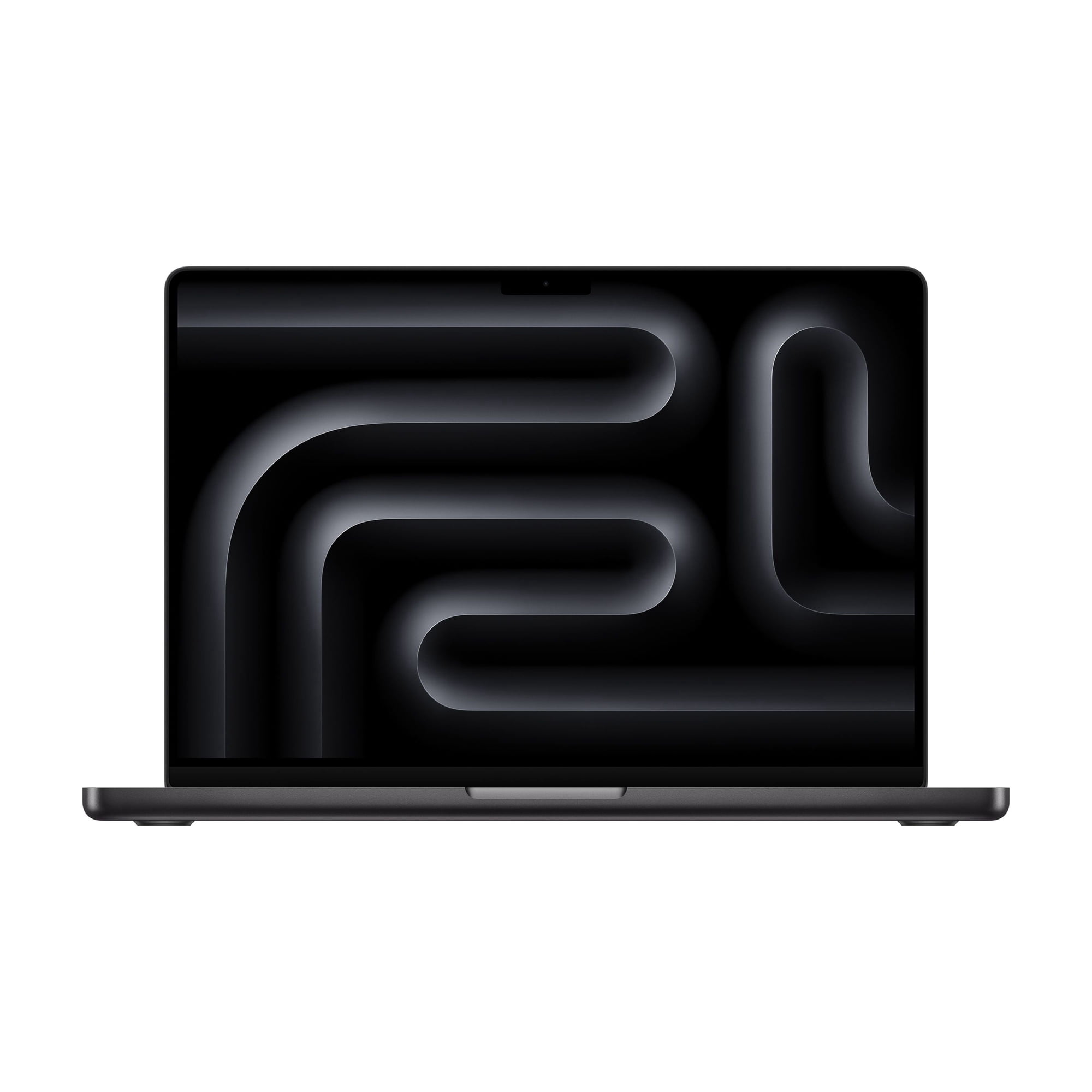
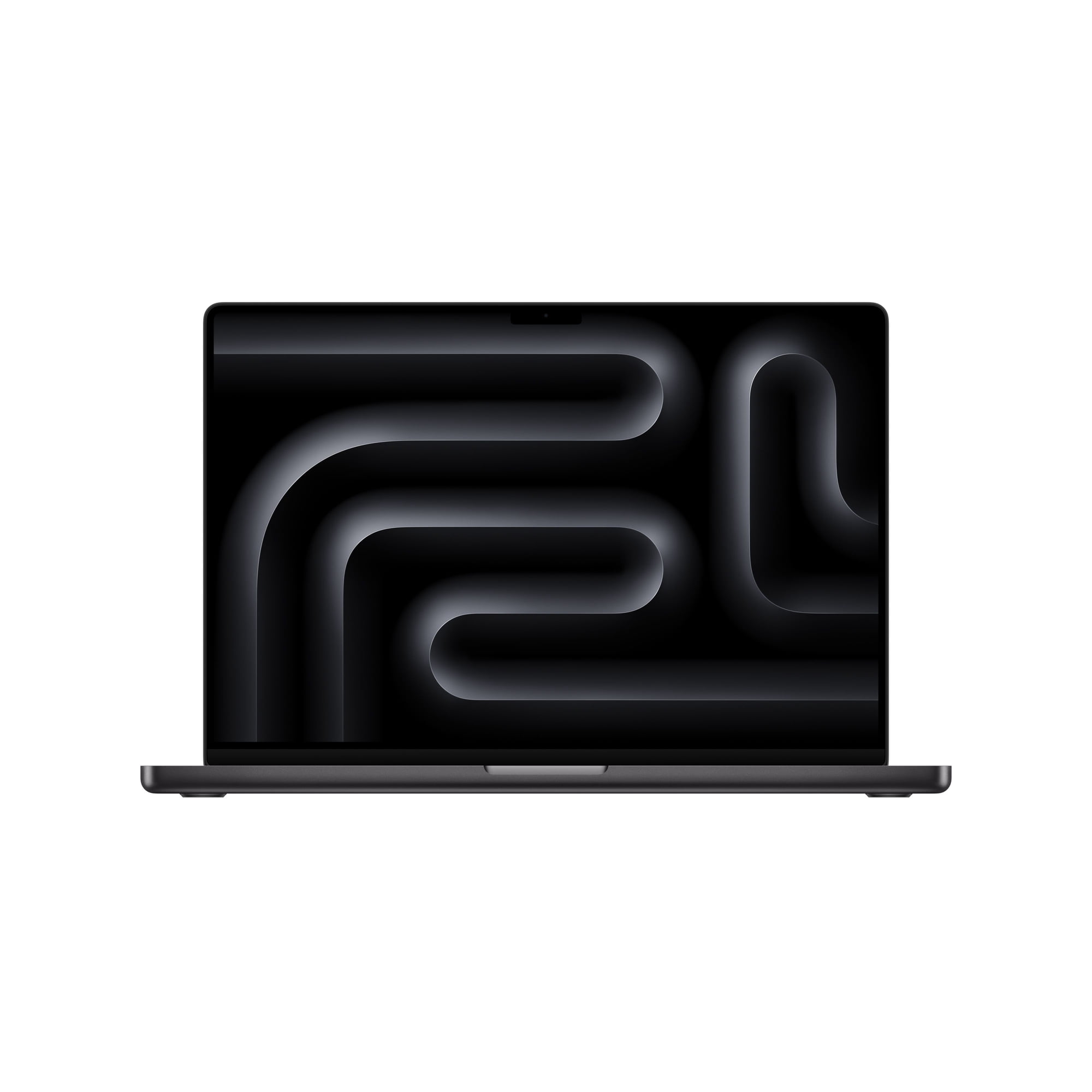
- Is the M5 Pro worth it over the base 14-inch MacBook Pro?
- Yes if you edit video, compile large projects or run local AI models. The M5 Pro adds more CPU and GPU cores and starts at higher memory, which the base chip cannot match. For browsing and documents, the base model is enough.
- Should I get 24GB or 48GB of memory?
- 24GB covers photo editing, coding and most video work. Choose 48GB or 64GB if you run large language models locally, keep many virtual machines open or edit 8K multicam timelines.
- How long does the battery really last?
- Apple rates up to 24 hours, and owners report 16 to 20 hours of light use. Heavy renders and AI workloads will drain it much faster, so carry the MagSafe charger for long days.
- What is in the box?
- The laptop, a 96W USB-C power adapter and a MagSafe 3 charging cable. No external display or mouse is included.
- Does it work with older USB-A accessories?
- Not directly. The machine has Thunderbolt 5 (USB-C), HDMI, an SDXC slot and a headphone jack, so USB-A drives and dongles need a hub or adapter.
- When is it cheapest?
- MacBook Pro prices usually dip during back-to-school season and Black Friday, and again when a new chip generation ships. Compare the 1TB and 48GB builds, which sometimes discount more than this one.
- What do buyers say about the Apple MacBook Pro 14-inch Laptop M5 Pro chip with 18-core CPU and 20-core GPU 24GB Memory 2TB SSD Space Black?
- Rated 4.9 out of 5 from 52 ratings. Buyers like: Insanely fast, handles heavy multitasking without slowing down; Excellent battery life, reported 16-20 hours in low light; Beautiful Liquid Retina XDR display, especially for photo and video.