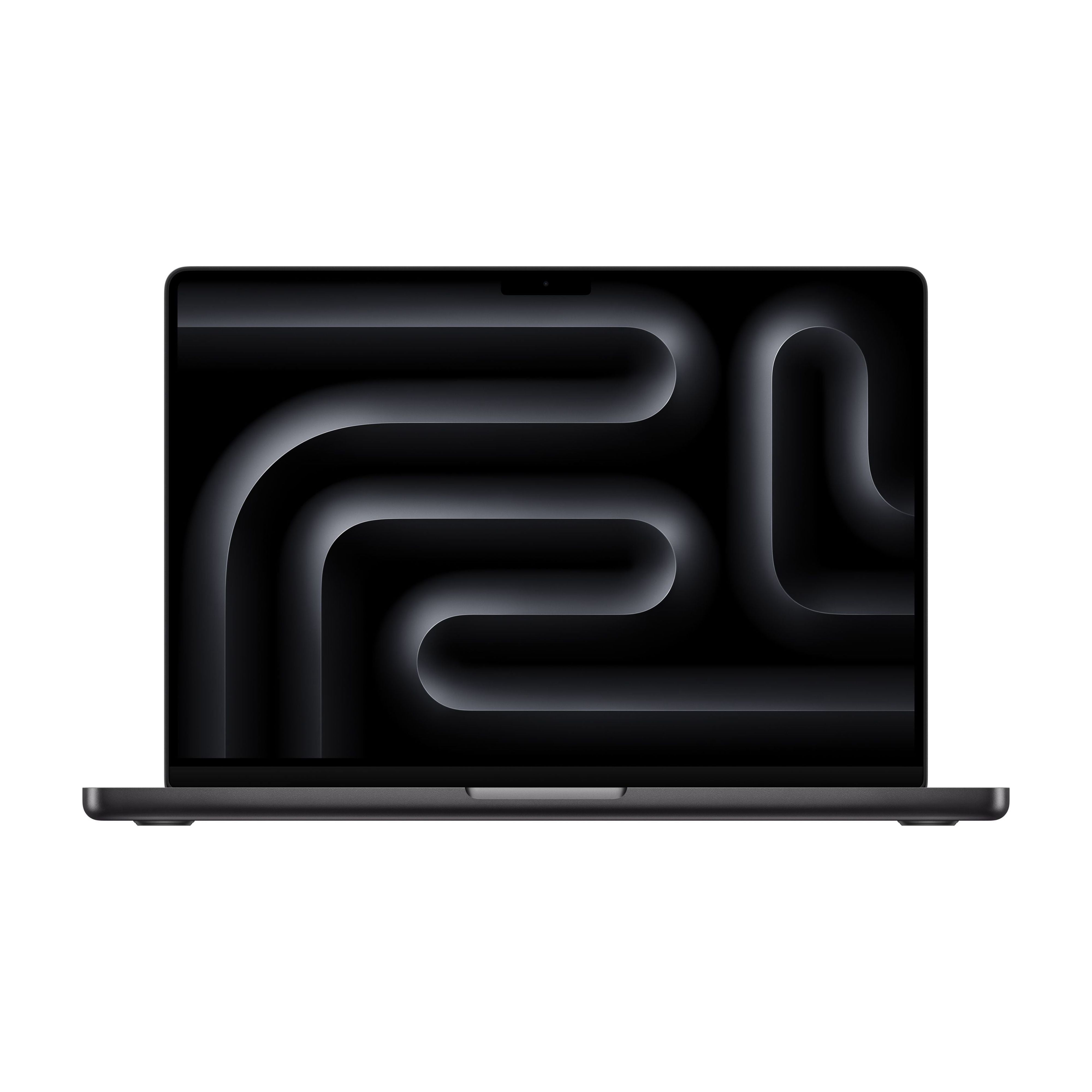
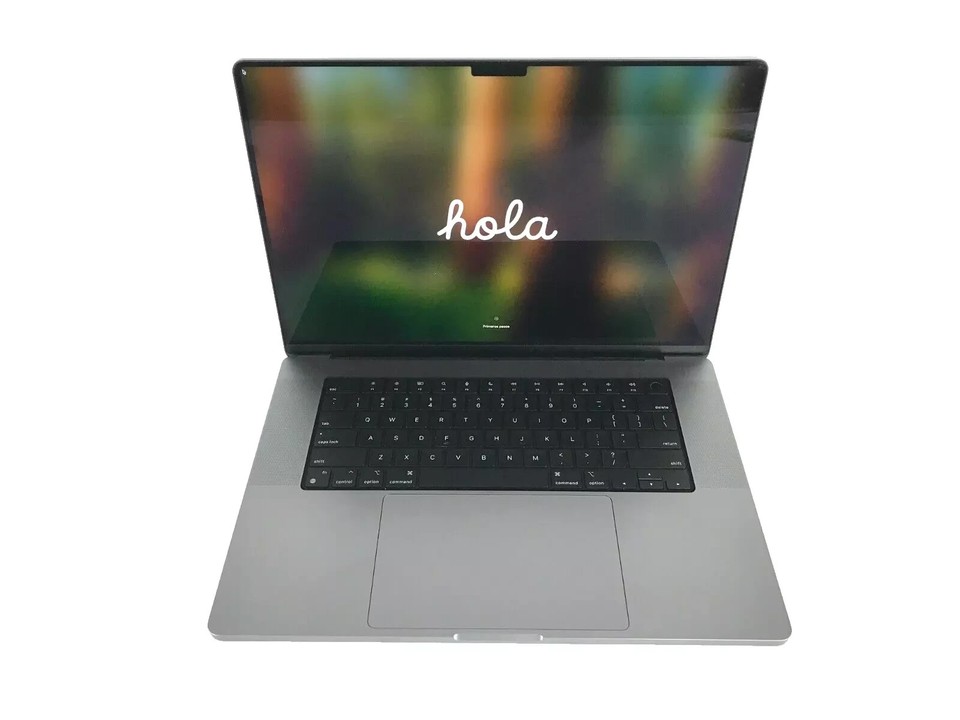
- Is the M5 Pro worth it over the base M5 MacBook Pro?
- If your work is sustained — long exports, big Xcode builds, large photo batches — the extra CPU and GPU cores and 307GB/s bandwidth pay off. For browsing, documents and light editing, the base M5 is enough.
- Can I upgrade the 24GB memory later?
- No. Unified memory is soldered to the chip package, so choose 24GB or more at checkout. 24GB suits most editing and development work; heavy 3D or large language models may want more.
- How long does the battery really last?
- Apple rates up to 22 hours of video streaming and up to 14 hours of wireless web on the 72.4Wh battery. Real-world mixed use typically lands between those figures.
- What comes in the box?
- The MacBook Pro, a USB-C power adapter and a USB-C to MagSafe 3 cable. No external display or mouse is included.
- Is the 14.2-inch screen good enough for photo and video work?
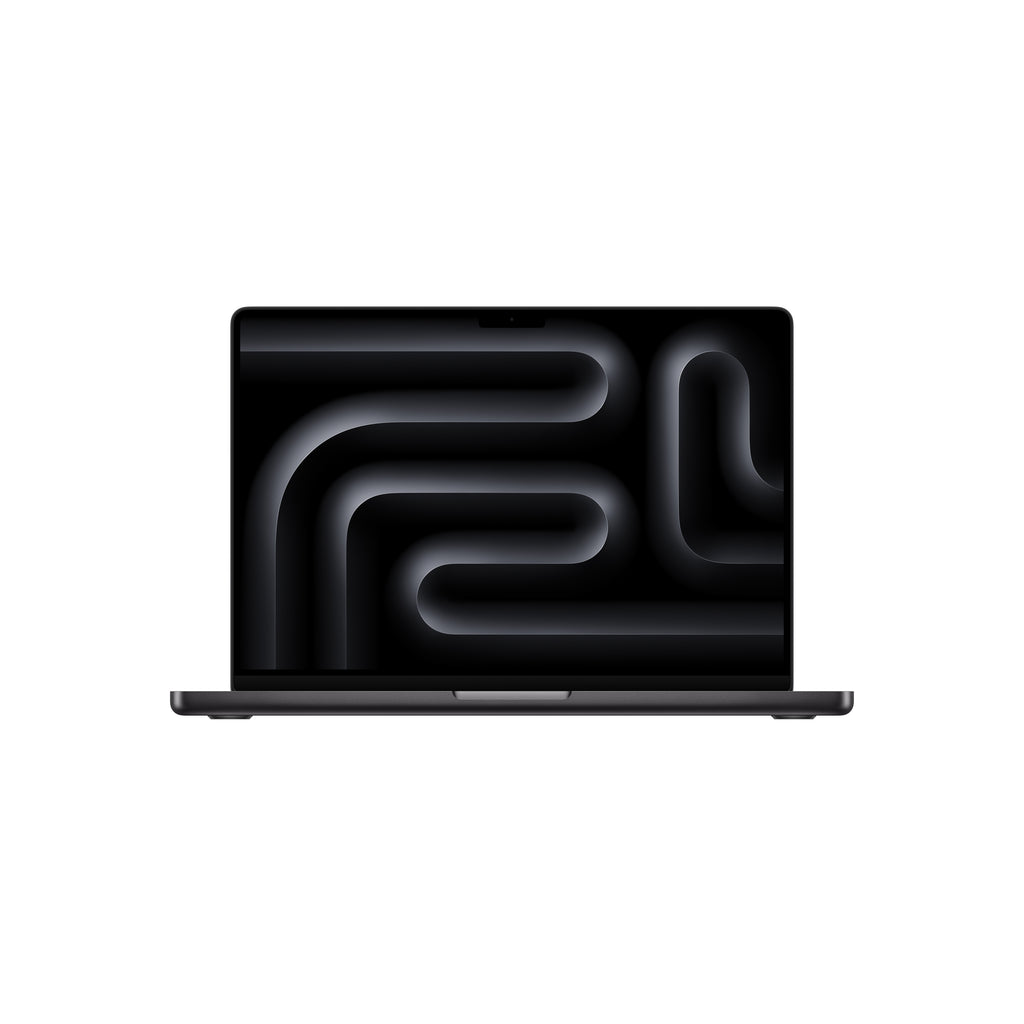
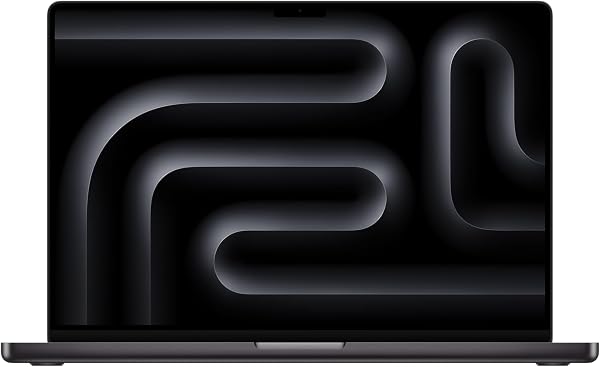
- Yes. It is Liquid Retina XDR at 3024x1964 with 254 ppi and 120Hz ProMotion, with wide color support. Many editors still pair it with a calibrated external monitor for final color checks.
- How does the M5 Pro compare with the M5 Max?
- The M5 Pro has 15 CPU and 16 GPU cores and 307GB/s of bandwidth. The M5 Max adds more cores and bandwidth for heavy 3D, video effects and large local models, at higher cost and power draw.
- Is the 1TB SSD enough, or should I get 2TB?
- 1TB covers most photo and document work plus a few game or video projects. Choose 2TB if you keep large camera files or virtual machines on the internal drive, since storage is fixed at purchase.
- Where is the Apple MacBook Pro 14-inch M5 Pro 15-core CPU 16-core GPU cheapest?
- At Abt Electronics, for $2,374.00, 27% under what the other stores charge, as of our latest check.
- Where can I buy the Apple MacBook Pro 14-inch M5 Pro 15-core CPU 16-core GPU?
- 14 stores we checked sell it, including Abt Electronics, Best Buy, Amazon, B&H Photo-Video-Audio, Adorama.