StoreDeal.ai store
Shop
  • Deals
  • Deal checker
  • Black Friday
  • Buying guides
  • Brands
  • Stores
Travel
  • Flight deals
  • Hotel deals
Company
  • Research
  • Press
  • Use in AI assistants
  • Contact
  • deal.ai apps
Black Friday 2026
  • Walmart
  • Best Buy
  • Target
  • TVs
  • Laptops
  • Headphones
  • Apple
  • Gaming
  • Vacuums
  • Kitchen
  • Toys
  • Smartwatches
  • Tablets
  • Furniture
  • Mattresses
© Deal.ai Inc.·2222 Ponce de Leon Blvd, Miami, FL 33134·support@deal.ai
TermsPrivacy
Deal.ai › Apple
Apple
Apple Pencil With USB-C

Apple Pencil With USB-C

Where to buy

No store is showing a current price right now. The stores below sell it; ask the agent to check today's prices.

Prices are checked against each store and labelled with when.

Check today's price at PzDeals

Ask our agent about this product

It checks today's price at every store, compares the alternatives and answers in about a minute.

Enter to send, Shift+Enter for a new line

In stock now from Apple

  • Apple
    APPLE PENCIL-I0736 12/01/2020 1606865580
    APPLE PENCIL-I0736 12/01/2020 1606865580$1.00 at Ship4Less
    Visit Ship4Less
  • Apple
    Apple Pencil
    Apple Pencil$10.02 at ResellDEX
    Visit ResellDEX
  • Apple
    Apple Pencil (1st gen)
    Apple Pencil (1st gen)$17.85 at eBay
    Visit eBay

Our take on the Apple Pencil With USB-C

The Apple Pencil with USB-C is Apple's mid-tier stylus, sitting between the entry-level first-generation Pencil and the pressure-sensitive second-generation model. It pairs magnetically to the side of compatible iPads for charging and storage, and it supports tilt, low latency and hover detection on newer iPads. It lacks pressure sensitivity and wireless pairing, so artists who need line-weight control should look at the second-generation Pencil or the Pro. It suits note-takers, students and casual sketchers who want a reliable Apple stylus without the top-tier features.

Best forStudents taking handwritten notesCasual sketching and annotationiPad owners who want a simple Apple stylusMarking up documents and PDFs
Pros
  • Magnetic attachment to the iPad's side for storage and charging
  • USB-C charging and pairing works with the newer iPad lineup
  • Tilt and low-latency support for natural-feeling strokes
  • Hover detection on supported iPads
  • No setup fuss: pairs quickly and works across compatible apps
Cons

Apple Pencil With USB-C prices at every store

  • PzDealsCheck price at PzDeals

What reviewers say

Owners generally find the USB-C Pencil responsive and dependable for notes and everyday writing, and they like the magnetic storage. Many note that the missing pressure sensitivity and gesture controls make it a step down from the pricier Pencils.

What people mention
  • Pressure sensitivityCriticisedOwners say the lack of pressure sensitivity limits shading and line-weight control for drawing.
  • LatencyPraisedWriters and note-takers describe strokes as smooth and responsive with little lag.
  • Magnetic attachmentPraisedUsers like that it snaps to the iPad's side and stays with the tablet.

Questions and answers

Does the Apple Pencil with USB-C have pressure sensitivity?
No. It supports tilt and low latency but not pressure sensitivity, so line weight does not change with how hard you press.
Which iPads work with it?
It works with iPads that have a USB-C port and support this Pencil, including recent iPad, iPad Air and iPad Pro models. Check Apple's compatibility list for your exact model.
How does it charge and pair?
It attaches magnetically to the side of compatible iPads for storage and charging, and it pairs over USB-C. It does not pair wirelessly like the second-generation Pencil.
Is it good for drawing?
It is fine for casual sketching and annotation, but artists who need pressure-sensitive shading should choose the second-generation Pencil or the Apple Pencil Pro.
What is in the box?
The box contains the Apple Pencil with USB-C. A USB-C cable is not included, so you need your own to pair or charge it by wire.
How is it different from the first-generation Apple Pencil?
It uses USB-C instead of a Lightning connector, attaches magnetically to newer iPads and supports hover on some models. Neither model offers pressure sensitivity.
Apple
Apple Pencil (3rd generation)
$20.79 at 我的商店
Visit 我的商店
  • No pressure sensitivity, so line weight can't vary with pressure
  • No double-tap or squeeze gesture for tool switching
  • No wireless pairing; USB-C is needed to pair on some iPads
  • Fewer features than the second-generation and Pro models
  • GesturesCriticisedReviewers miss the double-tap gesture for switching tools that the higher-end Pencils offer.
  • ChargingMixedUSB-C charging works, but some find it less convenient than the wireless charging of other models.
  • About the Apple Pencil With USB-C

    The Apple Pencil with USB-C is a stylus pen that works with Apple devices. It connects through USB-C.

    Type
    Stylus pen
    Connector
    USB-C
    Compatibility
    Apple devices

    More from Apple

    • A
      Apple-pencilL2441 09/15/2022 1663273180
      Apple-pencilL2441 09/15/2022 1663273180
    • A
      Apple iPhone 17 Pro Max, 512GB
      Apple iPhone 17 Pro Max, 512GB
    • I
      iPad Pro M5 chip 256GB With Wi-Fi
      iPad Pro M5 chip 256GB With Wi-Fi
    • I
      iPad
      iPad
    • A
      Apple Magic Mouse Multi-Touch Surface White
      Apple Magic Mouse Multi-Touch Surface White
    • A
      Apple Magic Mouse (USB‑C) - Black
      Apple Magic Mouse (USB‑C) - Black
    • A
      Apple MacBook Neo 13' A18 Pro 6-Core-Cpu 8gb 256gb Ssd 5-Core Gpu Plata
      Apple MacBook Neo 13' A18 Pro 6-Core-Cpu 8gb 256gb Ssd 5-Core Gpu Plata
    • A
      Apple Pro Display XDR
      Apple Pro Display XDR
    All Apple deals and products →

    More styluses

    • B
      Bargains Depot Capacitive Stylus with 2-in-1 Rubber Tips
      Bargains Depot Capacitive Stylus with 2-in-1 Rubber Tips
    • M
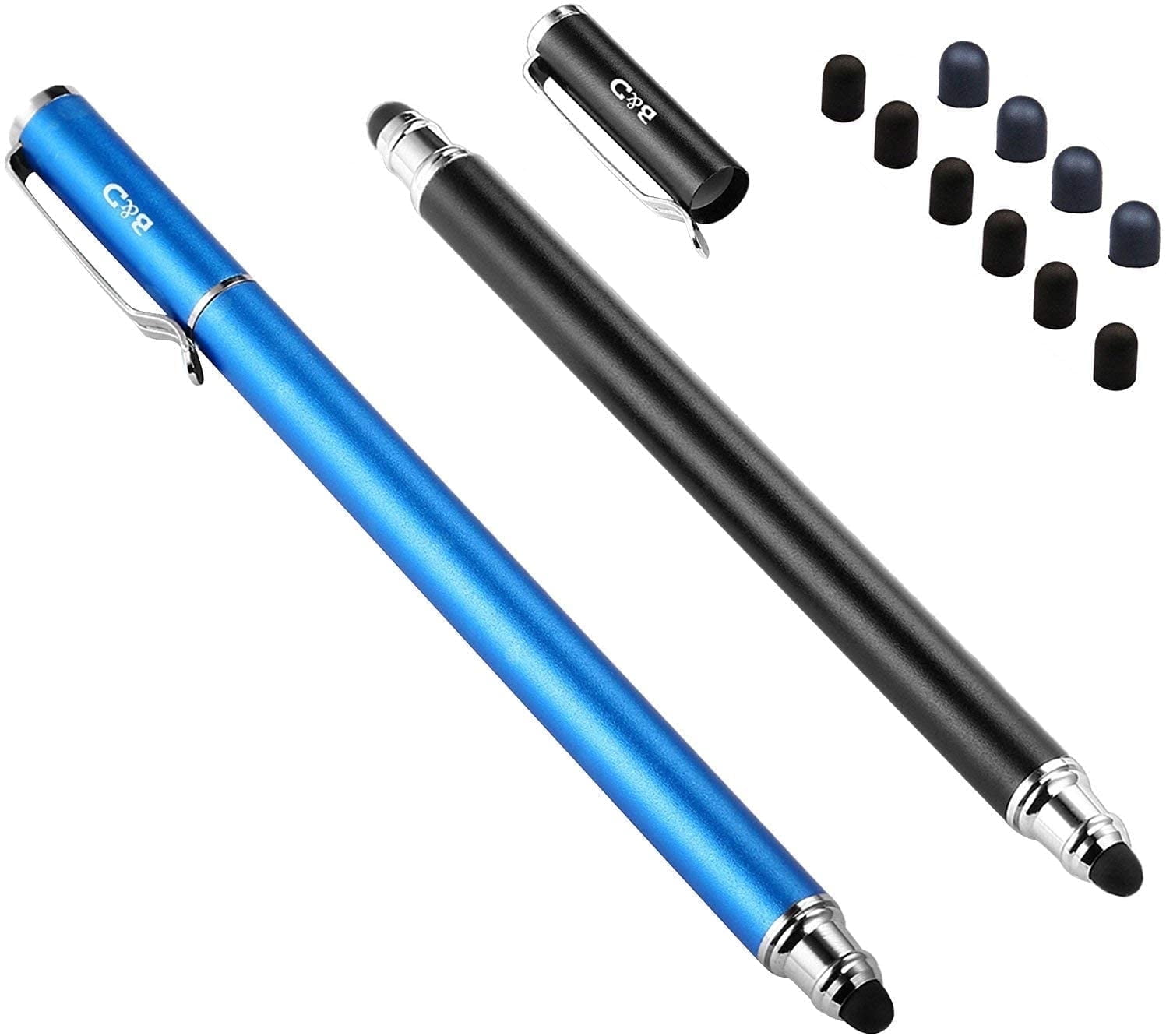
      MEKO Stylus Pens for Touch Screens, 2-Pack Touch Pen Tablets Smartphone Styluses with 10 Replaceable Tips
      MEKO Stylus Pens for Touch Screens, 2-Pack Touch Pen Tablets Smartphone Styluses with 10 Replaceable Tips
    • S
      Shein Universal Touchscreen Stylus Pen For Galaxy Tab A9
      Shein Universal Touchscreen Stylus Pen For Galaxy Tab A9
    • S
      Shein Rechargeable Touch Screen Stylus Pen
      Shein Rechargeable Touch Screen Stylus Pen
    • S
      Shein Capacitive Touch Screen Stylus Pen
      Shein Capacitive Touch Screen Stylus Pen
    C
    Codi Capacitive Stylus for Touchscreen Devices
    Codi Capacitive Stylus for Touchscreen Devices
  • S
    Shein Universal Touch Stylus Pen Compatible With Galaxy Tab A9 S9FE S9 S8 Plus S7F
    Shein Universal Touch Stylus Pen Compatible With Galaxy Tab A9 S9FE S9 S8 Plus S7F
  • S
    Shein Capacitive Touch Stylus Pen Alloy
    Shein Capacitive Touch Stylus Pen Alloy