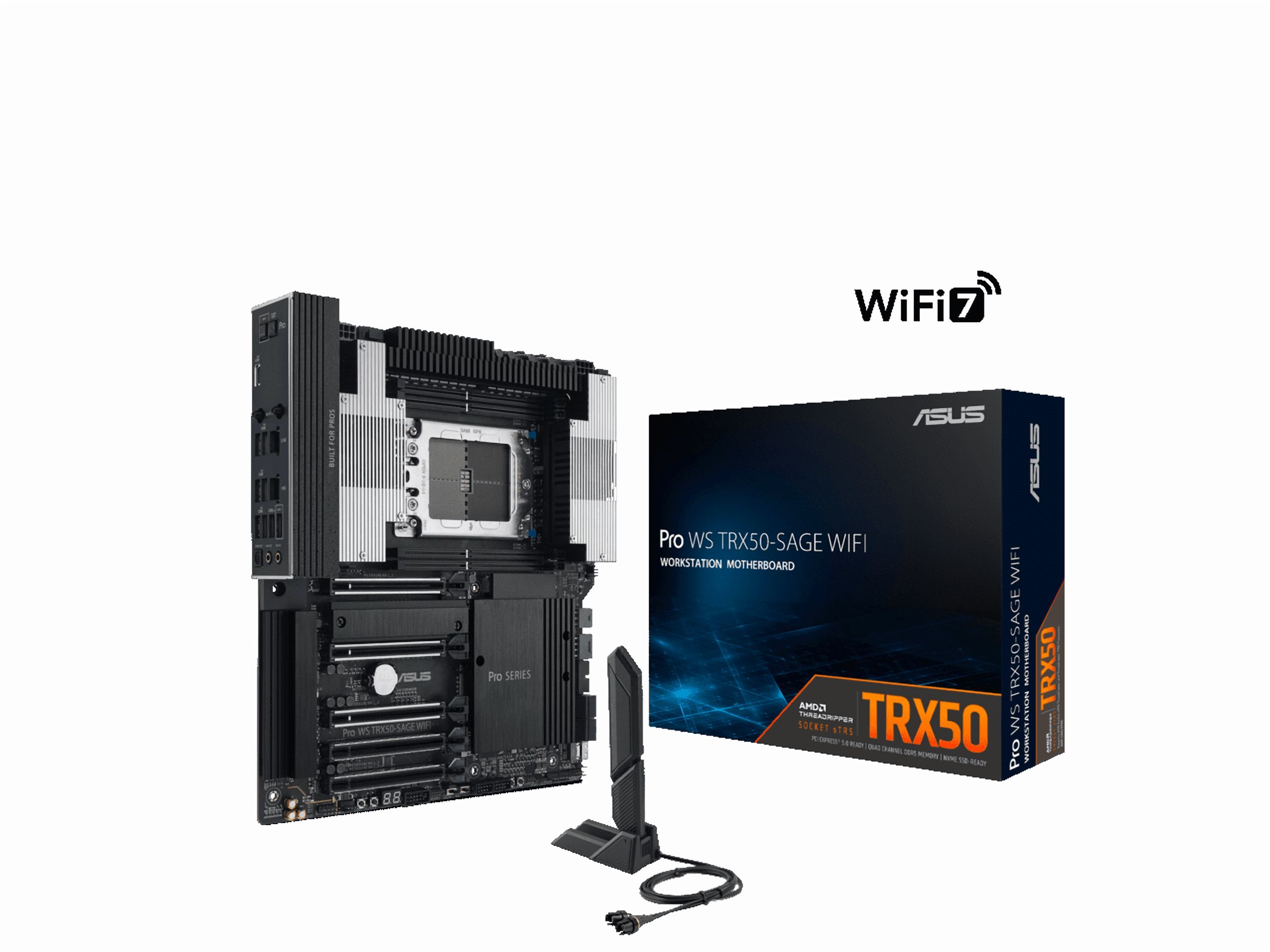
The Asus Pro WS WRX90E-SAGE SE is an EEB workstation motherboard with an AMD WRX90 chipset and an sTR5 socket. It is built for AMD Ryzen Threadripper PRO 7000 WX-Series processors. It has eight DDR5 R-DIMM slots with ECC support and seven PCIe 5.0 x16 slots for multi-GPU setups.
Storage and networking include four PCIe 5.0 M.2 slots, two SlimSAS ports and dual 10 Gb Ethernet from an Intel X710-AT2 controller. A separate 1 Gb Ethernet port is dedicated to the onboard baseboard management controller. The rear USB Type-C port supports USB4 and DisplayPort alt mode up to 8K at 60 Hz.
The board is ready for CPU and memory overclocking, with a dual PSU design, hardware switches and BIOS options. Memory EXPO settings can be enabled. The VRM uses (16*2)+3+3+3 power stages with actively cooled heatsinks. There are also heatsinks on the chipset, 10 Gb LAN controller and M.2 slots, with active fans for the chipset and M.2 slots. Fans can be controlled through an IPMI web UI, Q-FAN in the UEFI BIOS or Fan Xpert 4 in Armoury Crate for Windows. To use the BIOS or Armoury Crate methods, set BMC_SW to disabled.
- Chipset
- AMD WRX90
- Socket
- AMD sTR5
- Processors
- AMD Ryzen Threadripper PRO 7000 WX-Series
- Form factor
- EEB
- Memory
- 8 x DIMM slots, DDR5 R-DIMM with ECC support
- Expansion slots
- 7 x PCIe 5.0 x16
- M.2 storage
- 4 x PCIe 5.0 M.2 slots, with heatsinks, an active fan and thermal pads on select slots
- Other storage
- 2 x SlimSAS ports
- LAN
- Intel X710-AT2 dual 10 Gb Ethernet; Realtek 1 Gb Ethernet dedicated to BMC
- USB
- Rear USB4 Type-C port with DisplayPort alt mode, up to 8K at 60 Hz
- Video input
- MiniDP In on the back panel; connect it to a discrete graphics card with the bundled MiniDP to DP cable
- Power stages
- (16*2)+3+3+3
- Power connectors
- ProCool II 12V CPU connector; 2 x onboard 8-pin PCIe power connectors
- BIOS
- 256 Mb Flash ROM, UEFI AMI BIOS
- Cooling
- Active VRM cooling, chipset heatsink with fan, 10 Gb LAN heatsink, M.2 heatsinks with active fan
- Fan headers
- Each supports a 3A-12V high-speed fan and three user-configurable thermal sensors
- Fan control
- IPMI web UI, Q-FAN in UEFI BIOS, Fan Xpert 4 in Armoury Crate for Windows
- Software
- ASUS Control Center Express
- Overclocking
- CPU and DRAM overclocking, EXPO support, hardware switches
- In the box
- MiniDP to DP cable