- Is the ProArt PZ14 good for drawing?
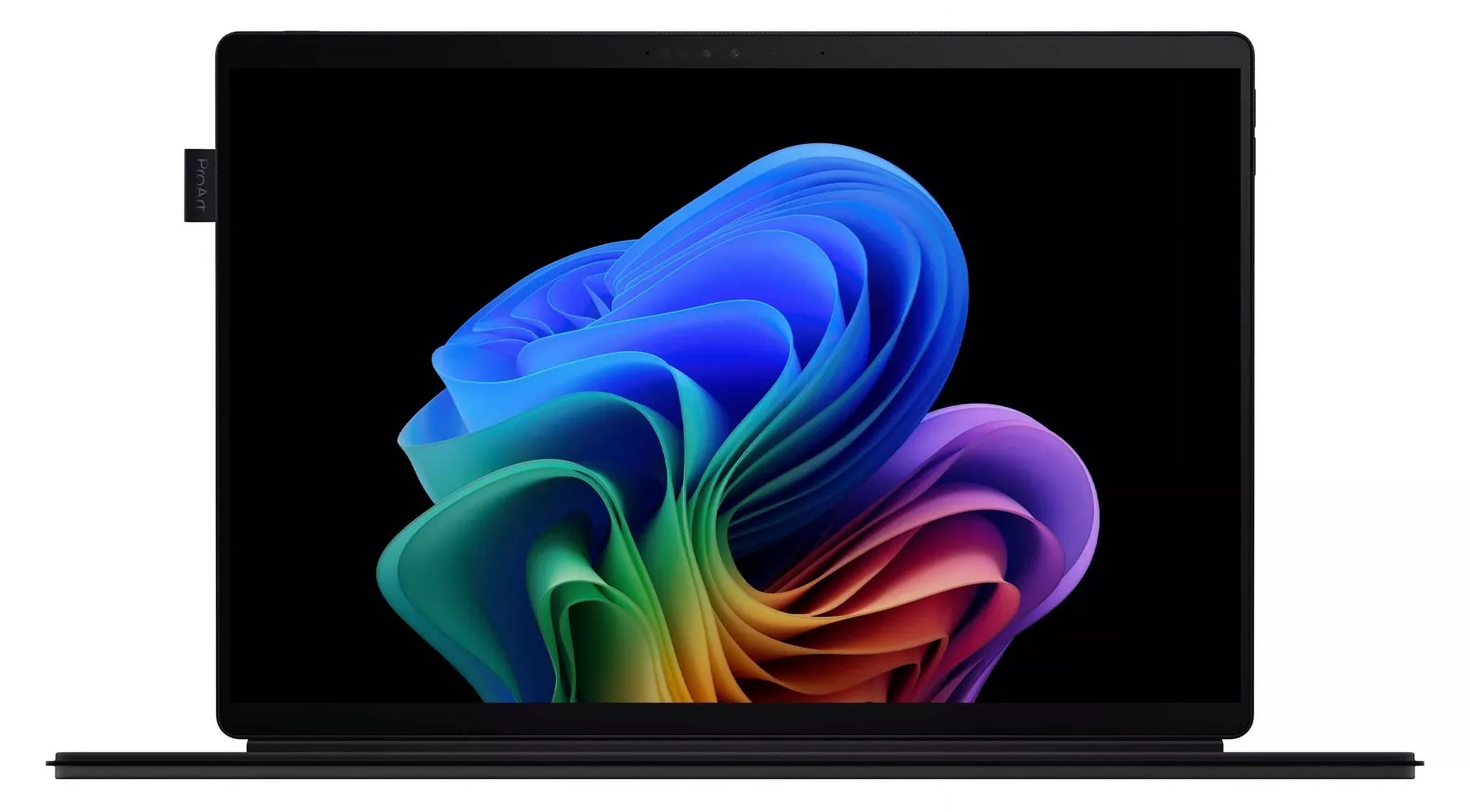
- Yes. The OLED touchscreen, 144Hz refresh and stylus support make it a strong sketching tablet. Check that your drawing app has a native Arm build for the best performance.
- Does it run full Windows?
- It runs Windows on Arm. Most everyday apps work, but some professional tools and plug-ins rely on emulation, so verify your key software first.
- How does it compare with the Surface Pro?
- The PZ14 offers a larger 14-inch OLED screen, 32GB of RAM and a higher refresh rate. The Surface Pro line has a longer track record and broader accessory support.
- Is the keyboard included?
- It depends on the configuration. Some bundles include the detachable keyboard and stylus, while others sell them separately, so confirm before buying.
- Can it handle video editing?
- Light 1080p and 4K editing is fine, but the Adreno graphics and Arm chip limit heavy effects and GPU-accelerated renders. The 512GB drive also fills fast.
- What ports does it have?
- It has a limited set of ports for a laptop, so a USB-C hub is worth planning for if you use card readers or external displays.
- Where is the Asus ProArt PZ14 (HT7407) cheapest?
- At asus.com, for $2,499.99, as of our latest check.
- Where can I buy the Asus ProArt PZ14 (HT7407)?
- 2 stores we checked sell it, including Asus, asus.com.