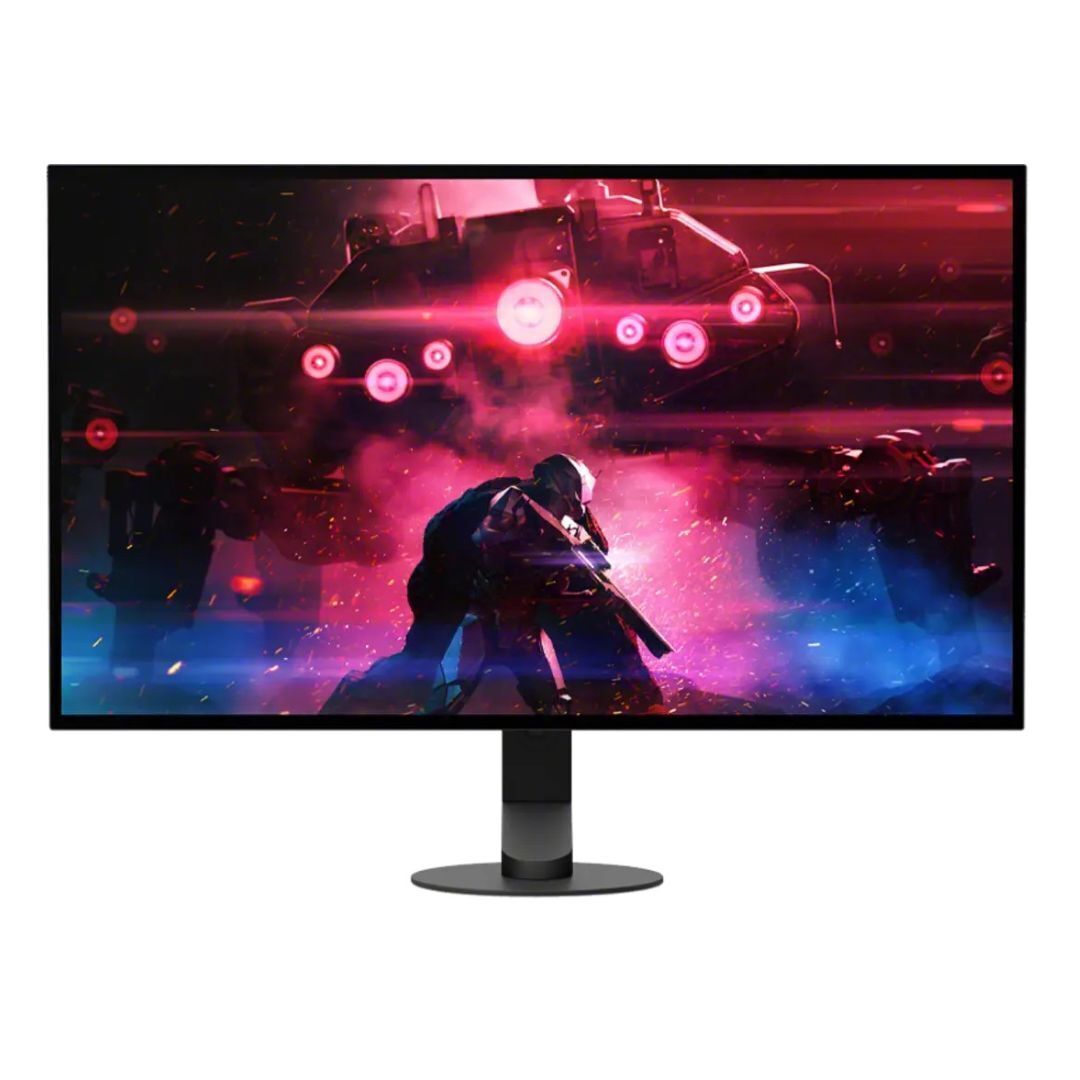
ASUS ROG Strix OLED XG27AQDMGR computer monitor
Best price now
$641.03at Buy IT Solutions Inc.Checked 2 h ago
Prices are checked against each store and labelled with when.

Prices are checked against each store and labelled with when.
It checks today's price at every store, compares the alternatives and answers in about a minute.
The ROG Strix OLED XG27AQDMGR is a 26.5-inch 1440p WOLED gaming monitor with a 240 Hz refresh rate and a 0.03 ms response time. Its TrueBlack Glossy panel is VESA DisplayHDR 400 True Black certified, covers 99% of DCI-P3 with true 10-bit color and Delta E under 2, so HDR and color work hold up next to pricier OLED rivals. OLED Care Pro with a Neo Proximity Sensor blanks the screen when you step away to limit burn-in risk, a feature most 1440p OLED monitors lack. It suits competitive PC and console players who want deep blacks and fast motion, though the glossy finish reflects room light and 400-nit HDR is dimmer than Mini-LED alternatives.
In stockReturn policy
The ASUS ROG Strix OLED XG27AQDMGR is a flat 26.5-inch viewable (27-inch) QHD gaming monitor with a TrueBlack Glossy WOLED panel. Its resolution is 2560 x 1440, with a 240 Hz refresh rate and a 0.03 ms response time. It supports VESA DisplayHDR 400 True Black, 99% DCI-P3, true 10-bit color, and Delta E < 2 color difference.
The zero-haze optical layer presents deep blacks; the anti-reflective coating reduces ambient reflections by 38% compared with previous-generation glossy WOLEDs. The Neo Proximity Sensor detects the user’s distance, switches to a black screen when the user steps away, and restores content on return; the detection distance can be adjusted. A custom heatsink and internal airflow design improve cooling and reduce the risk of burn-in.
The compact stand is 30% smaller than those on previous-generation XG monitors and offers tilt, swivel, pivot, and height adjustments. Connectivity includes DisplayPort 1.4 with DSC, two HDMI 2.1 ports, and USB. The monitor has AMD FreeSync Premium Pro, NVIDIA G-SYNC compatibility, and VESA Adaptive Sync, and its AI Assistant includes AI Visual, Dynamic Crosshair, and Dynamic Shadow Boost. DisplayWidget Center software lets users adjust monitor settings with a mouse, access OLED Care Pro functions, receive firmware update notifications and direct updates, and import or export display configurations.