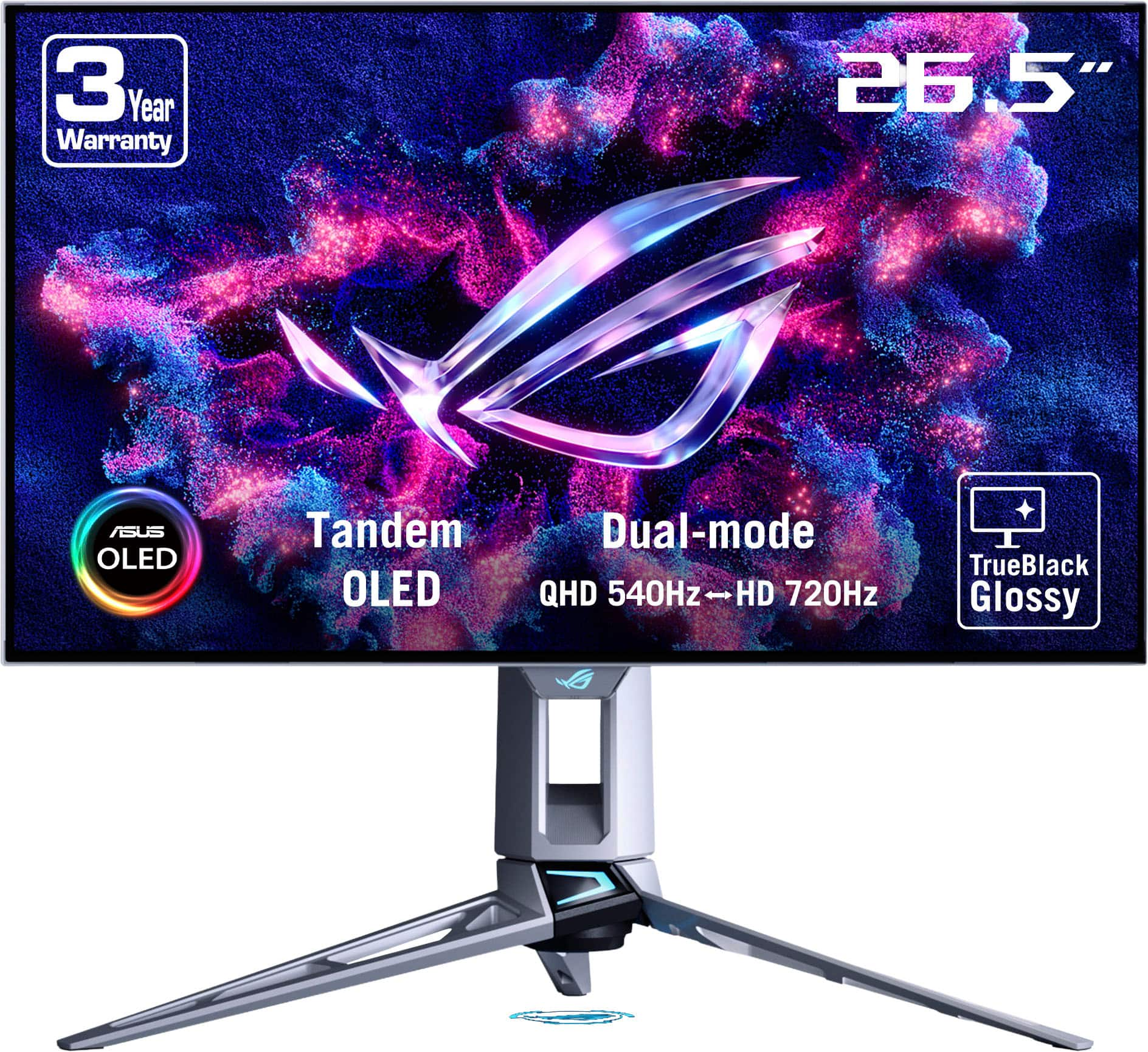
- Is 360 Hz worth it over a 240 Hz monitor?
- For fast shooters, the extra refresh cuts motion blur further and makes tracking smoother. If you mostly play slower games or your GPU cannot push high frame rates, a 240 Hz panel gives most of the benefit.
- Does OLED burn-in affect this monitor?
- OLED panels can develop permanent marks from static images shown for long periods, such as taskbars and HUDs. Varying content and using the built-in screen-protection features lowers the risk.
- Can I connect a laptop with one cable?
- Yes. The USB-C input carries video from a compatible laptop, and HDMI and DisplayPort are there for a desktop or console.
- Is 1440p sharp enough on a 27-inch screen?
- For games it looks crisp and is easier to drive at high frame rates than 4K. For close-up desktop work, 4K text is noticeably sharper.
- What is in the box?
- You get the monitor, a stand and the usual cabling for its inputs. Check the listed accessories for the exact cables included.
- Does it suit console gaming?
- Consoles work over HDMI, but they cap well below 360 Hz, so the panel's full speed is mainly a PC benefit.
- Where is the ASUS ROG Strix XG27ACDNG 27" WQHD OLED Gaming Monitor cheapest?
- At Amazon, for $549.00, 17% under what the other stores charge, as of our latest check.
- What do buyers say about the ASUS ROG Strix XG27ACDNG 27" WQHD OLED Gaming Monitor?
- Rated 4.7 out of 5 from 384 ratings.
- Where can I buy the ASUS ROG Strix XG27ACDNG 27" WQHD OLED Gaming Monitor?
- 9 stores we checked sell it, including Amazon, Asus, eBay, B&H Photo-Video-Audio, Micro Center.