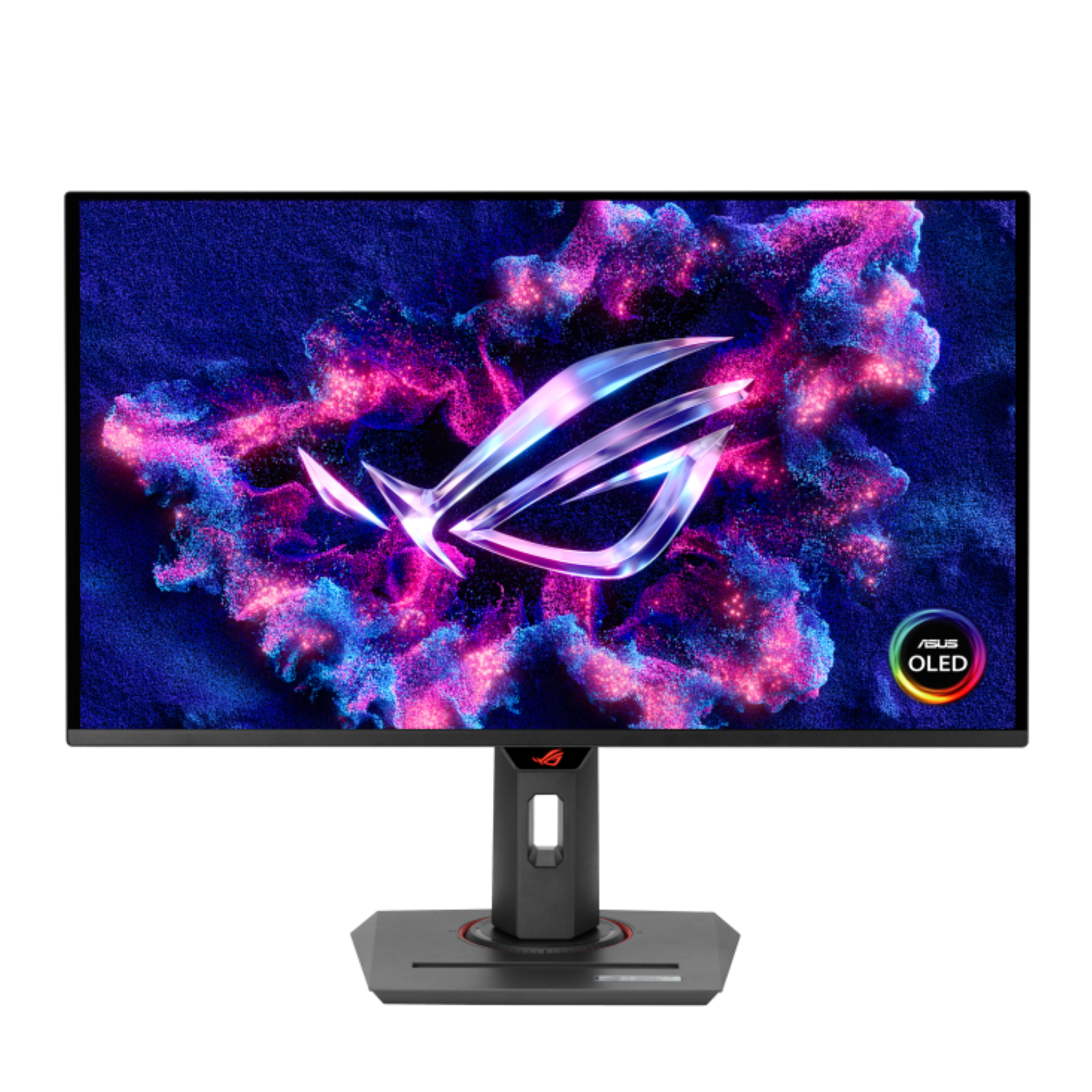
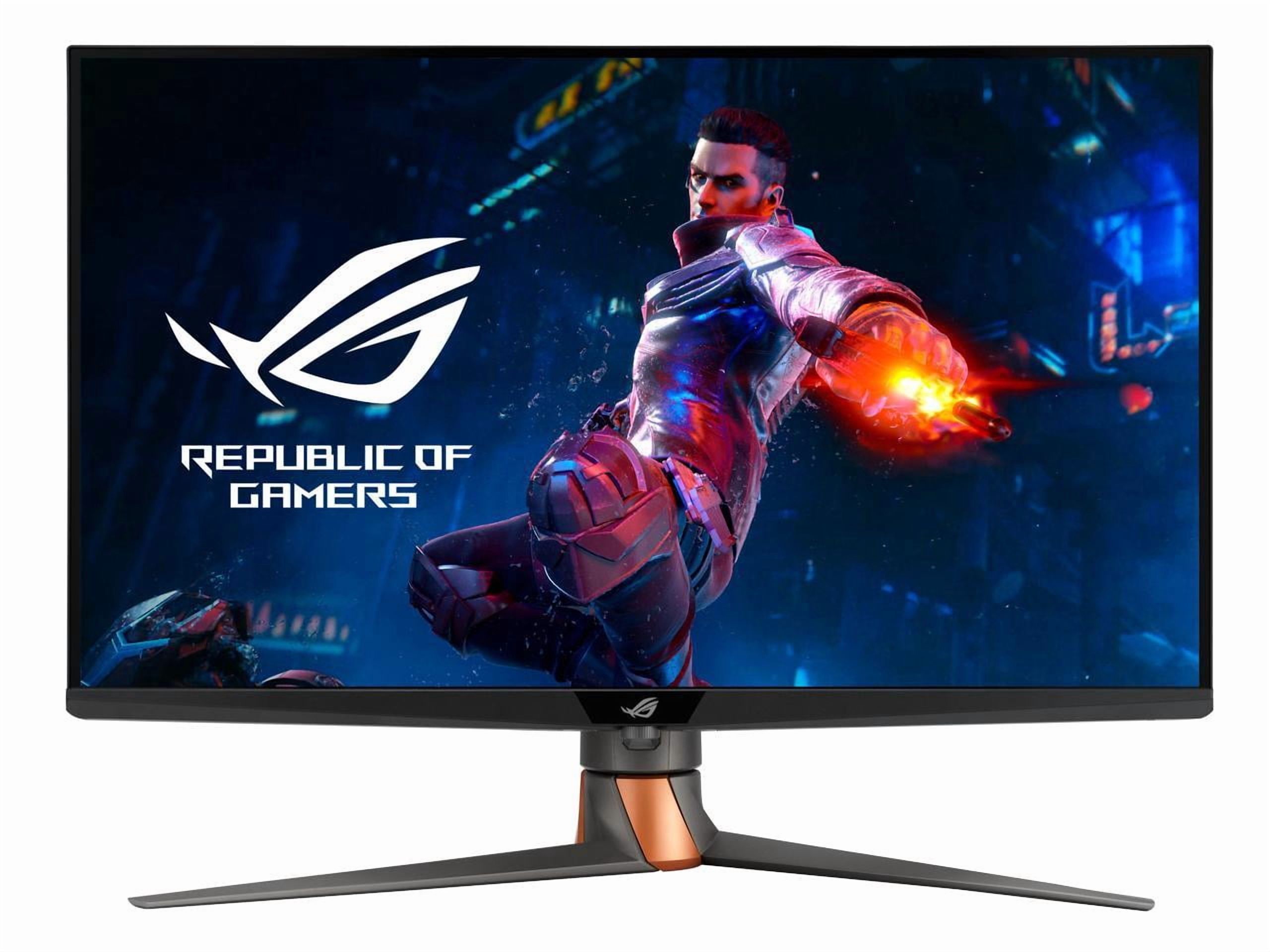
ASUS ROG Strix XG32UCWMG 31,5 pouces 4K UHD 240 Hz
Where to buy
No store is showing a current price right now. The stores below sell it; ask the agent to check today's prices.
Prices differ by screen size, and this one may be for a smaller size: check the size at the store.
Prices are checked against each store and labelled with when.
Ask our agent about this product
It checks today's price at every store, compares the alternatives and answers in about a minute.
In stock now from ASUS

Our take on the ASUS ROG Strix XG32UCWMG 31,5 pouces 4K UHD 240 Hz
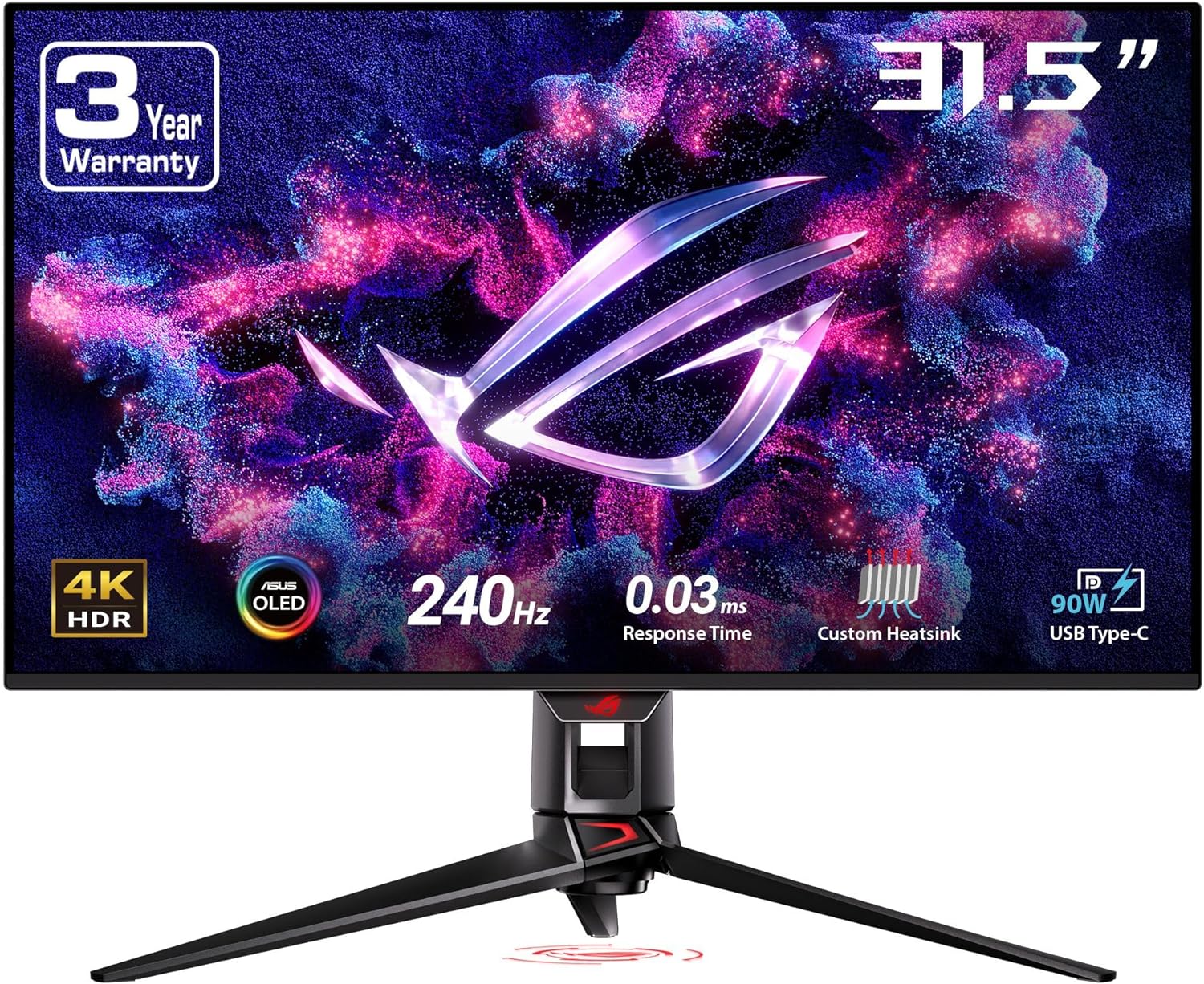
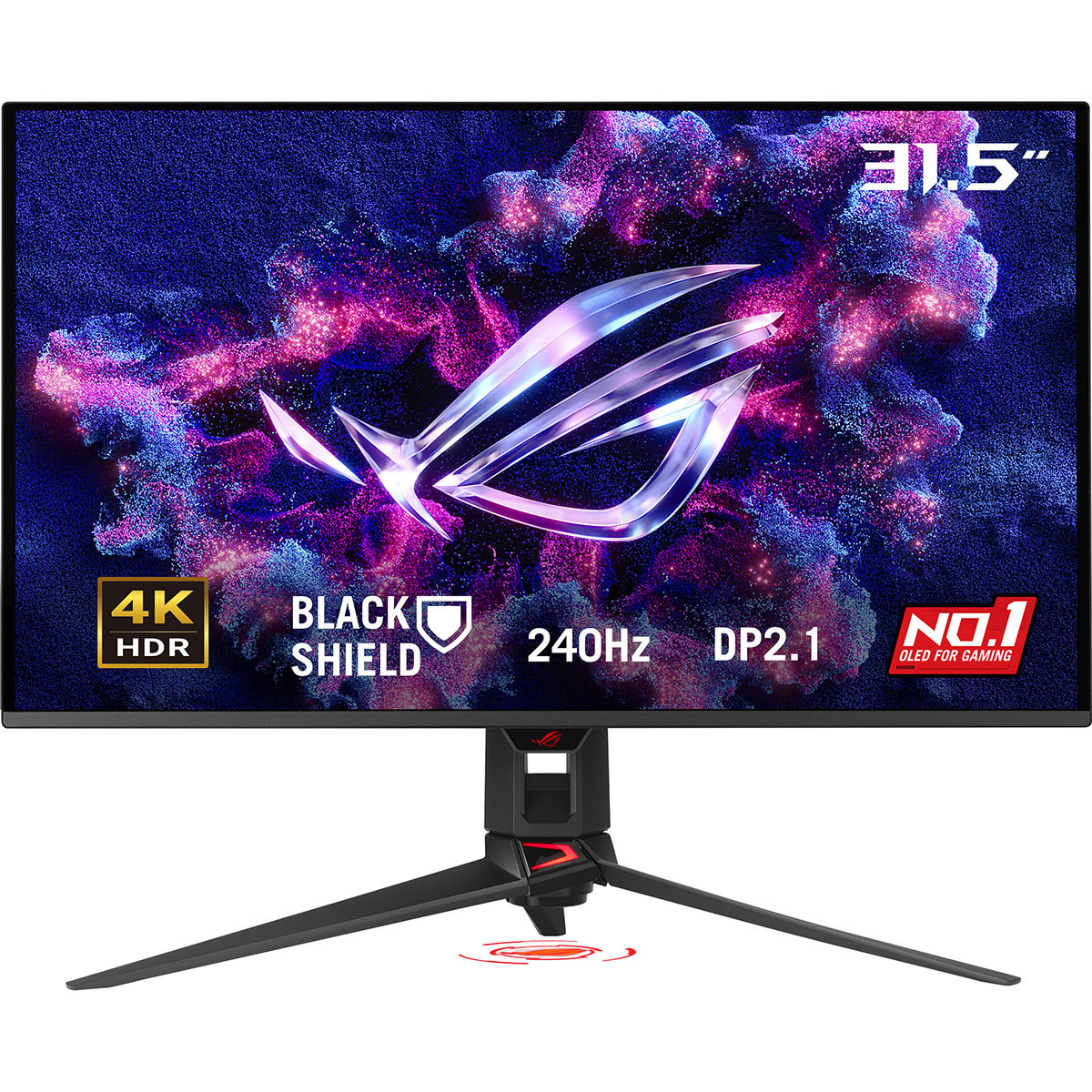
The ROG Strix XG32UCWMG is a 31.5-inch OLED gaming monitor that runs 4K at 240 Hz or drops to Full HD at 480 Hz with a dedicated button. Its TrueBlack-Glossy panel gives deep blacks, 99% DCI-P3 coverage and DisplayHDR True Black 400, with a 0.03 ms response time and FreeSync Premium Pro plus G-Sync compatibility. It suits gamers who want sharp 4K detail and fast motion, and photo or video editors who need accurate color. Against 4K 240 Hz OLED rivals, the dual-mode 480 Hz switch and USB-C hub are its main edges; the glossy coating and OLED care demands are the trade-offs.
- 4K at 240 Hz with a one-button 480 Hz Full HD mode
- 0.03 ms response time and FreeSync Premium Pro with G-Sync compatibility
- TrueBlack-Glossy OLED with 99% DCI-P3, 10-bit color and Delta E of 2
- DisplayHDR True Black 400 and 1,000 nits peak brightness
- Two HDMI 2.1 ports, DisplayPort 1.4 with DSC and USB-C with 15 W power delivery
About the ASUS ROG Strix XG32UCWMG 31,5 pouces 4K UHD 240 Hz
The ASUS ROG Strix OLED XG32UCWMG is a 31.5-inch (80 cm) gaming monitor that combines 4K resolution with a high refresh rate. It is also suited to photo and video work because of its color accuracy.
The 16:9 panel shows 3840 x 2160 pixels at 240 Hz. A dedicated button switches to Full HD and raises the refresh rate to 480 Hz. Response time is 0.03 ms. AMD FreeSync Premium Pro handles frame synchronization, and the monitor is G-Sync compatible.
The self-emitting TrueBlack-Glossy surface produces deep blacks, and the anti-glare coating reduces reflections by 38%. The screen supports HDR10 and DisplayHDR True Black 400. A proximity sensor turns the panel off when no one is at the desk. The stand tilts, swivels and adjusts in height by up to 80 mm.
- Screen size
- 31.5 inches (80 cm)
- Panel type
- OLED, TrueBlack-Glossy surface
- Aspect ratio
- 16:9
- Resolution
- 3840 x 2160 (4K UHD)
- Refresh rate
- 240 Hz at 4K; 480 Hz at Full HD
- Response time
- 0.03 ms
- Adaptive sync
- AMD FreeSync Premium Pro; G-Sync compatible
- Brightness
- 1,000 nits
- Contrast
- 1,500,000:1 static
- HDR
- HDR10, DisplayHDR True Black 400
- Color
- 99% DCI-P3, 10-bit, Delta E of 2
- Viewing angles
Questions and answers
- Is 4K at 240 Hz worth it over a 1440p OLED?
- If you have a GPU that can drive 4K at high frame rates, the extra sharpness is noticeable on a 31.5-inch screen. A 1440p OLED is easier to run and often cheaper, so choose 4K only if you value detail and have the hardware.
- How does the 480 Hz mode work?
- A dedicated button switches the panel to Full HD and raises the refresh rate to 480 Hz. It is meant for fast shooters where motion clarity matters more than resolution.
- Does it work with G-Sync?
- Yes. It is certified for AMD FreeSync Premium Pro and is listed as G-Sync compatible, so variable refresh works on supported Nvidia cards.
- What is in the box?
- The monitor, its stand, and the usual cabling and documentation. Check the listing for the exact cables included, since DisplayPort or HDMI cables vary by region.
- Can I use it for photo and video editing?
- Yes. It covers 99% of DCI-P3 with 10-bit color and a Delta E of 2, which is accurate enough for color work. The glossy finish and OLED brightness behavior are the main things to manage.
- Should I worry about OLED burn-in?
- Static elements like taskbars and desktop icons can leave marks over long sessions. The proximity sensor and pixel-shift features help, but vary your content and use screen savers.