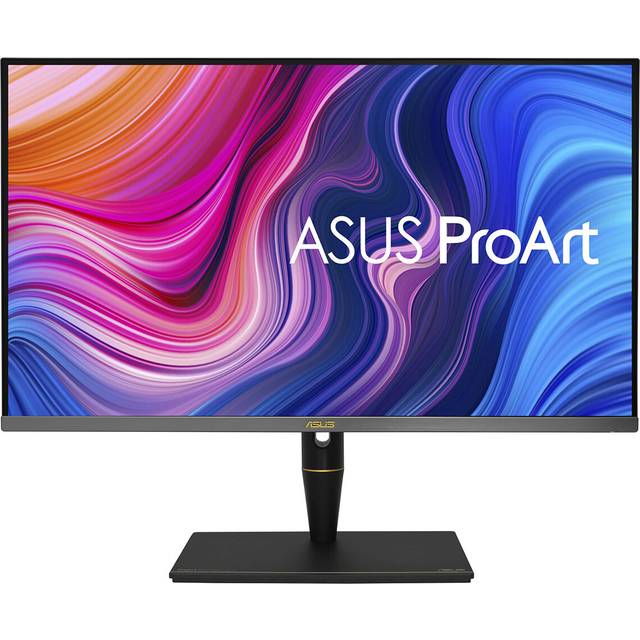
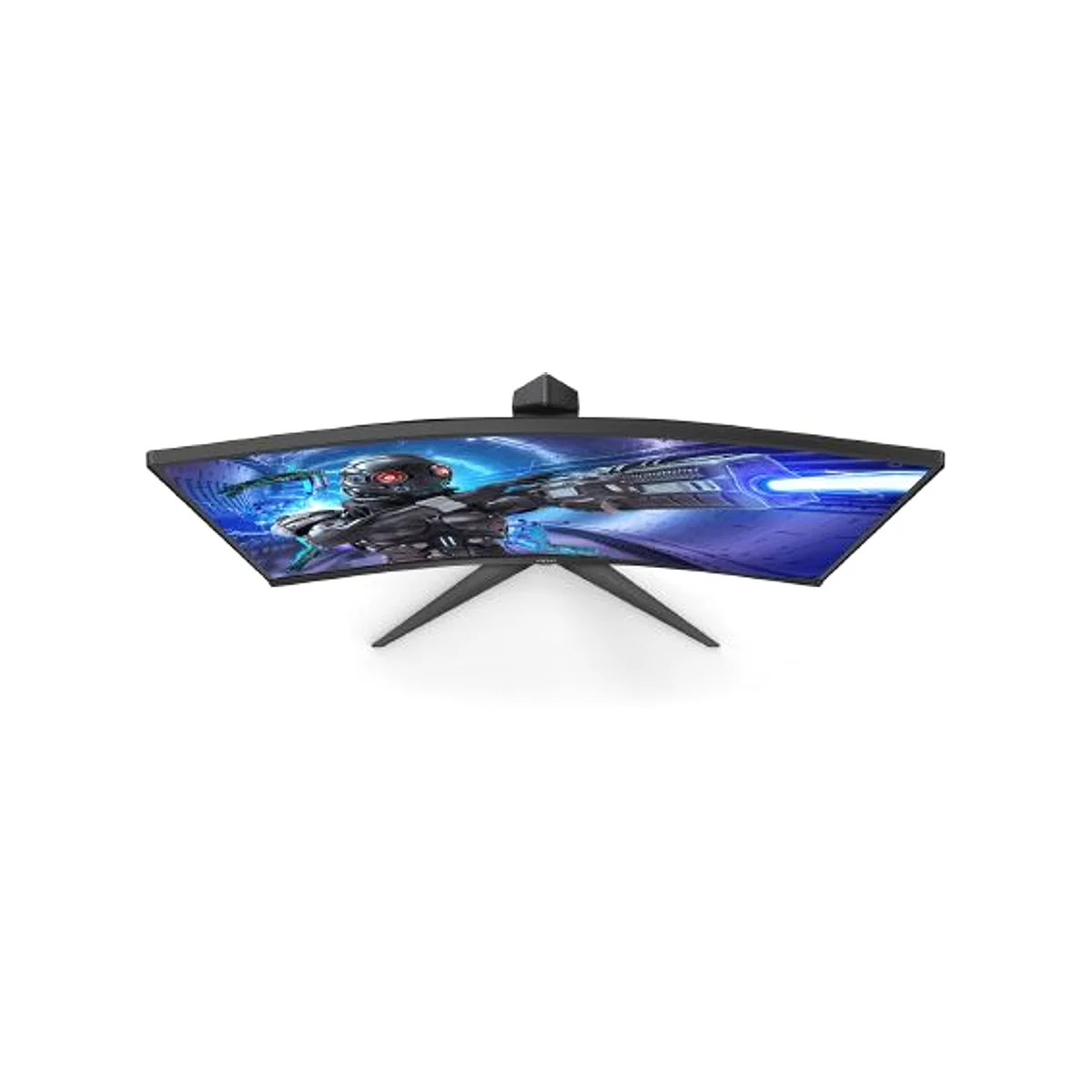
- Is 240Hz worth it on a 1080p monitor?
- Yes for fast competitive games, where the higher refresh rate and low response time reduce motion blur and input lag. The gain is smaller in slower, story-driven titles.
- Is Full HD sharp enough at 31.5 inches?
- It is usable for gaming, but pixel density is low at this size. Text and fine detail look soft, so it is a poor fit for heavy office or photo work.
- Does it work with Nvidia graphics cards?
- It is built around AMD FreeSync Premium. Nvidia cards can still drive it at high refresh rates, but variable refresh support depends on the card and driver.
- What is ELMB Sync?
- It is ASUS's backlight-strobing blur reduction that can run alongside variable refresh. It reduces ghosting but can dim the picture and is best used in fast games.
- What is in the box?
- The monitor, a stand, and the usual power and display cables. Check the listing for the exact cable bundle before buying.
- Can I adjust settings without the monitor buttons?
- Yes. DisplayWidget Center lets you change settings with a mouse instead of the on-screen joystick.
- Where is the ASUS Tuf Gaming 32 Inch Full HD 240Hz AMD FreeSync Premium cheapest?
- At Newegg, for $211.99, 20% under what the other stores charge, as of our latest check.
- Where can I buy the ASUS Tuf Gaming 32 Inch Full HD 240Hz AMD FreeSync Premium?
- 3 stores we checked sell it, including Newegg, Best Buy, Adorama.