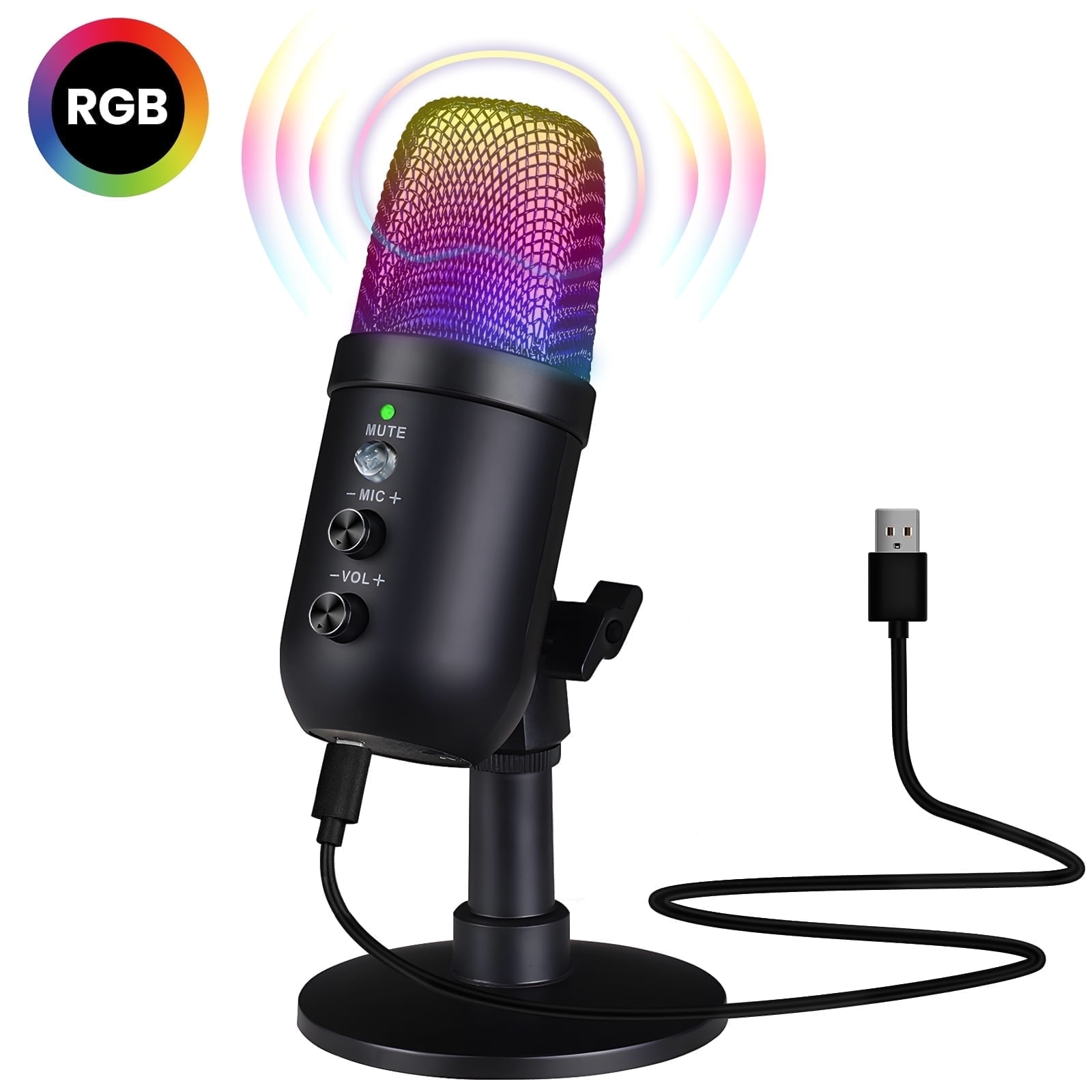
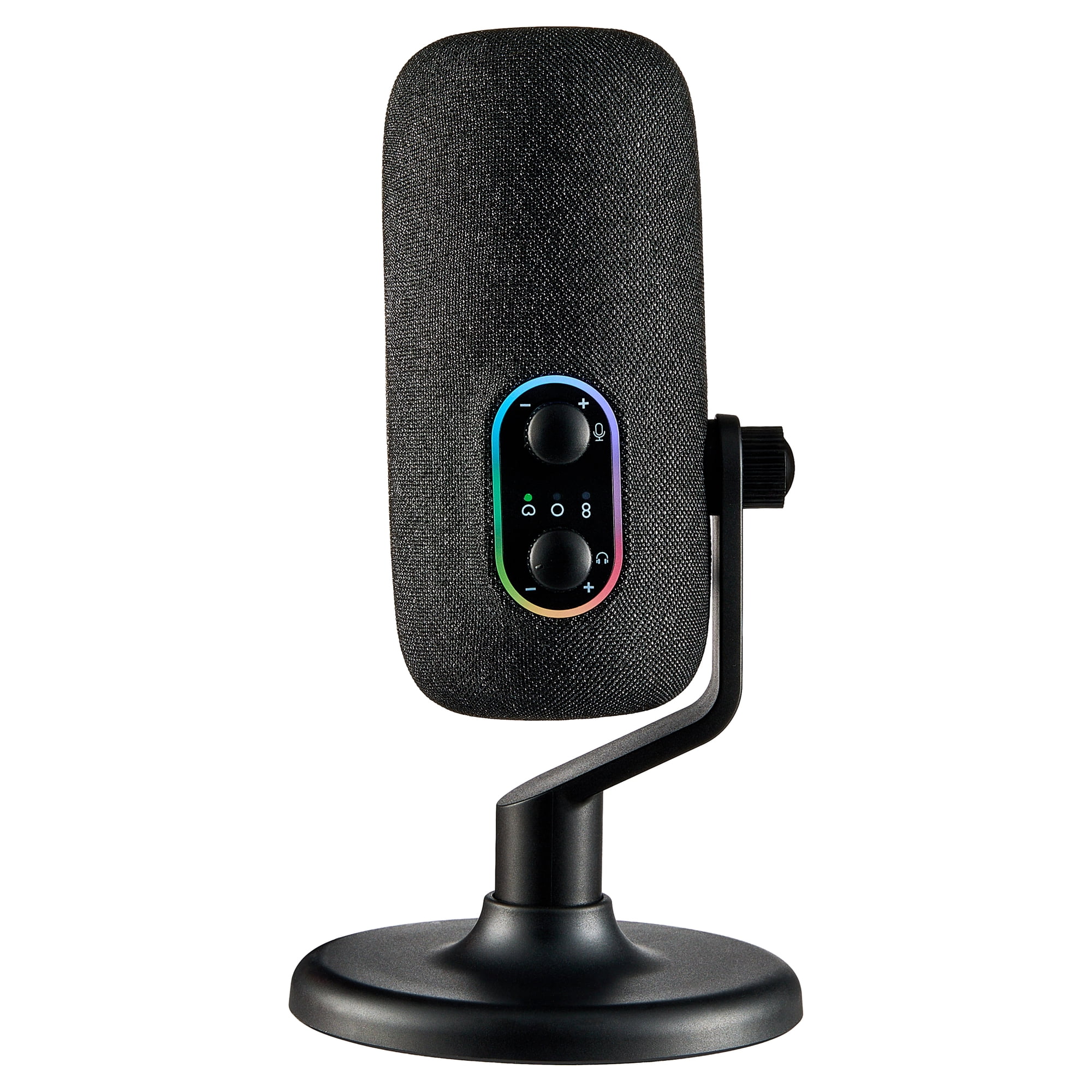
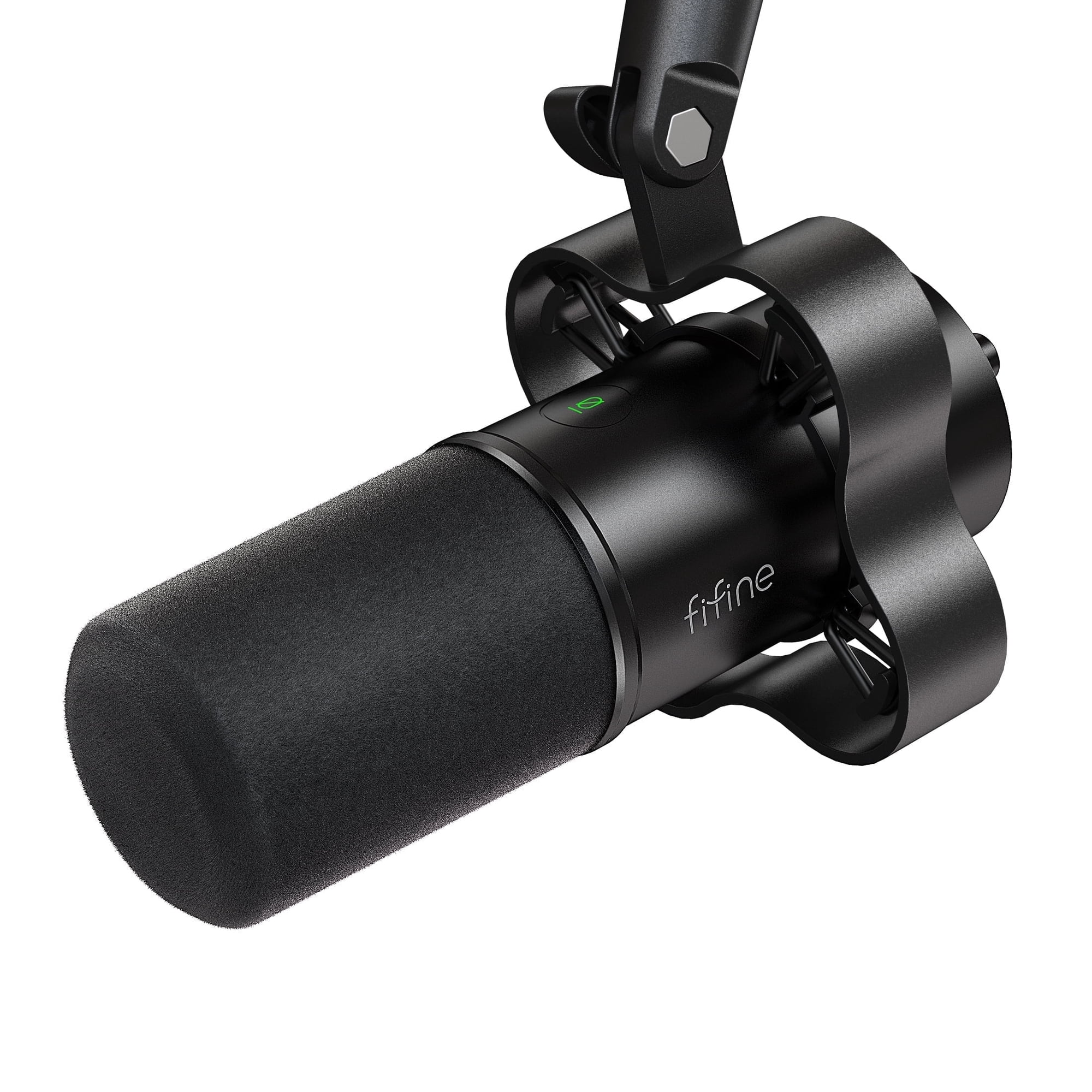
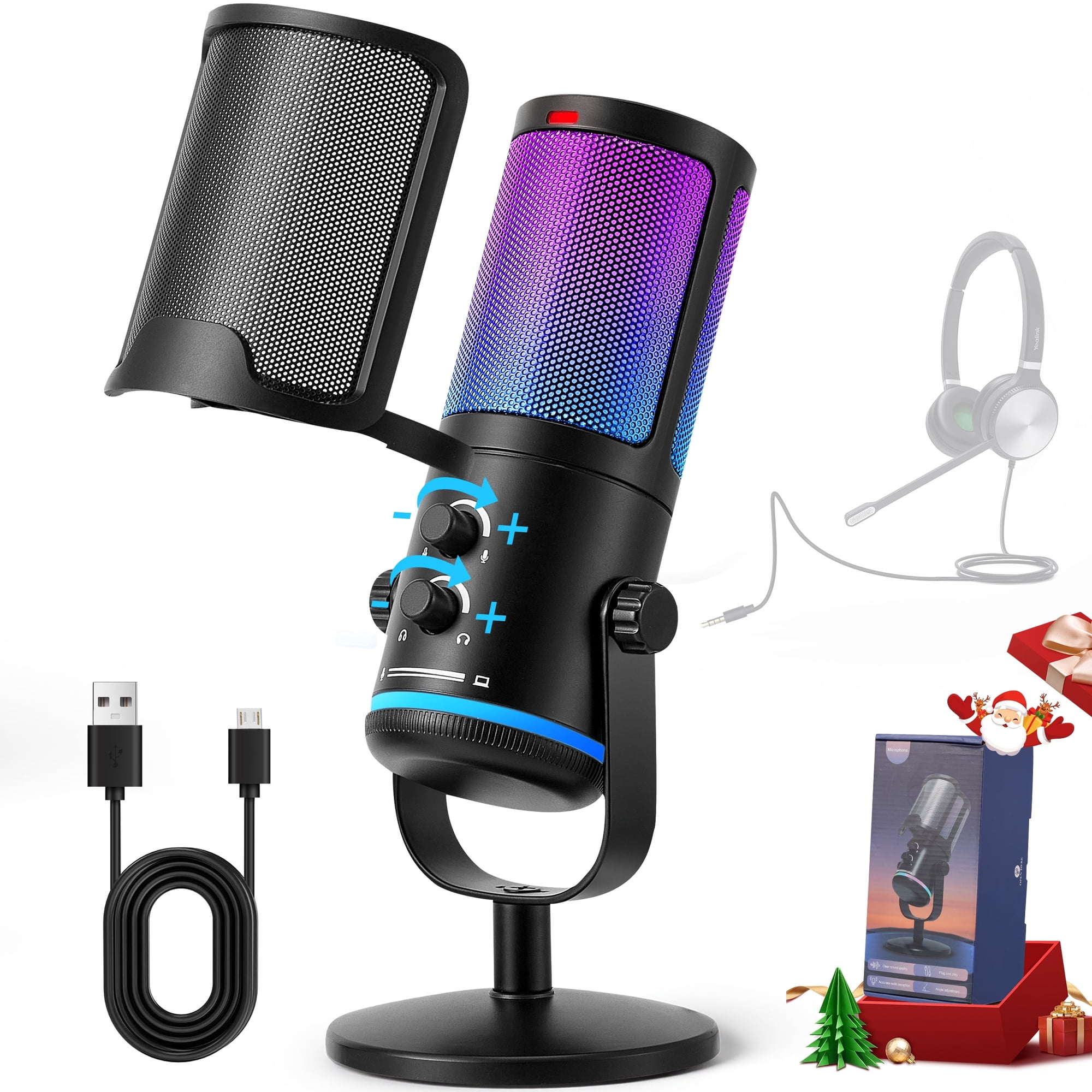
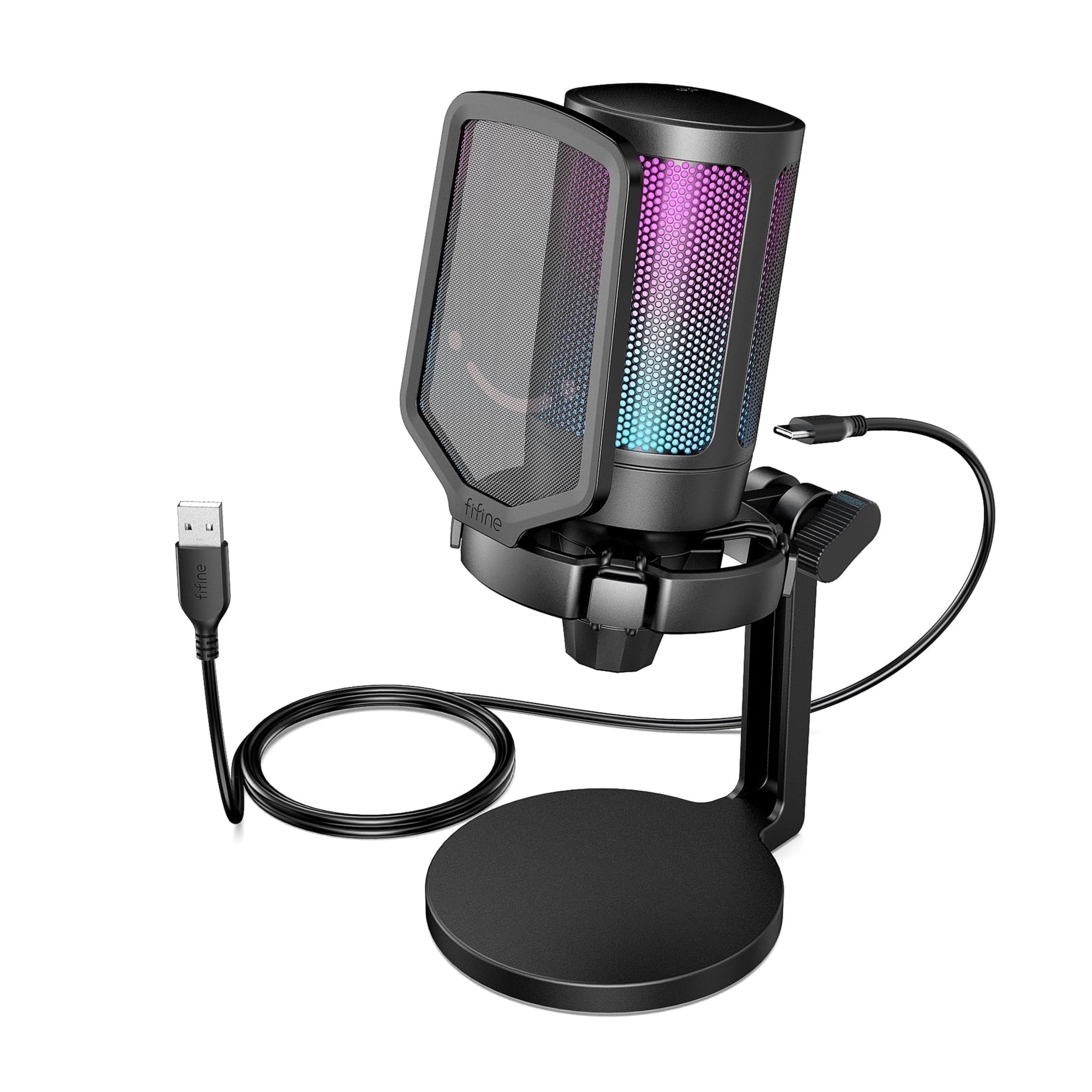
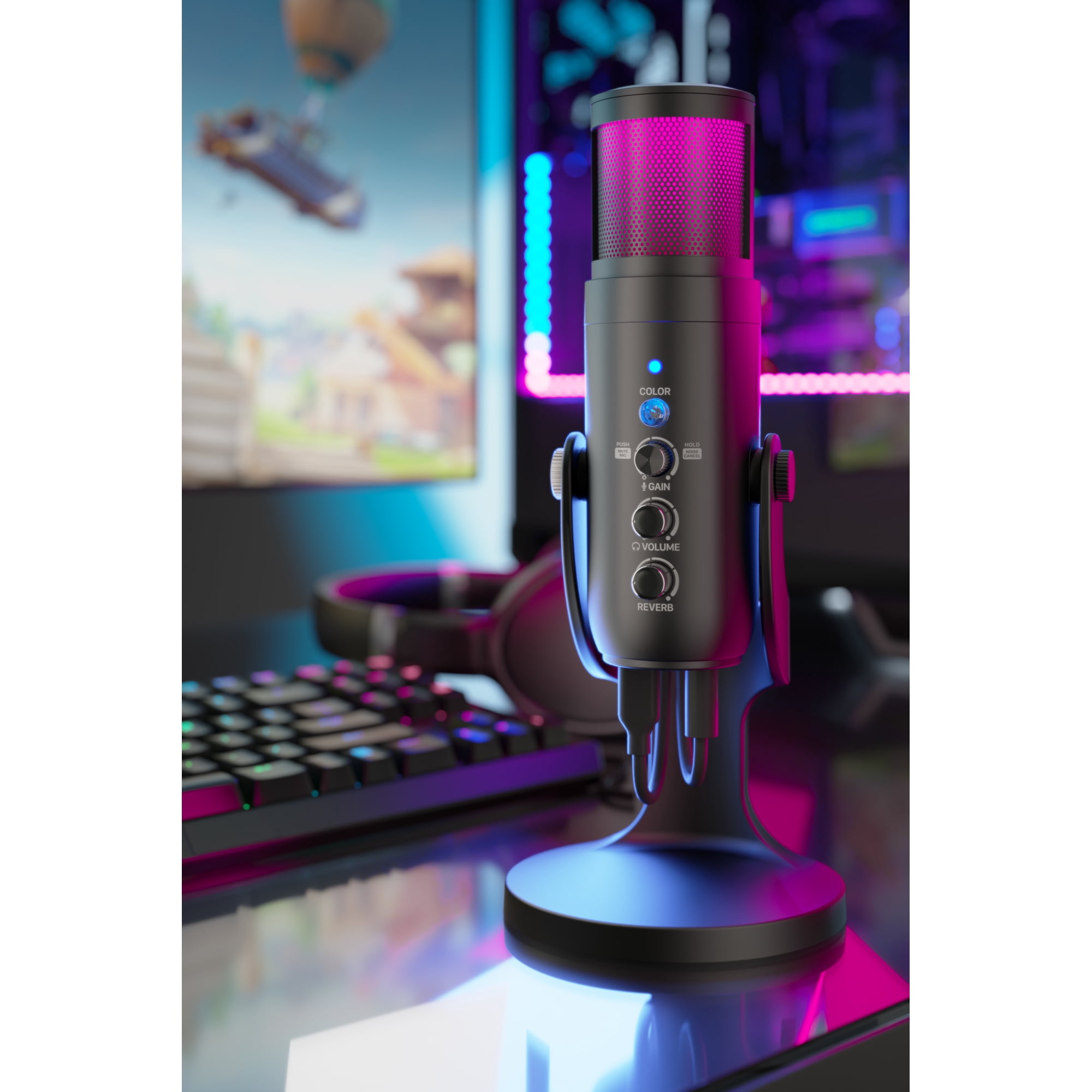
Elevate your content creation with this premium USB microphone, featuring intelligent noise cancellation, a cardioid pickup pattern, and customizable RGB lighting that enhances your streaming or gaming setup. With a high-quality audio processing chip, adjustable gain, volume, and reverb controls, it ensures professional-grade sound quality. The microphone is designed for easy setup with plug-and-play functionality, compatible with both Windows and Mac devices. Its sleek, durable build, adjustable stand, and real-time monitoring via the 3.5mm headphone jack make it perfect for streamers, gamers, podcasters, and content creators who demand clear, crisp audio with minimal background noise. Q: Is this microphone compatible with both Windows and Mac devices? A: Yes, this microphone is fully compatible with both Windows and Mac devices, offering easy plug-and-play functionality with no additional drivers needed. It comes with a USB cable for plug-and-play functionality, allowing you to use it directly without the need for any additional drivers or setup. Note: Compatible with iPad, but an additional adapter is required (not included). Q: How does the microphone’s control system and lighting work? A: The microphone features easy-to-use controls for adjusting the microphone sensitivity and volume using the MIC+, MIC-, VOL+, and VOL- buttons. The green light indicates normal working mode, while the blue light signals the activation of smart noise reduction mode, and the red light shows that the microphone is in mute mode. The mute button can instantly mute the microphone, and a long press switches it to noise reduction mode, making it easy to manage your audio while keeping track of the microphone’s status through the lights. SPECIFICATION Power Supply: 5V Polar Pattern: Cardioid Frequency Response: 70Hz – 20KHz Sensitivity: -45dB ± 3dB (at 1KHz) Equivalent Noise Level: 66dB Dynamic Range: 88dB S/N Ratio (Signal-to-Noise Ratio): 85dB FCC ID: TST20230280029-4SC WHAT YOU GET: Microphone with Desk Stand x1, USB Cable (5.6ft) x1, User Manual x1, Quick Guide x1. We provide Professional Customer Service. If you have any questions, please feel free to contact us. Please manually select the "speaker (MU1000)" as the default playback device if you want to output sound via the computer's built-in speaker.