The Bambu Lab AMS Hub expands the number of AMS units that connect to Bambu X1 and P1 series printers. The printer's built-in buffer connects to only 1 AMS (4 channels). With the AMS Hub in its place, the printer connects up to 4 AMS units (16 channels). It also supports redundancy of a buffered signal.
The AMS Hub mounts on the back of the printer and replaces the filament buffer, if one is installed. A 4-pin cable connects it to the printer. A 6-pin cable connects it to the first AMS, and further AMS units are linked in series with more 6-pin cables. A PTFE tube connects the hub to the air tube connector on the back of the printer. Route this tube between the 4-pin plug and the spool holder to reduce resistance.
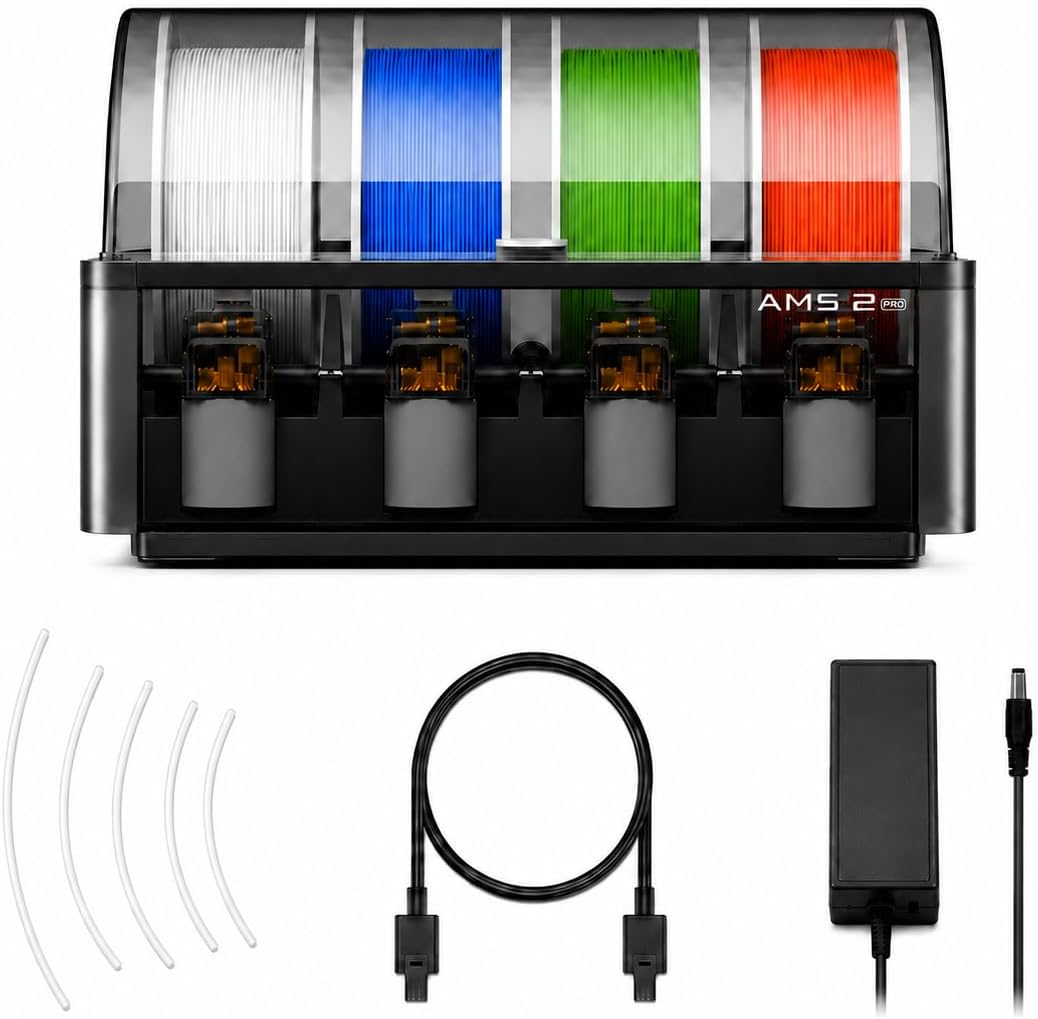
The kit includes what is needed to connect 2 AMS units. Connecting more requires additional bus cables and PTFE tubes. Choose a PTFE tube length between each AMS and the hub that suits the placement, and keep it as short as possible without winding, to reduce feeding resistance. Place the AMS on the left side of the hub when printing, or the filament in the PTFE tube can easily get stuck.
- Compatibility
- Bambu Lab X1 and P1 series printers
- Capacity
- Up to 4 AMS units (16 channels)
- Included AMS support
- Accessories for connecting 2 AMS units
- For 4 AMS units
- Requires 2 additional 6-pin bus cables and 2 additional 2 m PTFE tubes
- In the box
- AMS Hub, 2 x 6-pin bus cable (1.5 m)