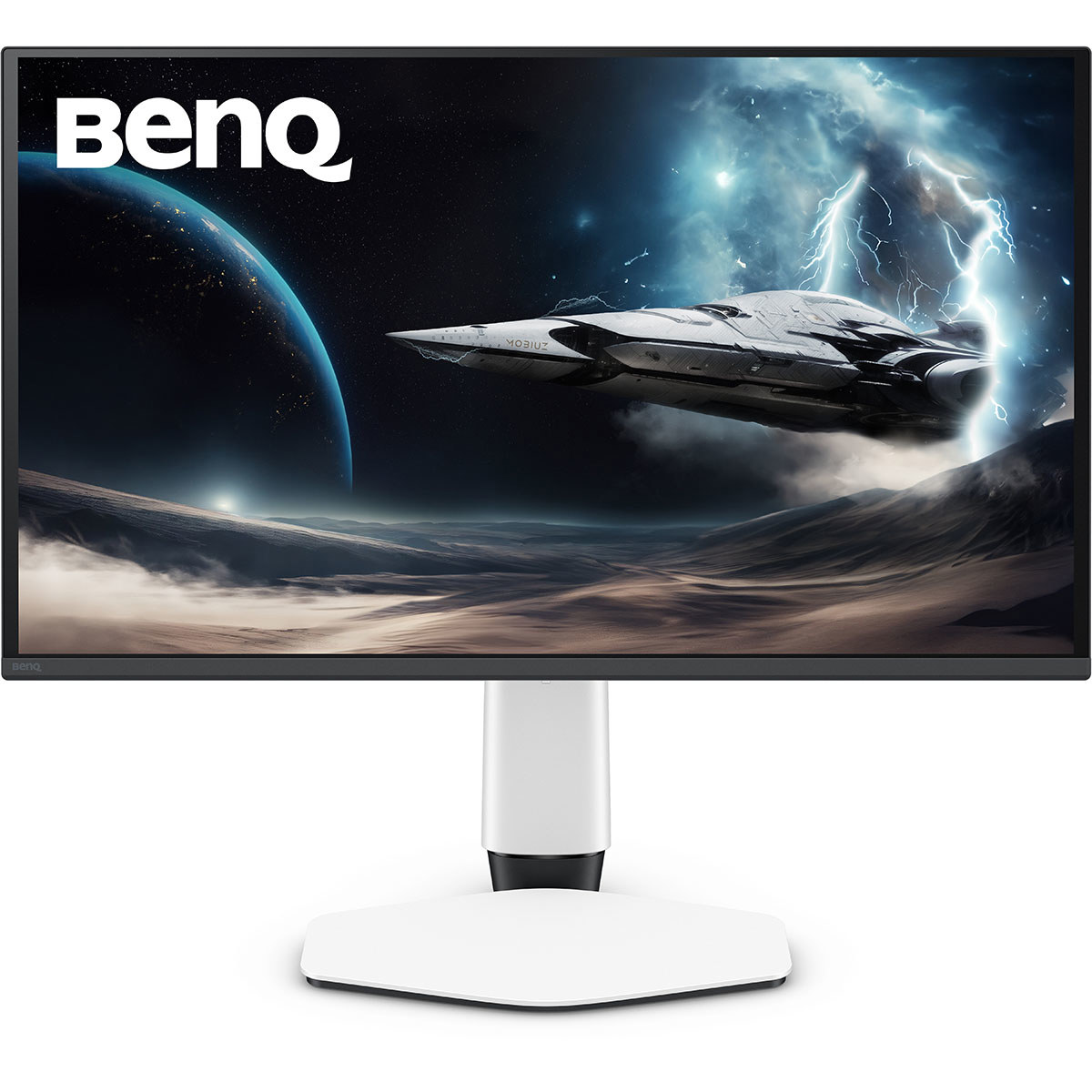
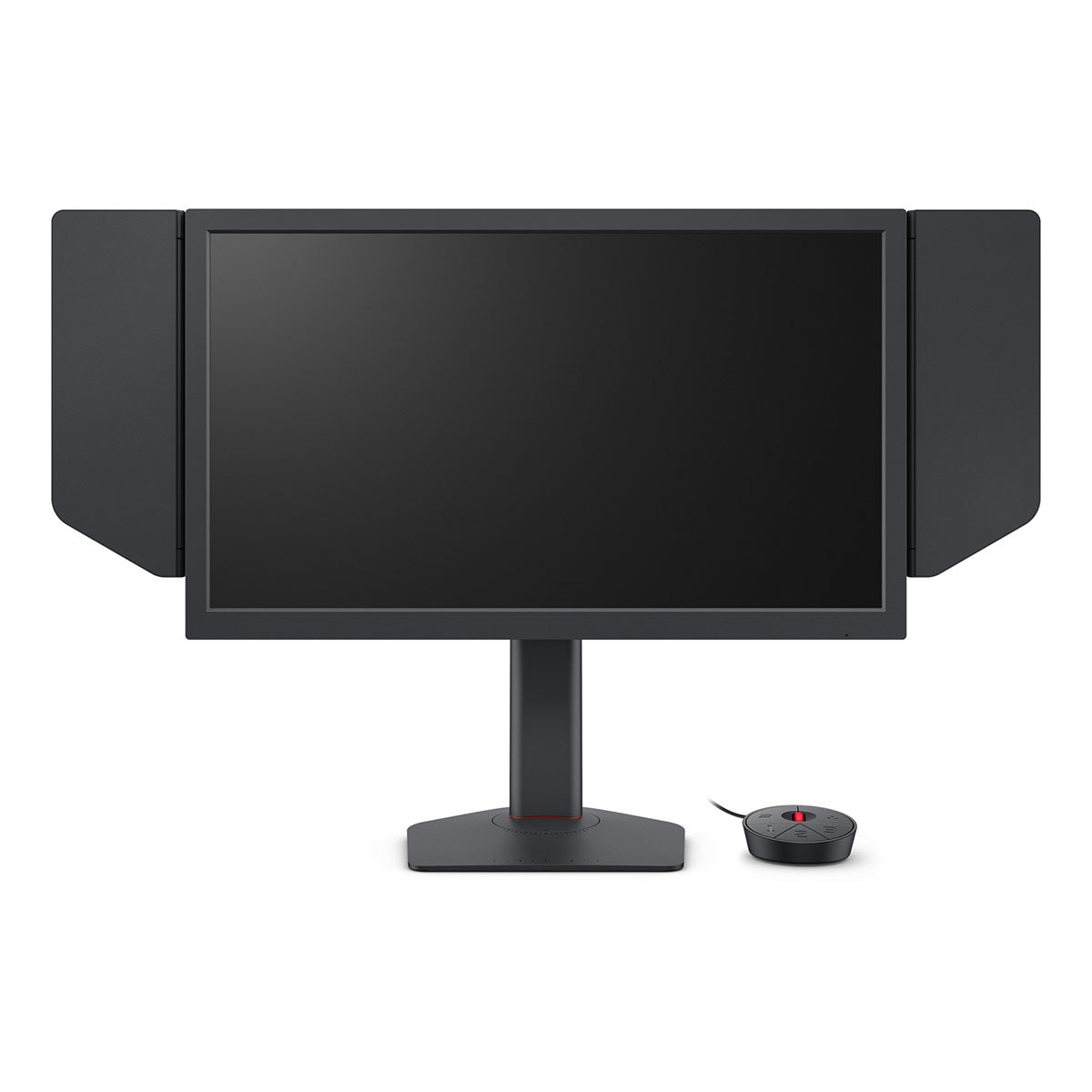
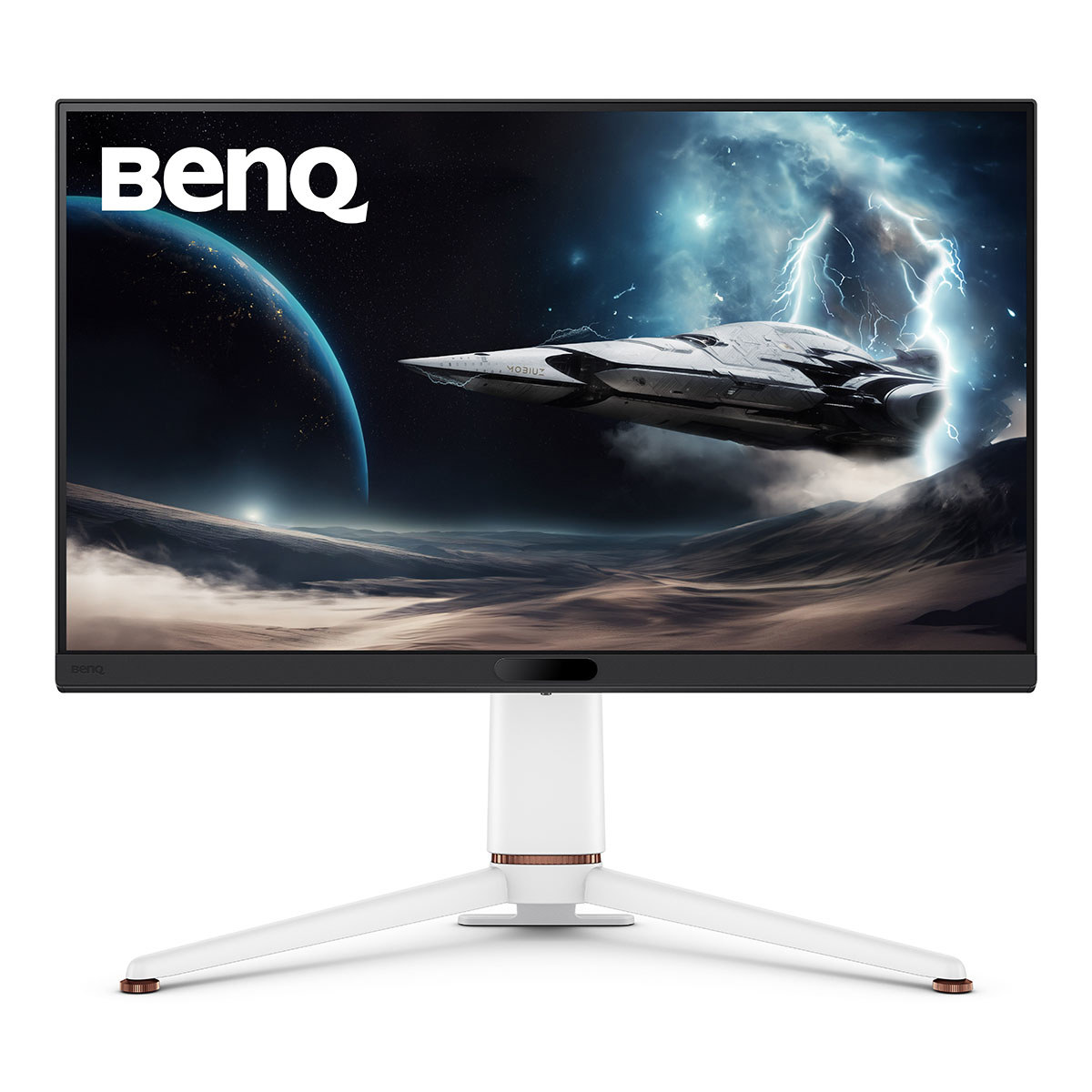
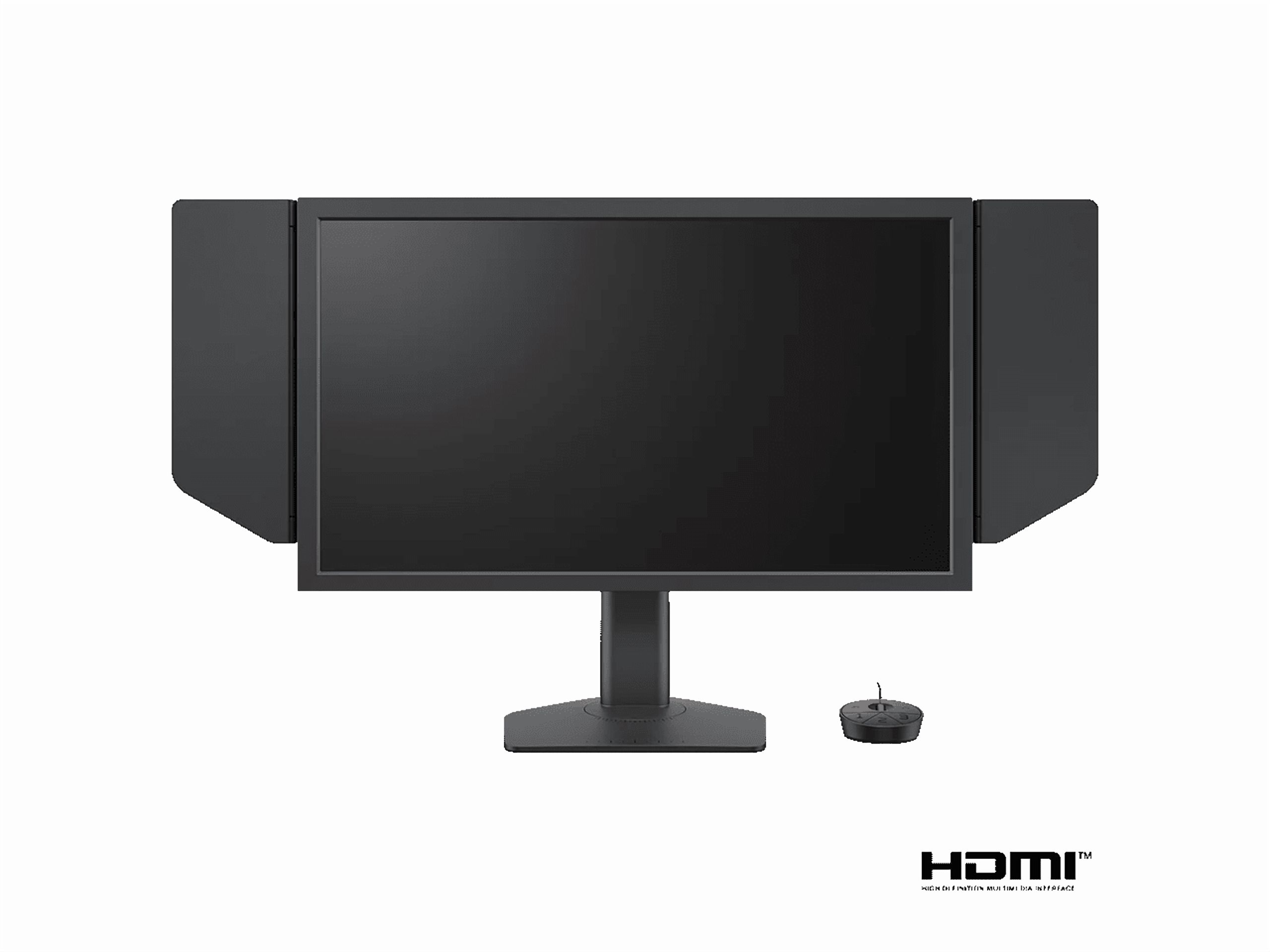
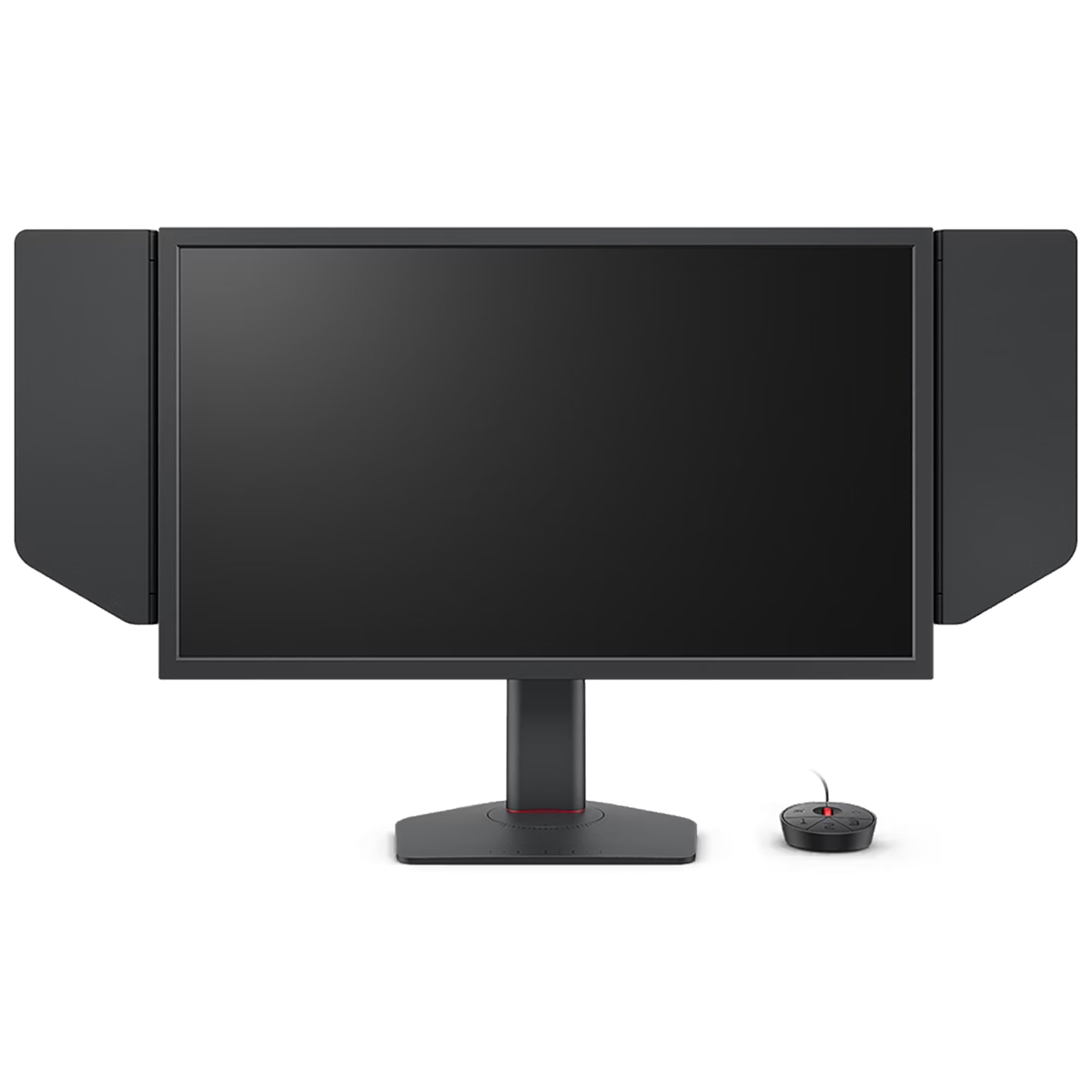
- Is the EX321UX worth it over a standard 4K gaming monitor?
- Its Mini LED backlight with local dimming gives much deeper blacks and brighter highlights than edge-lit 4K monitors. If you want HDR that actually looks like HDR, it is the step up; if you only play SDR, a cheaper 4K panel covers the basics.
- How does it compare with an OLED gaming monitor?
- OLED wins on per-pixel contrast and motion clarity. The EX321UX wins on full-screen brightness and carries no burn-in risk, which matters if the screen also shows static desktop windows for hours.
- What do I need to drive 4K on this monitor?
- A recent mid-range or better graphics card for 4K at high frame rates, and a DisplayPort or HDMI 2.1 connection for 4K at high refresh. Console owners should check their console supports 4K output at the refresh rate they want.
- Does it work for office work as well as gaming?
- Yes. The 32-inch 4K panel gives plenty of desktop space and sharp text, and the size suits side-by-side windows. It is a large, heavy monitor, so check your desk depth and stand.
- What is in the box?
- Expect the monitor, its stand and the cabling BenQ ships with it. Check the listed accessories for the exact cables included before you buy.
- Where is the BenQ MOBIUZ EX321UX 32" Class 4K UHD Gaming LED Monitor cheapest?
- At Aeonfly, for $1,904.20, as of our latest check.