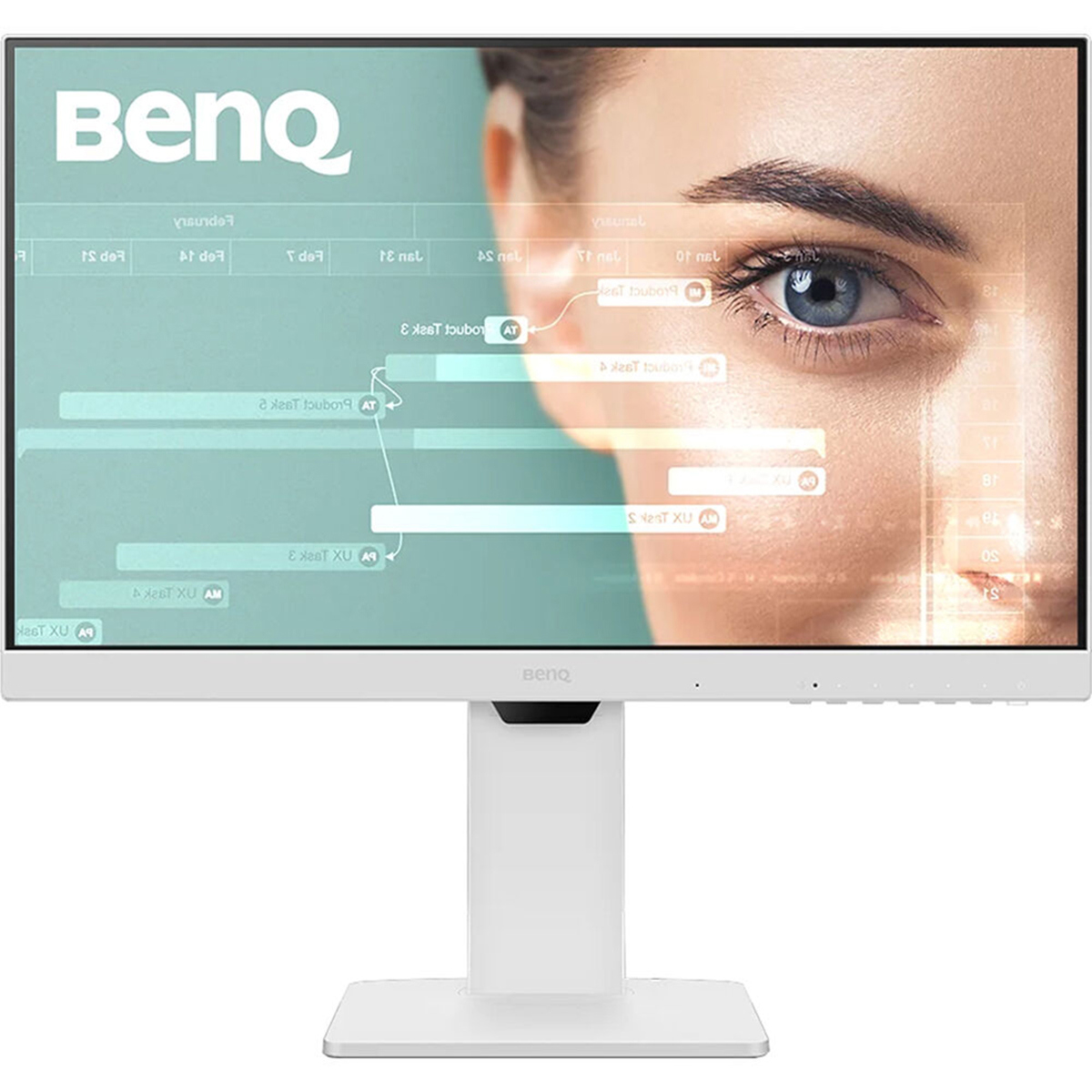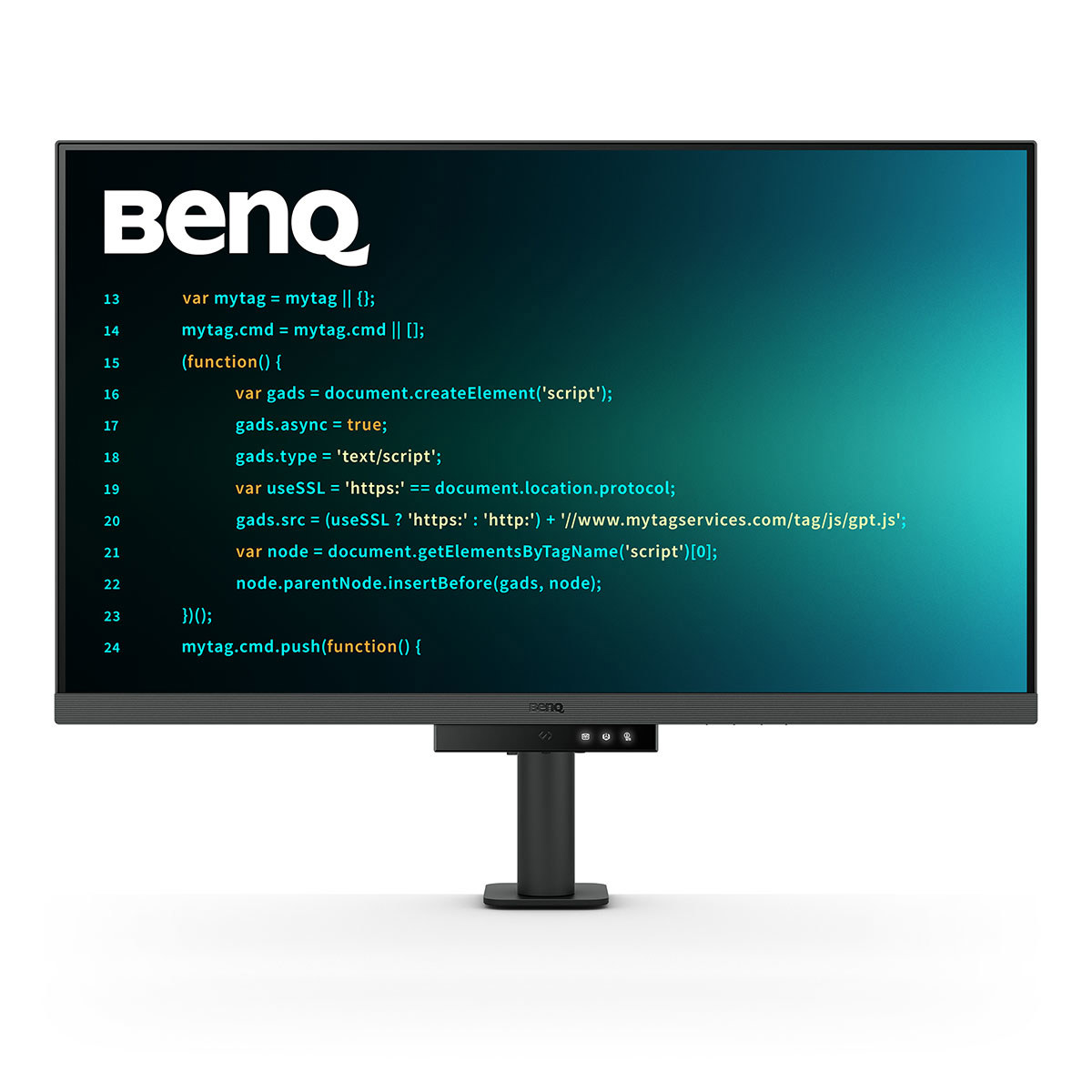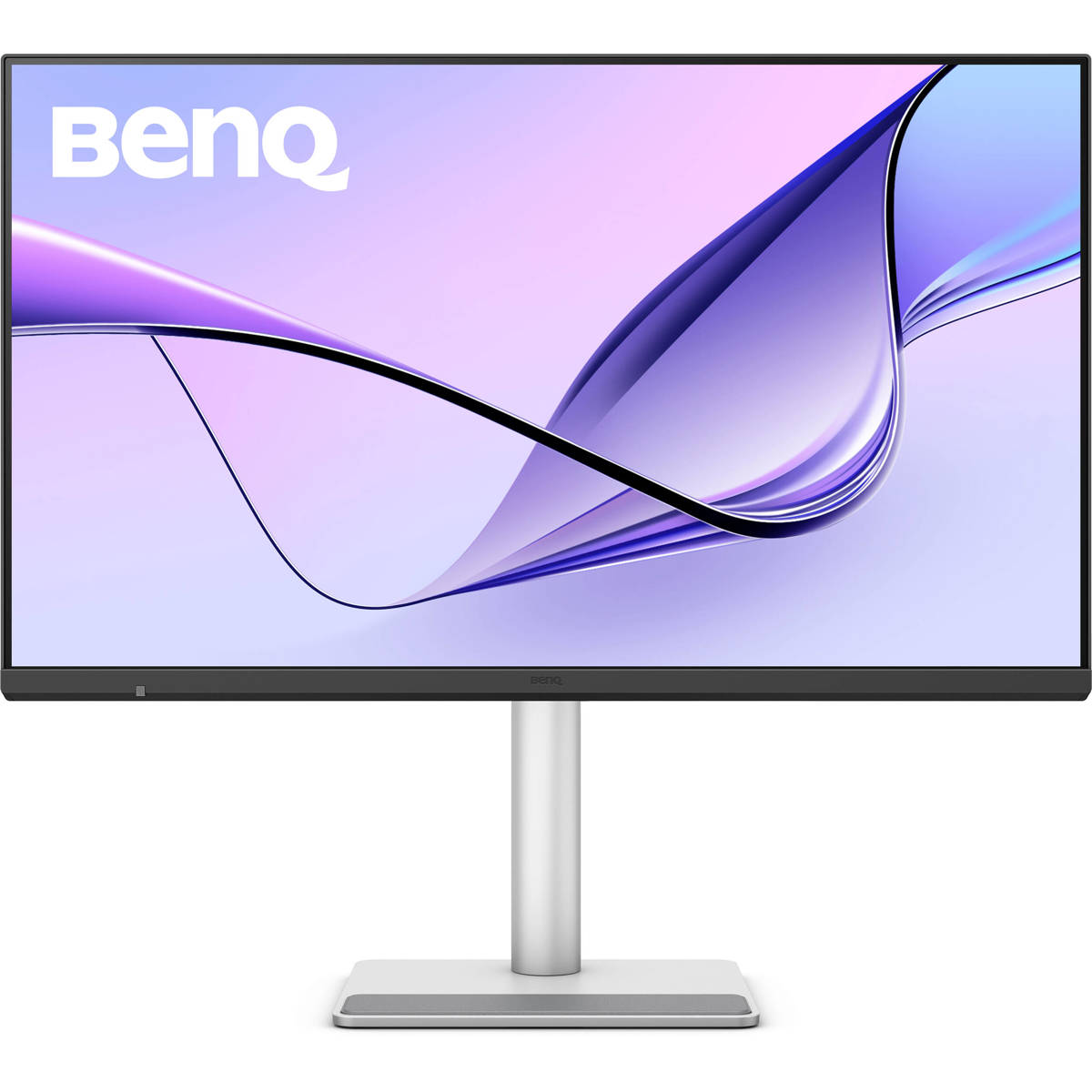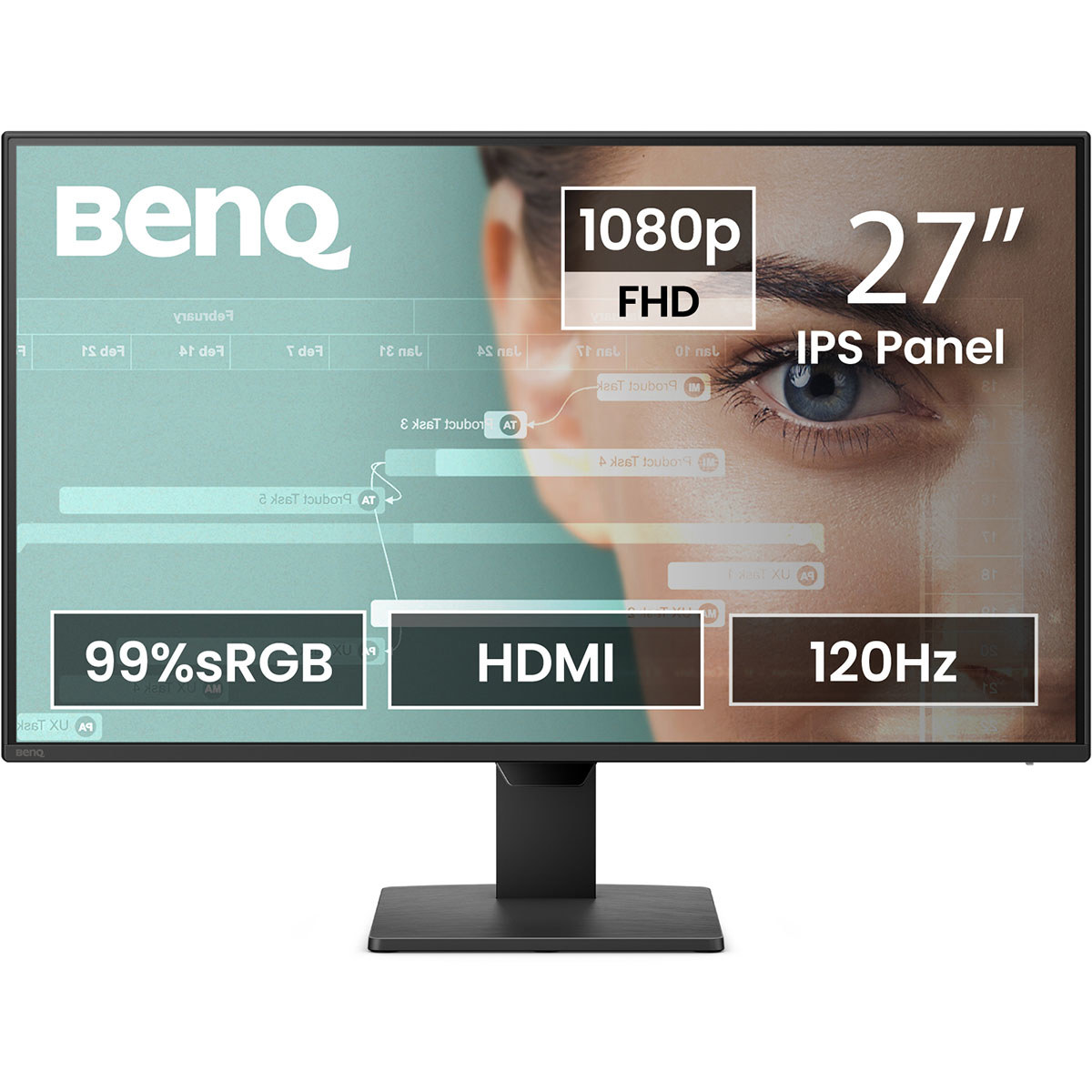
BenQ RD280UG 28.2" 3:2 4K Ultra HD+ 120Hz IPS LED HDR Programming Monitor
Best price now
$961.31at WalmartChecked Nov 11
Prices are checked against each store and labelled with when.

Prices are checked against each store and labelled with when.
It checks today's price at every store, compares the alternatives and answers in about a minute.
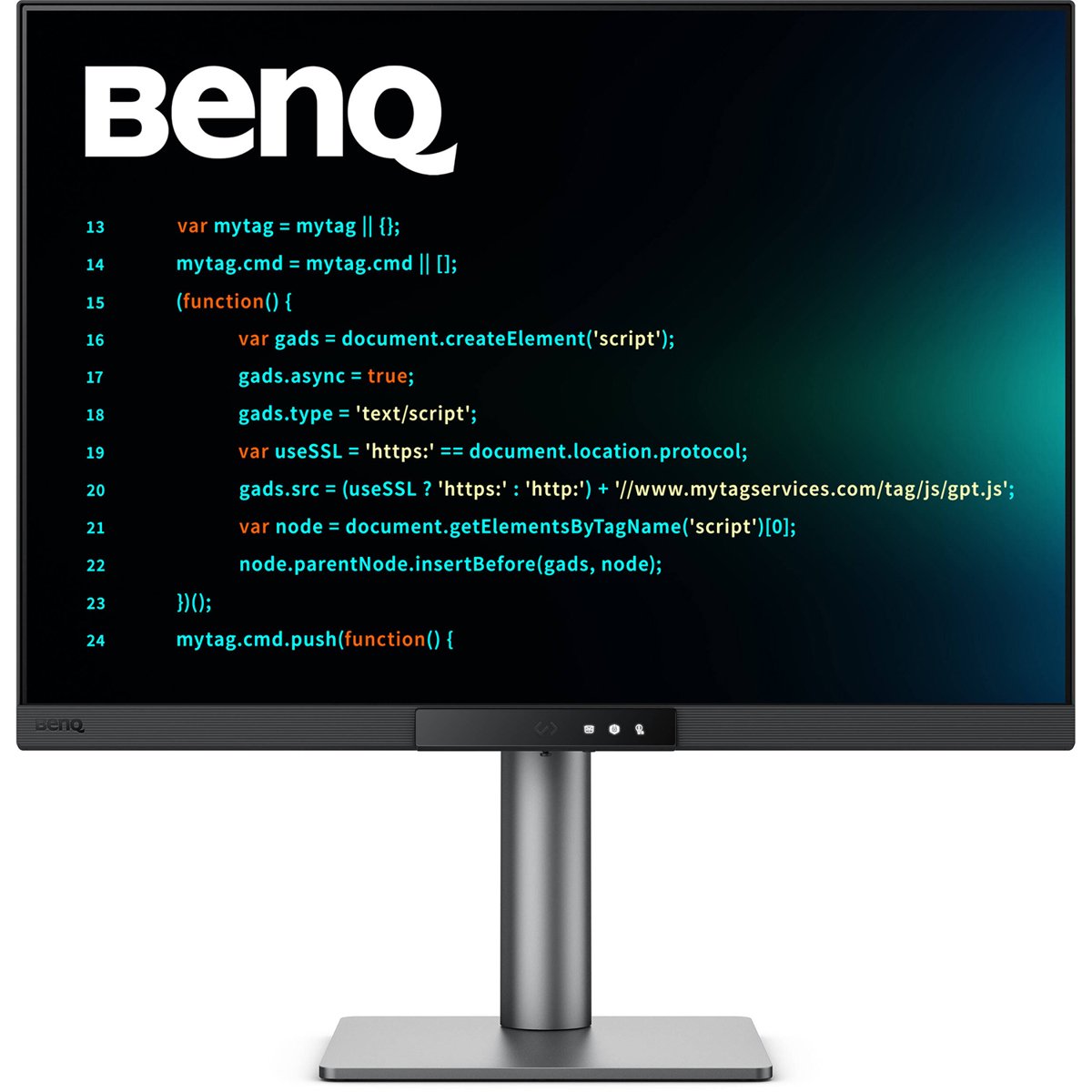
The BenQ RD280UG is a 28.2-inch IPS monitor built for programmers, with a taller 3:2 panel at 4K UHD+ resolution and a 120Hz refresh rate. Its standout features are a dedicated Coding HotKey that opens a function bar for coding modes and eye-care settings, a MoonHalo backlight behind the panel, and Night Hours Protection for late sessions. It is TUV-certified for flicker-free, low blue light, Eye Comfort 2.0 and Eyesafe 2.0. Against mainstream 16:9 4K monitors it trades a wider screen for more vertical lines of code and adds ergonomic and eye-care features rivals usually lack.
In stockSold by Beach Audio IncReturns: Sold by a Walmart Marketplace seller; returns go to the seller under the seller's returns policy.
The BenQ RD280UG is a 28.2-inch programming monitor with a 3:2 aspect ratio, 4K Ultra HD+ resolution and a 120Hz refresh rate. It uses an IPS LED panel with HDR and a Nano Matte panel with a low-reflection coating to cut glare. The 3:2 ratio gives a taller field of view for reviewing code and multitasking.
A Coding HotKey opens a Function Bar. From it you can apply coding modes, adjust brightness, contrast and eye-care settings, toggle Night Hours Protection, or control the MoonHalo Backlight. The coding modes tune the display for dark and light themes. Paper Color Mode simulates the look of printed media. The MoonHalo backlight has adjustable color temperature, brightness and light modes, plus Auto Dimming.
The monitor has a built-in KVM switch for sharing a mouse and keyboard across multiple devices. Multi-Stream Transport over USB Type-C allows daisy chaining, and a single 90W cable carries video, data and charging. Display Pilot 2 software for macOS, Windows and Linux controls MoonHalo, Night Hours Protection and KVM on screen. It also adds tools such as FloW, Shortcuts, Desktop Partition, Application Mode, Software Dimming and Circadian Mode.